• $14.99
  • Free 30-day Returns
  • Price alert
    Add to wish list(Found on 4 wish lists)

    Best Sellers

    Newegg
    • + $8.29 Shipping
    Shop it at NeweggBusiness.

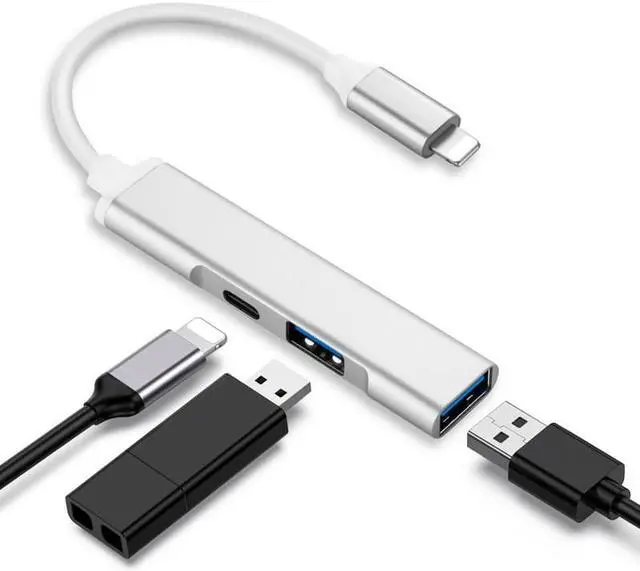
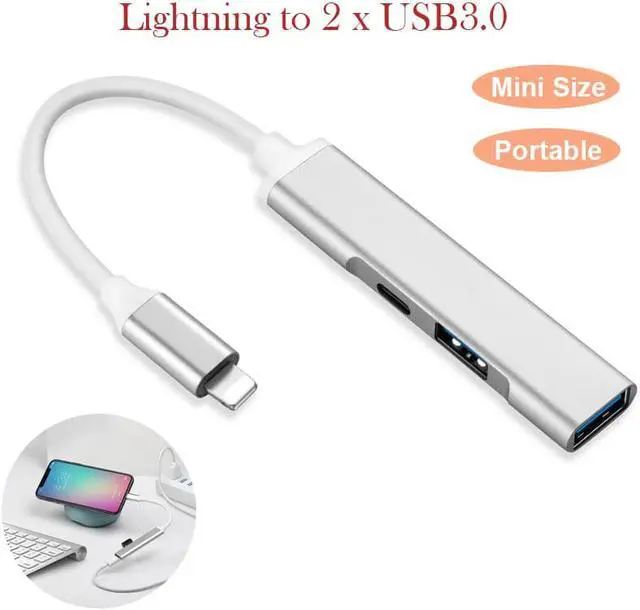
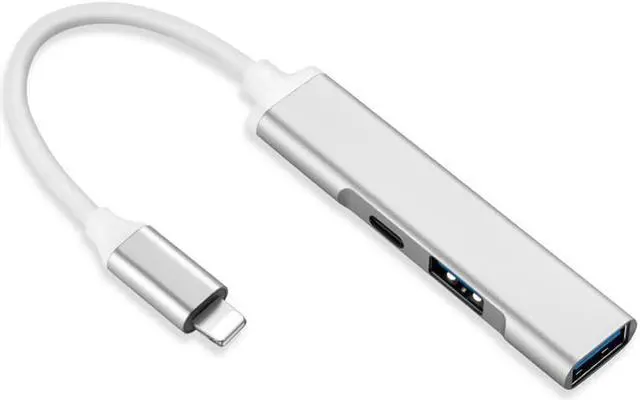
    Lightning to USB 3.0 Camera Adapter,iPhone MFi Certified 3 in 1 Dual USB OTG Reader Converter Connector Charging Port Charger Cable Compatible iPhone12,11,X/8,7,iPad,USB Drive,MIDI Keyboard,Mouse

    • 1.[PLUG AND PLAY]:
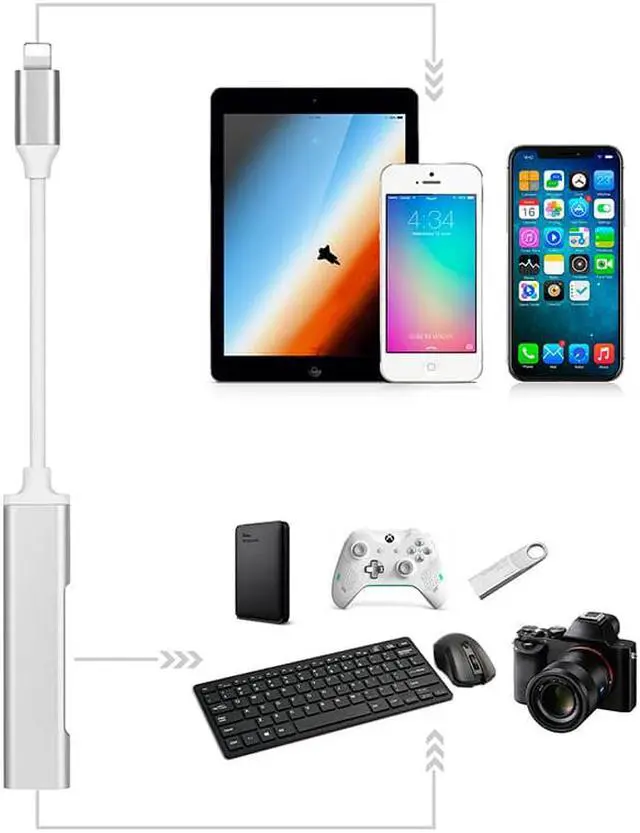
    • Easy to use,No need to take out your memory card from camera.With lightning to dual USB camera converter,you can transfer photos&videos from your high-resolution digital camera to your iPhone/iPad/iPod directly,also can be used in Hubs/USB Flash drives/Camera/Guitar/Microphone/MIDI keyboard/digital piano/mouse etc.
    • 2.[Sync Fast & Charge Simultaneously]:
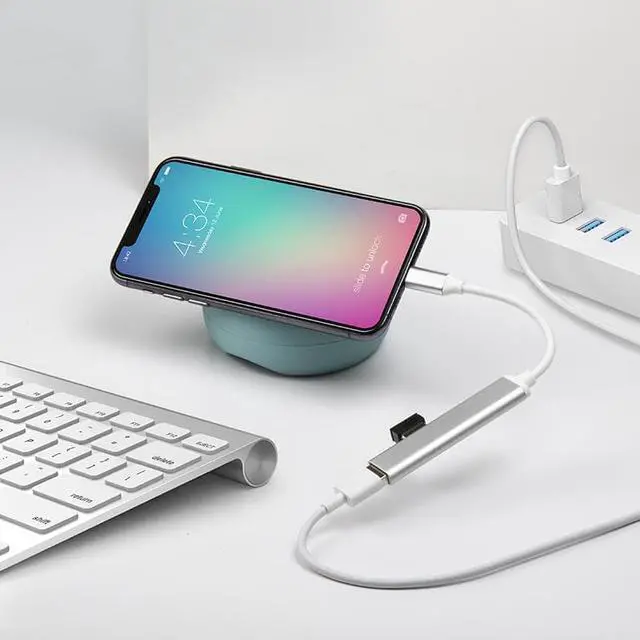
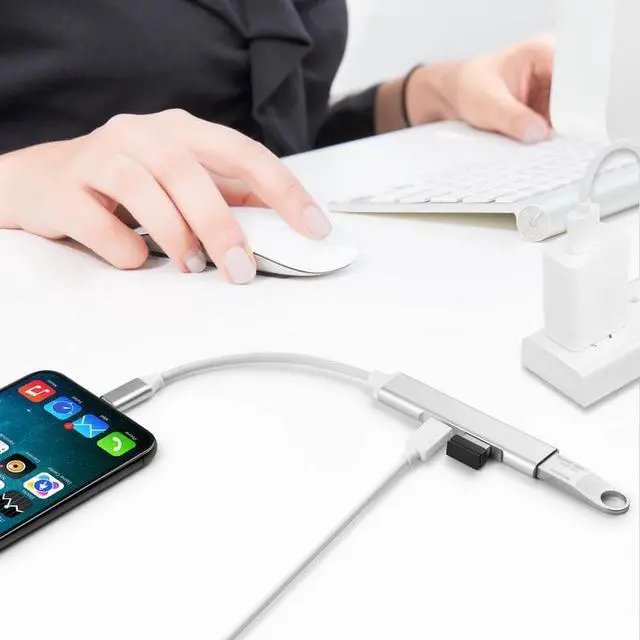
    • Import images charging your iOS device at same time.iPhone charger cable data transmission rate is fast & stable.Good choice to copy photos/videos from camera in a short time.We added a iPad charging port for iOS USB OTG camera adapter,you can charge iOS devices.Don't worry about power off,after y
    • 3.[Dual USB port]:
    • You can connect USB peripherals like hubs ,Ethernet adapter, audio/MIDI interfaces and card readers for Compact Flash ,SD, micro SD, and more.
    • You also can plug the connection into the dock connector port on your Phone/Pad, and then attach your digital camera USB cable.
    +
    +
    Overview
    Specs
    Reviews
    avatar

    Any questions? Our AI beta will help you find out quickly.

    Specification:
    Working voltage: 3.3V - 4.0V
    Working current: 100mA
    Lightning interface: 12M/S-16M/S
    Compatible with: Compatible with IOS 10.1 and higher devices
    You can import the photos from camera into the iphone/ipad/ipod touch in one step through the adapter's USB 3.0 socket and data cable, without having to use the computer and other card readers to transfer the photos repeatedly


    Please Note:
    You can connect currents greater than 100mAh of USB peripheral (within 500mAh) when you powering the adapter with a USB power adapter.


    When connecting with U disk, you can't put photos in the U disk directly, Must create a folder called "DCIM" to the root of the U disk, then create a folder called "100CANON" into "DCIM". Copy the photos and videos into the 100CANON folder. Rename each photo and video file as "IMG_XXXX", where XXXX is a unique number. For example, if you had one JPG file and one MOV file, name them "IMG_0001. JPG" and "IMG_0002. MOV", then insert the U disk to this adapter, after 3-7 seconds, iPad will automatically pop-up the picture window.


    Only for transfer photos.


    Package Included:
    1 x Lightning to USB port adapter cable
    1 x User Manual

    Warranty & Returns

    Warranty, Returns, And Additional Information

    Warranty

    • Please contact the Seller directly for warranty information. Warranty information may also be found on the Manufacturer's website.
    • CONTACT

    Return Policies

    Manufacturer Contact Info

    LOADING...
    LOADING...