Any questions? Our AI beta will help you find out quickly.
Try me now
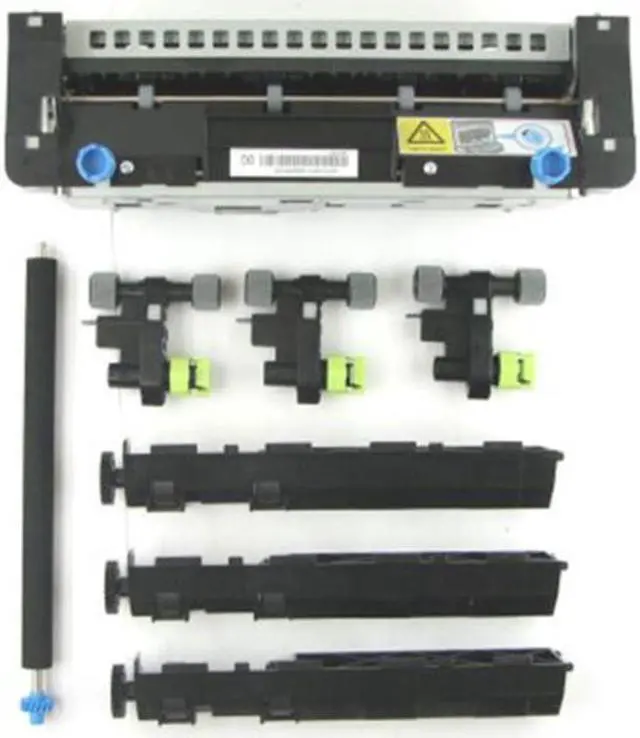
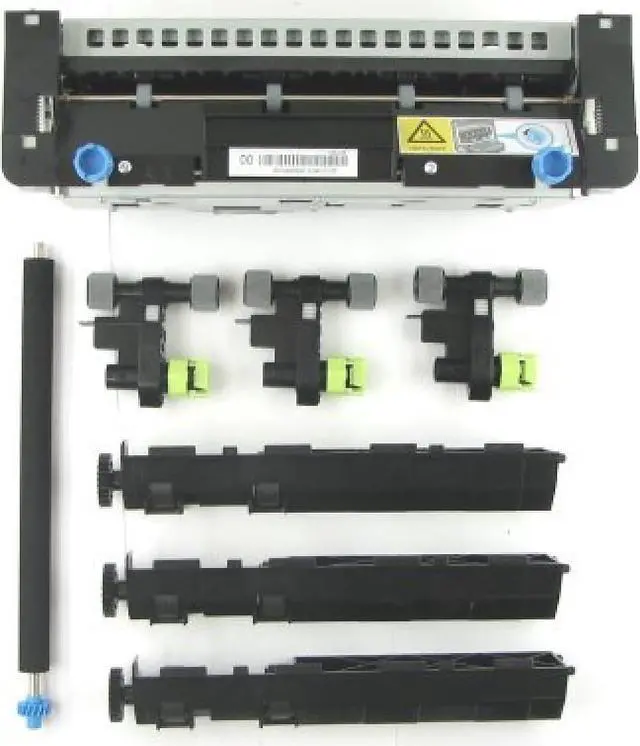
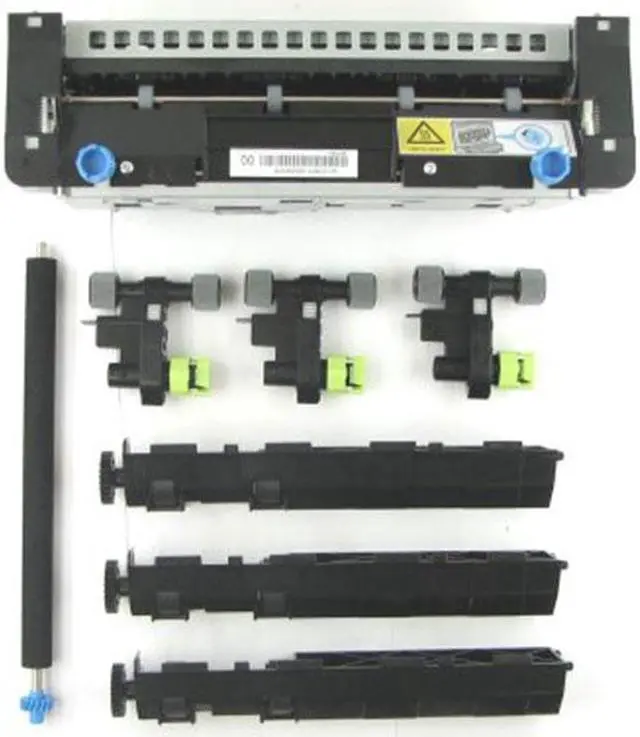
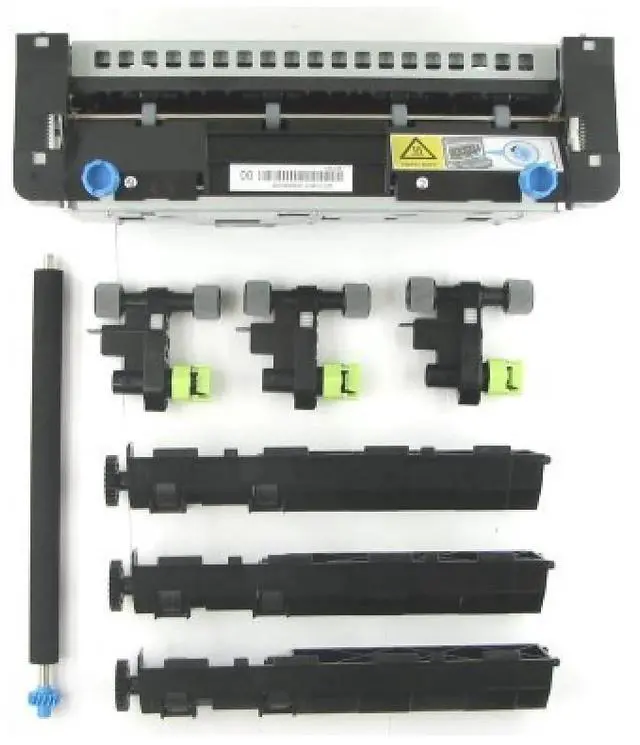
The operator panel displays the message 80 "Replace maintenance kit" at required maintenance intervals. You must replace the fuser, transfer roller, pick roller, and separation roller at this interval to maintain the print quality and reliability of the printer.
Check the 2 digit type code on the fuser, or check Device Information using the embedded web server or the menus page for a replacement part number.
There are multiple warnings to indicate that the fuser is nearing end of life and that a maintenance kit is required, including error codes 80.0x, 80.1x, and 80.2x. If you receive error code 80.3x, the fuser has reached its rated life and the printer stops until a maintenance kit is installed. You must install the correct Fuser Maintenance Kit for the type of fuser that is installed in the printer.
Learn more about the Detailed Specifications
Details
Product Type
Fuser Kit
Additional Information
First Listed on Newegg
March 26, 2024
There are no reviews yet.
Do you own this product?
Warranty & Returns
Warranty, Returns, And Additional Information
Warranty
Please contact the Seller directly for warranty information. Warranty information may also be found on the Manufacturer's website.