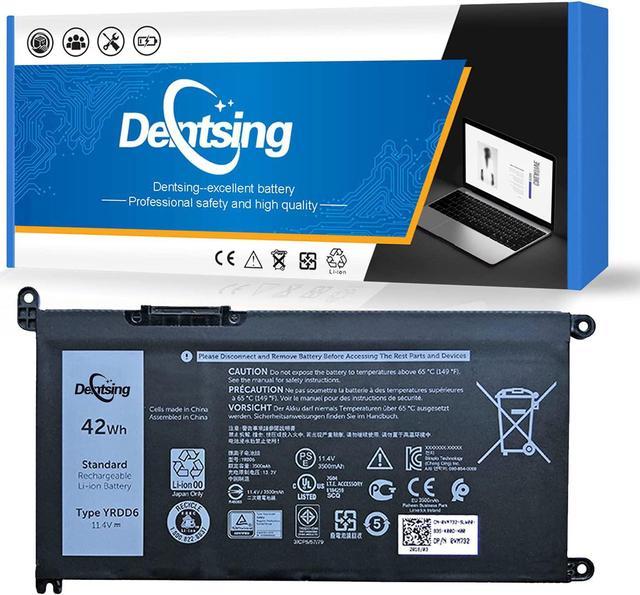
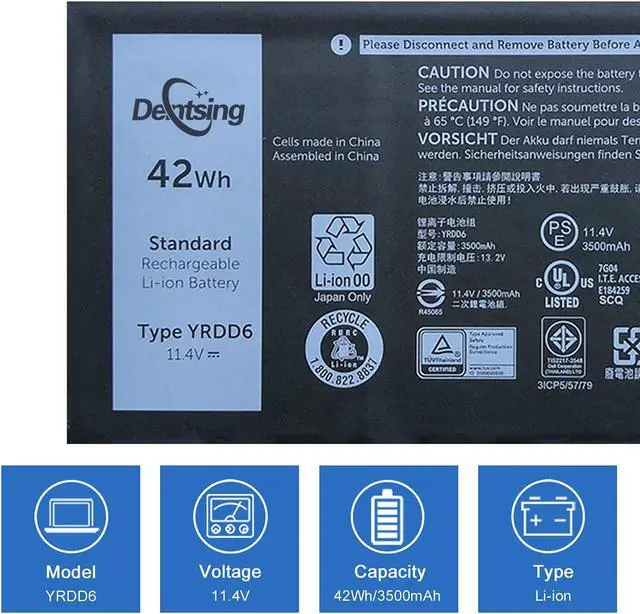
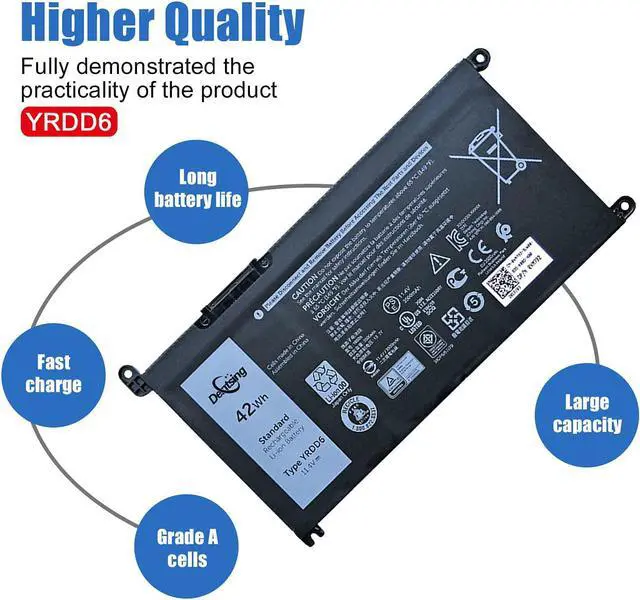
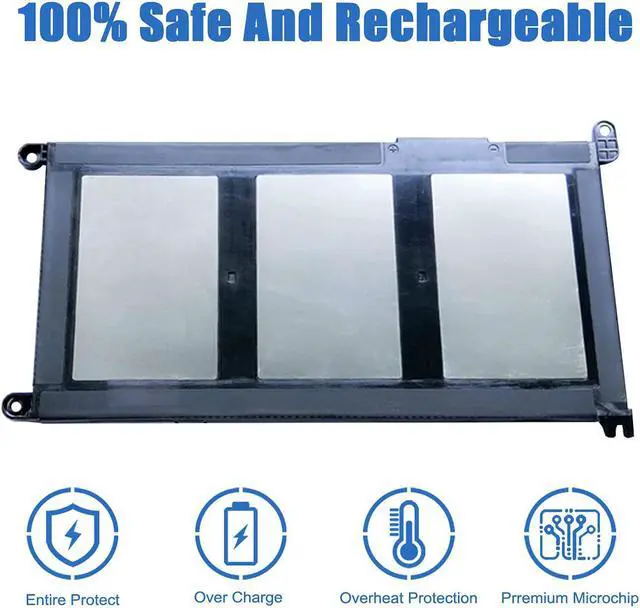
Specification:Models: YRDD6Voltage: 11.4VCapacity: 42Wh/3500mAhBattery Type: Li-ionBattery Condition: Brand NewReplacement Part number: YRDD6 1VX1H 01VX1H 0VM732 P90F
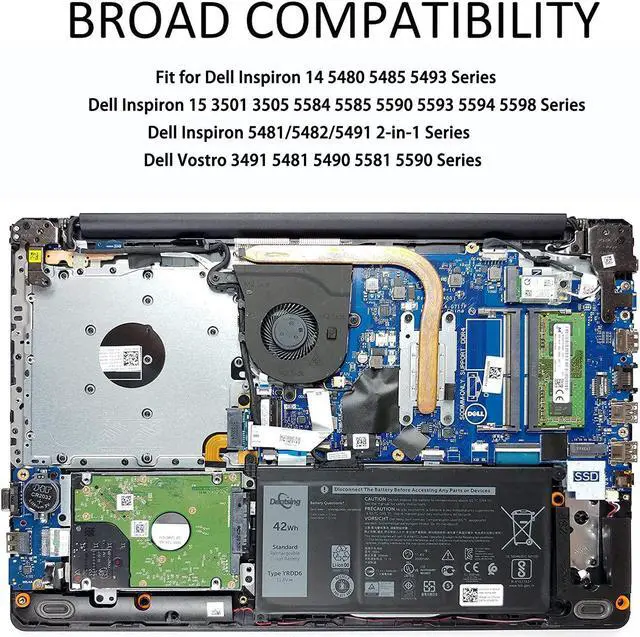
Compatible with Machines Model:Dell Inspiron 2-in-1 Series
Dell Inspiron 14 5481 2-in-1, Dell Inspiron 14 5482 2-in-1
Dell Inspiron 14 5491 2-in-1
Dell Inspiron 5591 2-in-1, Dell Inspiron 7586 2-in-1
Dell Inspiron 14 or 15 Series
Inspiron 3480 P89G003, Inspiron 3481 P89G002
Inspiron 3583 P75F106, Inspiron 3584 P75F105
Dell Inspiron 14 5480 5485 5488 5491 5493
Some laptop may have two types of batteries: WDX0R or YRDD6, please check your original one.Dell Inspiron 15 3501 3505 3593
Dell Inspiron 15 5584 5585 5590 5593 5594 5598
Dell Inspiron 7586,
Dell Vostro Series
Dell Vostro 3400, Dell Vostro 3491
Dell Vostro 3590, Dell Vostro 5481
Dell Vostro 5490, Dell Vostro 5581
Dell Vostro 5590
Dell Latitude 3490 P89G001 SeriesDell Latitude 3310 2-in-1
With a Dentsing laptop battery, you can use the laptop anytime and anywhere without plugging in.
When installing the battery for the first time, you should pay attention to the following:
1.Please confirm that the connector has been plug properly into the battery and the motherboard of your laptop.2.Please change the laptop's power manager charge setting to the "standard" mode, then discharge and recharge the battery 3-4 times.