• $93.99
  • Free 30-day Returns
  • Price alert

    Best Sellers

    Newegg
    • + $8.42 Shipping
    Shop it at NeweggBusiness.

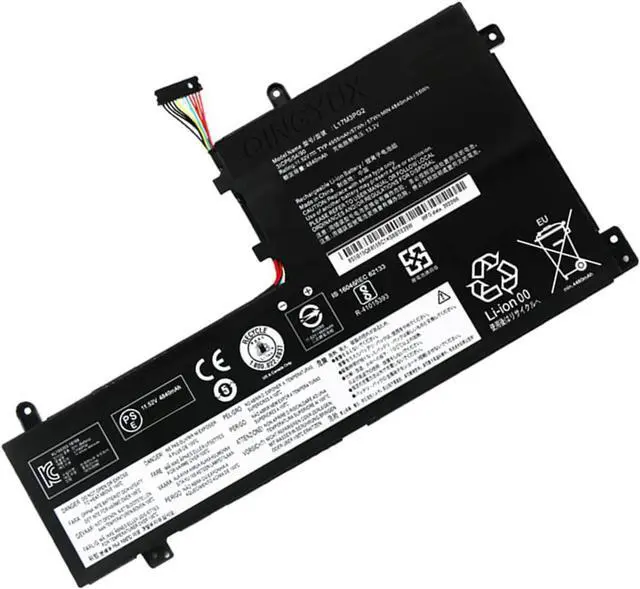
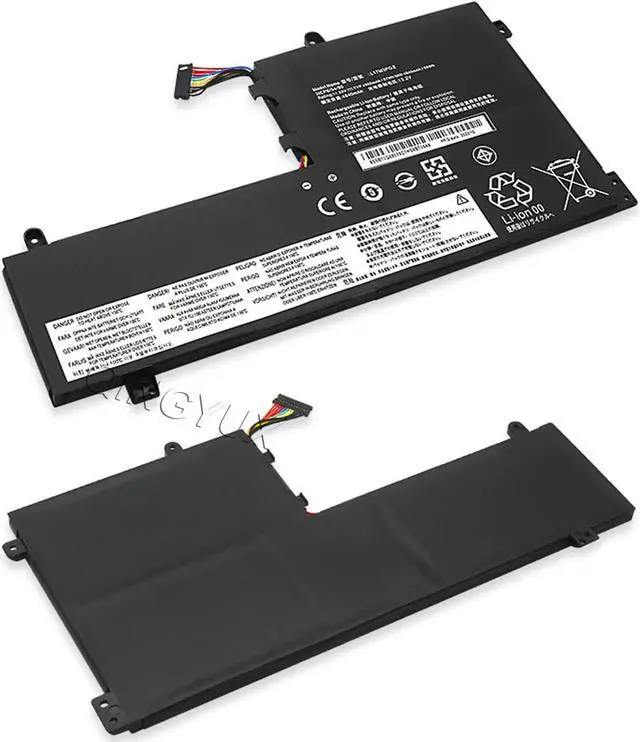
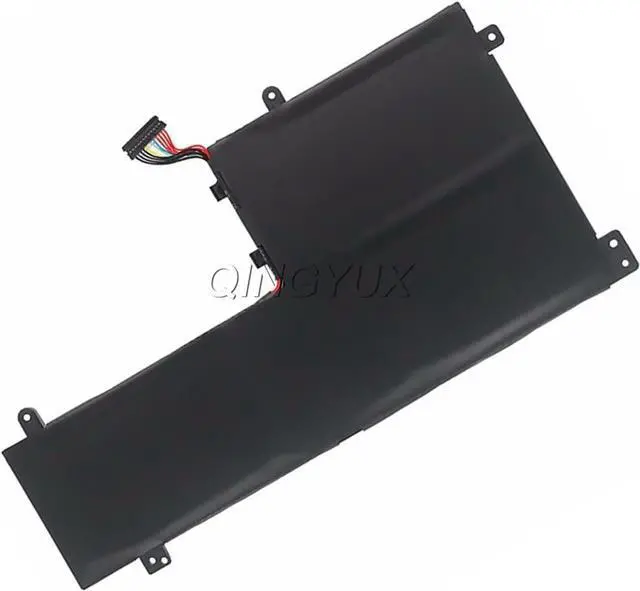
    QINGYUX L17M3PG2 L17C3PG1 L17L3PG1 L17C3PG2 L17M3PG1 Laptop Battery Compatible with Legion Y530-15ICH Y545-PG0 Y540-17IRH Y540-15IRH Y7000P Y7000 Y7000-2019-PG Series 11.25V 51Wh 4535mAh

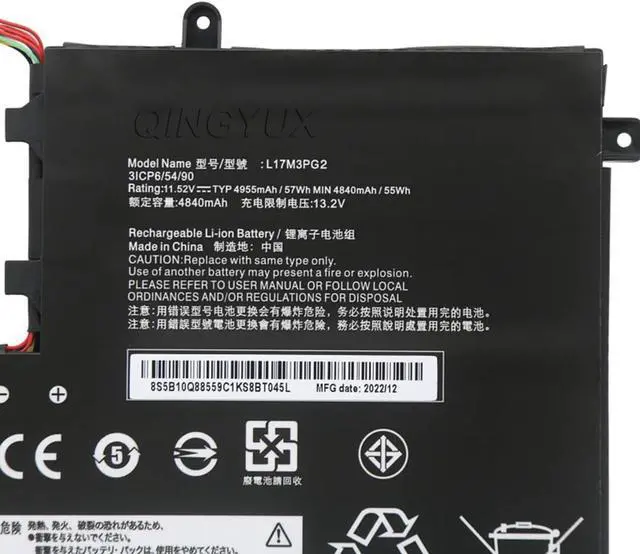
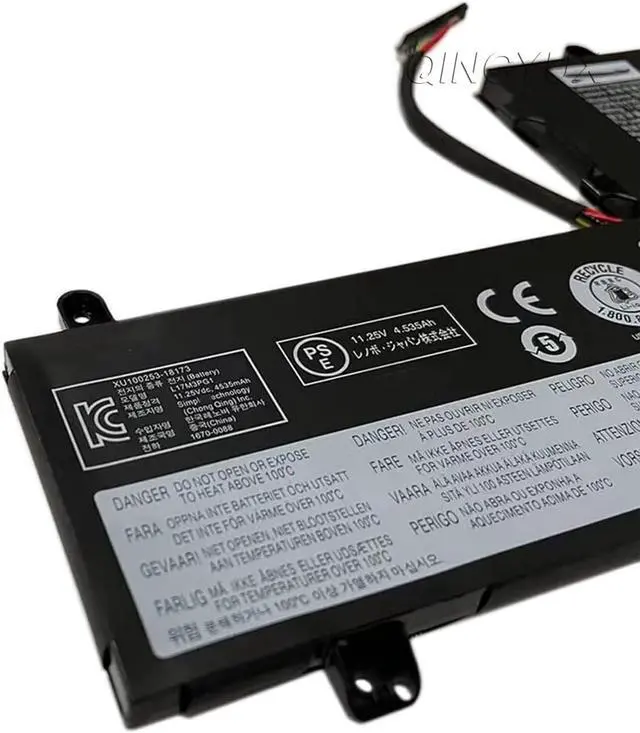
    • Specifications: Model Number: L17M3PG2 L17C3PG1 L17L3PG1 L17C3PG2 L17M3PG1 Voltage: 11.25V Capacity: 51Wh/4535mAh
    • Compatible With Battery Part Number: L17M3PG2 L17M3PG3 L17C3PG1 L17L3PG1 L17M3PG1 L17C3PG2 5B10Q82428 5B10Q88561 5B10Q93417 5B10W67238 5B10Q80766
    • Fit For Laptop Machine: Lenovo Legion Y530-15ICH Series;Legion Y545-PG0 Series;Legion Y540-17IRH Series; Legion Y540-15IRH Series;Legion Y7000 2019 1050 Series;Legion Y7000-2019-PG0 Series; Legion Y7000P Series; Legion Y7000 Series
    • Warranty: Rest assured with 30 days Refund, 12 months Replacement.
    • Note: Please check the part number of your own old battery before order,which is the correct way to find replacement battery,welcome to contact us if still have any questions.
    +
    +
    Overview
    Specs
    Reviews
    avatar

    Any questions? Our AI beta will help you find out quickly.


    Specifications:

    Model Number:

    L17M3PG2 L17C3PG1 L17L3PG1 L17C3PG2 L17M3PG1

    Voltage: 11.25V

    Capacity: 51Wh/4535mAh

    Compatible With Battery Part Number:
    L17M3PG2 L17M3PG3 L17C3PG1 L17L3PG1 L17M3PG1 L17C3PG2 5B10Q82428 5B10Q88561 5B10Q93417 5B10W67238 5B10Q80766
    Fit For Laptop Machine:
    Lenovo Legion Y530-15ICH Series;

    Lenovo Legion Y545-PG0 Series;
    Lenovo Legion Y540-17IRH Series;

    Lenovo Legion Y540-15IRH Series;
    Lenovo Legion Y7000 2019 1050 Series;
    Lenovo Legion Y7000-2019-PG0 Series;

    Lenovo Legion Y7000P Series; Legion Y7000 Series
    Warranty: Rest assured with 30 days Refund, 12 months Replacement.
    Note: Please check the part number of your own old battery before order,which is the correct way to find replacement battery,welcome to contact us if still have any questions.
    Install A New Battery:
    1, You need to turn off your laptop and disconnect the power.
    2, Disconnect the connection between the old battery and the motherboard to avoid unnecessary damage caused by disassembling the battery. Then unscrew the old battery screws one by one and carefully save each screw.
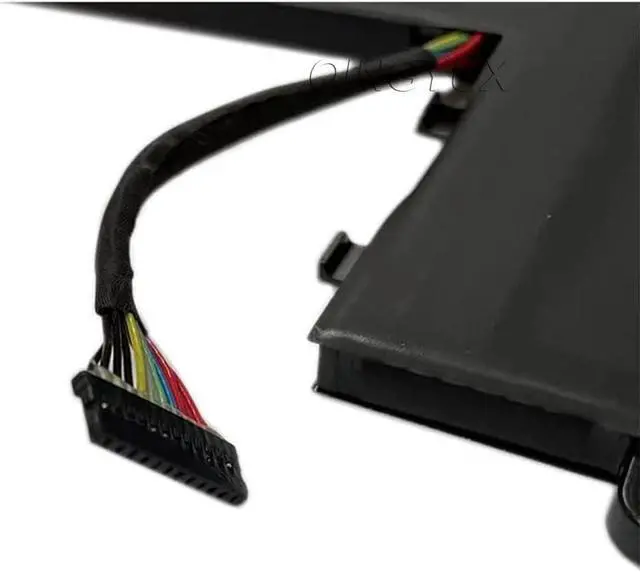
    3, Remove the old battery, carefully install the new battery on the battery case, screw in the screw, and connect the wiring of the new battery.


    Warranty & Returns

    Warranty, Returns, And Additional Information

    Warranty

    • Please contact the Seller directly for warranty information. Warranty information may also be found on the Manufacturer's website.
    • CONTACT

    Return Policies

    Manufacturer Contact Info

    LOADING...
    LOADING...