Out of stock
This item is currently out of stock and it may or may not be restocked.
Sold by Newegg

Shipped by Newegg

Shop it at NeweggBusiness.

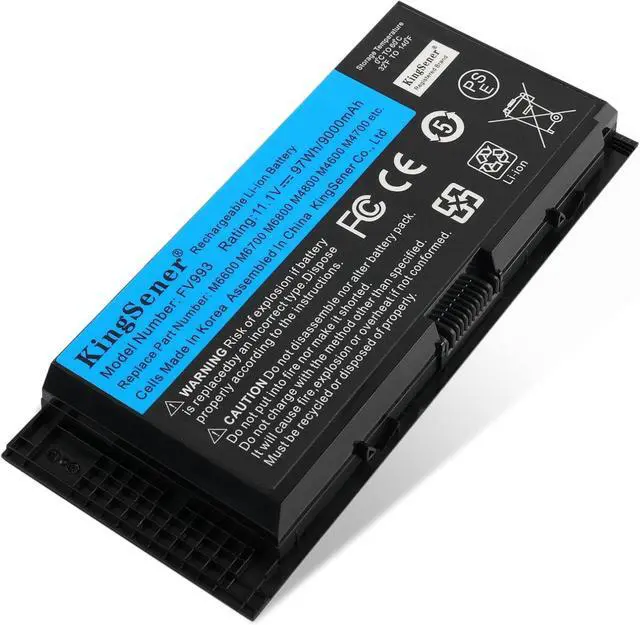
97Wh FV993 M4800 M6800 Laptop Battery for Dell M4600 M4700 M6700 M6600 Series,Fits RY6WH FJJ4W KJ321 PG6RC V7M28 R7PND 0TN1K5 7DWMT JHYP2 K4RDX

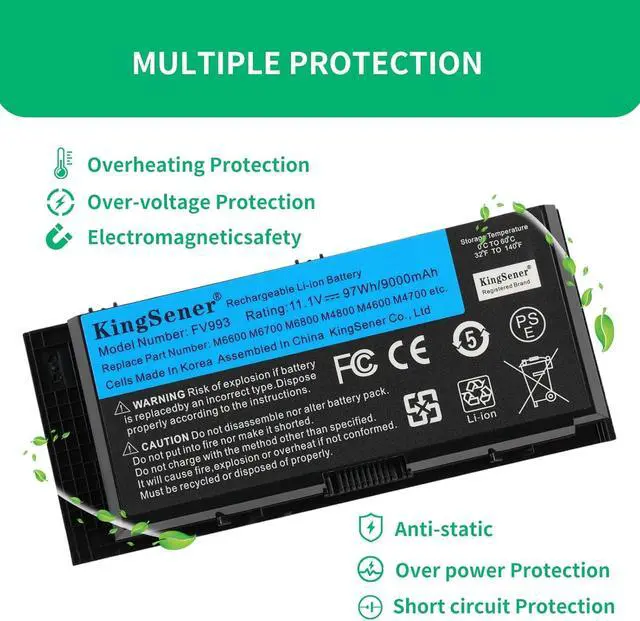
  • Battery Type:Li-ion Capacity:97WH/9000mAh Voltage:11.1V. Work Or Play For Extended Periods, No Power Concerns
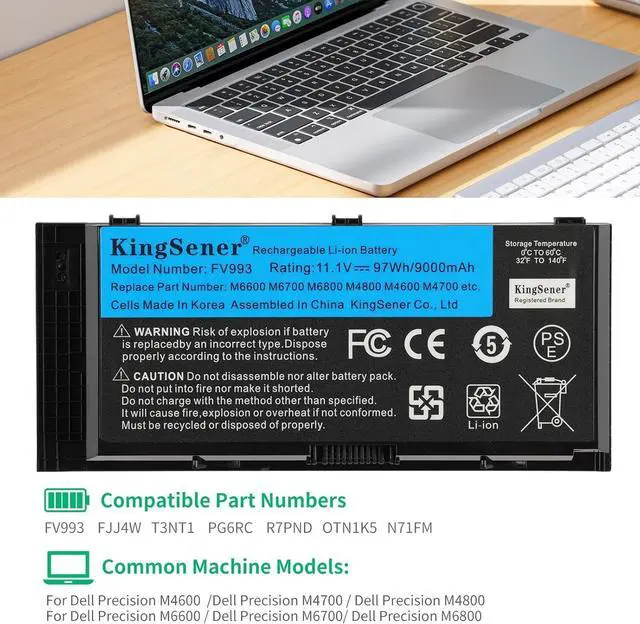
  • Replace Part Numbers: FV993;FJJ4W;KJ321;RY6WH ;R7PND ;9GP08; FVWT4 ;PG6RC ;V7M28 ;0TN1K5 ;X57F1 ;312-1176 ;312-1177 ;312-1178;312-1354 ;331-1465 ; J5CG3 ;1C75X ; 3DJH7 ; 97KRM
  • Replacement For Laptop Model:Dell Precision M4600 M4700 M4800 M6600 M6700 M6800 Series FV993 0FVWT4 0TN1K5 312-1176 312-1177 312-1178 3DJH7 451-11742 451-11743 451-11744 97KRM 9GP08 FV993 KJ321 PG6RC R7PND X57F1
  • Battery Use Tips:Up to 500 recharge cycles over the life of the battery. The actual operation time will depend on how much electricity is required by the device and how you use it
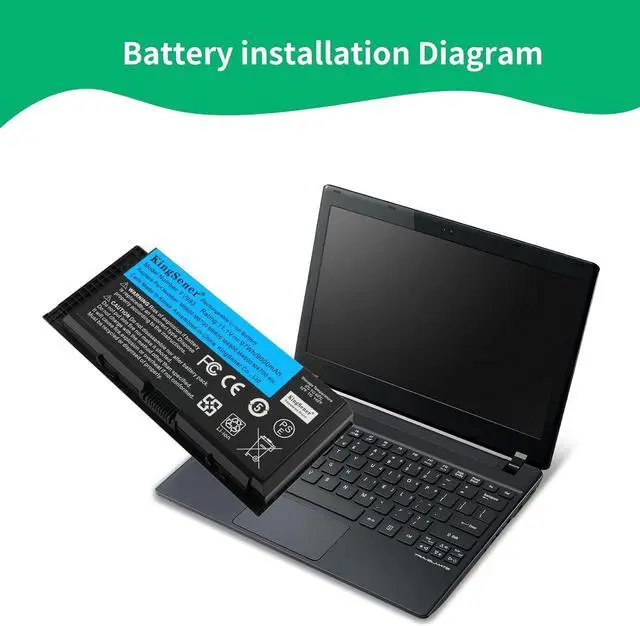
  • PLEASE NOTE:Please open the back cover of the laptop before ordering and make sure that the original battery model is consistent with the listing. After getting the battery, please install the battery correctly, make sure that the battery connector is firmly connected to the laptop motherboard, and use the origin
Overview
Specs
Reviews
avatar

Any questions? Our AI beta will help you find out quickly.

Battery Type: Li-ion
Capacity: 97WH/9000mAh
Voltage: 11.1V. Work Or Play For Extended Periods, No Power Concerns
Replace Part Numbers: FV993; FJJ4W; KJ321; RY6WH; R7PND; 9GP08; FVWT4; PG6RC; V7M28; 0TN1K5; X57F1; 312-1176; 312-1177; 312-1178; 312-1354; 331-1465; J5CG3; 1C75X; 3DJH7; 97KRM
Replacement For Laptop Model: Dell Precision M4600 M4700 M4800 M6600 M6700 M6800 Series FV993 0FVWT4 0TN1K5 312-1176 312-1177 312-1178 3DJH7 451-11742 451-11743 451-11744 97KRM 9GP08 FV993 KJ321 PG6RC R7PND X57F1
Battery Use Tips: Up to 500 recharge cycles over the life of the battery. The actual operation time will depend on how much electricity is required by the device and how you use it
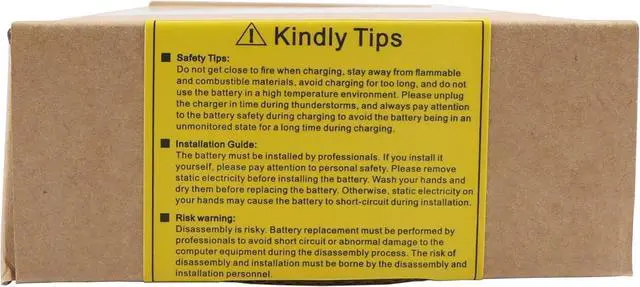
PLEASE NOTE: Please open the back cover of the laptop before ordering and make sure that the original battery model is consistent with the listing. After getting the battery, please install the battery correctly, make sure that the battery connector is firmly connected to the laptop motherboard, and use the original charger to charge the laptop. Discharge the new battery to 5% (not 0%), then charge and cycle 3-4 times to wake up the new battery


Warranty & Returns

Warranty, Returns, And Additional Information

Return Policies

Manufacturer Contact Info

LOADING...