Out of stock
This item is currently out of stock and it may or may not be restocked.
Sold by Newegg

Shipped by Newegg

Shop it at NeweggBusiness.

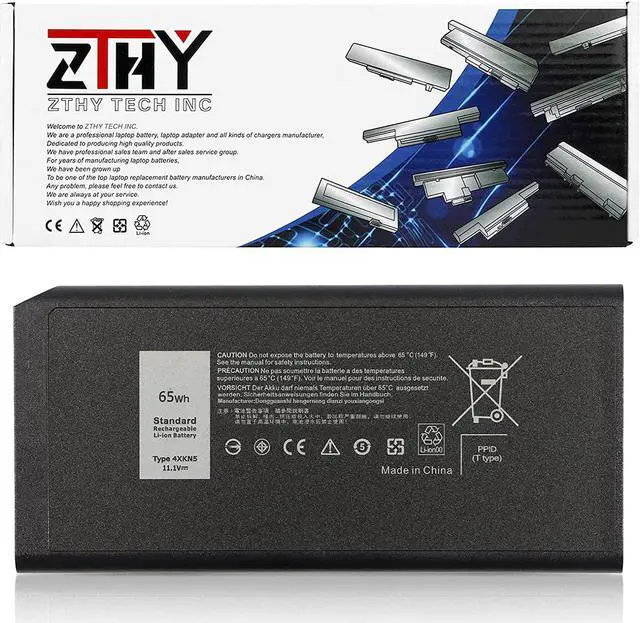
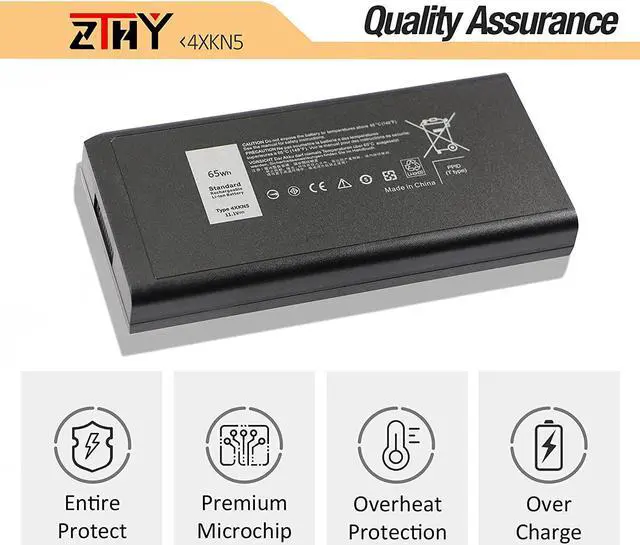
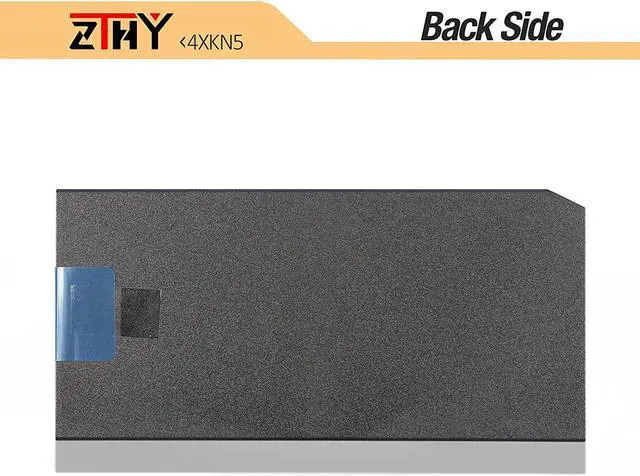
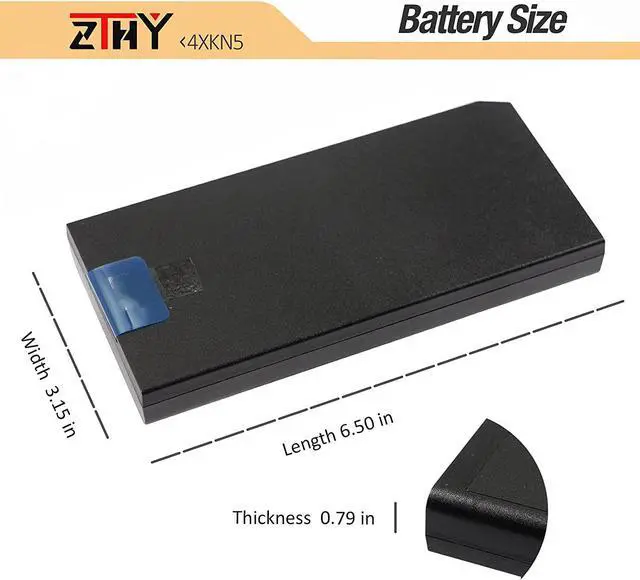
ZTHY 4XKN5 CJ2K1 X8VWF Battery Replacement for Dell Latitude 14 Rugged 5404 5414 E5404 Extreme 7404 7414 E7404 Series P45G P46G P46G001 P46G002 5XT3V VCWGN XRJDF XN4KN YGV51 453-BBBD 453-BBBE 65Wh

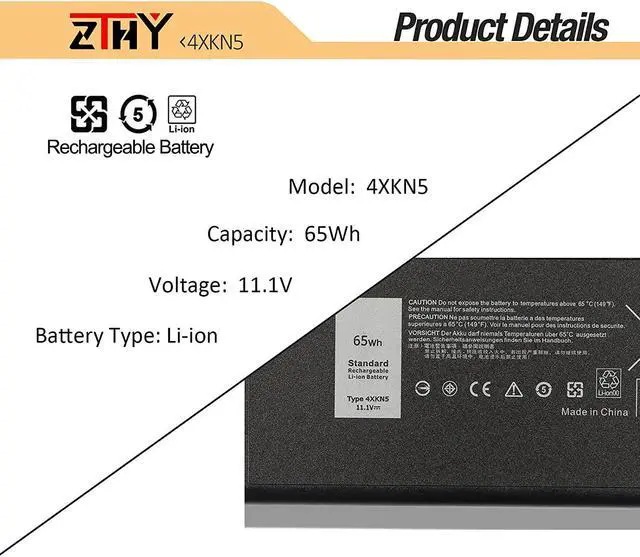
  • Specification: Voltage: 11.1V. Capacity: 65Wh / 6-Cell. Battery Type: Li-ion. Condition: New from Manufacturer
  • Compatible Part Number: 4XKN5 CJ2K1 DKNKD X8VWF 5XT3V 05XT3V VCWGN 0VCHGN 09FN4 XRJDF YGV51 453-BBBD 453-BBBE 451-12187 451-12188 XN4KN
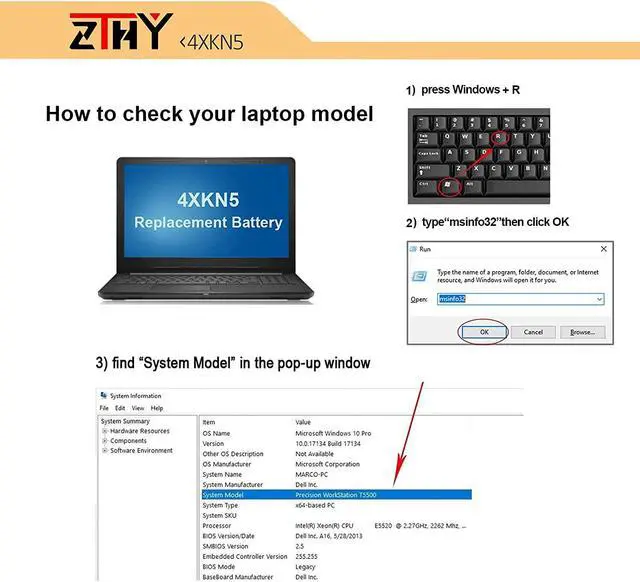
  • Compatible Laptop Models: Replacement for Dell Latitude 14 Rugged 5404 5414 E5404 Series; Replacement for Dell Latitude 14 Rugged Extreme 7404 7414 E7404 Series; Replacement for Dell P45G P45G001 Series; Replacement for Dell P46G P46G001 P46G002 Series
  • Security: All ZTHY products are Certified by CE, UL for safety. Strict guidelines for compatibility, and standards compliance for environment safety
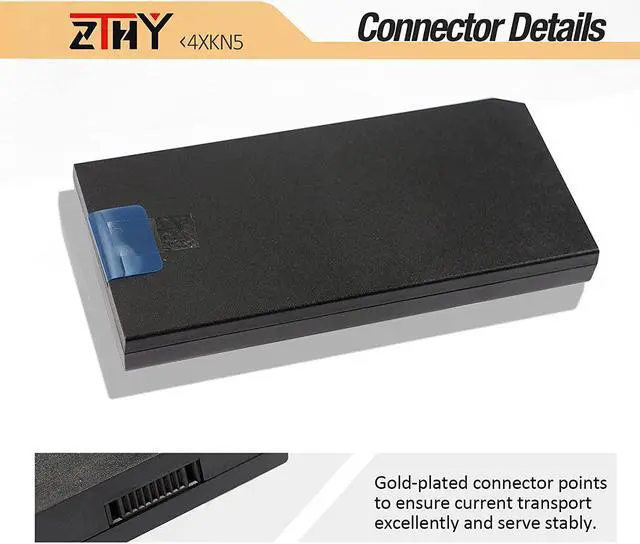
  • Note: If the new battery is not recognized during the initial installation, please reinstall and check if the interface is fully connected. Discharge the new battery to 10-20% (not 0%), then charge and cycle 3-4 times to wake up the new battery

Overview
Specs
Reviews
avatar

Any questions? Our AI beta will help you find out quickly.

Specification:
Voltage: 11.1V.
Capacity: 65Wh / 6-Cell.
Battery Type: Li-ion.
Condition: New from Manufacturer
Compatible Part Number: 4XKN5 CJ2K1 DKNKD X8VWF 5XT3V 05XT3V VCWGN 0VCHGN 09FN4 XRJDF YGV51 453-BBBD 453-BBBE 451-12187 451-12188 XN4KN
Compatible Laptop Models: Replacement for Dell Latitude 14 Rugged 5404 5414 E5404 Series; Replacement for Dell Latitude 14 Rugged Extreme 7404 7414 E7404 Series; Replacement for Dell P45G P45G001 Series; Replacement for Dell P46G P46G001 P46G002 Series
Security: All ZTHY products are Certified by CE, UL for safety. Strict guidelines for compatibility, and standards compliance for environment safety
Note: If the new battery is not recognized during the initial installation, please reinstall and check if the interface is fully connected. Discharge the new battery to 10-20% (not 0%), then charge and cycle 3-4 times to wake up the new battery


Warranty & Returns

Warranty, Returns, And Additional Information

Return Policies

Manufacturer Contact Info

LOADING...