• $54.12
  • Free 30-day Returns
  • Price alert

    Best Sellers

    Newegg
    • + $10.13 Shipping
    Shop it at NeweggBusiness.

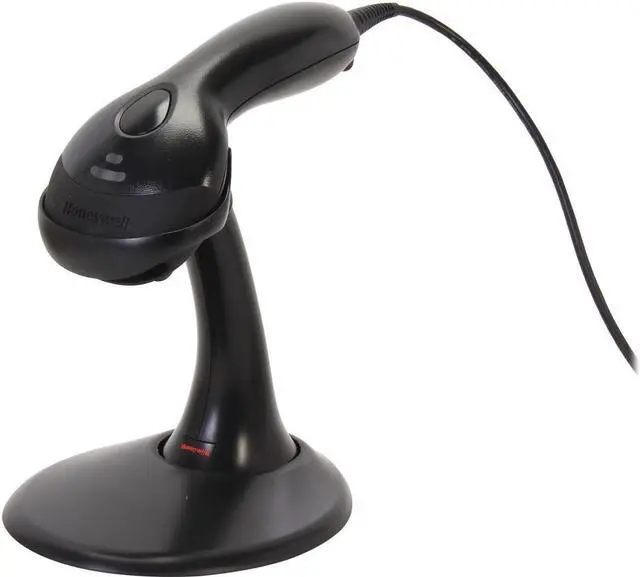
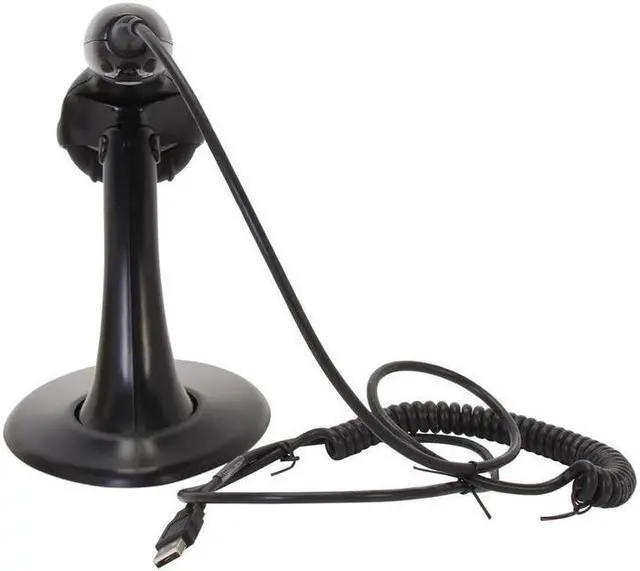
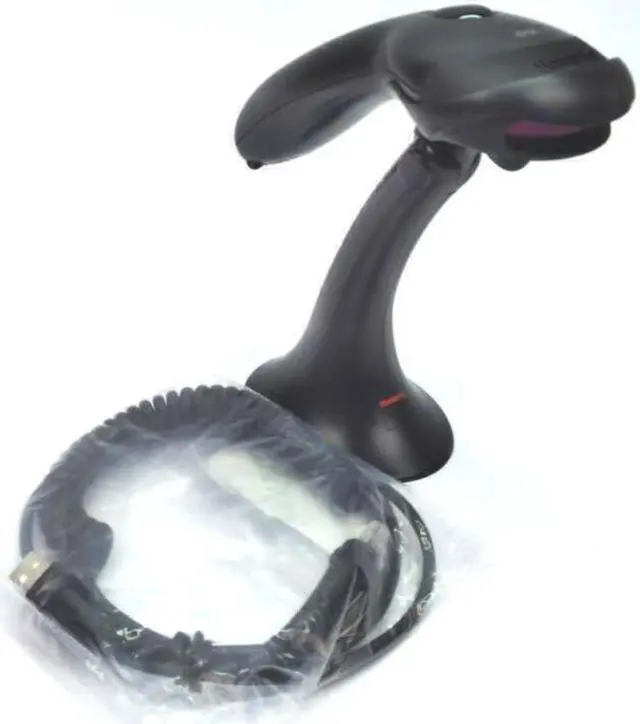
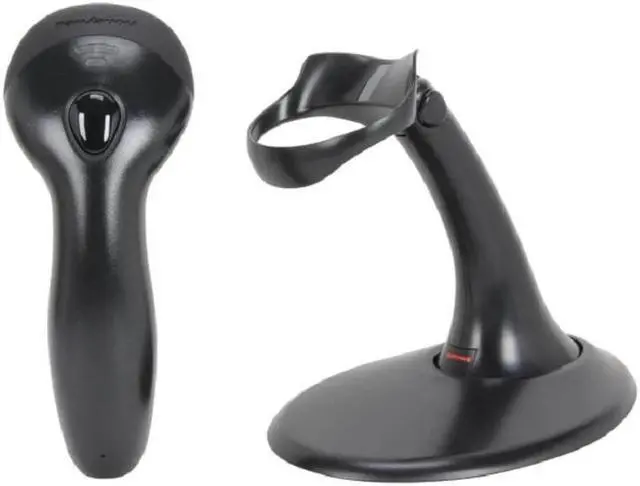
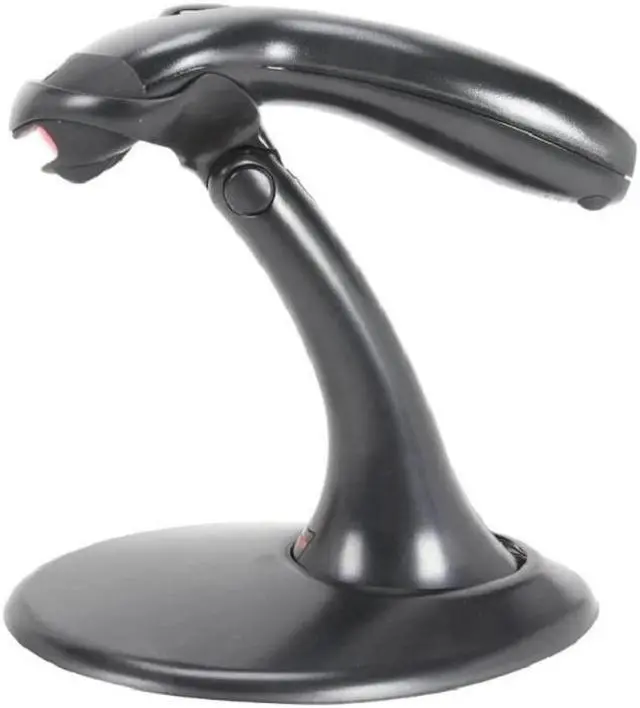
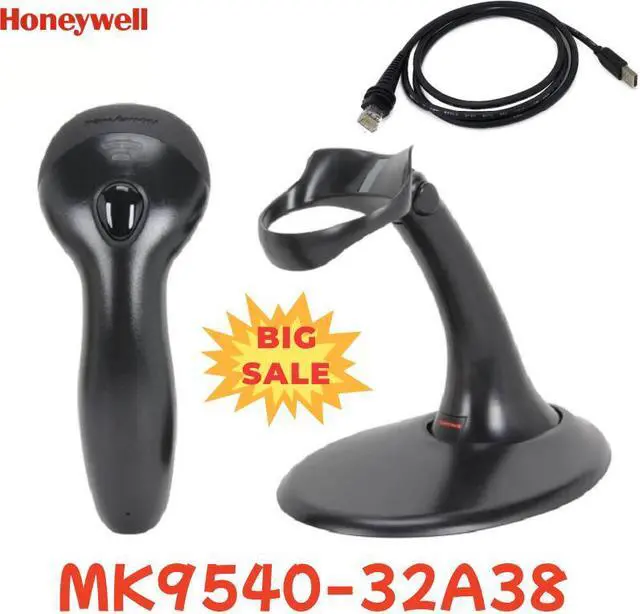
    Honeywell MS9540 VoyagerCG Barcode Scanner, Black, USB Kit - MK9540-32A38

    • Automatic Trigger: Use scanner as either a hand-held device or a fixed presentation scanner when mounted in the stand.
    • 650-nanometer Laser: High-visibility laser allows user to place laser line on selected bar code.
    • Flash ROM: Future proof POS system with free firm ware updates via Metro Set®2 software and standard PC.
    • Parsing (Data Editing): Format bar code data to meet host system's specific requirements.
    • Code Gate Technology (Voyager CG 9540 only): Zero in on desired code and complete data transmission with the push of a single button ideal for menu scanning applications.
    +
    +
    Overview
    Specs
    Reviews
    avatar

    Any questions? Our AI beta will help you find out quickly.

    1
    2
    Please note that the price does not include customs duties!! Customs duties need to be borne by the buyer themselves.

    Mechanical:
    Dimensions (LxWxH): 198 mm x 78 mm x 56 mm ( 7.8" x 3.1" x 2.2 )
    Weight: 149 g ( 5.3 oz)

    Electrical:
    Input Voltage: 5 VDC + 0.25 V
    Operating Power: 825 mW(165 mA @ 5 V)
    Standby Power: 600 mW (120 mA @ 5 V)
    Host System interfaces: USB, RS232, Keyboard Wedge, IBM 46x (RS485), (Emulation.. Light Pen Wand Emulation

    Environmental:
    Operating Temperature: 0°C to 40°C (32°F to 104°F)
    Storage Temperature: -40°C to 60°C (-40°F to 140°F)
    Humidity: 5% to 95% relative humidity, non-condensing
    Drop: Designed to withstand 1.5 m (5) drops
    Environmental Sealing: Sealed to resist airborne particulate contaminants
    Light Levels: 4842 LUx

    Scan Performance:
    Scan Pattern: Single scan line:
    Scan Speed: 72 scan lines per second
    Scan Angle: Horizontal: 50°
    Print Contrast: 35% minimum reflectance difference
    Pitch,
    Skew: 68°, 52°
    Decode Capabilities: Reads standard 1D and GS1 DataBar symbologies

    Warranty & Returns

    Warranty, Returns, And Additional Information

    Warranty

    • Please contact the Seller directly for warranty information. Warranty information may also be found on the Manufacturer's website.
    • Read full details
    • CONTACT

    Return Policies

    Manufacturer Contact Info

    LOADING...
    LOADING...