2.4GH z Stable Connection
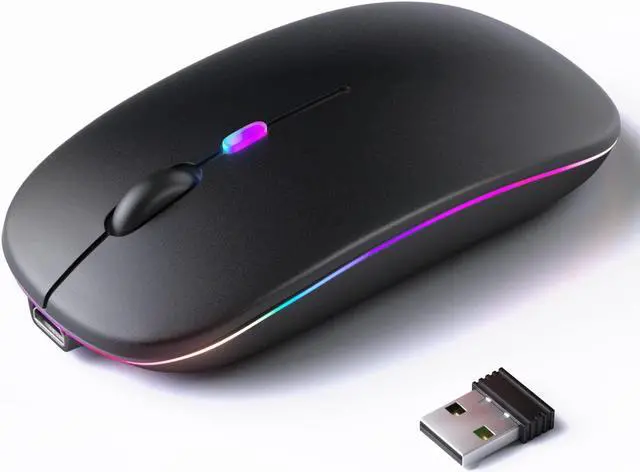
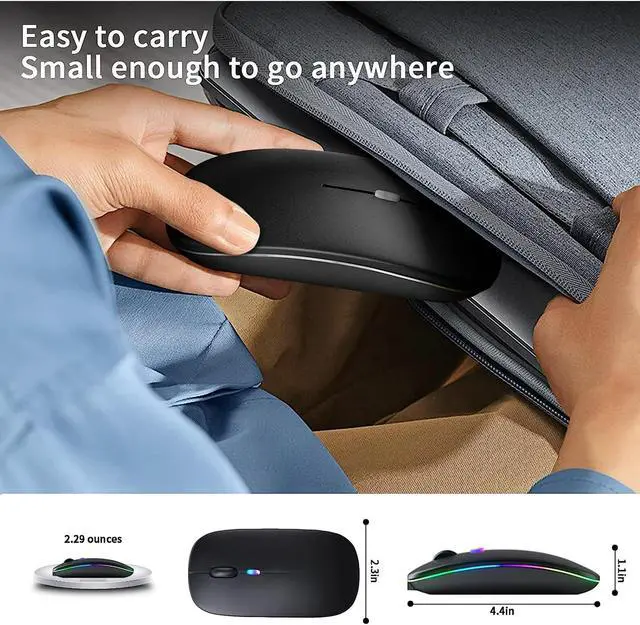
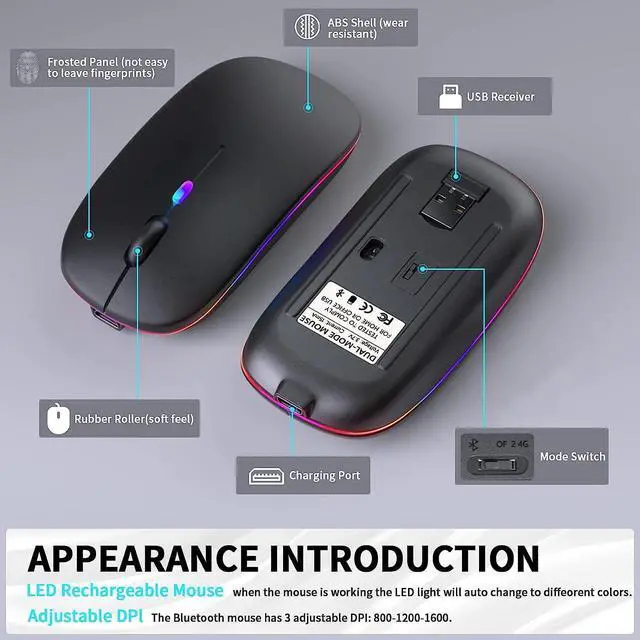
Stable wireless transmission distance up to 10m. Plug and play, no delay or drop out. (USB receiver is stored in the bottom of the mouse)
Colorful Light & Metal Base Design
7 Colorful LED breathing light change alternately, soothing light lights up the mouse in dark, can not be set to one specific color.
Energy-saving
(1) The LED light can be turned off by the bottom light switch. (2) It will auto sleep after 8 minutes of inactivity for power saving.
Accurate Tracking
The slim wireless mouse has 3 DPI level (800-1200-1600) to meet your different demands, experience smooth tracking on most surfaces.
Ergonomic Design
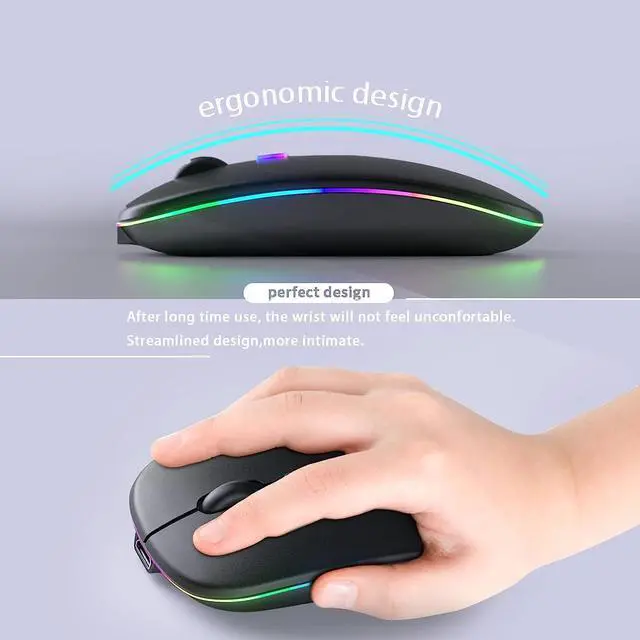
Slim ergonomic design and smooth frosted surface for an incredible user experience. And the symmetrical design allows it to fit both hands.
How to Use
1. Charge the mouse for about 2 hours before using it for the first time.
2. Take the dongle out, which is stored under the back of the mouse.
3. Insert the dongle into the USB port of your PC.
4. Turn on the mouse, the switch is at the bottom of the mouse.
5. Allow a few seconds for installing, no action needed, just wait. Then you can use it.
Note
1. If your computer is Type-C port, you need to insert the Type-C adapter into the computer first and then insert the USB receiver into the Type-C adapter. Turn on the power switch and the mouse will work.
2. The mouse cursor will move slowly or stop moving when the mouse is low battery. Please charge it on time.
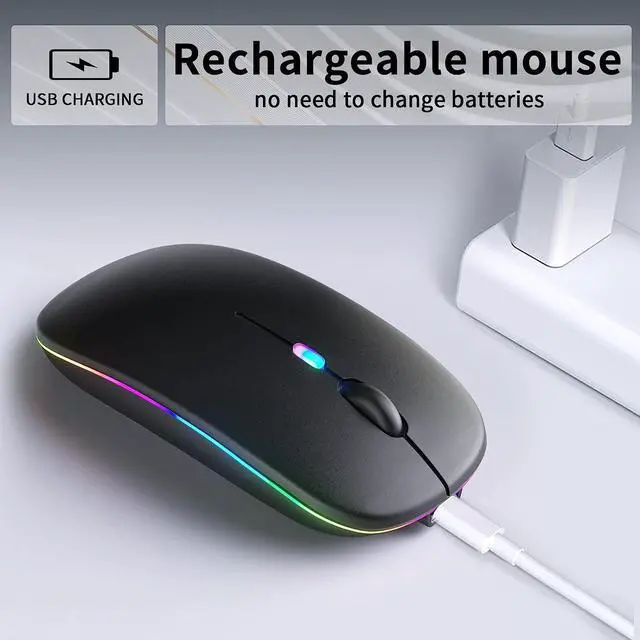
3. The blue light beside the scroll wheel will be on while charging, and then goes off when the mouse is fully charged.
4. Please use computer's USB interface to charging the wireless mouse.
Package:
1 * Wireless mouse
1 * USB Charging cable
1 * USB Receiver (stored at the mouse bottom)
1 * User Manual