


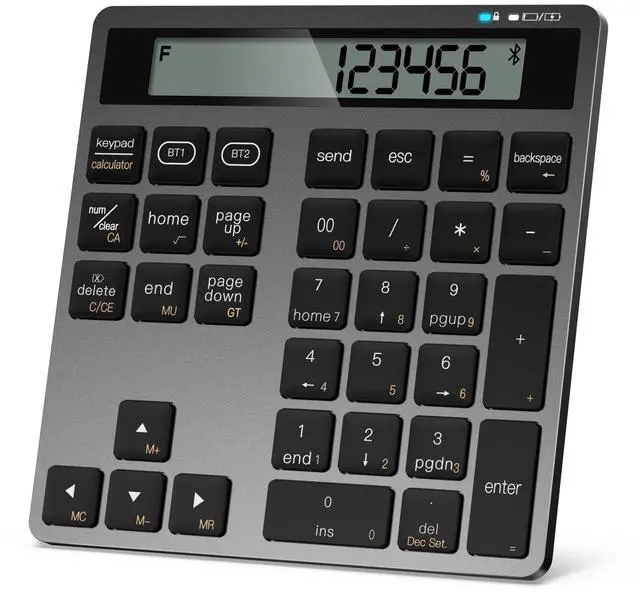
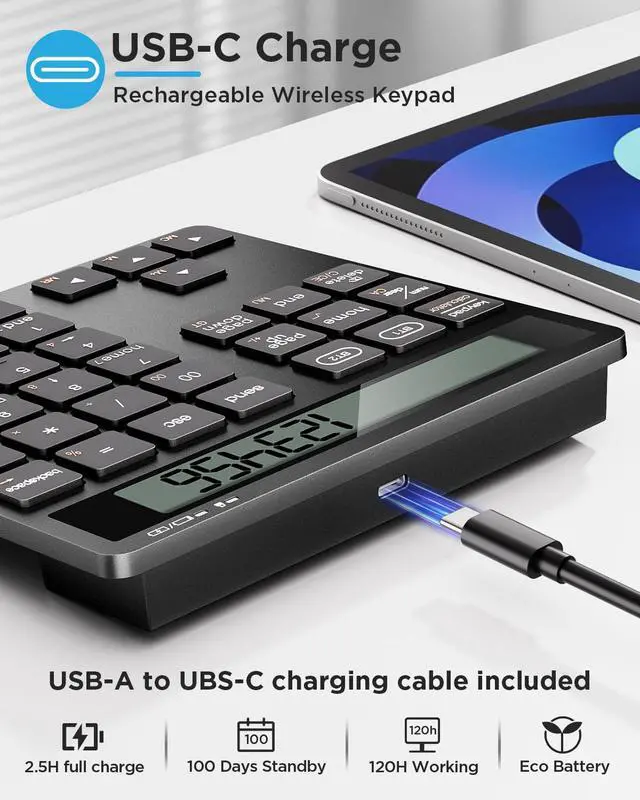


5.9 × 5.7 × 0.8 inches, 0.43 lb — compact, lightweight, and easy to carry anywhere.


Why did my keypad suddenly disconnect?
It may happen if the other Bluetooth key (BT1 or BT2) was pressed by mistake. Each key connects to a different device.
Just press the key (BT1 or BT2) that was originally paired, and it will reconnect automatically.
How do I reconnect after losing connection?
Simply press the same Bluetooth key (BT1 or BT2) used for pairing. The keypad will reconnect within a few seconds — no need to pair again.
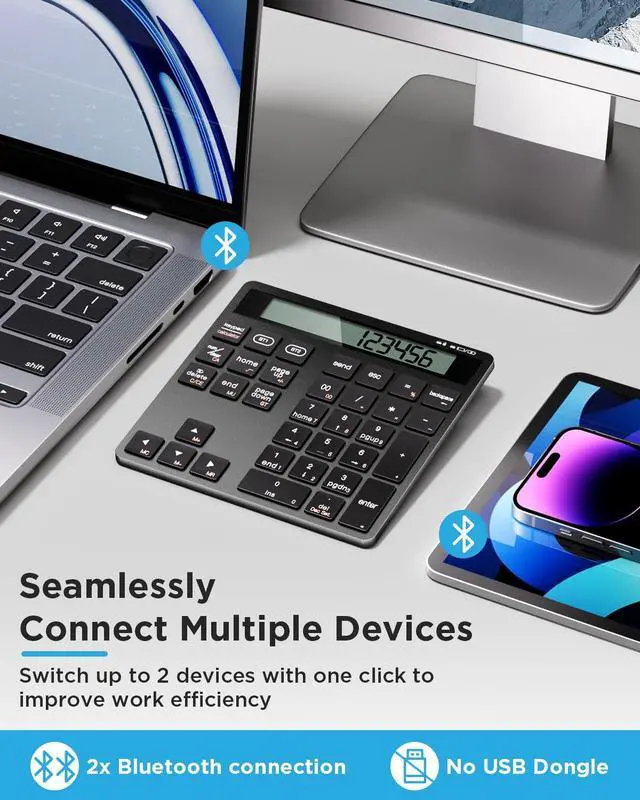
Can the keypad connect to two devices?
Yes. You can pair one device under BT1 and another under BT2.
Press BT1 or BT2 anytime to switch between them instantly.
My keypad won’t pair successfully. What should I do?
1. Turn on the keypad and make sure the red light is on.
2. Hold BT1 or BT2 for 3-5 seconds until the Bluetooth icon flashes.
3. Select “Bluetooth Keypad” on your device.
If it still doesn’t connect, delete the old pairing record and try again.
What are the product dimensions and weight?
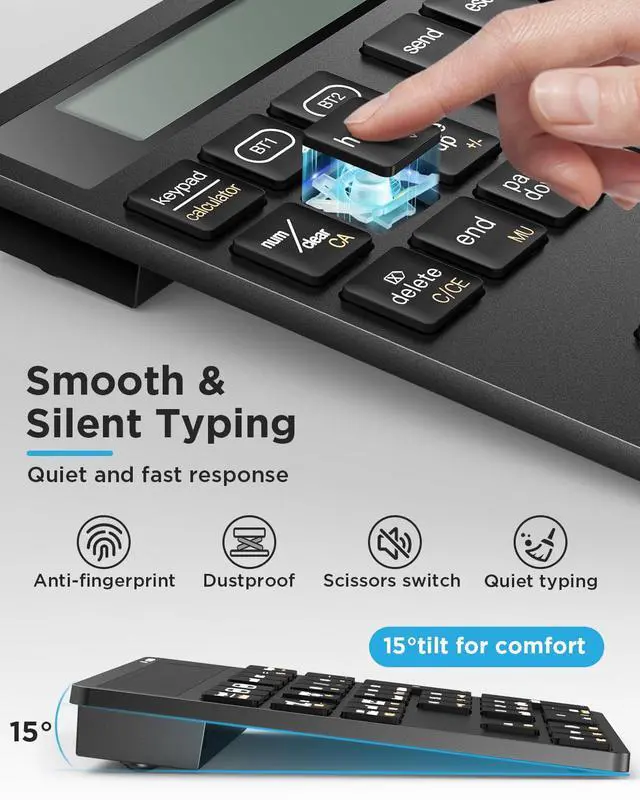
5.9 × 5.7 × 0.8 inches, 0.43 lb — compact, lightweight, and easy to carry anywhere.


5.9 × 5.7 × 0.8 inches, 0.43 lb — compact, lightweight, and easy to carry anywhere.


Why did my keypad suddenly disconnect?
It may happen if the other Bluetooth key (BT1 or BT2) was pressed by mistake. Each key connects to a different device.
Just press the key (BT1 or BT2) that was originally paired, and it will reconnect automatically.
How do I reconnect after losing connection?
Simply press the same Bluetooth key (BT1 or BT2) used for pairing. The keypad will reconnect within a few seconds — no need to pair again.
Can the keypad connect to two devices?
Yes. You can pair one device under BT1 and another under BT2.
Press BT1 or BT2 anytime to switch between them instantly.
My keypad won’t pair successfully. What should I do?
1. Turn on the keypad and make sure the red light is on.
2. Hold BT1 or BT2 for 3-5 seconds until the Bluetooth icon flashes.
3. Select “Bluetooth Keypad” on your device.
If it still doesn’t connect, delete the old pairing record and try again.
What are the product dimensions and weight?
5.9 × 5.7 × 0.8 inches, 0.43 lb — compact, lightweight, and easy to carry anywhere.