


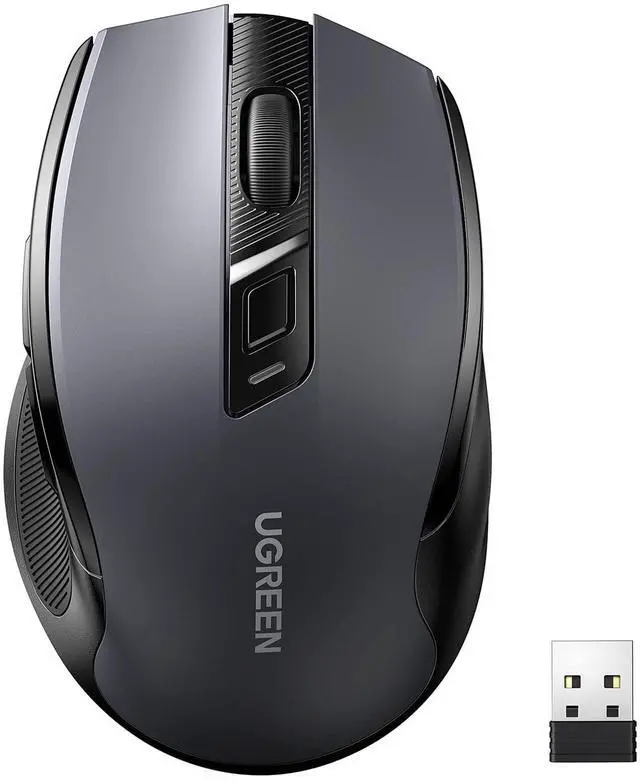






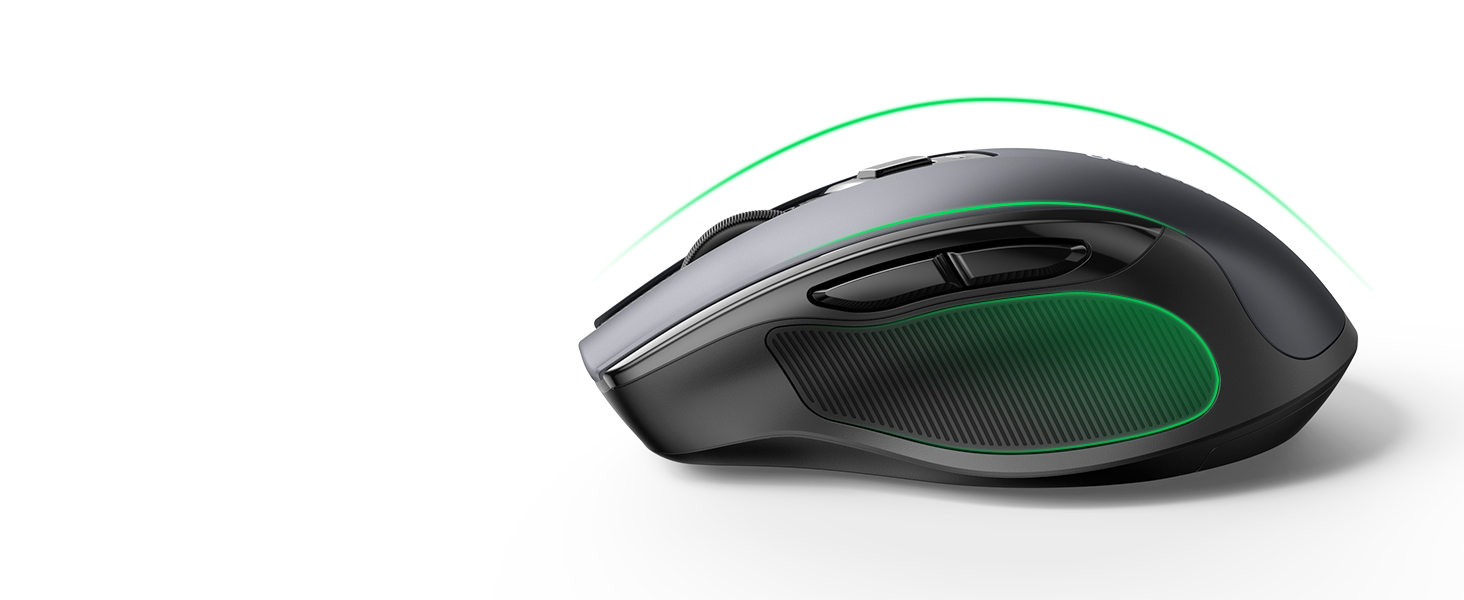
Full-size Design
Smooth lines, non-slip sides, comfortable grip, scientific wrist protection.

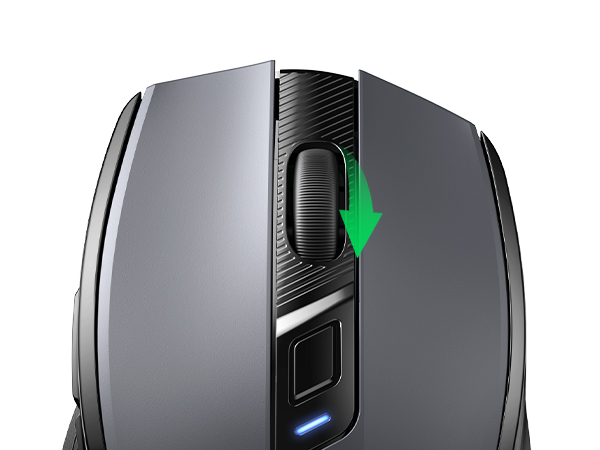
Extremely Smooth Scroll Wheel
Provides skin-friendly feel with silicone scroll.
Achieves perfect speed and precision.

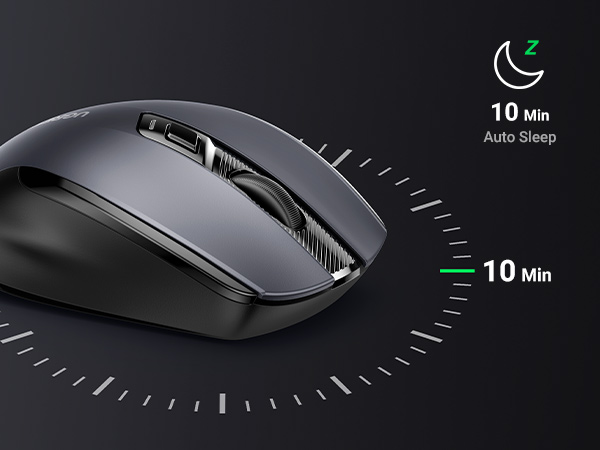
Energy-saving Design
Two sleep modes to save power, longer battery life, and wake up when you move.

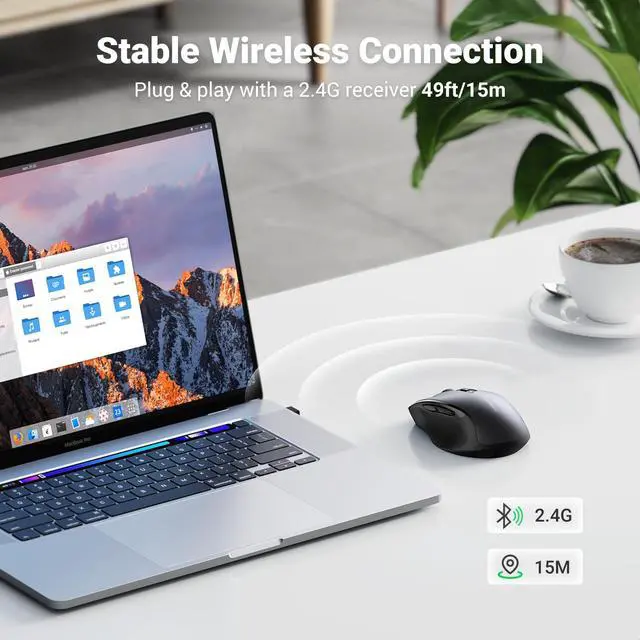
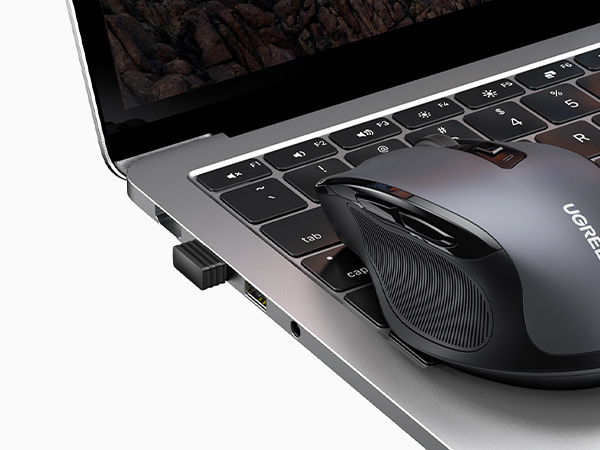
Plug and play
Simply remove the receiver on the back, plug into USB port, and connect in seconds.

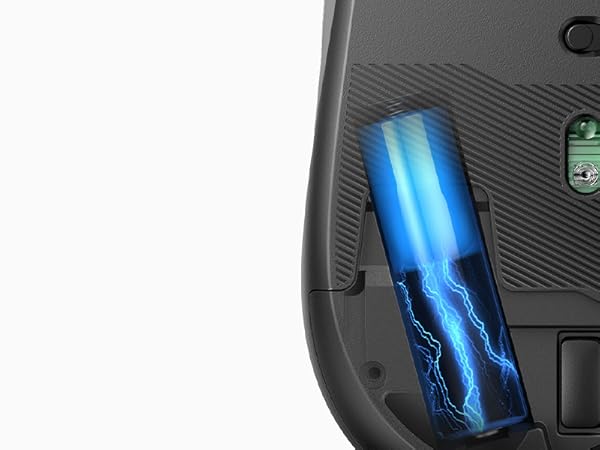
18-Month Battery
The computer mice is powered by a 1AA battery, not included.
UGREEN Wireless Mouse Comparison Table
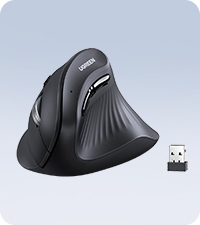 Vertical Mouse Wireless | 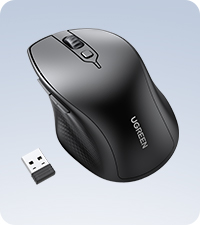 Bluetooth Wireless Mouse | 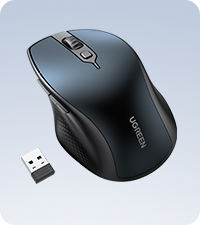 Bluetooth Wireless Mouse | 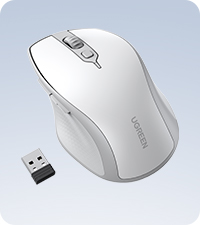 Bluetooth Wireless Mouse | 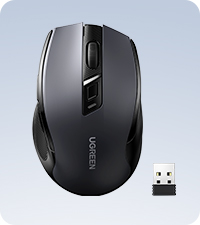 Ergonomic Wireless Mouse | 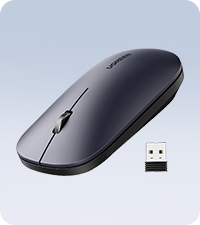 Slim Wireless Mouse | 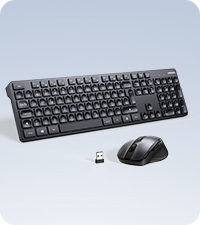 Keyboard Mouse Combo | |
|---|---|---|---|---|---|---|---|
Customer Reviews | — | — | — | — | — | — | — |
Price | — | — | — | — | — | — | — |
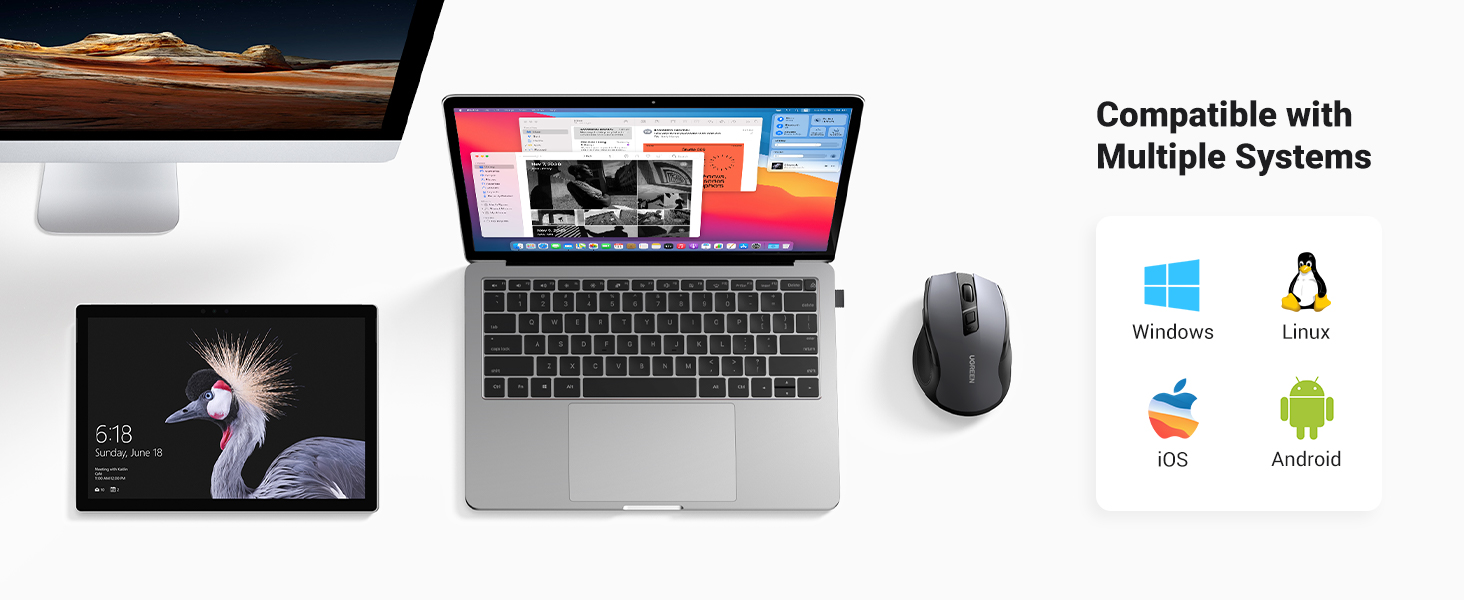
Connectivity | BT 5.0 & 2.4G USB | BT 5.0 & 2.4G USB | BT 5.0 & 2.4G USB | BT 5.0 & 2.4G USB | 2.4G USB | 2.4G USB | 2.4G USB |
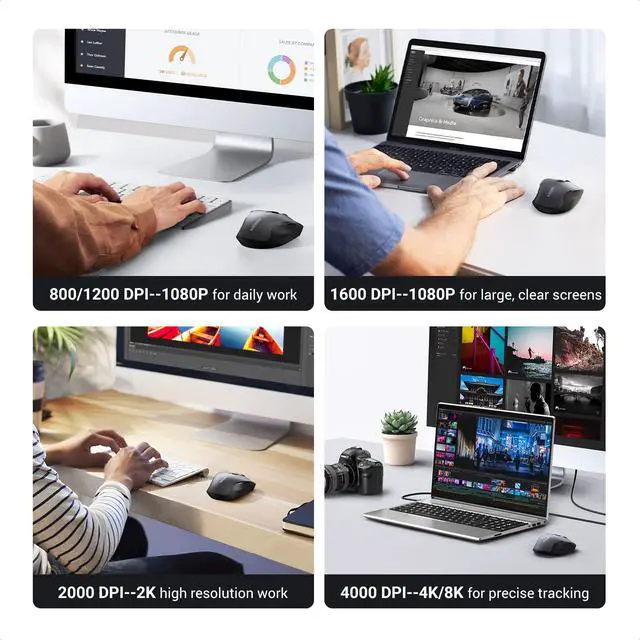
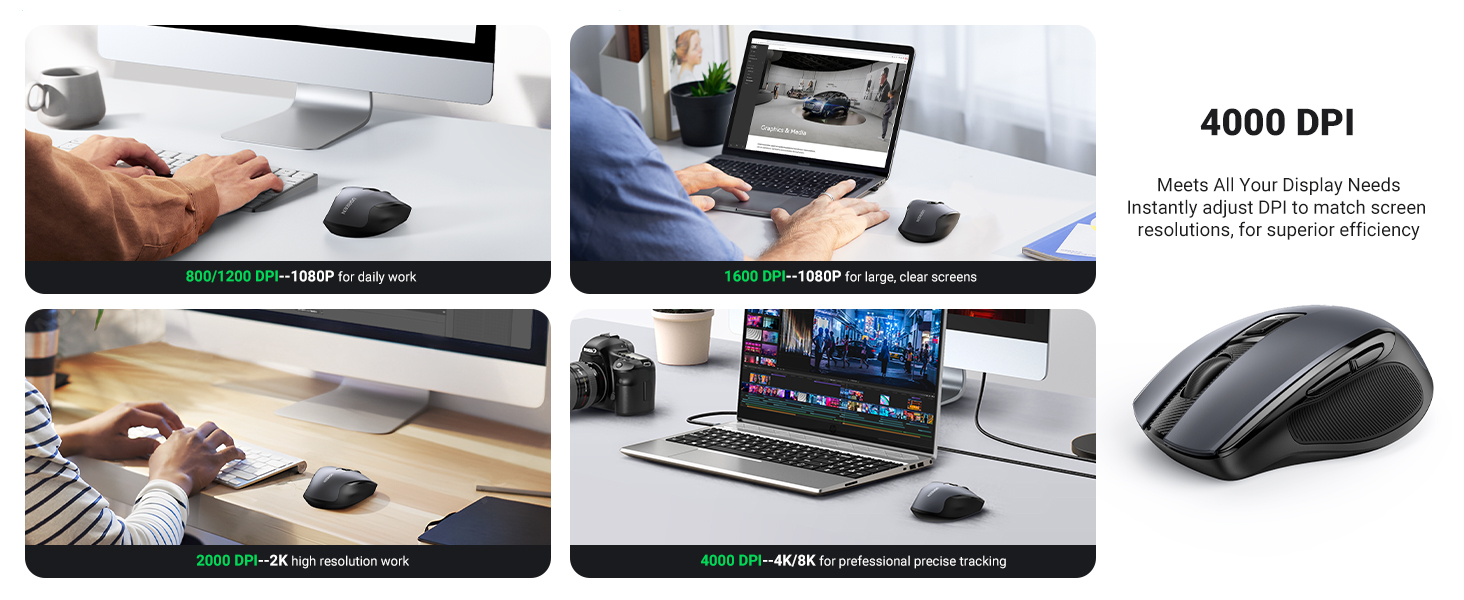
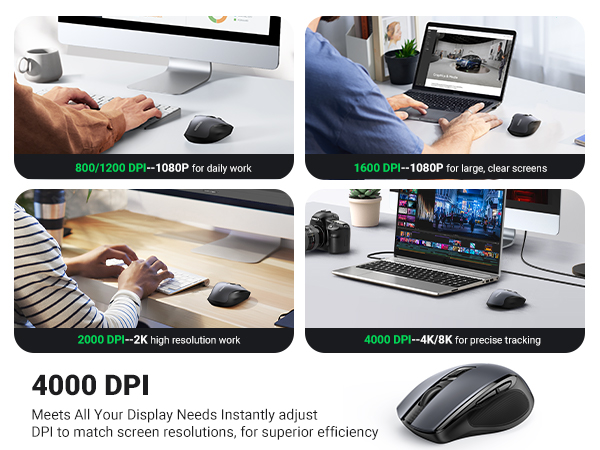
DPI Level | 1000/16000/2000/4000 | 1000/1600/2000/4000 | 1000/1600/2000/4000 | 1000/1600/2000/4000 | 800/1200/1600/2000/4000 | 1000/1600/2000/4000 | 800/1200/1600/2000/4000 |
Design | Ergonomic | Ergonomic | Ergonomic | Ergonomic | Ergonomic | Slim | Ergonomic |
Battery Type | 18 Months | 18 Months | 18 Months | 18 Months | 18 Months | 18 Months | 18 Months |
Back/Forward Button | ? | ? | ? | ? | ? | ? | ? |
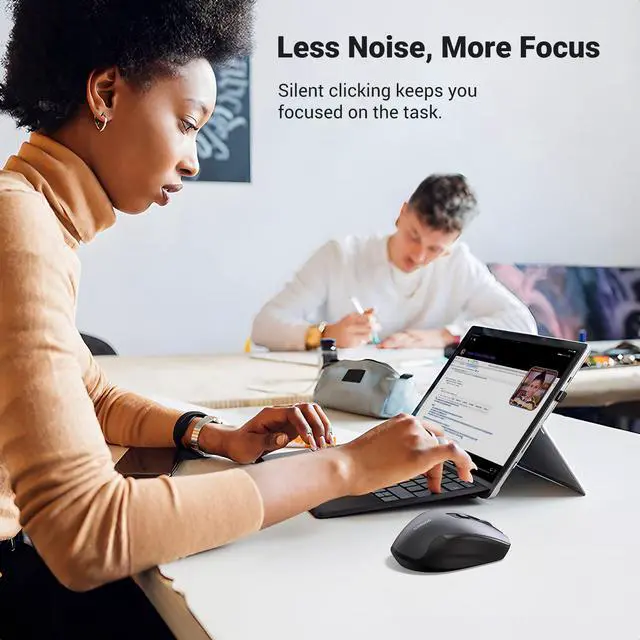
Silent Click | ? | ? | ? | ? | ? | ? | ? |
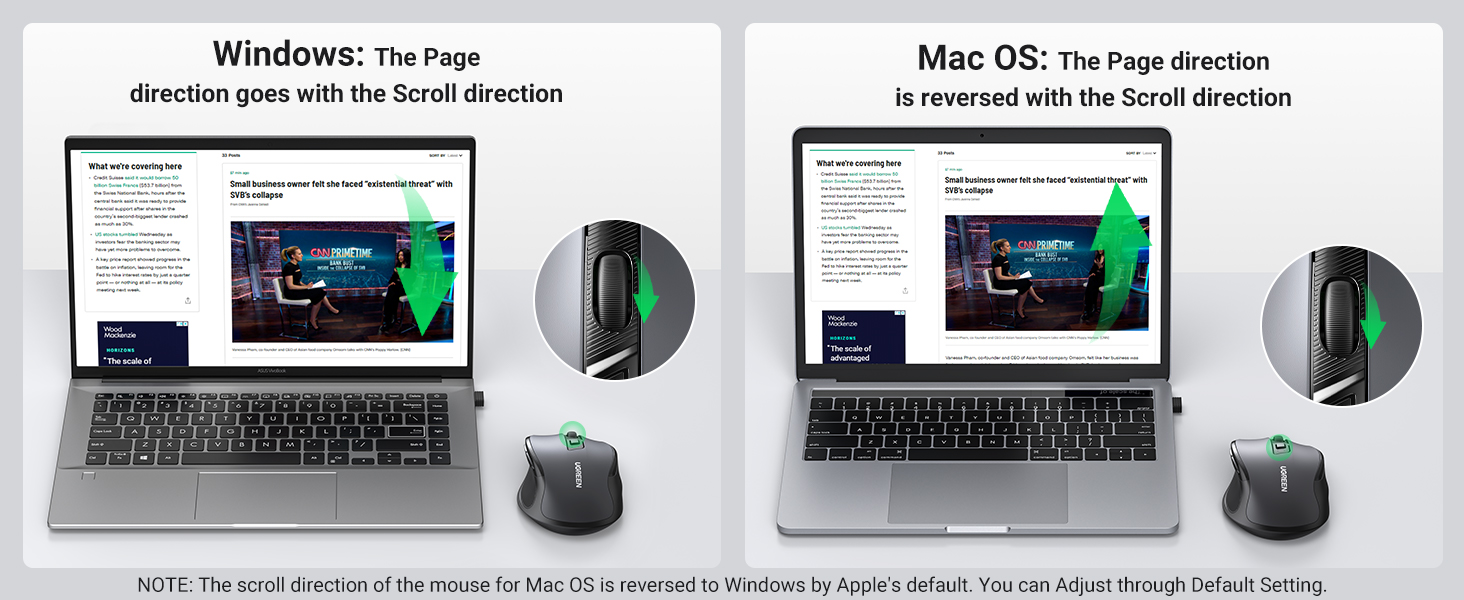
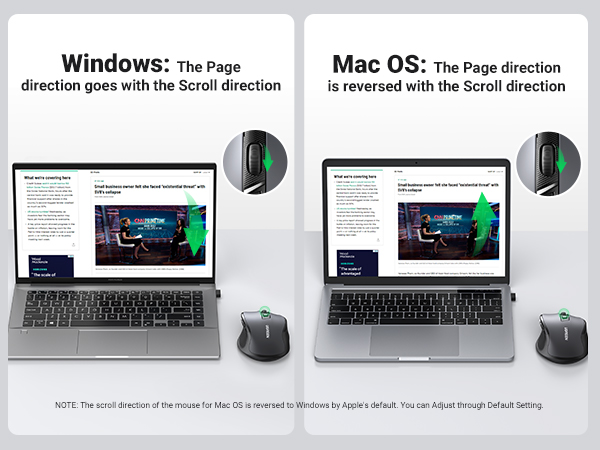
Why is the scroll wheel oriented differently on a Mac?
Macs set the scrolling direction for the mouse and trackpads to natural by default, which is different from Windows OS. You can follow the below steps to change the Mac mouse scrolling direction.
Step 1: On your Mac, click on the Apple logo from the top.
Step 2: Click System Settings.
Step 3: Next, Click the Mouse option from the side pane.
Step 4: Then, select the "Point and Click" option.
Step 5: Turn on/off the toggle next to Natural Scrolling to change the scrolling direction of the mouse.

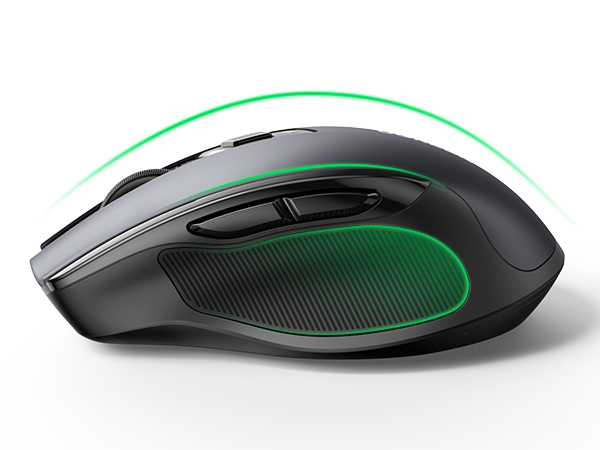
Full-size Design
Smooth lines, non-slip sides, comfortable grip, scientific wrist protection.
Extremely Smooth Scroll Wheel
Provides skin-friendly feel with silicone scroll.
Achieves perfect speed and precision.
Energy-saving Design
Two sleep modes to save power, longer battery life, and wake up when you move.
Plug and play
Simply remove the receiver on the back, plug into USB port, and connect in seconds.
18-Month Battery
The computer mice is powered by a 1AA battery, not included.
How to adjust mouse sensitivity (default 1600DPI)
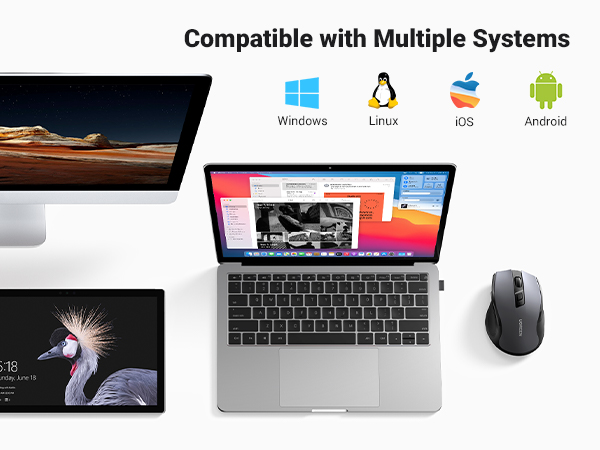
How to switch between Windows system and Mac OS
UGREEN Wireless Mouse Comparison Table
Vertical Mouse Wireless | Bluetooth Wireless Mouse | Bluetooth Wireless Mouse | Bluetooth Wireless Mouse | Ergonomic Wireless Mouse | Slim Wireless Mouse | Keyboard Mouse Combo |
|---|---|---|---|---|---|---|
| Customer Reviews | ||||||
| — | — | — | — | — | — | — |
| Price | ||||||
| — | — | — | — | — | — | — |
| Connectivity | ||||||
| BT 5.0 & 2.4G USB | BT 5.0 & 2.4G USB | BT 5.0 & 2.4G USB | BT 5.0 & 2.4G USB | 2.4G USB | 2.4G USB | 2.4G USB |
| DPI Level | ||||||
| 1000/16000/2000/4000 | 1000/1600/2000/4000 | 1000/1600/2000/4000 | 1000/1600/2000/4000 | 800/1200/1600/2000/4000 | 1000/1600/2000/4000 | 800/1200/1600/2000/4000 |
| Design | ||||||
| Ergonomic | Ergonomic | Ergonomic | Ergonomic | Ergonomic | Slim | Ergonomic |
| Battery Type | ||||||
| 18 Months | 18 Months | 18 Months | 18 Months | 18 Months | 18 Months | 18 Months |
| Back/Forward Button | ||||||
| ? | ? | ? | ? | ? | ? | ? |
| Silent Click | ||||||
| ? | ? | ? | ? | ? | ? | ? |
Why is the scroll wheel oriented differently on a Mac?
Macs set the scrolling direction for the mouse and trackpads to natural by default, which is different from Windows OS. You can follow the below steps to change the Mac mouse scrolling direction.
Step 1: On your Mac, click on the Apple logo from the top.
Step 2: Click System Settings.
Step 3: Next, Click the Mouse option from the side pane.
Step 4: Then, select the "Point and Click" option.
Step 5: Turn on/off the toggle next to Natural Scrolling to change the scrolling direction of the mouse.