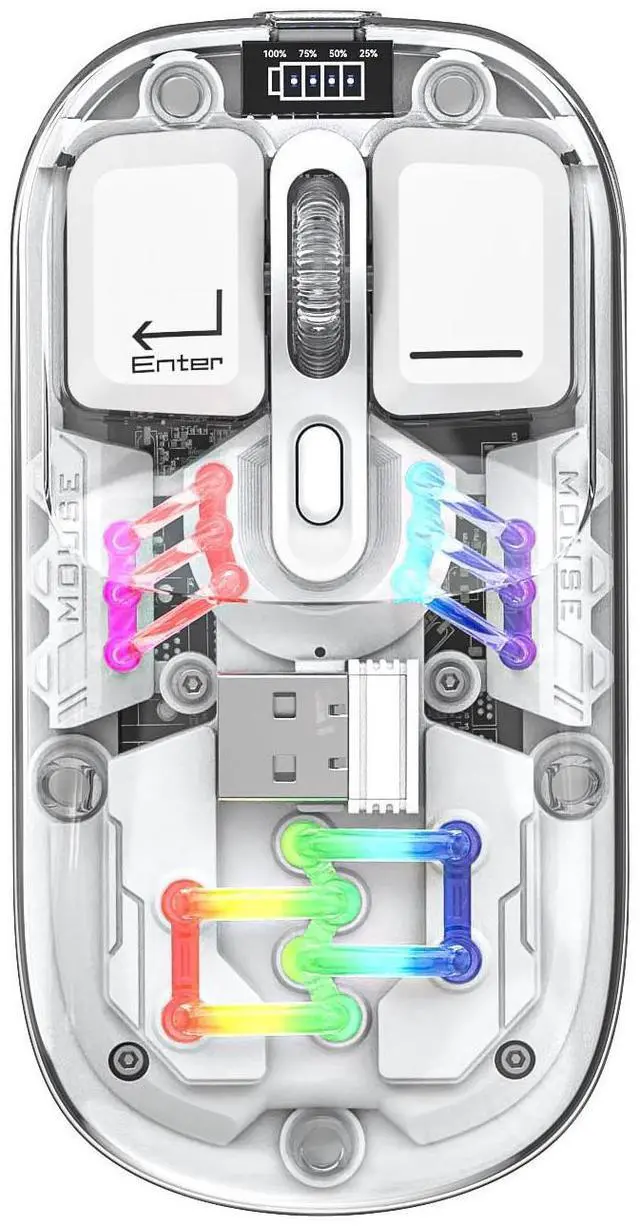
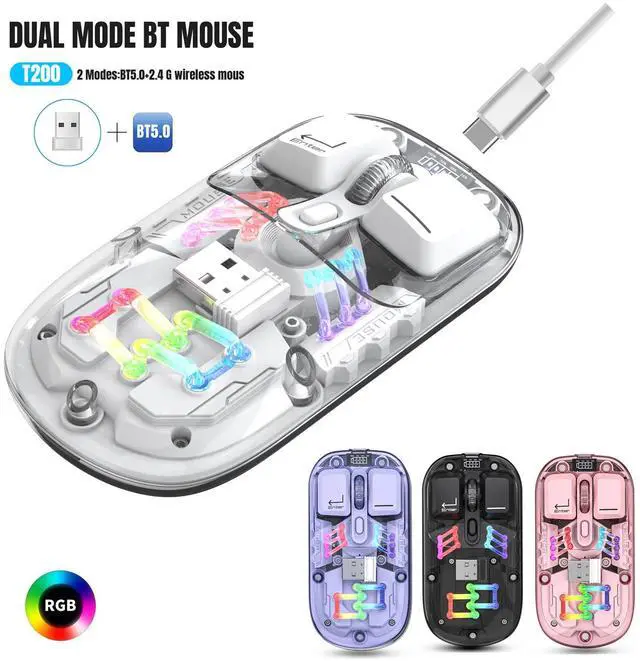
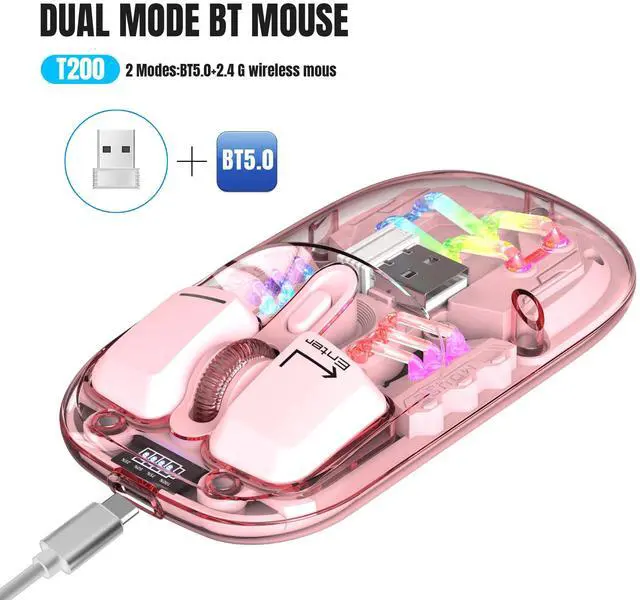
T200 dual-mode wireless mouse selling points: 1. Dual-channel 2.4G +Bluetooth connection, supports simultaneous connection to 2 devices, allowing for easy switching between them. 2. Made of transparent PC material, with a clear and luminous appearance, showcasing a high-end texture, making you stand out in the office. 3. Built-in 1600 three-speed adjustable sensor, precise operation, smooth scrolling, enhancing work efficiency. 4. 5 million times micro switch, mechanical keycap design, matte texture, fast rebound, and fast response. 5. Multiple RGB lighting modes, full of personality, creating a cool desktop atmosphere, making your workspace more vibrant. 6. Supports TYPE-C charging interface, fast and convenient charging, eliminating the hassle of tangled charging cables, making usage more convenient. 7. Built-in 400mAh large-capacity lithium battery, strong endurance, no need for frequent charging during long-term use, making your office life more convenient and worry-free. Light operation 1. Open the mouse switch, after successful connection, Press bottom of mouse Lighting mode switch key turn on the light mode. 11 + 1 lighting modes can switch the light effect.
Press and hold to turn off the light mode. Press and hold to switch 11 light effects. 2. When there is no action on the mouse within 10 minute, the mouse will enter st and by mode and all lights will be turned off. 3. After entering sleep mode, press any key to enter reconnection and the lights will automatically turn on.