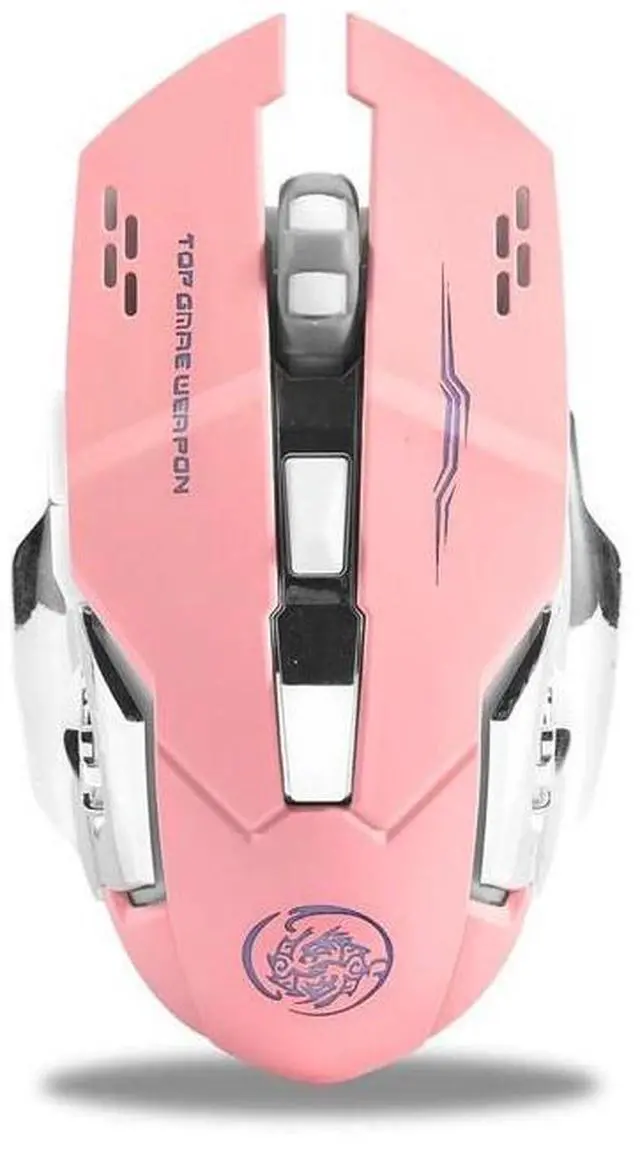
Mouse Connection Steps, 1 Take out the receiver at the bottom of the mouse, plug it into the USB port of the computer, and wait for about 15 seconds. 2 Turn on the switch at the bottom of the mouse (move it to the ON position), the mouse lights up for a few seconds means: the mouse is turned on. 3 Push the switch to, the mouse will turn on the seven-color breathing light mode.
4Bluetooth connection: Push the switch to ON and the red light flashes, then you could connect to the mouse Bluetooth. Packing 1pcs mouse 2.4G, 1pcs mouse (Bluetooth), Please check whether the style is correct before purchasing!!