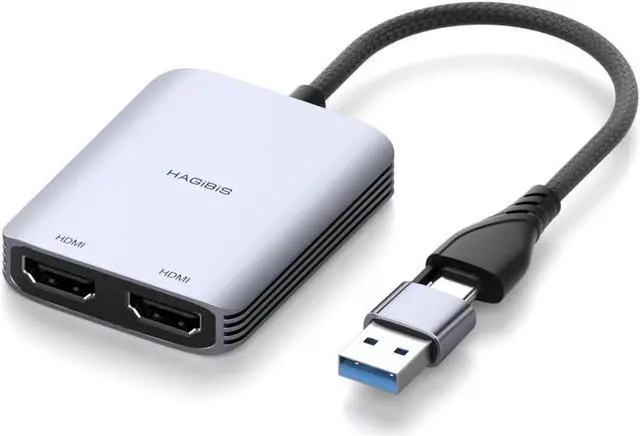
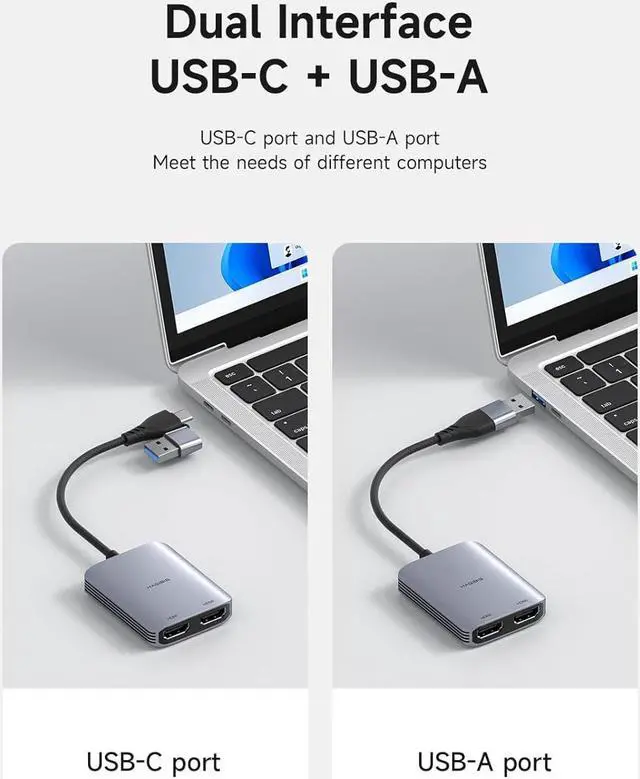
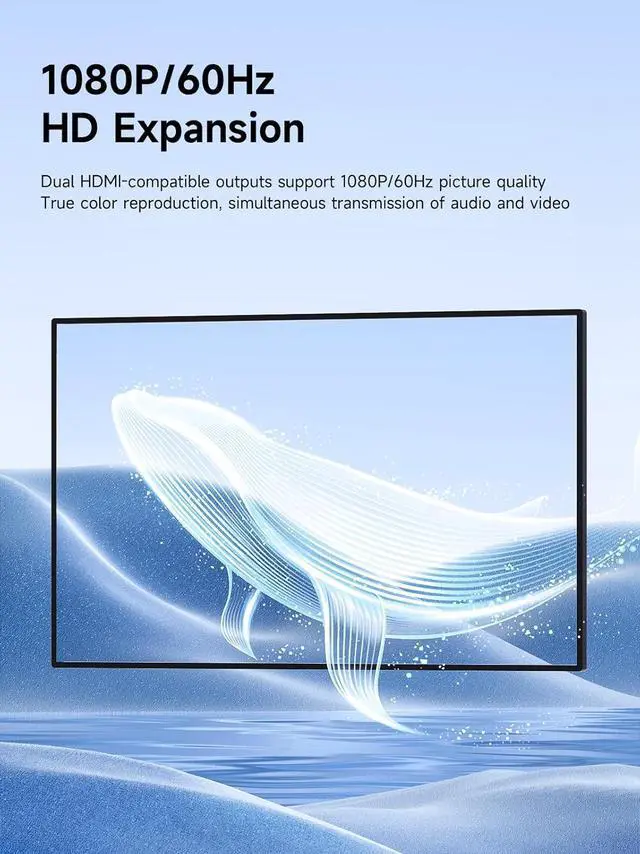
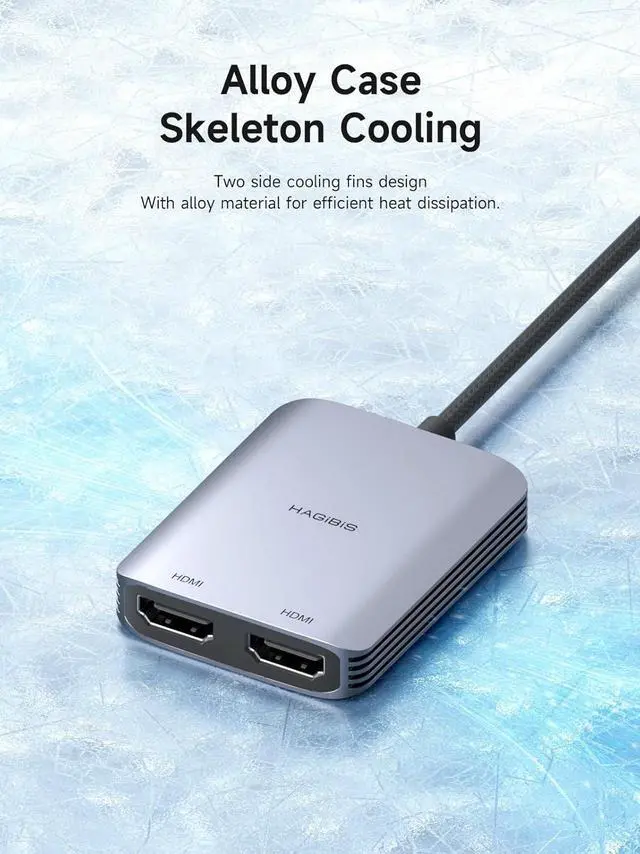
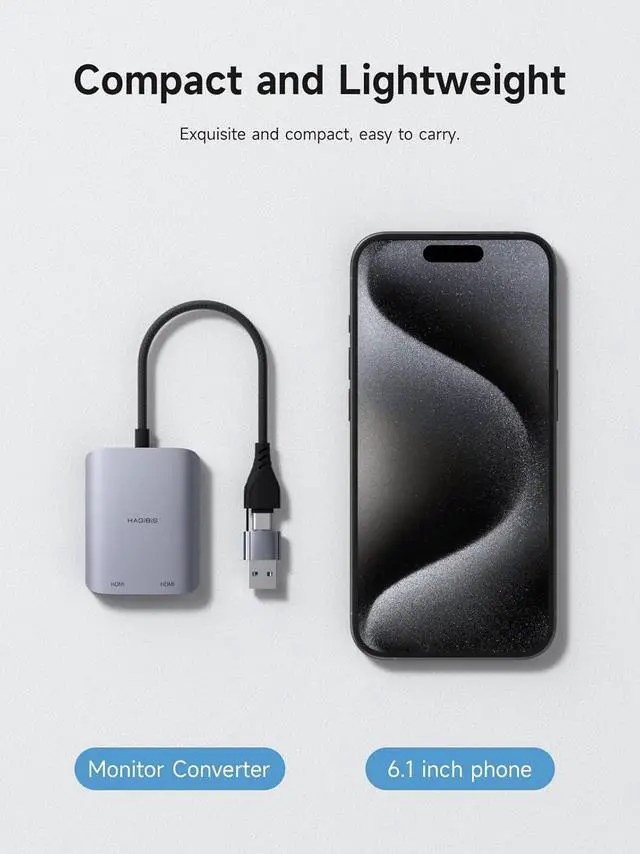
2 in 1 USB-C/USB 3.0 to Dual HDMI Adapter: USB A 3.0 and USB C Male head design makes you easily connected to USB-C, USB-A 3.0, thunderbolt 3/4, USB 4 devices, easily compatible with more devices. Allows you to mirrored or extended display with resolutions up to 1080P@60Hz to your laptop
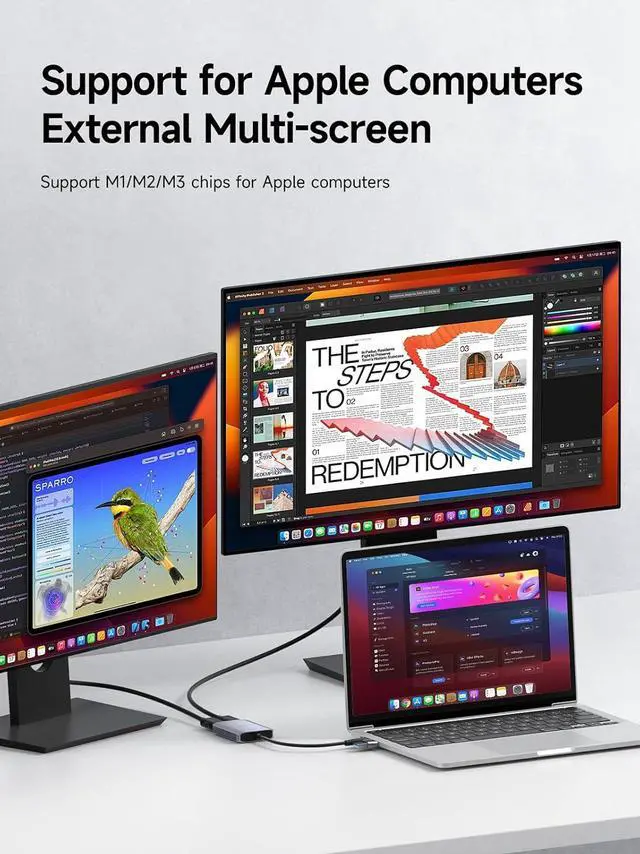
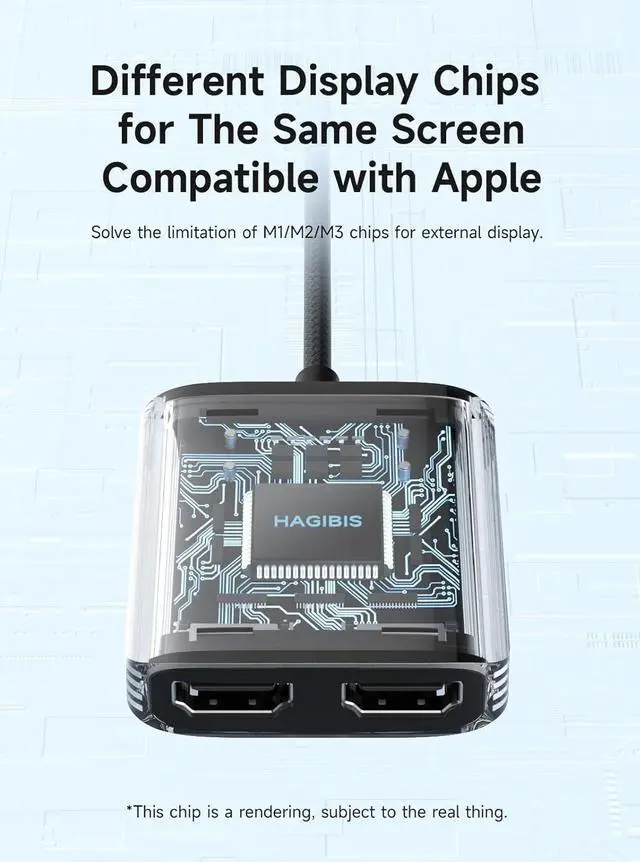
MST&SST Display Mode: MST Dual Monitor Converter supports ABC Extended display mode and AAA Mirror display mode in both macOS and Windows system to meet your different needs. Features a hybrid 2-in-1 cable, the dual monitor adapter is easily connected to USB-C, USB-A, thunderbolt 3/4, and then mirror or extend your screen content to greatly improve your work efficiency. *Note: Compatible with APPLE M1/M2/M3 chips
System Support: USB to HDMI splitter for dual monitors supports Windows 11, 10, Mac OS 10.15 or later for MacBook Air/MacBook Pro. *Note: Android, Linux, Unix are not supported. Please follow the instructions to download the latest "UDisplay Driver" installation the first time you use
Wide Compatibility: Not for all USB A/C port laptop, such as this adapter can not work with H-P Pavilion/lenovo IdeaPad, you need to confirm that your host device's USB C port supports video output or DP Alt Mode
What You Get: 1 * MST Dual Monitor Converter, 1 * User Manual, we offer 1-year defective product refund/replacement and friendly customer service; If there is any problem with this MST Dual Monitor Converter (such as: how to setting, how to use it), please contact me through the contact information in the user manual, and I will solve the problem for you as soon as possible