


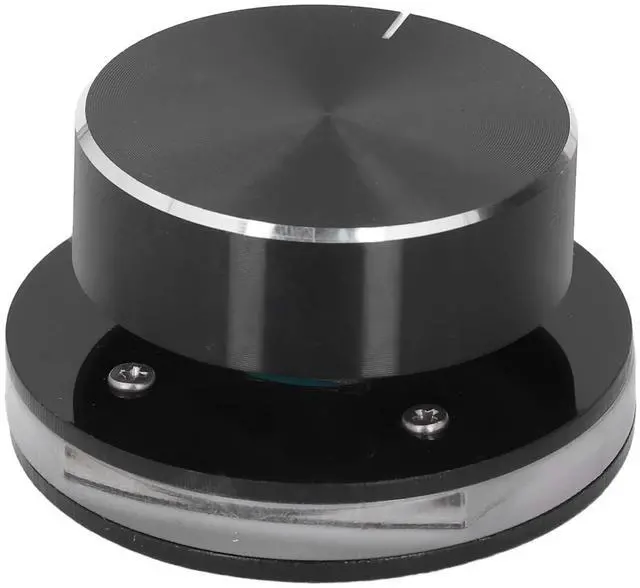
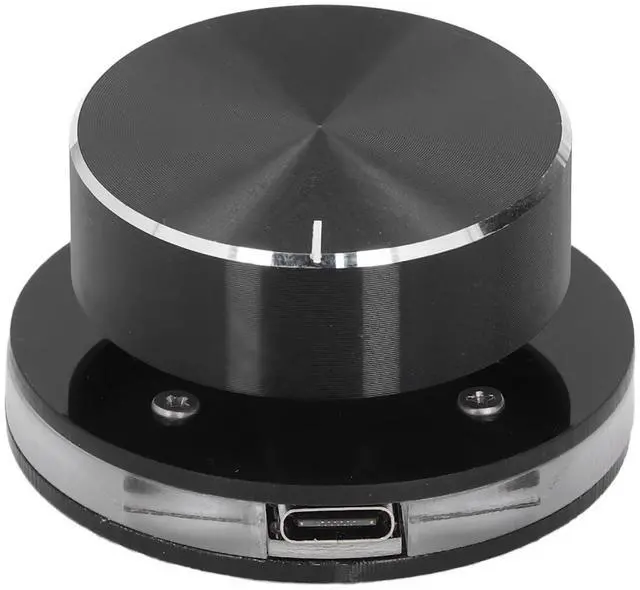
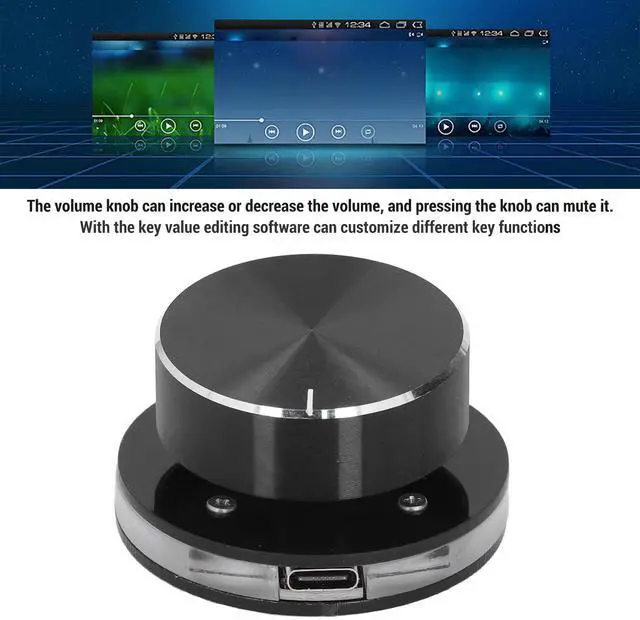
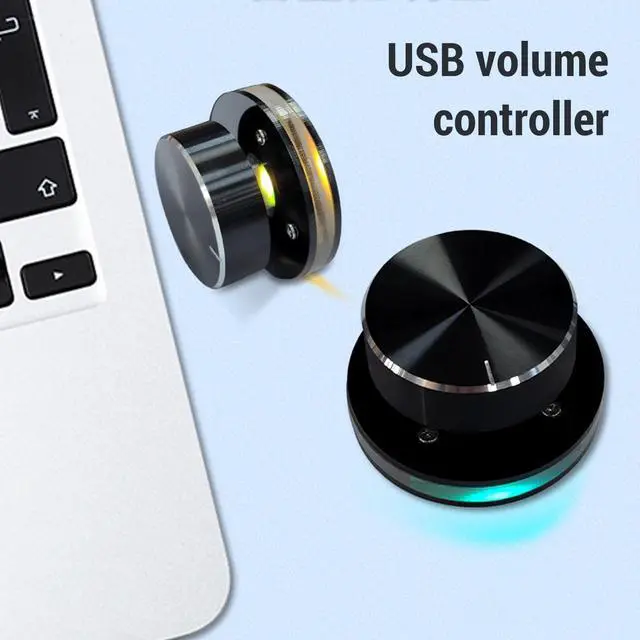
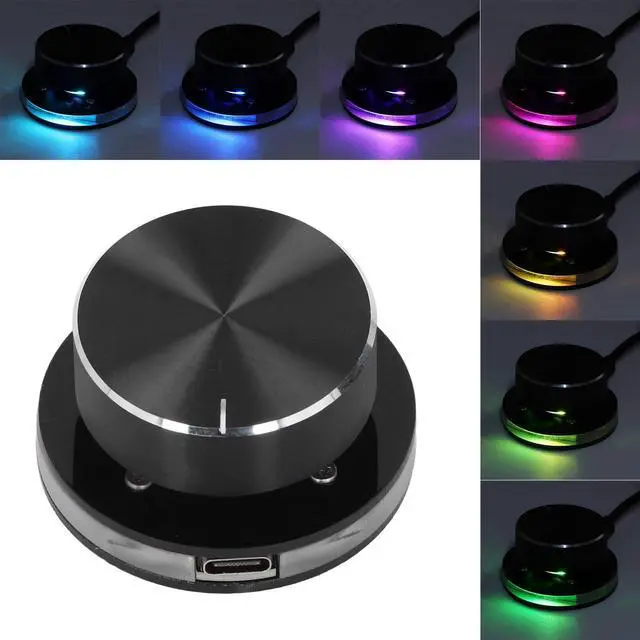


POENVFPO USB Volume Control Knob with RGB Light for Android System, PC Multimedia, Type C External Media Adjustment Controller

How to Use:
Insert the USB cable, RGB lights will turn on. Press the knob for 2 seconds to turn off the lights, press again for 2 seconds to turn on the lights. Default volume control function, rotate CW to decrease volume, CCW to increase volume, press for mute.


Specification:
POENVFPO USB Volume Control Knob with RGB Light for Android System, PC Multimedia, Type C External Media Adjustment Controller
How to Use:
Insert the USB cable, RGB lights will turn on. Press the knob for 2 seconds to turn off the lights, press again for 2 seconds to turn on the lights. Default volume control function, rotate CW to decrease volume, CCW to increase volume, press for mute.
Specification:
| Item Type: | USB Volume Control Knob |
| Material: | Acrylic and PC |
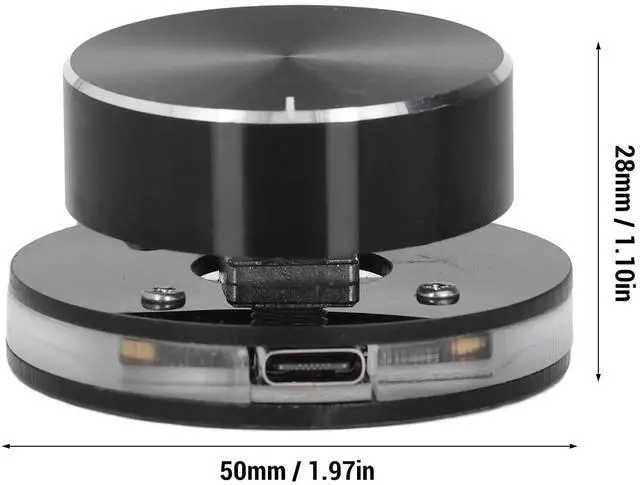
| Size: | Diameter: Approx. 50mm / 1.97in, Height: Approx. 28mm / 1.10in |
| Features: | Customizable; Support shortcut keys |
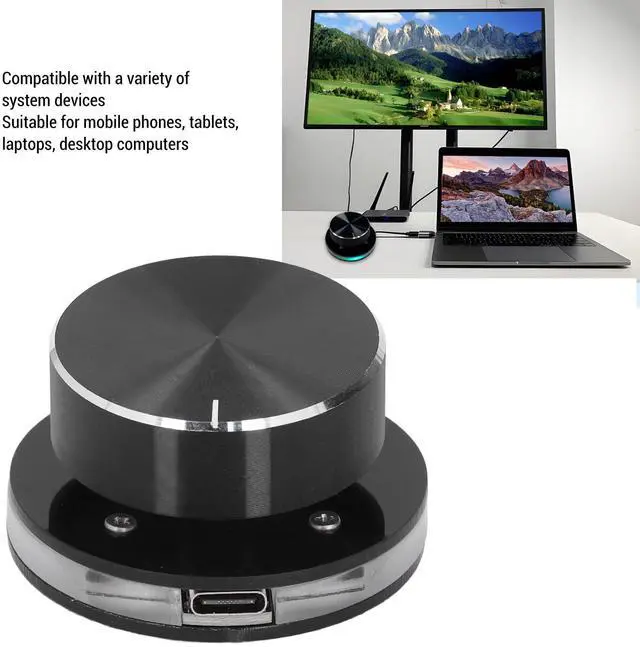
| Support: | For Android systems |
| Package List: | 1 x USB Volume Controller 1 x USB C Data Cable |