
Your Browsing History




Any questions? Our AI beta will help you find out quickly.
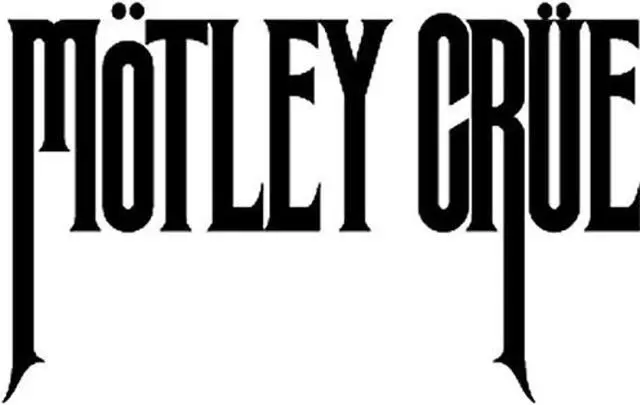
Motley Crue 6" Logo Decal Sticker For Cars Laptops Tablets Skateboard Window - Black
Brand :
Weight : 4.8 Ounces
- Surface Recommendation: Window
- Brand:
- Color: Black
- Material: Vinyl
- Shape: Irregular
- Unit Count: 1 Count
- Decal Is Made From High Quality Vinyl.
- Default Decal Color:
-
-
- Black
-
-
-
- Machine Die Cut In The Usa.
- Decal Measures 6" Wide
The Decal Is Made In Usa And Die Cut With No Background. Material: The Highest Quality Engineering Grade 5 Years Outdoor Vinyl Colors Available In *White*Blue*Green*Red*Silver*Pink*Purple*Black*Yellow*Orange Product Comes In Different Colors So When Purchasing Let Me Know What Color You Would Like. If You Want Other Than The Default Color. How To Apply A Small Sticker Or Decal Step 1 Clean The Area Thoroughly With Rubbing Alcohol Or Soap And Water. Do Not Use Windex Or Similar Products Because It Will Leave A Residue Behind That Will Prevent The Sticker From Adhering Well. Step 2 Prepare The Sticker For Application By Firmly Rubbing A Squeegee Or Credit Card Across The Clear Transfer Tape. This Removes Any Air Bubbles That May Have Formed And Makes The Sticker Cling To The Transfer Tape. Step 3 Peel The White Paper Backing Off The Sticker. If The Sticker Clings To The Backing, Slowly Replace The Paper Backing And Repeat Step 2. Step 4 Slowly Lower The Sticker Onto The Surface And Rub It In Place Firmly With A Squeegee Or Credit Card. For Best Results, Wait 24 Hours Before Moving To The Next Step. Step 5 Slowly Peel The Clear Transfer Tape Off At An Angle. Be Careful Not To Pull The Sticker Off The Surface. If Sticker Pulls Away From The Surface Repeat Step 4.