You’re seeing this ad based on the product’s relevance to your search query. If you are a seller and want to participate in this program click here to learn more.
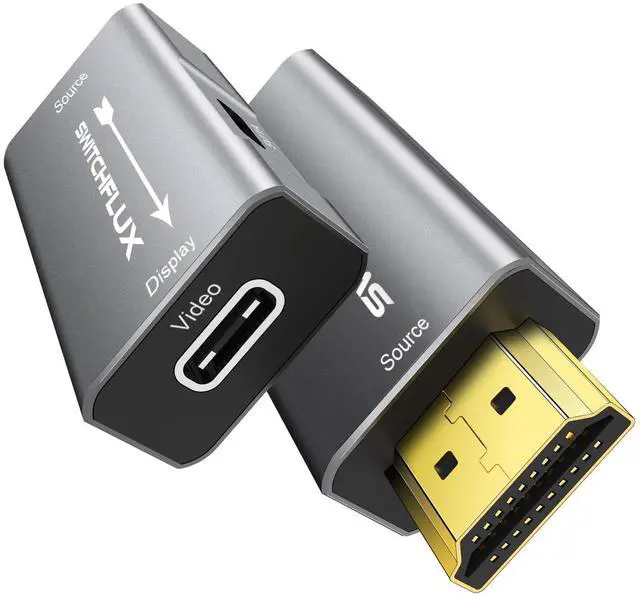
HDMI to USB C Adapter | 4K@60Hz HDMI Source to USB-C Display Converter for XR/AR Glasses(XREAL One,Air 2 Pro,VITURE Pro,RayNeo Air 2s,Rokid),Portable Monitors,Laptop,Switch,PS5/4,Xbox
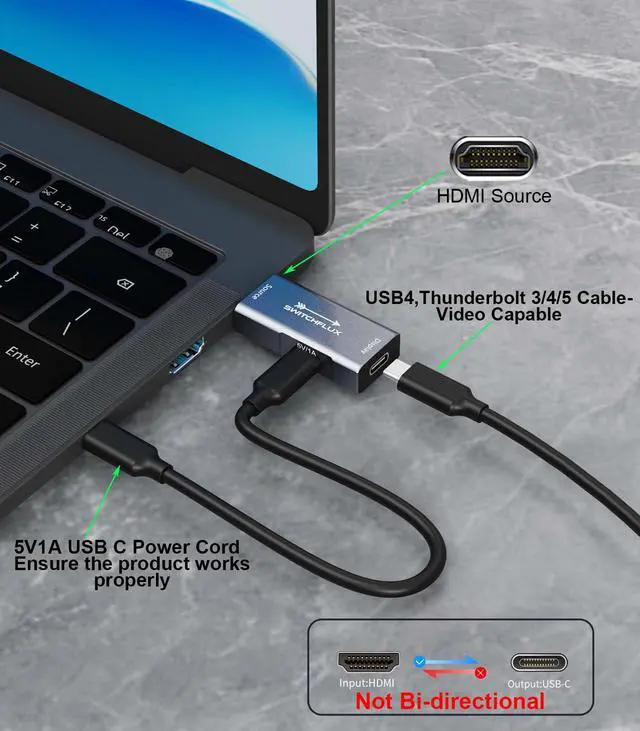
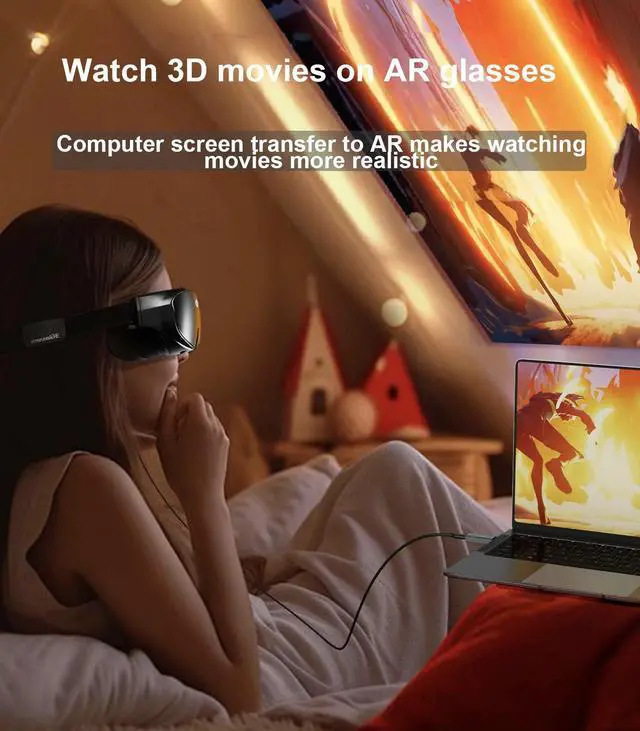
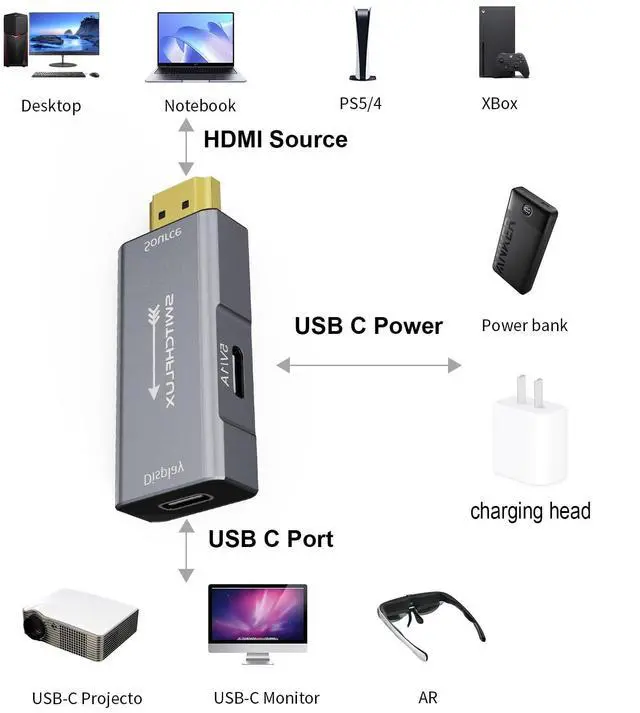
Uni-directional HDMI to USB-C AdapterSWITCHFLUX HDMI to USB-C adapter is a uni-directional device, designed to transfer signals from an HDMI source (e.g., laptops, PS5, Xbox, TV boxes) to a USB-C display (e.g., XREAL Ar, Nreal Ar, AR glasses, or USB-C monitors). Simply plug the HDMI male connector into your HDMI source device and connect the USB-C female port to your display using a USB4/Thunderbolt 3/4/5 cable. Note: External USB power is required for optimal performance, but it only powers the adapter and does not charge connected devices.
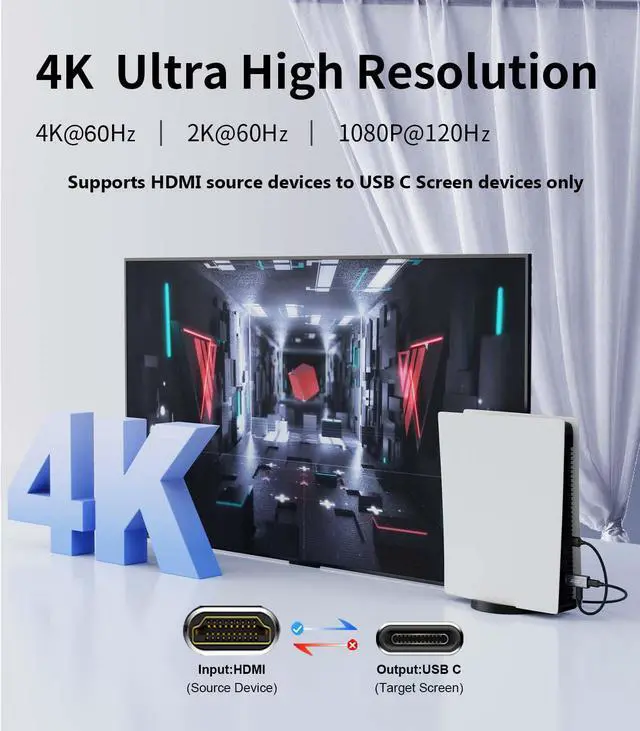
Stunning 4K ClarityExperience lifelike visuals with 4K@60Hz UHD resolution, delivering crystal-clear images and smooth motion. The adapter is backward compatible with 4K@30Hz, 1440p@60Hz, and 1080p@120Hz, ensuring compatibility with a wide range of devices. Perfect for gaming, streaming, or immersive AR/VR experiences, it brings every detail to life.
Plug-and-PlayNo drivers or software are neededsimply connect and enjoy. Important Notes:The adapter does not work with Hubs/Docks/KVMs.Ensure your USB-C display supports DP Alt Mode for video input.USB power is only for adapter compatibility and does not charge devices like portable monitors or Steam Deck.Not compatible with Apple Studio Display.
Sponsored
You’re seeing this ad based on the product’s relevance to your search query. If you are a seller and want to participate in this program click here to learn more.
HDMI to USB C Adapter | 4K@60Hz HDMI Source to USB-C Display Converter for XR/AR Glasses(XREAL One, Air 2 Pro, VITURE Pro, RayNeo Air 2s, Rokid), Portable Monitors, Laptop, Switch, PS5/4, Xbox
Learn more about the Detailed Specifications
Additional Information
First Listed on Newegg
May 04, 2026
There are no reviews yet.
Do you own this product?
Warranty & Returns
Warranty, Returns, And Additional Information
Warranty
Please contact the Seller directly for warranty information. Warranty information may also be found on the Manufacturer's website.