Out of stock
This item is currently out of stock and it may or may not be restocked.
Sold by Newegg

Shipped by Newegg

Shop it at NeweggBusiness.

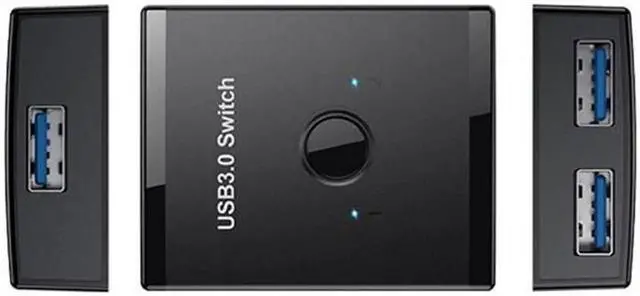
JAENFONG USB 3.0 Bidirectional Switch Selector 2 to 1 PCs Sharing or 1 to 2 Hub for Keyboard Mouse Scanner Printer

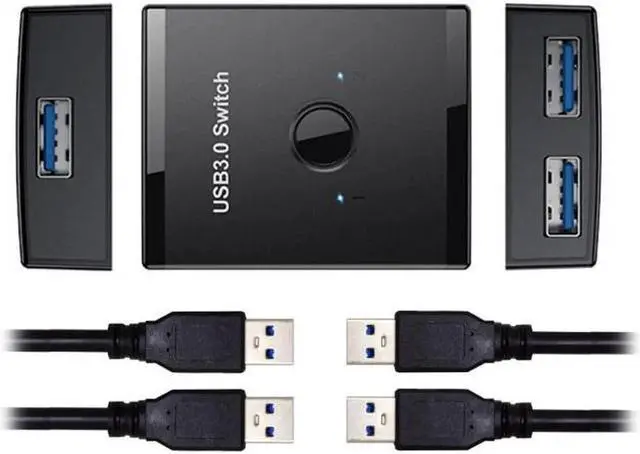
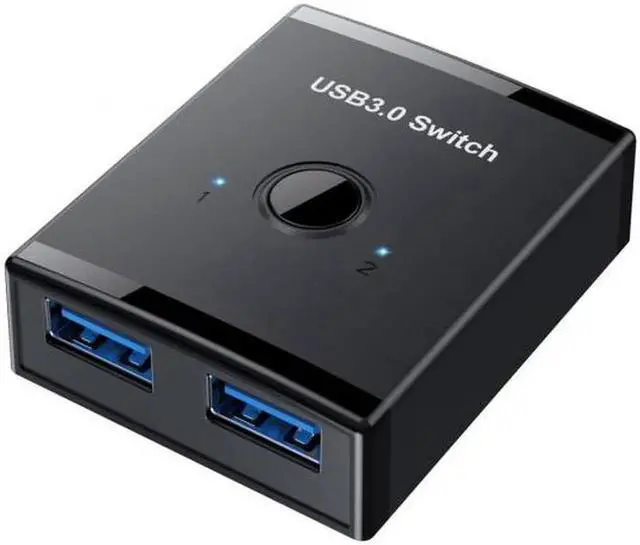
  • KVM USB 3.0 Bidirectional Switch Selector 2 to 1 PCs Sharing or 1 to 2 Hub for Keyboard Mouse Scanner Printer
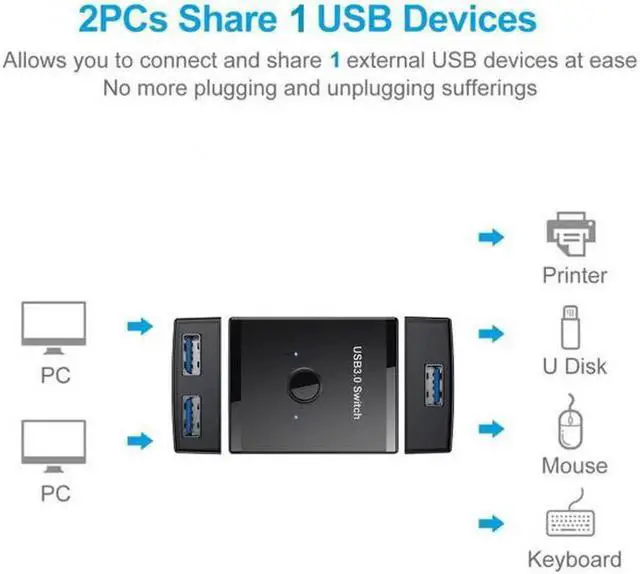
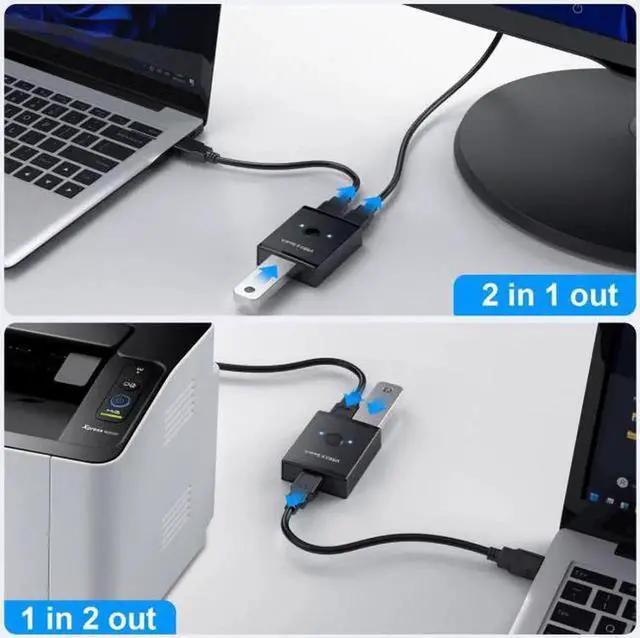
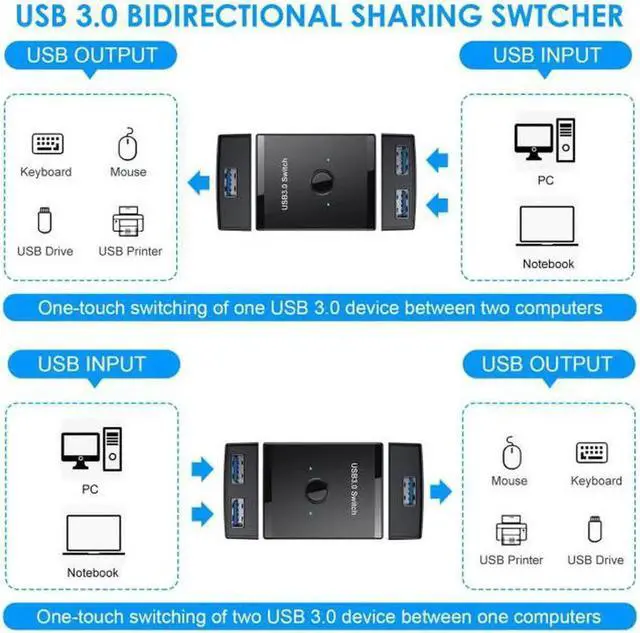
  • One-touch switching of one USB 3.0 device between two computers.
  • One-touch switching of two USB3.0 device between one computer.
  • It's ideal for sharing a printer or scanner in a small office environment. It's also great for use at home if you have multiple PCs or Macs.
  • USB Input(used in computer):driver free for Windows 10/8/8.1/7/Vista/XP and Mac OS X, Linux, and Chrome OS systems.
  • USB output:compatible most usb device like keyboard, mouse, USB printer, Scanner, card reder and so on.
  • Transfer rate: USB3.0 Up to 5Gbps
  • Switching : touch button switch,This switch requires manual control to select the active computer port; it can not automatically switch between ports.
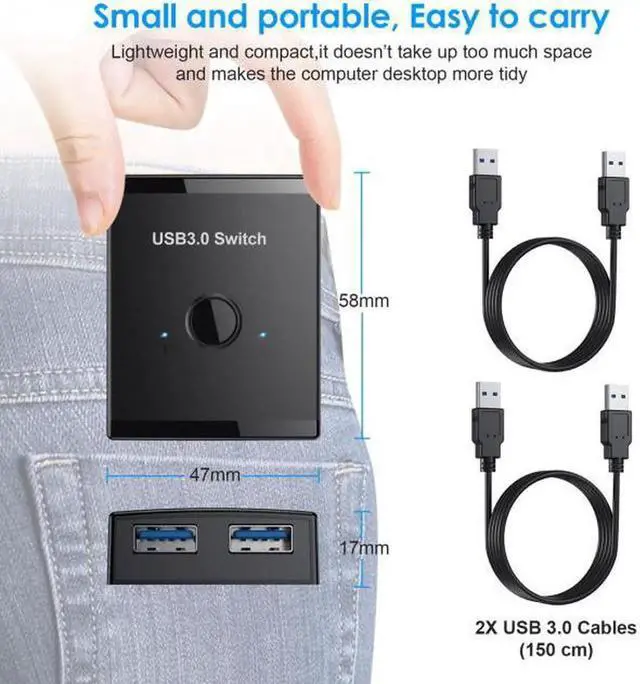
  • Using the provided 1.5M cables to connect the USB switch to your computers and to keep the USB cable which connects your peripheral to the USB switch.
Overview
Specs
Reviews
avatar

Any questions? Our AI beta will help you find out quickly.

  1. KVM USB 3.0 Bidirectional Switch Selector 2 to 1 PCs Sharing or 1 to 2 Hub for Keyboard Mouse Scanner Printer
  2. One-touch switching of one USB 3.0 device between two computers.
  3. One-touch switching of two USB3.0 device between one computer.
  4. It's ideal for sharing a printer or scanner in a small office environment. It's also great for use at home if you have multiple PCs or Macs.
  5. USB Input(used in computer):driver free for Windows 10/8/8.1/7/Vista/XP and Mac OS X, Linux, and Chrome OS systems.
  6. USB output:compatible most usb device like keyboard, mouse, USB printer, Scanner, card reder and so on.
  7. Transfer rate: USB3.0 Up to 5Gbps
  8. Switching : touch button switch,This switch requires manual control to select the active computer port; it can not automatically switch between ports.
  9. Using the provided 1.5M cables to connect the USB switch to your computers and to keep the USB cable which connects your peripheral to the USB switch.


Warranty & Returns

Warranty, Returns, And Additional Information

Return Policies

Manufacturer Contact Info

LOADING...