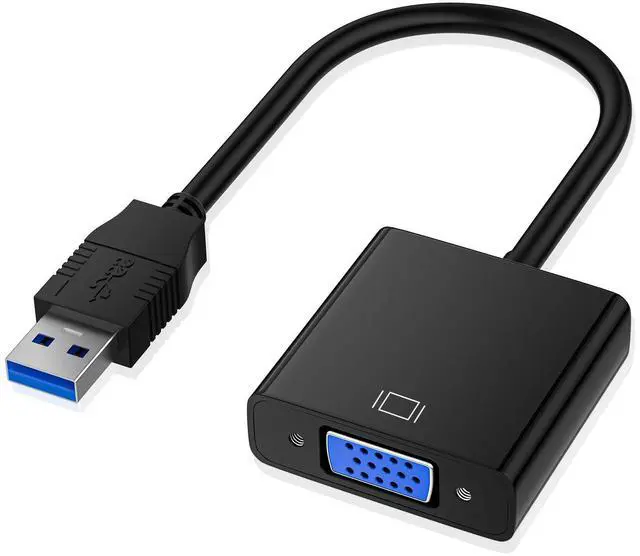
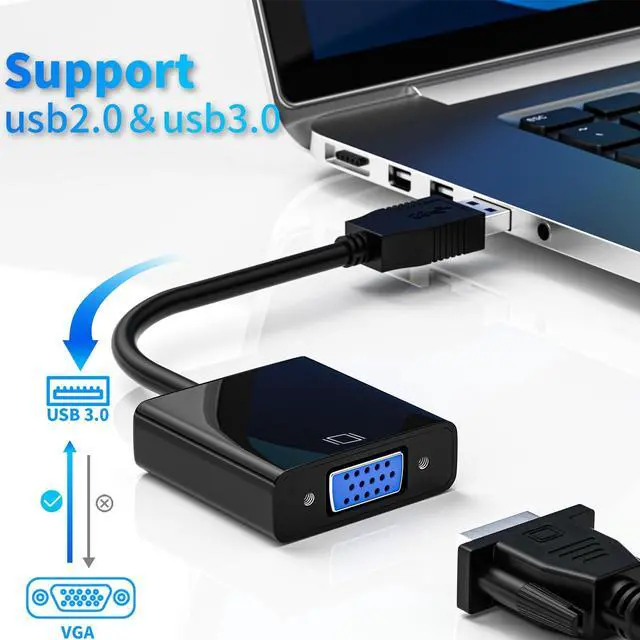
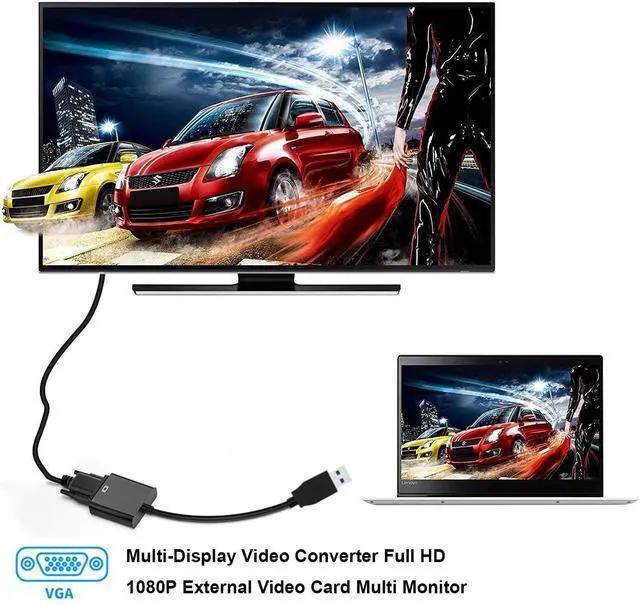
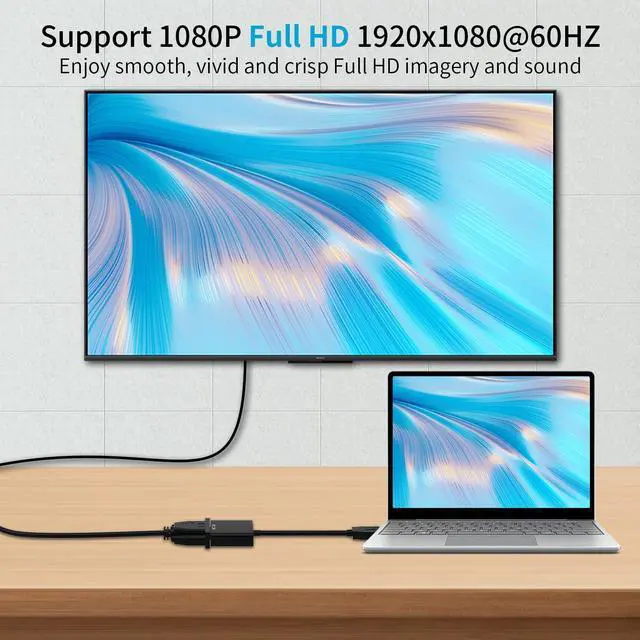
USB to VGA Adapter, USB3.0/2.0 to VGA Adapter Multi-Display Video Converter Full HD 1080P External Video Card Multi Monitor, Desktop, Laptop, HDTV, Monitor, Projector (Windows 10/8.1/8/7)
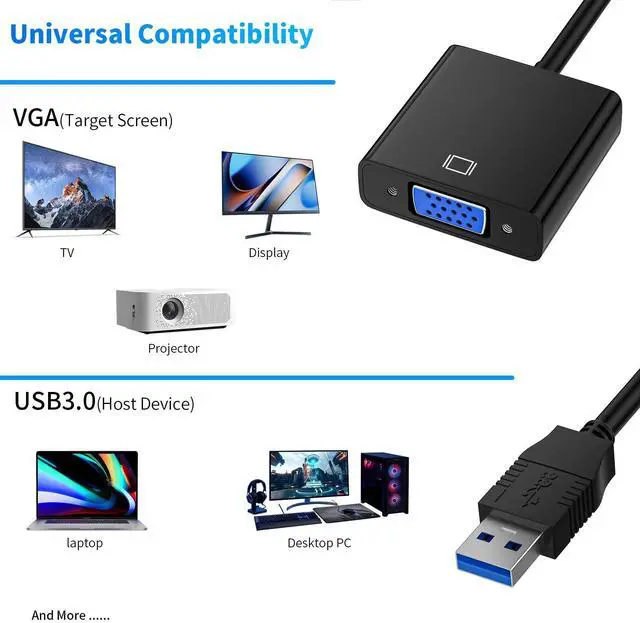
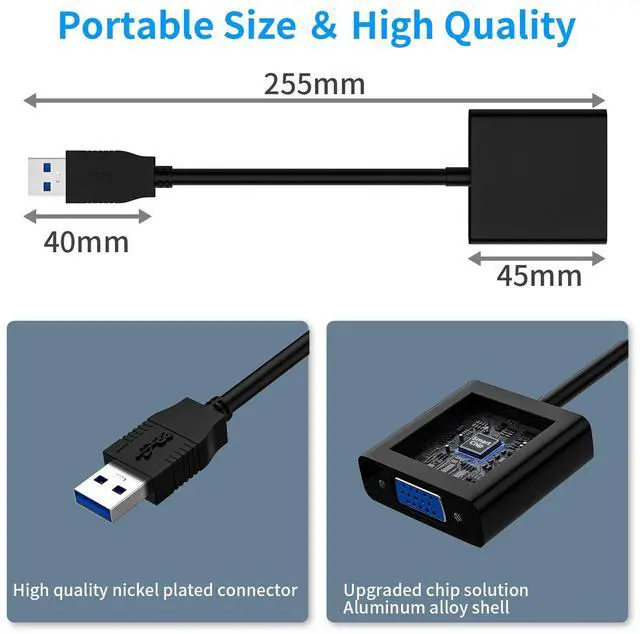
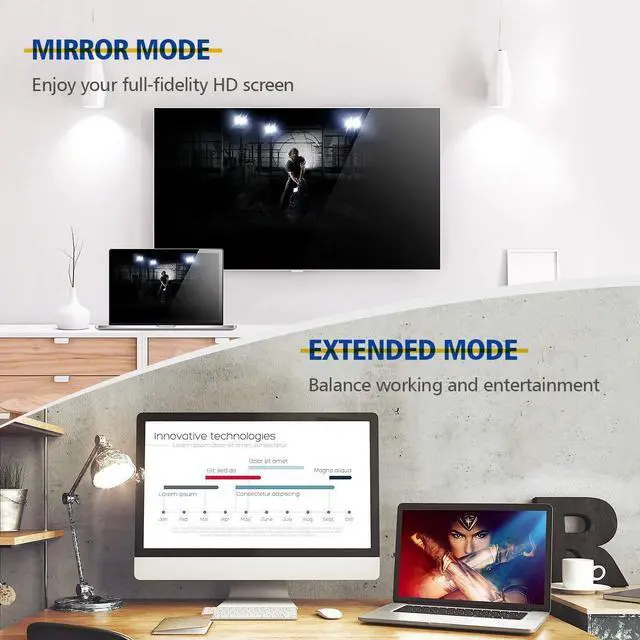
USB 3.0 to VGA ADAPTER: It is used to connected a USB-enabled devices(laptop, desktop) with a VGA-enabled devices(monitor, projector, TV) for multi-monitor solution, extending working space with split-screen, mirroring display, etc. Compact, Lightweight, Portable, Space-saving design fits easily in your laptop carrying bag.
MIRROR & EXTEND MODES: The USB 3.0 connector resists corrosion and abrasion and improve the signal transmission performance; Molded strain relief increases cable durability, The completely external device saves you the cost and hassle of upgrading the internal graphics card.Built-in advanced DisplayLink chipset converts USB digital signal to VGA analog signal.
IDEAL for SHARE: Great for conference, classroom, Conference Rooms, Game, home threater, PPT presentation , etc for Education, speech, video conference, making presentations at work or teaching at school, Extend or mirror your workstation to another screen. Give presentation to your classmates, students or colleagues with your own monitor or laptop. Share videos with your friends and family on a bigger external screen or TV.
HASSLE-FREE INSTALLATION: Plug it into your computer, Built-in drive, Plug the USB 3.0 to VGA adapter into your computer, then open the USB device folder and double click to install the driver.
Overview
Specs
Reviews
USB to VGA Adapter, USB 3.0 / 2.0 to VGA Adapter Multi-Display Video Converter Full HD 1080P External Video Card Multi Monitor, Desktop, Laptop, HDTV, Monitor, Projector (Windows 10/ 8.1 /8/7)
Learn more about the Detailed Specifications
Additional Information
First Listed on Newegg
May 03, 2026
There are no reviews yet.
Do you own this product?
Warranty & Returns
Warranty, Returns, And Additional Information
Return Policies
Return for refund within: 30 days
Return for replacement within: 30 days
This item is covered by Newegg.com's 30-Day Return Policy.