







HDMI 2.0 KVM Switch 2 PC 1 Monitor 4K@60Hz 2K@120Hz
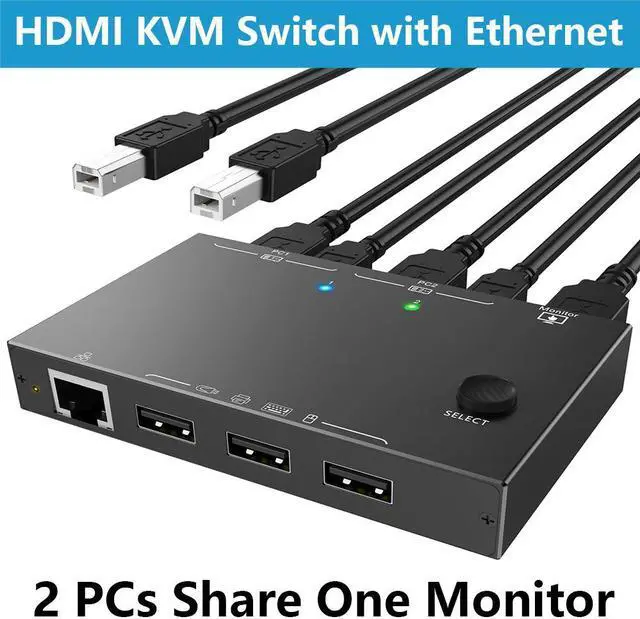
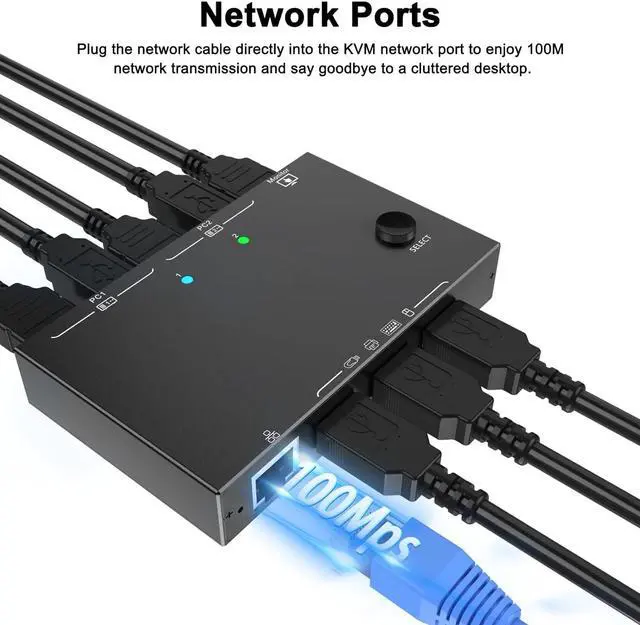
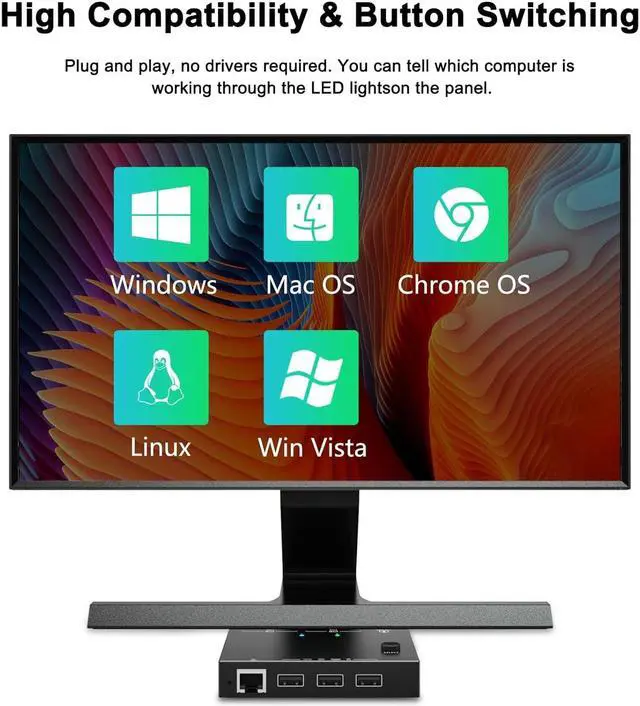
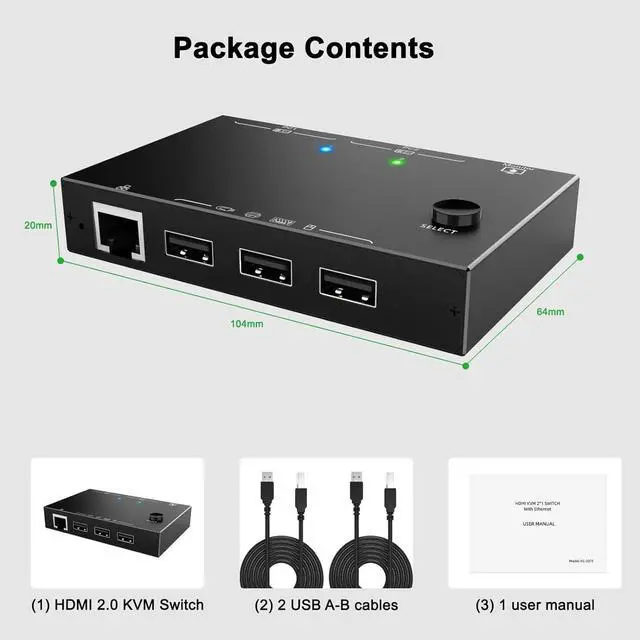
HDMI KVM Switch supports two computing devices that share a monitor and three USB 2.0 ports +100M network ports. You can easily switch keyboard, mouse, USB flash drive, printer, network connection, and HDMI display between the two devices.

How to connect?
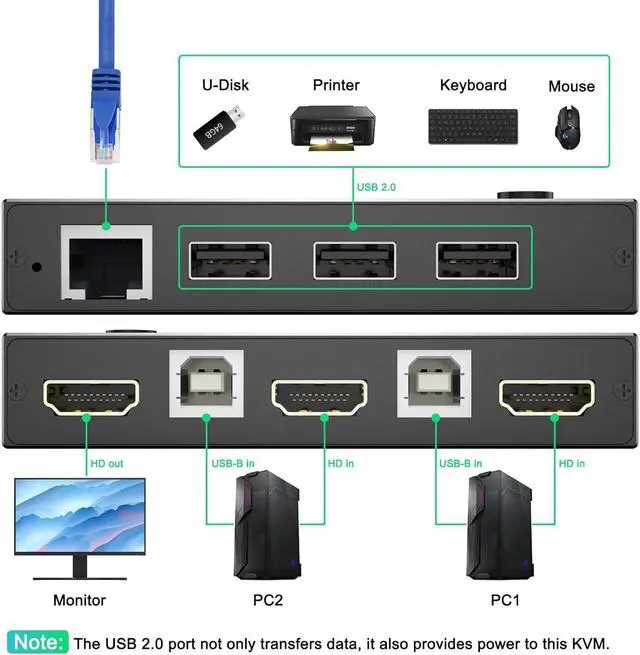
- 1: Connect 1 HD-MI cable + 1 USB cable between PC 1 and KVM (PC1).
- 2: Connect 1 HD-MI cable + 1 USB cable between PC 2 and KVM
- 3: Connect an HD-MI cable between the KVM (HDMI OUT) and a monitor.
- 4: Connect USB devices, network cable and wired remote control

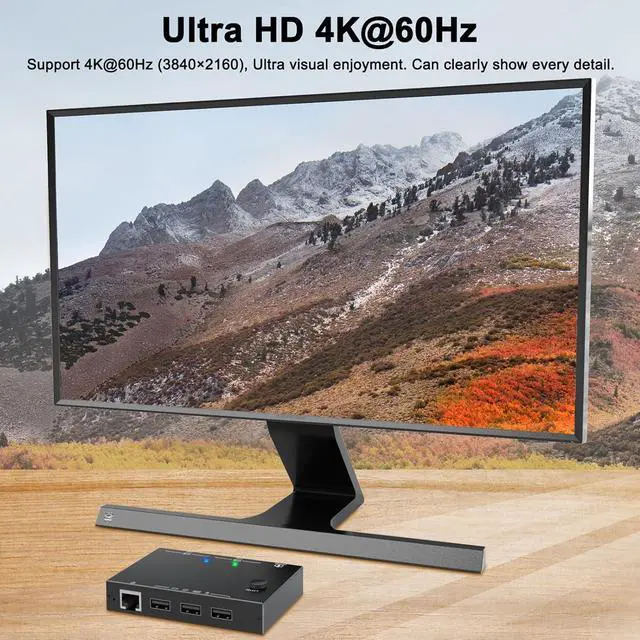
Ultra HD 4K@60Hz 2K@120Hz
Experience the visual delight of ultra-high-definition 4K@60Hz 2K@120Hz

100M Ethernet-Port
For network connection between two devices

3 USB-A ports
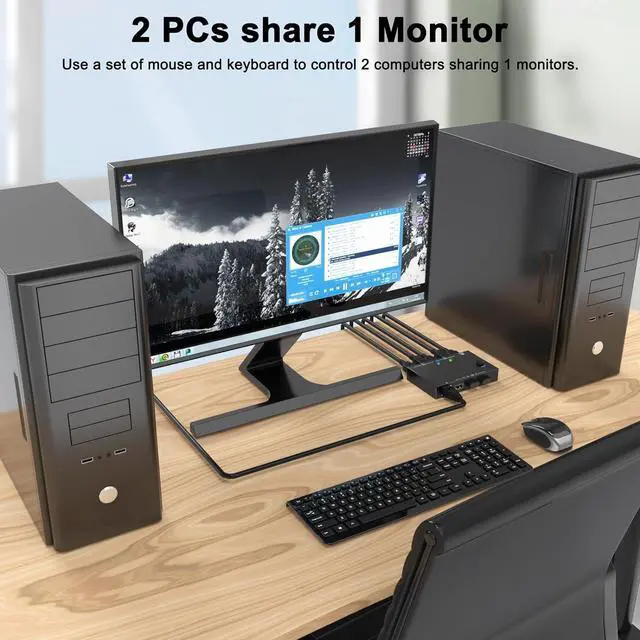
2 PCs share a monitor and 3 USB A devices


Make your desk tidier
The two devices share a keyboard, mouse, USB stick, printer and HDMI signal source.
