Out of stock
This item is currently out of stock and it may or may not be restocked.
Sold by Newegg

Shipped by Newegg

Shop it at NeweggBusiness.

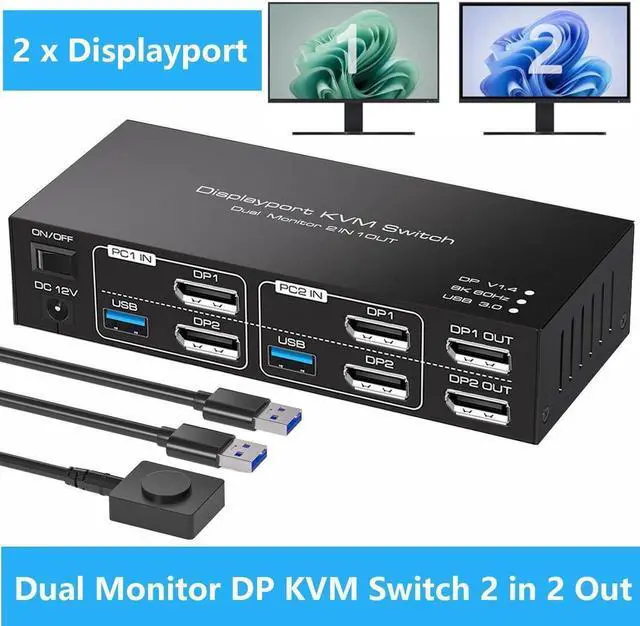
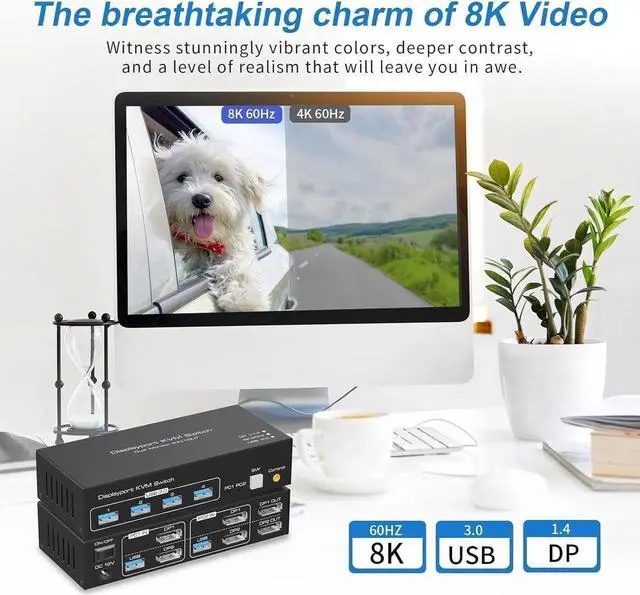
USB 3.0 Displayport KVM Switch 2 Monitors 2 Computers 8K@60Hz 4K@144Hz, Dual Monitor Displayport 1.4 KVM Switches with 4 USB 3.0 Ports, 2 in 2 Out DP USB 3.0 KVM Switch for 2 PCs 2 Monitors

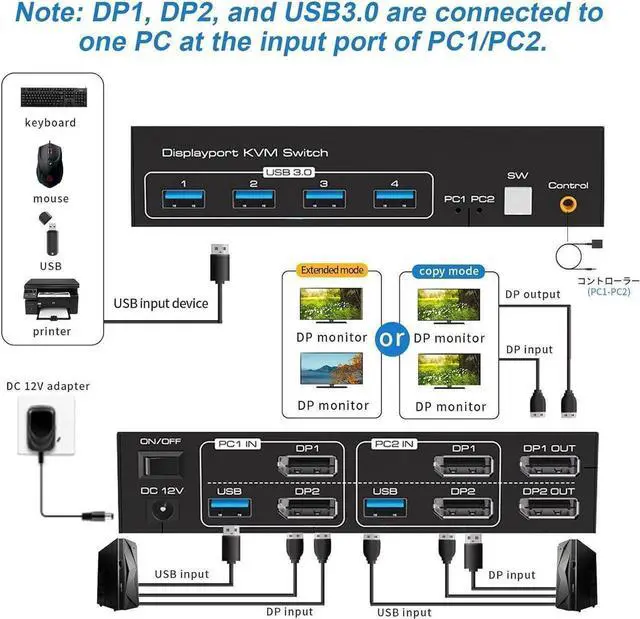
  • Powerful Dual DP KVM Switch: By distributing DP1 and DP2 input ports on the upper and lower layers, it optimizes vertical space allocation, keeping your desktop tidy. It's perfect for individuals who need to operate multiple computers simultaneously.
  • Streamlined Output Logic: Emphasizing an intuitive design, the KVM switch ensures seamless connectivity: DP1 input corresponds directly to DP1 OUT output, while DP2 input aligns with DP2 OUT output, simplifying setup and optimizing workflow efficiency.
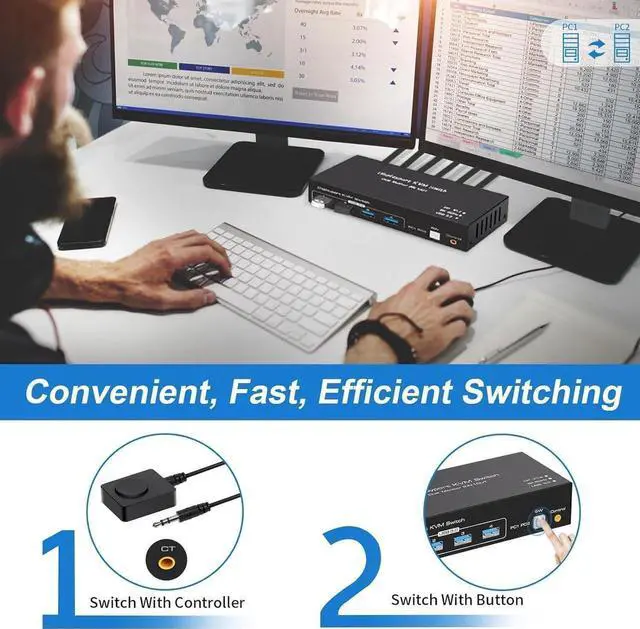
  • 2 Way Effortless Input Switching: With 2 DP input ports (DP1 and DP2), seamlessly switch between multiple devices such as computers, and streaming devices with just the press of a button. You can also switch the DP source through the extra control.
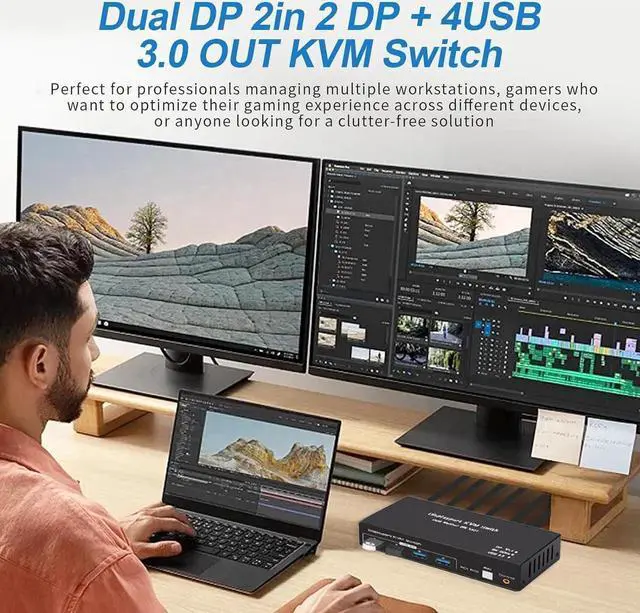
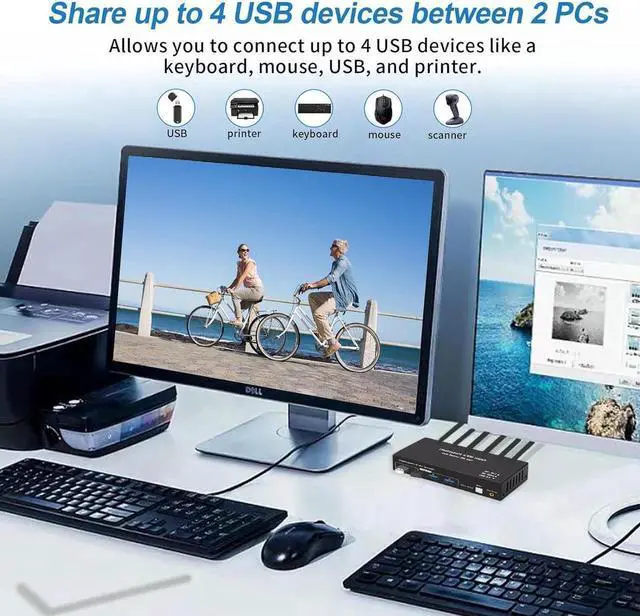
  • High-Speed 4 USB 3.0: Featuring 4 USB 3.0 output ports, effortlessly transfer data, images, and files between your connected devices.
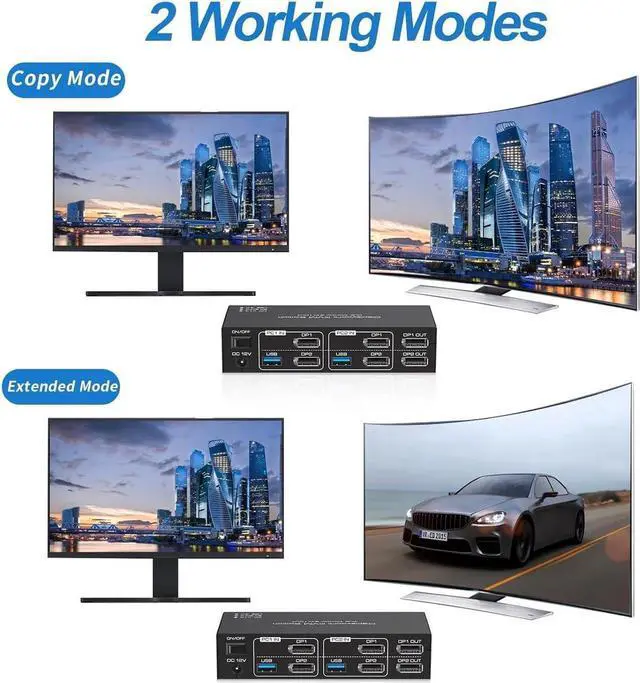
  • Support Extended & Copy Mode: Elevate your multitasking capabilities with Extended Mode and Copy Mode features.
Overview
Specs
Reviews
avatar

Any questions? Our AI beta will help you find out quickly.

Transmit video through the DP connector

The DP connector has a high bandwidth, making it excellent for transmitting video with superior resolution and color reproduction. It allows the output device to display the high-quality video received directly from the input device.


Transfer data through the USB 3.0 connector

For data and file transmission, it is necessary to use the USB 3.0 connector of the USB DP switcher. It allows you to use of 4 USB 3.0 ports simultaneously.

Precautions of 8K Displayport KVM Switch 2 PC 2 Monitors


1) The USB ports are only used for transferring data such as images and musics. The Displayport ports can transmit both audio and video informations.

2) If the Displayport source is input from DP1, it needs to be output from the DP1 OUT. If the HDMI source is input from DP2, then it needs to be output from the DP2 OUT.

3) When using the 8K DP KVM Switch, please connect it to the included power supply for optimal stability.


Warranty & Returns

Warranty, Returns, And Additional Information

Return Policies

LOADING...