Features
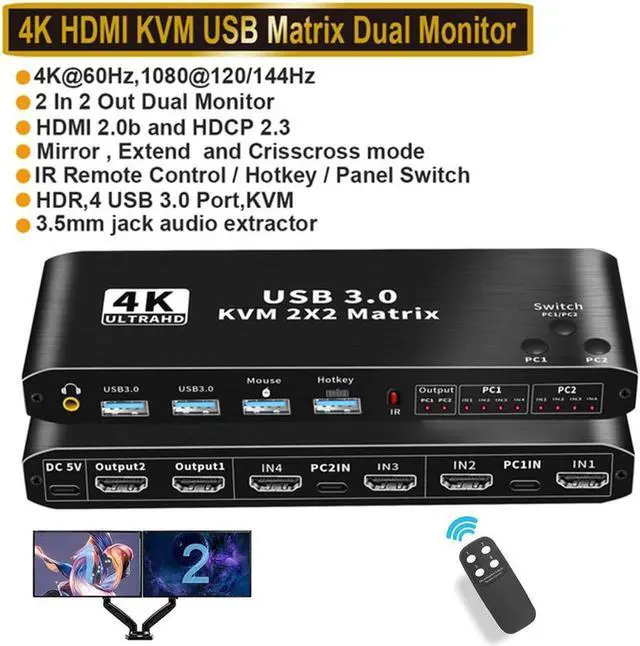
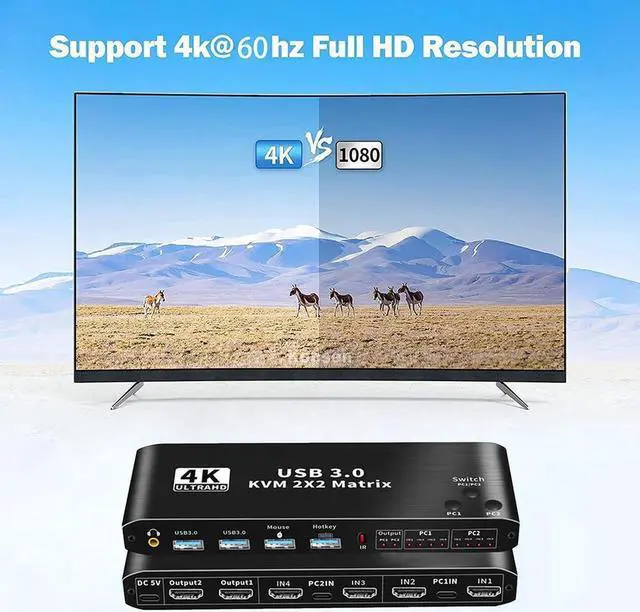
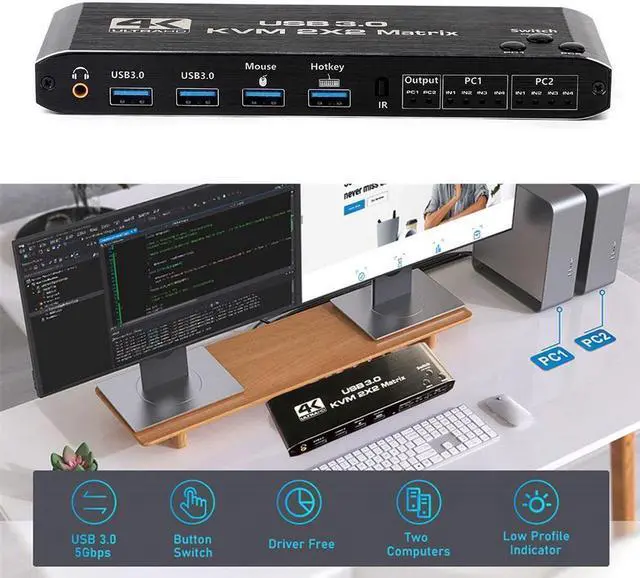
Support 4K60Hz HDCP 2.3 HD picture quality, adaptive screen resolution
Support keyboard hot key switching, more convenient to use
Highly integrated digital chip combination, plug and play.
Product input: HDMI*2+USB 3.0 *2+Keyboard+Mouse 5, Product
output: 2 HDMI 6, Support 3.5 mm JACK (PCM/LPCM) audio output.
Connection description:
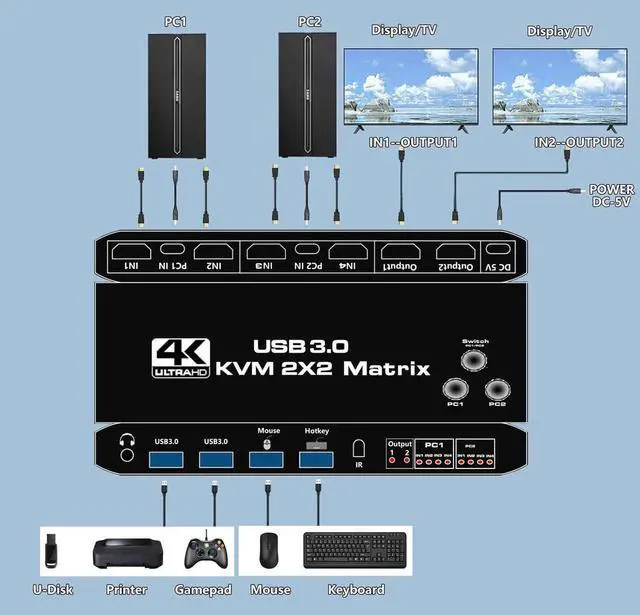
Step 1: Connect the USB TO TYPE-C Cable to power it.
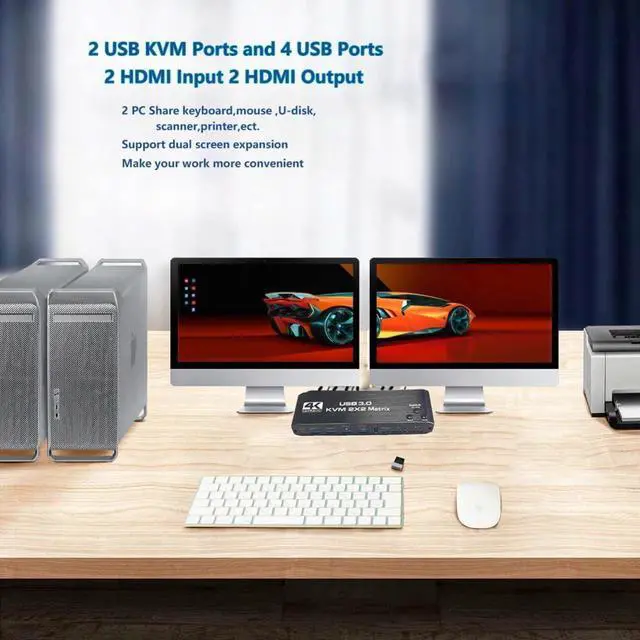
Step 2: Connect PC1 and KVM with 1 USB TO TYPE-C cable and 2 HD-MI cables.
Step 3: Connect PC2 and KVM with 1 USB TO TYPE-C cable and 2 HD-MI cables.
Step 4: Connect the keyboard and mouse to KVM Matrix.
Step 5: Connect two monitors and KVM SWITCH with two HD-MI cables.
Switch Mode:
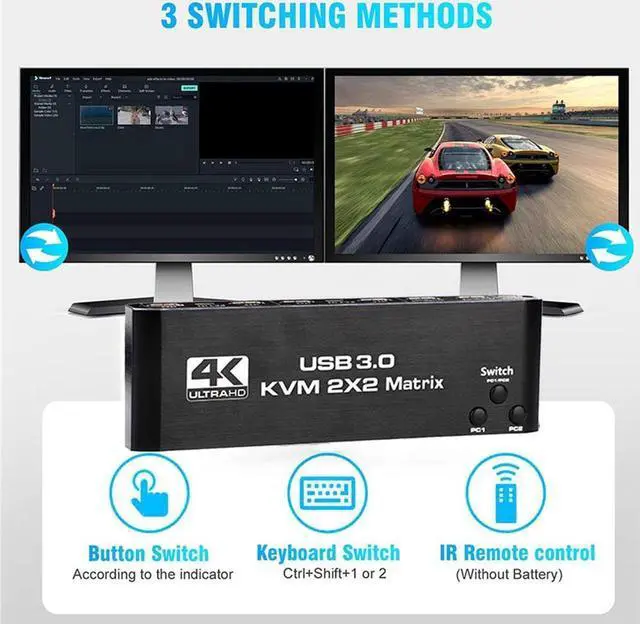
Key Switch: press the key on the KVM switch panel to switch the PC1 PC2. When the PC1 IN1 or IN2 light is on, it indicates that the PC1 is currently in use, and if the PC@ IN1 or IN2 light is on, it indicates that PC2 is currently in use.
The key PC1/PC2 is a single Switch signal source output in matrix mode (the 3 and 4 keys of the remote correspond to PC1/PC2), and the 1/2 keys of the remote control correspond to the Switch (Switch PC1/PC2) keys in KVM mode.
Remote control switch: The infrared remote control in the accessories can be used to realize long-distance switch (unblocked, about 15 meters). The indicator light mode is the same as that of the button switch.
Keyboard hotkey switch: Press Ctrl + Shift + 1 to switch to PC1, press CTRL + Shift + 2 to switch to PC2. You can also switch between PC1 and PC2 by short pressing the CTRL key twice.
Other hotkey combinations:
Keyboard Ctrl + Shift + R: KVM reset
Keyboard Ctrl + Shift + K: Enable/Disable hotkey function
4K60Hz HDCP 2.3 HD picture quality, adaptive screen resolution
Three Switch modes
High compatibility of KM, plug and play
Input: HDMI*4+USB 3.0 *2+Keyboard(USB 2.0 )+Mouse(USB 2.0 )
Output: 2*HDMI
Packing list
KVM Matrix 2x2-----------------------------1PCS
USB 3.0 TO TYPE-C data cable-------------2PCS
USB TO TYPE-C power cable---------------1PCS
Remote control------------------------------1PCS
Support 3.5 mm JACK (PCM/LPCM) audio output.
Note:
Please use the original USB to TYPE-C data cable.
Please use a good quality 19 + 1 26AWG HDMI cable, no longer than 5 meters.
if you PC has only one HDMI port, you need to convert other signal output ports on the PC, such as DP port, VGA port, etc., to HDMI signal witch corresponding conversion cables, and then connect them to KVM Matrix.
Please insert the keyboard into the designated USB port, do not insert into other USB ports, otherwise you will lose the keyboard hotkey switching function.
The signals output by "Output1" are "IN1" of PC1 and "IN1" of PC2, and the signals output by "Output2" are "IN2" of PC1 and "IN2" of PC2, so
their combination should be: when switching to PC1, the signal of IN1 of the PC1 group is output by Output1 channel, and the signal of IN2 is output by the Output2 channel. When switching to PC2, the IN1 signal of the PC2 group is output from the Output1 channel, and IN2 signal is output from the Output2 channel.
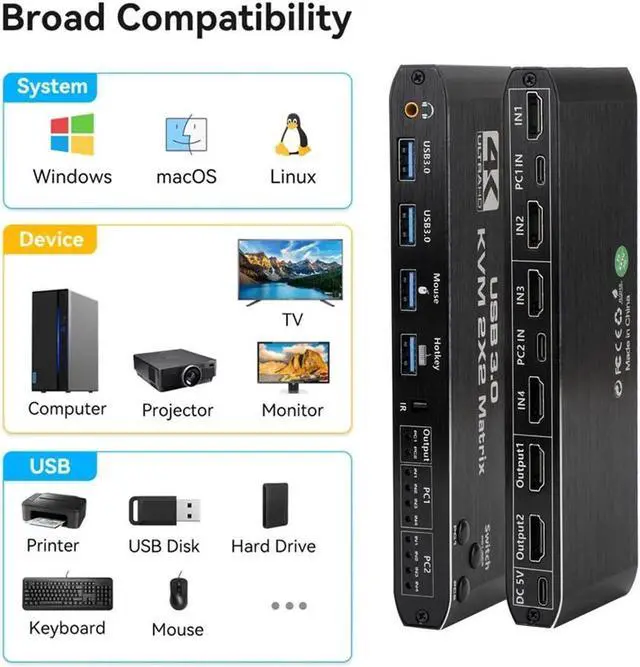
Support system
Windows XP Windows7 Windows8 Windows10
MAC Linux Unix......
other operating systems