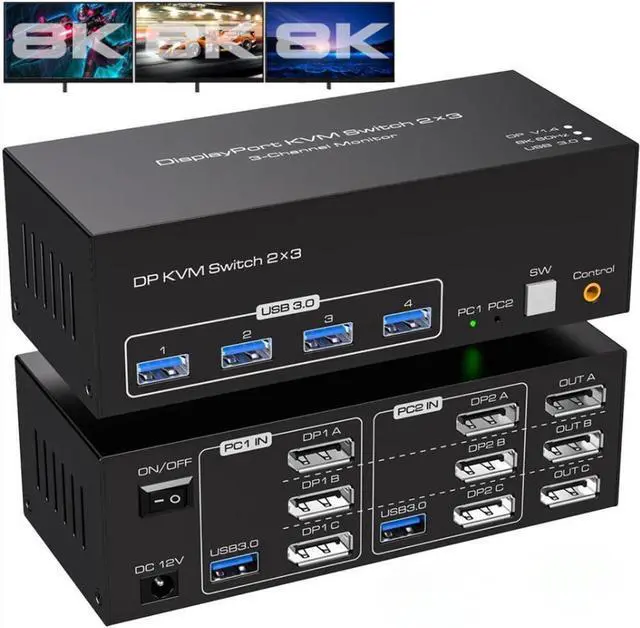
USB 3.0 Triple Monitor DP kvm switch for 2 computer sharing 3 monitor and 4 USB 3.0 Ports
Features:
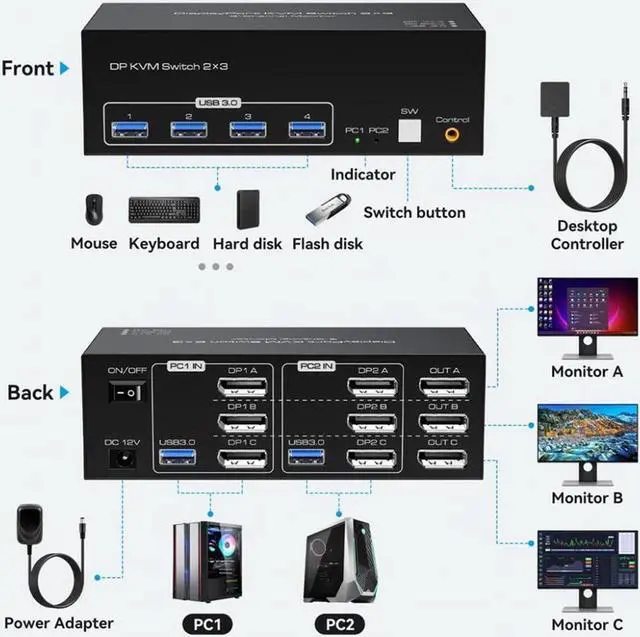
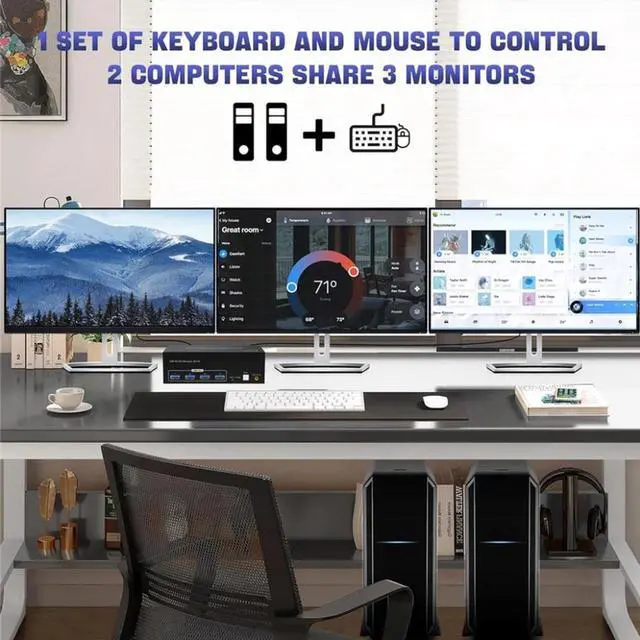
1. 2 computers/laptops share one set of keyboard, mouse, and 3 Displayport monitors
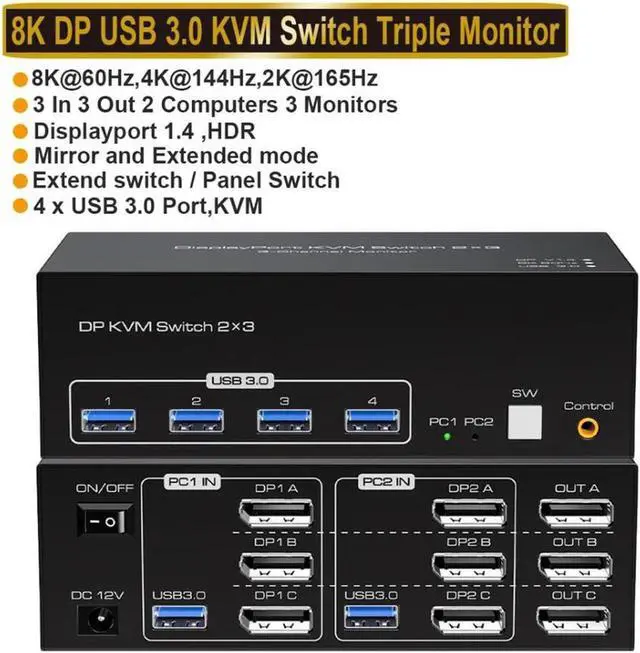
2. Triple monitors output support up to 8K@60Hz for extended and mirror display, support DP 1.4V standards.
3. 2
Switching modes: Button switch and wired remote.
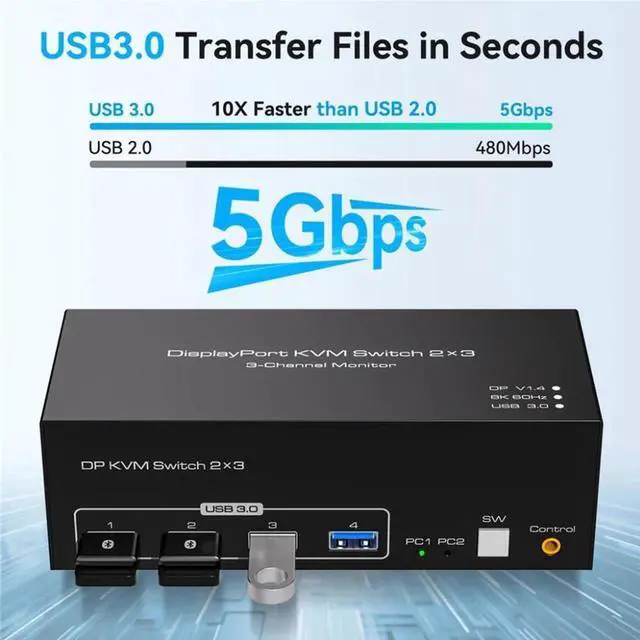
4. With extra 4 x 5Gbps USB 3.0 ports.
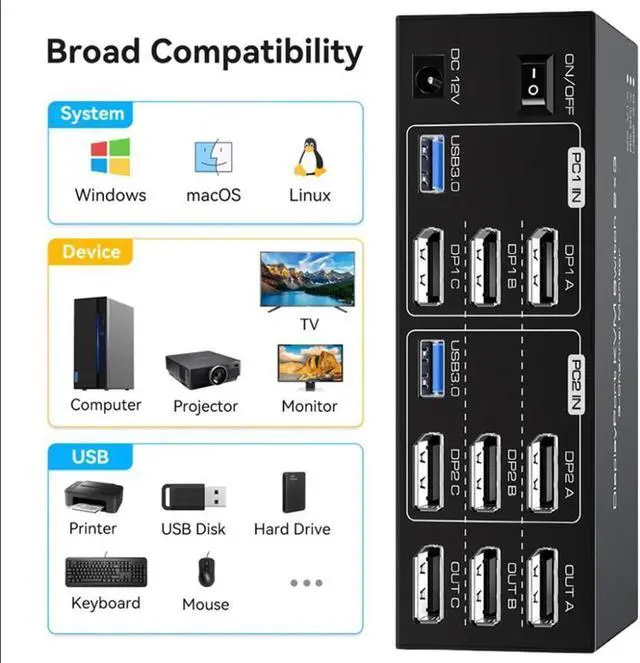
5. Cross-support most major OS including Windows, Linux, Mac, and more.
6. The ports that need to plug in Displayport/USB cables are all hidden behind the 3 monitor kvm switch, so the desktop doesn't get cluttered, you can enjoy the clean work space.
Installation steps:
1. Insert the adapter into the KVM;
2. Plug the 3* displayport cable into the KVM switch and monitor; (Output)
3. Plug the displayport cable, and USB cable into the KVM switch and your computer/laptop (DP cables are not included) (Input)
Please check whether DP IN 1A, DP IN 1B, DP IN 1C, and USB IN 1 corresponding, and whether DP IN 2A, DP IN 2B, DP IN 2C and USB IN 2 are corresponding. Mixed insertion is not supported.
DP IN 1A + DP IN 1B + DP IN 1C + USB IN 1=PC1
DP IN 2A + DP IN 2B + DP IN 2C + USB IN 2=PC2
4. Insert the mouse and keyboard into the KVM switch
Note:
1. Most of the reasons why only one video output works is because of an incorrect connection. Please make sure each computer has 3 HDMI cables connected to the KVM.
2. If the KVM switch does not work, you can turn off the switch on the panel and turn it on again after 2-3 seconds, and it will return to normal.
Ultra HD 8K@60Hz Triple Monitor KVM Switch
Confirms to Displayport 1.4 v protocol, support HDMI port (8K@60Hz, 4K@144Hz, 3440x1440 @144Hz, 1440P@165Hz) standards and is compatible downwards.
The 3 monitor requires 3 DP connections from each computer to the KVM switch. When both the display and the signal source support 8K@60Hz, the device can provide a 8K experience.
Note: Only when both your computer Graphics card and monitor support 8K@60Hz/3440x1440@144Hz with DP port, you can get 8K@60Hz/3440x1440@144Hz effect, so if you want the max resolution you have to check your devices first.
2 PCs Share 4 USB 3.0 Devices
This kvm switch 3 monitors 2 computers with 4 USB 3.0 Ports for keyboard, mouse, printers, USB headsets or webcams.
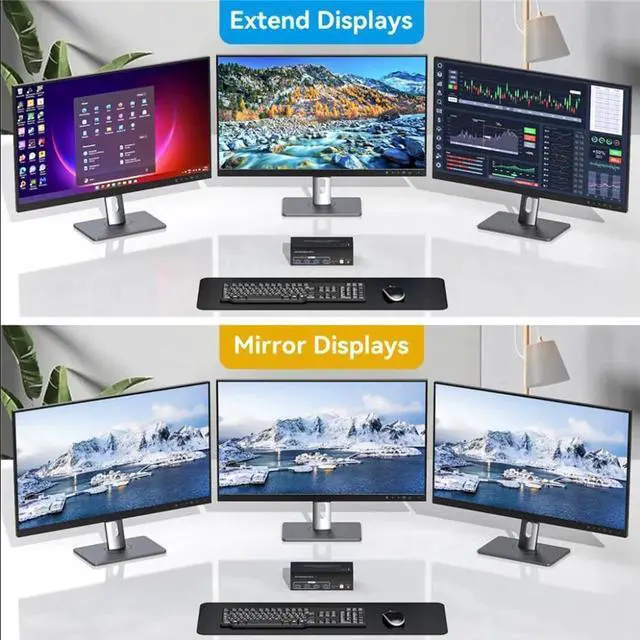
This USB 3.0 kvm switch 3 monitors 2 computers supports two modes of display (mirroring or extended mode)
Extended mode can output 3 different screens, and mirror mode can output 3 identical screens.
Warm Tips
Before purchasing, please connect your computer to 3 monitors directly to test whether your computer supports triple monitor output ( mirror and extend)
Triple Monitor KVM Support 2 Switching Modes
Quickly switch between the 2 computers with just one click of the switch button on the panel or use the wired remote controller (included in the package).
Please note: This 3 monitor kvm switch does not support hotkey switching.
How do copy mode /extend mode work?
3 Monitor KVM Switch
Set up step:
Windows system to quickly set 3-screen output.
1. Press "Windows" and "P" on the keyboard
2. Select Extend or Copy
3. Enter to confirm