Features:
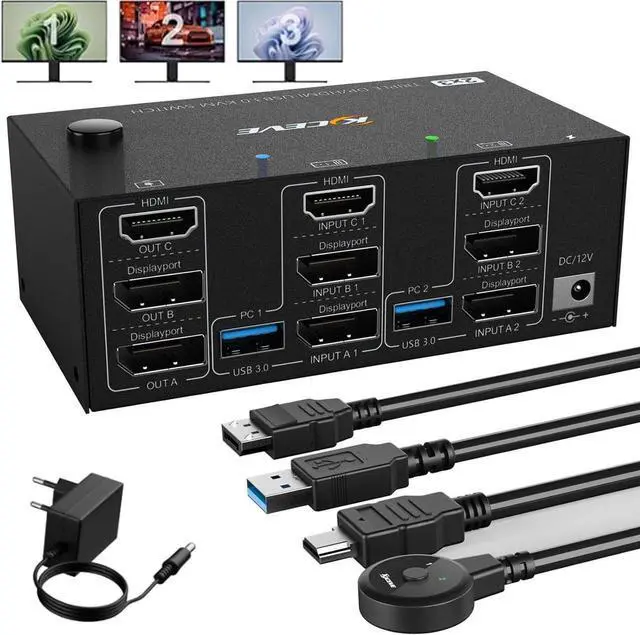
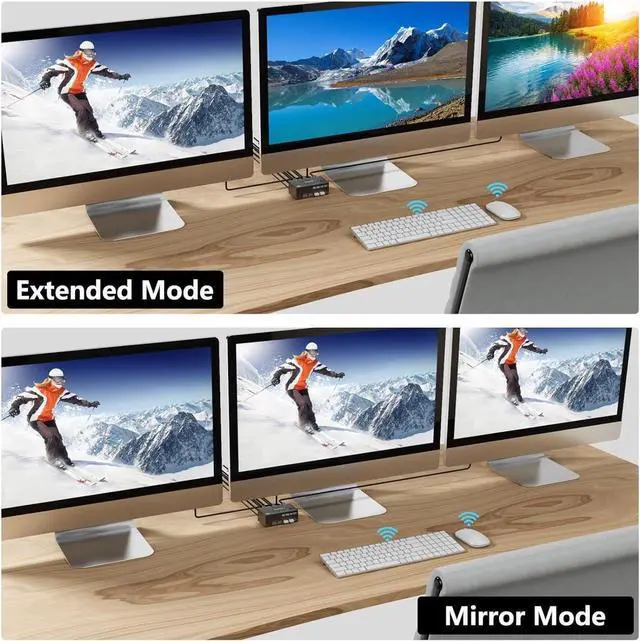
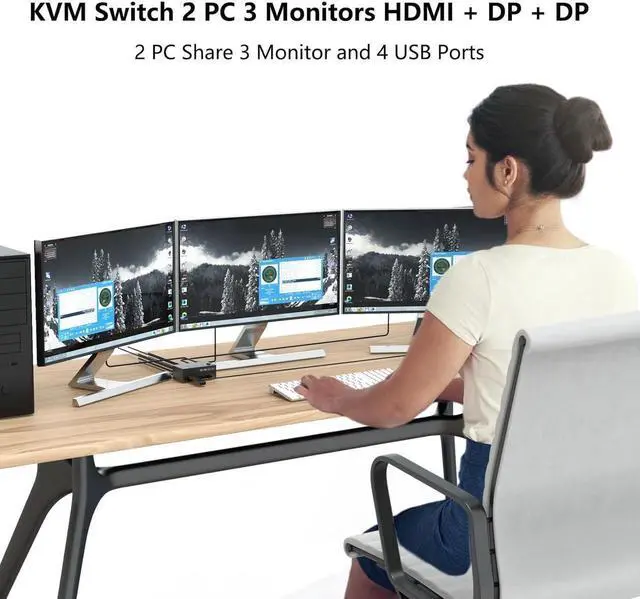
1*This KVM switch has 1*HDMI+2*DisplayPort, three display outputs, and supports advanced and mirrored display modes.
1*HDMI supports 8K@60Hz, 2*DisplayPort supports 8K@30Hz ultra-high-definition image quality, backward compatible.
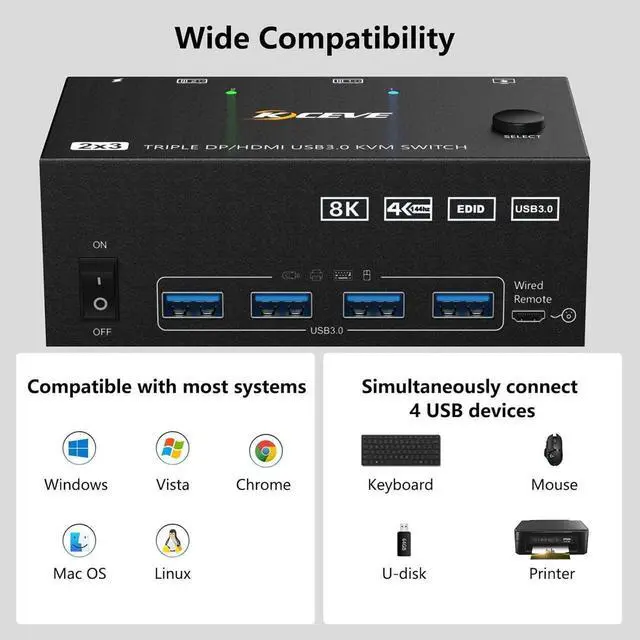
4 USB 3.0 ports to support USB devices (e. g. mouse, keyboard, USB stick, printer, etc. ).
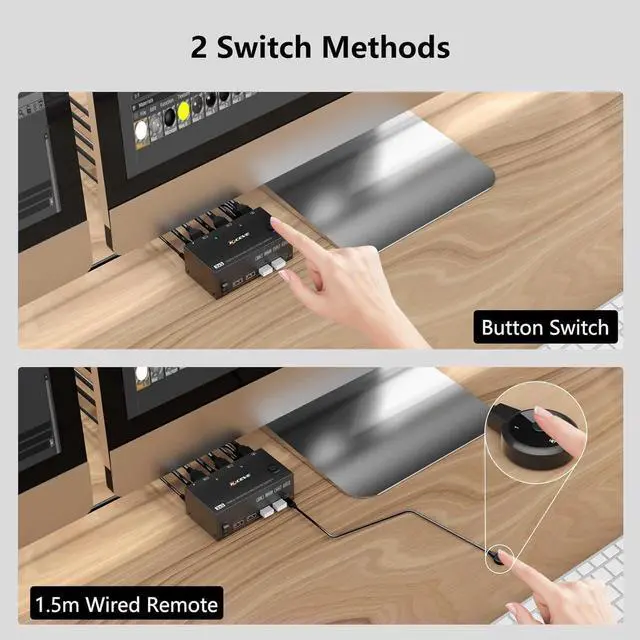
One-touch switching in 2 to 4 seconds via control panel buttons and desktop controller
Supports Windows, Linux, Mac, and other major operating systems.
Plug and play, no driver required.
NOTE: Please make sure your PC supports multi-screen displays
Visual pleasure in HD resolution
HDMI port supports 8K@60Hz, 4K@60Hz, 2K@144Hz
DP port support 8K@30Hz, 4K@144Hz, 3440x1440@144Hz, 4K@60Hz, 2K@144Hz
Please note: Using 8K cables solves the problem of flickering and black screen.
Each PC requires 1 HDMI + 2 DP + 1 USB cable to connect to the KVM switch
Video output: 1 HDMI + 2 DP interface monitor
Specification:
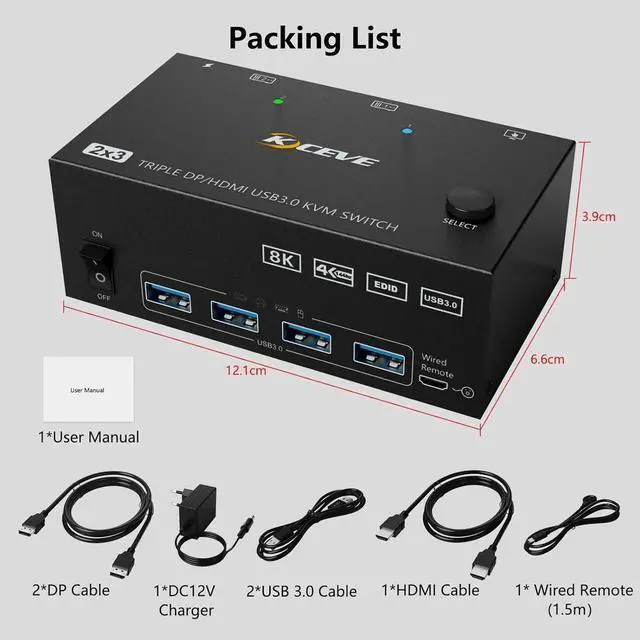
Dual-monitor KVM switch size: 12.1 x 6.6 x 3.9 cm
Net weight: 316 g, Packaging: 1000 g
Built-in: ESD protection system
Housing Material: Metal
Please connect a 12V DC power supply
How to connect:
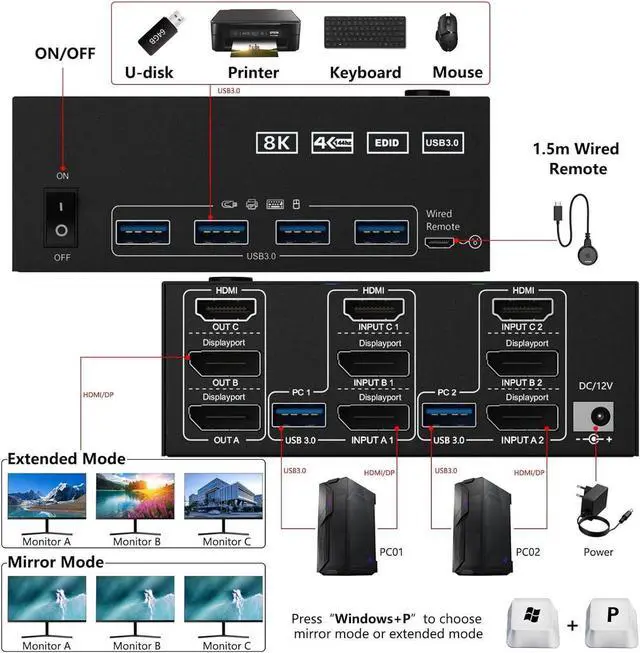
Step 1: Connect 1 x HD-MI cable + 2 x DP cable + 1 x USB cable to PC 1 and KVM (USB 3.0 +INPUT A1+INPUT B1+ INPUT C1).
Step 2: Connect 1 x HD-MI cable + 2 x DP cable + 1 x USB cable to PC 1 and KVM (USB 3.0 +INPUT A2+INPUT B2+ INPUT C2).
Step
3. Connect a 1xHD-MI+2 x DP cable between the KVM (OUT A, OUT B, OUT C) and the monitors.
Step
4. Connect the keyboard and mouse to the USB ports of the KVM.
Step
5. Plug the USB devices into the USB port of the KVM.
Step 6: Connect the desktop controller to the SELECT port and remotely switch between PC1 and PC2.
Step
7. Please connect the DC5-12V power adapter (included)
Tip: This KVM DP section does not support the use of adapters that convert sources such as DVI/VGA/HDMl to DisplayPort signals.
Packing list:
1 x KVM switch 3 monitor HDMI+DP+DP
1 x HD-MI Cable
2 x DP cable
2 x USB 3.0 cable
1 x DC 12V Charger
1 x Wired remote control 1.5 m
1 x User Manual