Out of stock
This item is currently out of stock and it may or may not be restocked.
Sold by Newegg

Shipped by Newegg

Shop it at NeweggBusiness.

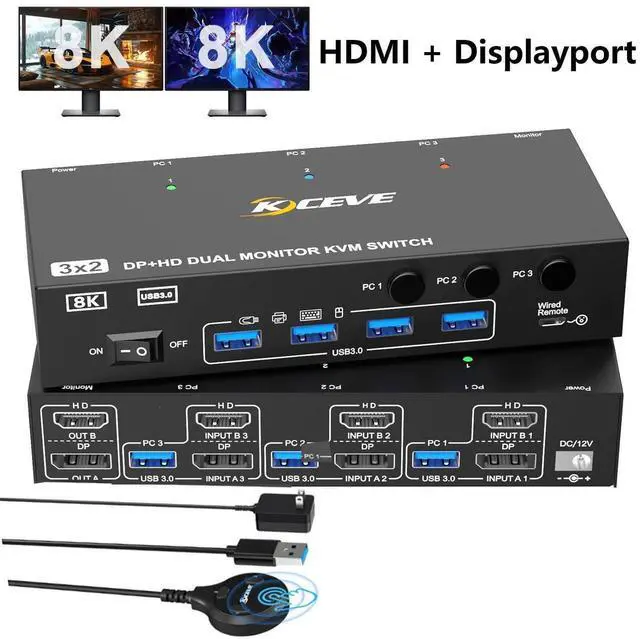
KVM Switch 2 Monitors 3 Computers Displayport and HDMI Support 4K@144Hz,8K@60Hz Dual Monitor USB 3.0 Switcher with 4 USB 3.0 Ports for Keyboard,Mouse Wired Remote, Adapter & USB Cables Included

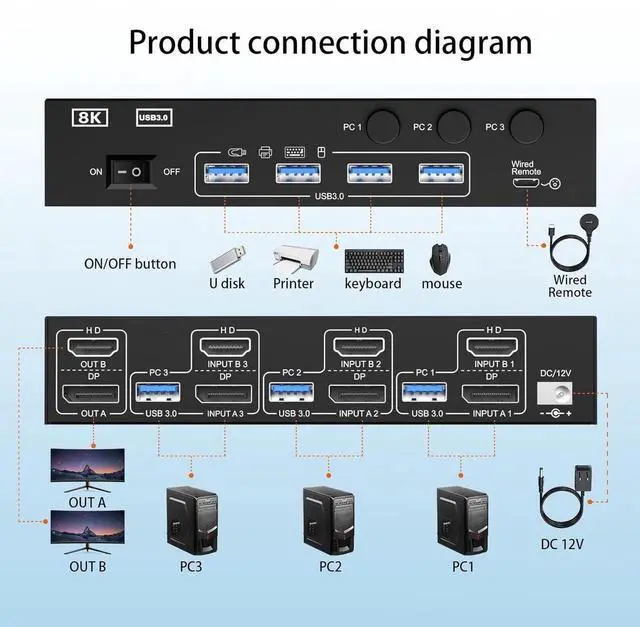
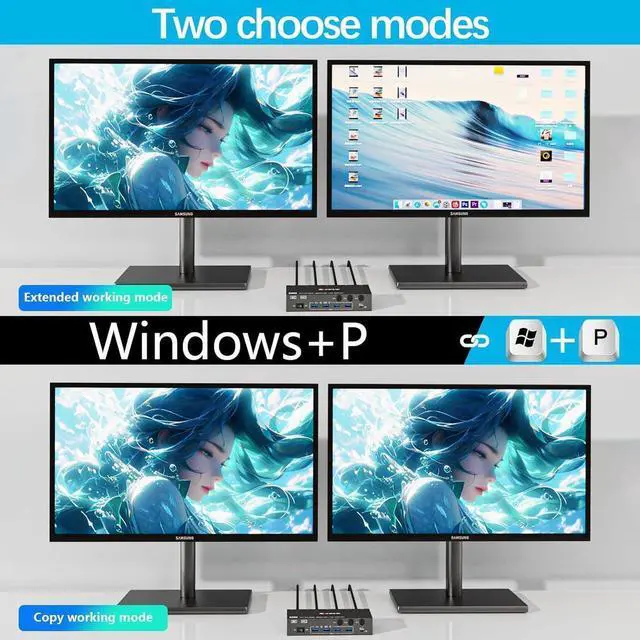
  • KVM Switch 2 Monitors 3 computers: This KVM Switch allows 3 computers to share HDMI and DP monitors,along with 4 USB 3.0 ports for peripherals,such as keyboard mouse printer,it supports extended and copy modes.
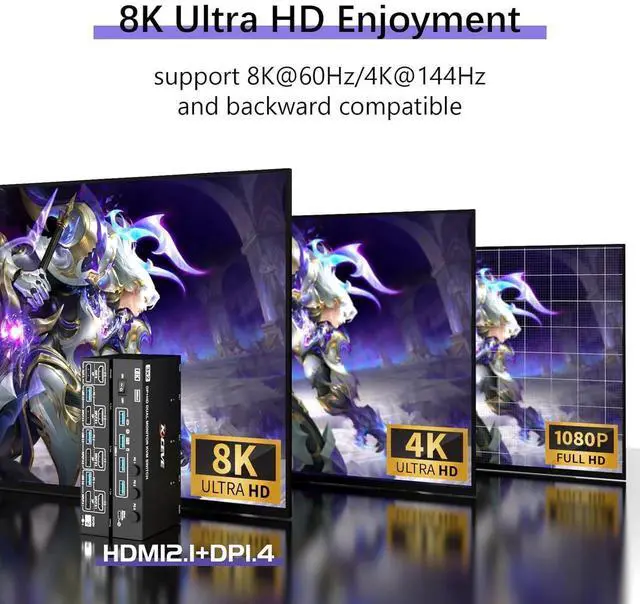
  • [8K@60Hz] Supports resolution 8K@60Hz/4K@144Hz and backward compatible with lower resolution.(Note:The final resolution Depends on the system/ hardware/cables...)
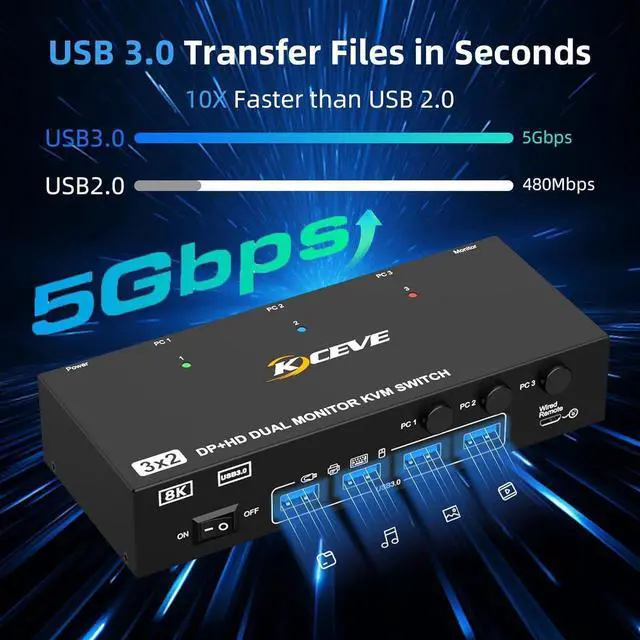
  • [with 4 USB 3.0 Ports] KVM switch has 4 USB ports, data transfer rate up to 5Gbps (10xfaster than USB 2.0),Use this 2 monitors kvm switch.It can recognize USB devices like keyboards, mice,printers,etc,and is backwards compatible with USB2.0 peripherals...
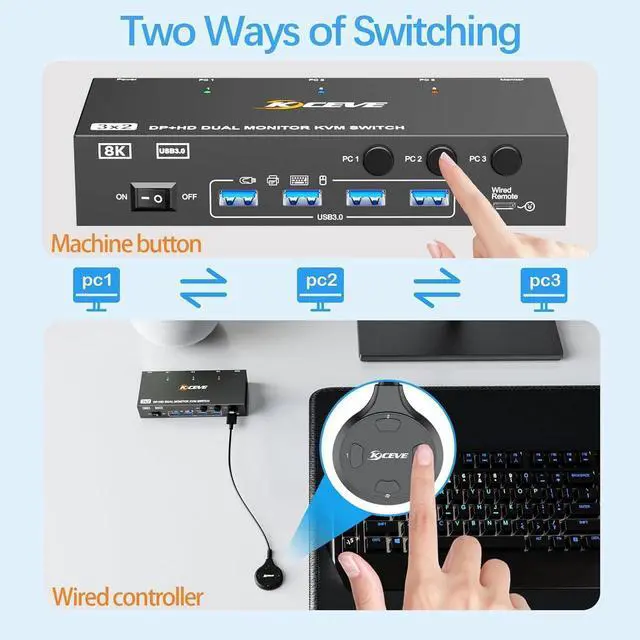
  • [Two Switching Modes] Option 1:By manually pressing the switching button on the KVM switcher; Option 2: Through a wired extension button.
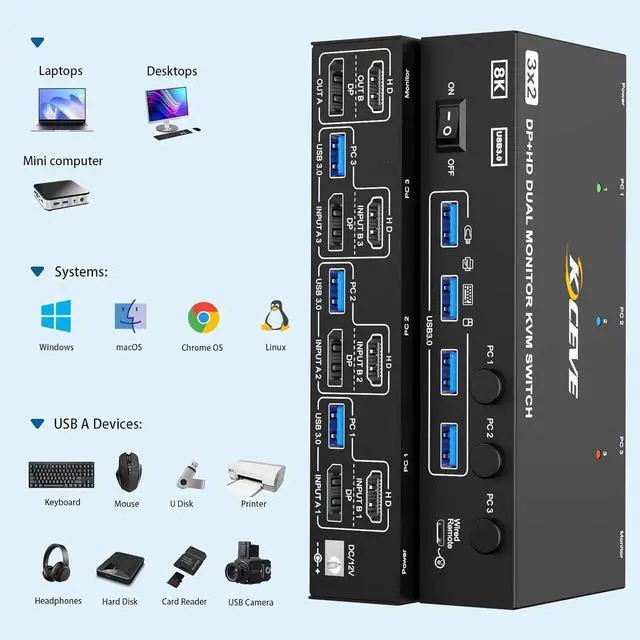
  • [Widely compatibility] Supports Windows11/10/8.1/8/7..,Mac OS and Linux systems. compatible with most source devices,such as PC,Laptop,PS4,DVR etc.It is widely applied for enterprise,office, multimedia teaching, meeting rooms etc..
Overview
Specs
Reviews
avatar

Any questions? Our AI beta will help you find out quickly.

HDMI+Displayport KVM Switch 2 Monitors 3 Computers
HDMI&DP KVM Switch dual monitor 3 in 2 out allows three computers to share two high-definition displays and four USB 3.0 devices
This KVM switch supports 4 USB 3.0 ports for keyboard, mouse, printers, scanners, or external storage connections. plug and play, no driver required. Compatible with Windows, Mac OS, Linux and other operating systems.
Q & A:


Q: Can KVM switches support up to 8K@60Hz?

A: Our KVM switch can support up to 8K@60Hz, You need to use HDMI 2.1 + DP 1.4 cables, but the final resolution depends on the system/hardware/cable....


Q: Do I have to connect the 12V power adapter to use it?

A: To drive high power peripherals, we use a 12V power adapter, which can provide a more powerful and stable drive. Other KVM only support 5V adapters. When using high-power


Q: Can the two functions of USB Switch and HDMI+DP Switch be used independently?

A: Yes, you can think of the KVM switch as a USB/HDMI+DP Switch. These two functions not only support simultaneous use, but can also be used separately.


Warranty & Returns

Warranty, Returns, And Additional Information

Return Policies

LOADING...