

Your Browsing History



Any questions? Our AI beta will help you find out quickly.
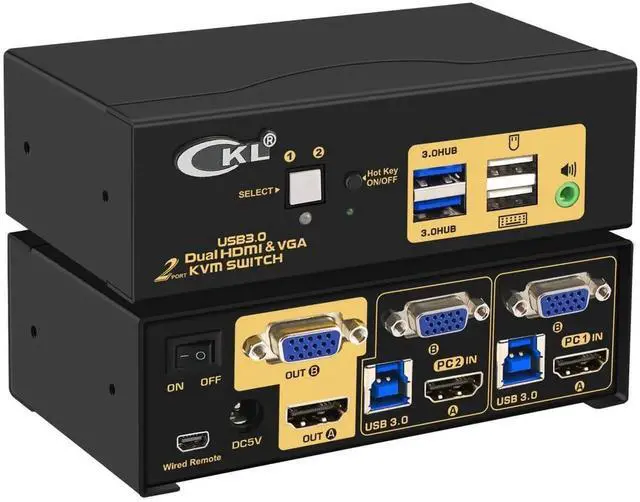
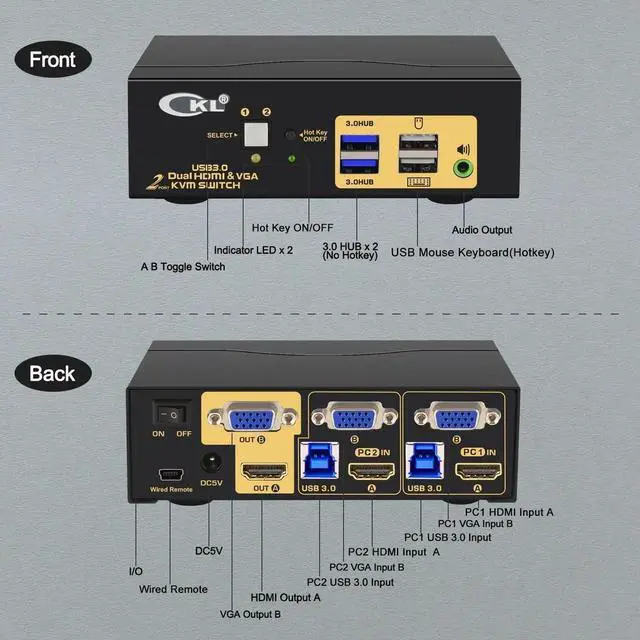
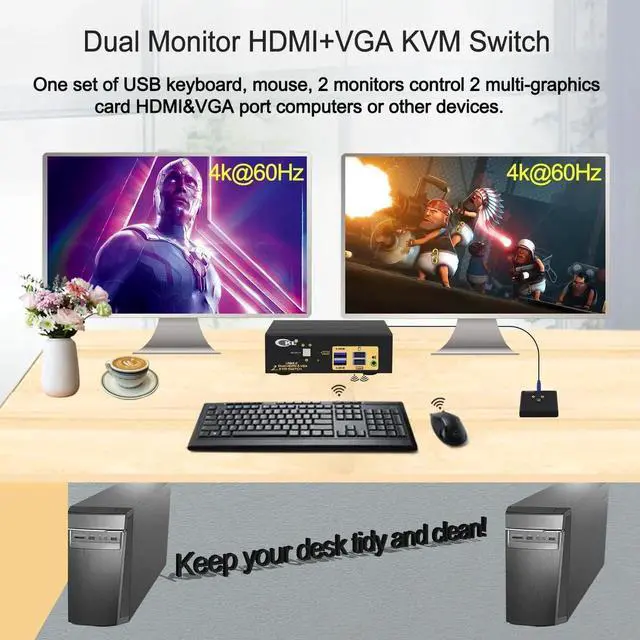
CKL Dual Monitor HDMI+VGA KVM Switch 2 Port is designed to control 2 dual-output computers or laptops and other applicable devices, using one set of keyboard, mouse and 2 monitors for extended, duplicated or spliced display at the same time.
How to Get Dual Monitor Display:
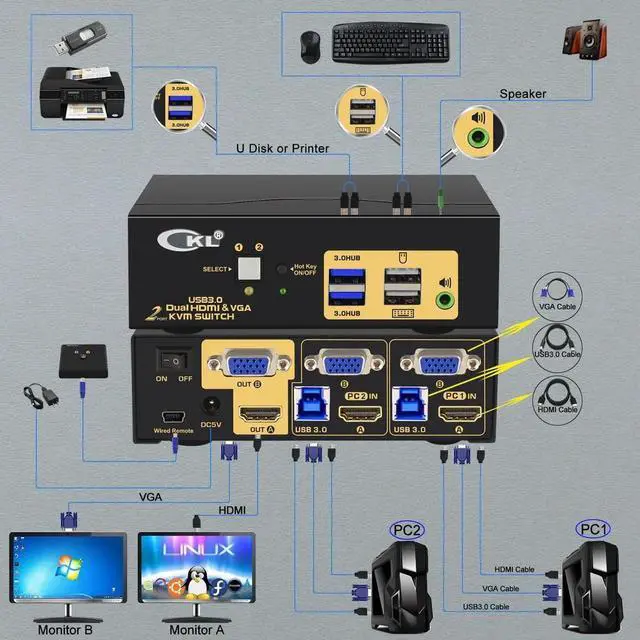
Dual monitor display requires 2 video connections from each computer to the KVM Switch with the cable A and B included.
Scenario 1: Computer with HDMI + VGA Out (Recommended):
No adapter needed except any adapter needed for monitor.
Scenario 2: Computer with VGA + DP / USB C Out
Need standard DP or USB C to HDMI adapter to connect with HDMI IN A port.
Scenario 3: Choose other models from the variation for scenarios other than above.
Note: Adapters are not included. Please be aware of the adapters needed for your set-up before purchasing.
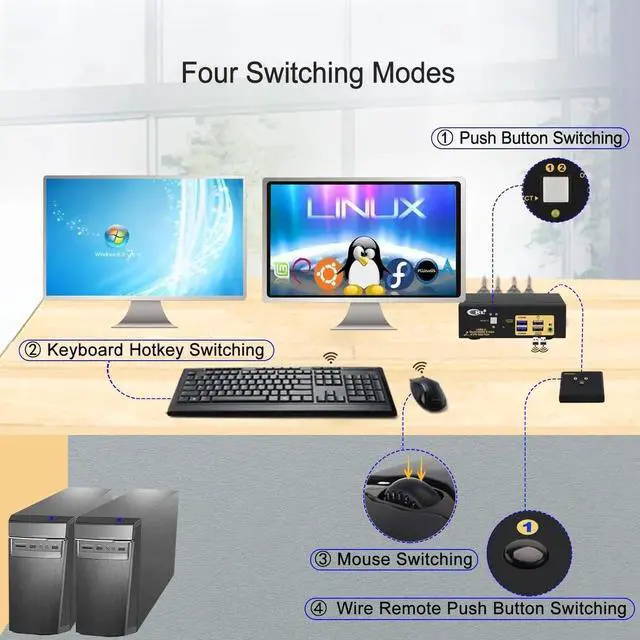
How to Switch (Refer to manual for details)
1.Keyboard hotkey
2.Mouse click
3.Push button
4.Wired remote
5.Auto scan
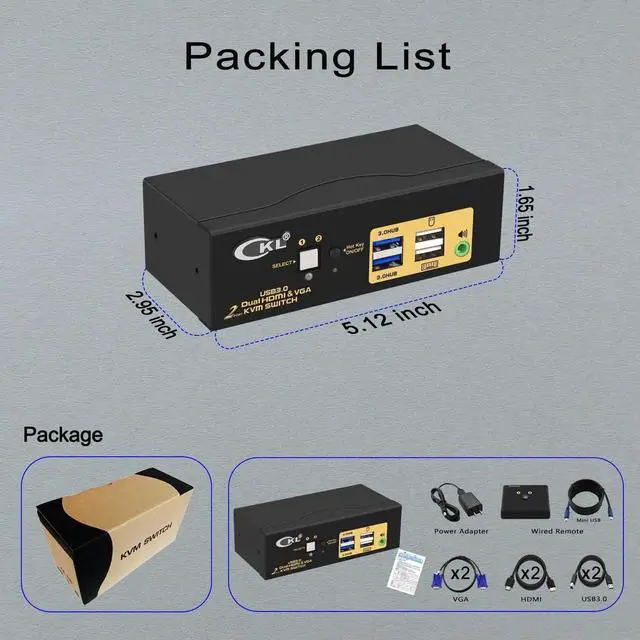
What's in the Box:
1* 2 Port KVM
2* HDMI KVM cable A 4.92 ft. 2* Standard VGA Cable B 4.92 ft
1* User Manual in English
1* Remote switcher with wire (5.9 ft)
1* DC 5V Power Adapter
Warm Tips:
Some gaming, mechanical keyboard and mouse may not work well from rear USB ports , we added a hotkey on/off button and a wired remoter. By turning hotkey off, the rear USB ports become standard USB2.0 Hubs, so you will have 3 USB 2.0 Hubs for connecting special keyboard, mouse and other USB devices, and use convenient one-button remote switch instead.