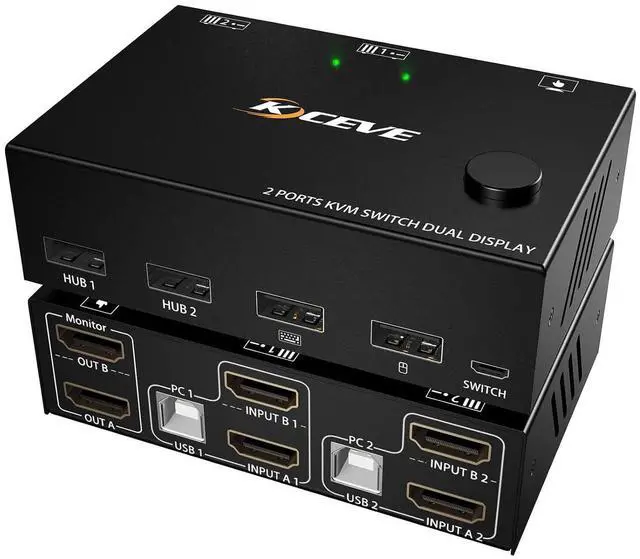
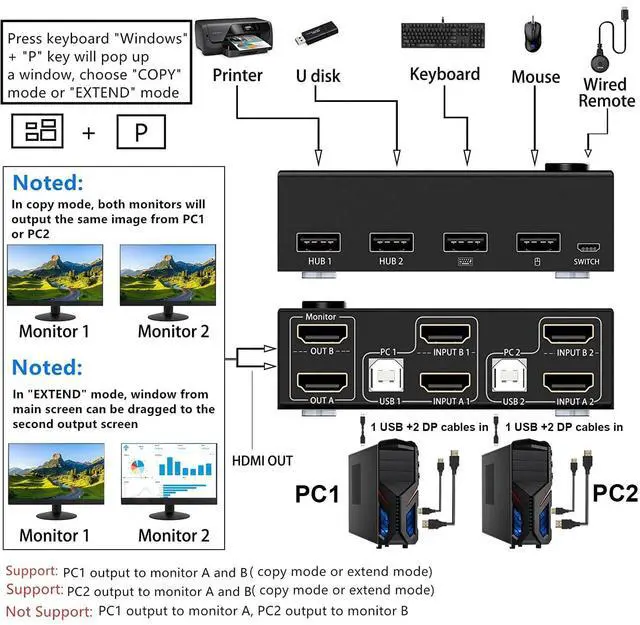
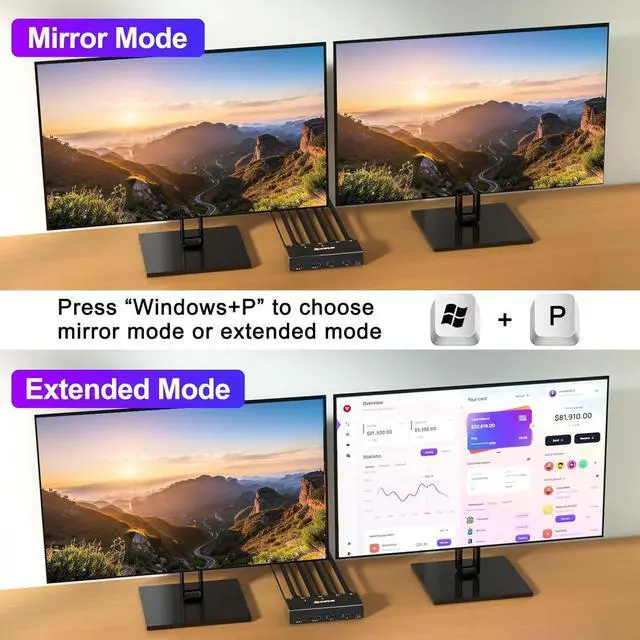
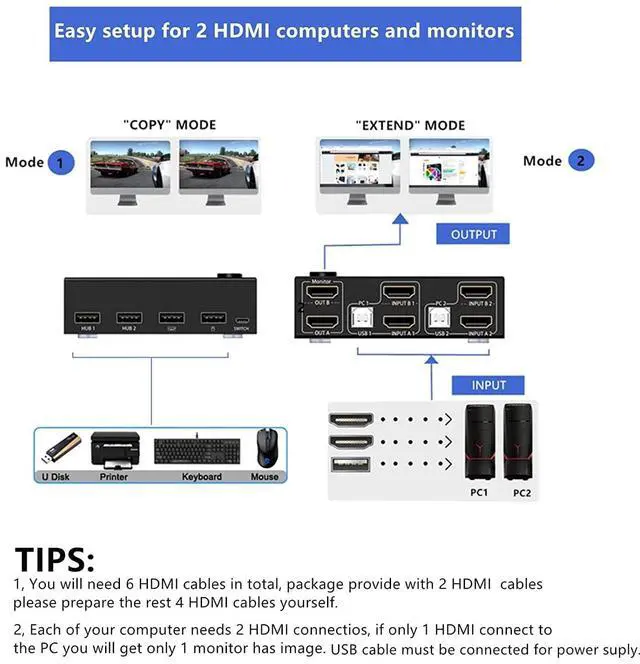
HDMI KVM Switch 2 Monitors 2 Computers KCEVE KVM Switch Dual Monitor HDMI allows you to control 2 computers using only one set of mouse, keyboard, printer, scanner and monitor, and supports webcam. You can press Windows+P to select Mirror Mode or Extended Screen Mode to switch between the 2 monitors freely. Each computer requires 2 HDMI cables + 1 USB cable to be plugged into the KVM switch HDMI
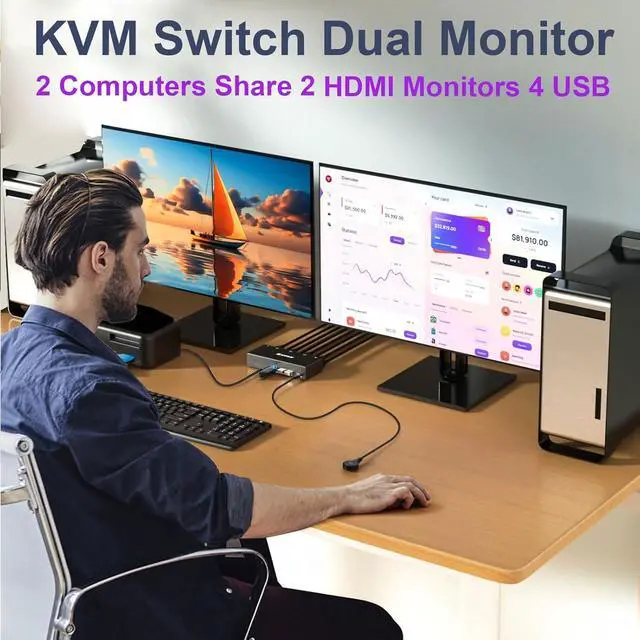
KVM Switch 2 Monitors with 4 USB Ports Dual monitor KVM switch is suitable for 2 computers to share 2 monitors and 4 USB devices without unplugging the power, and securely recognizes keyboards, mice, printers, scanners and other USB devices
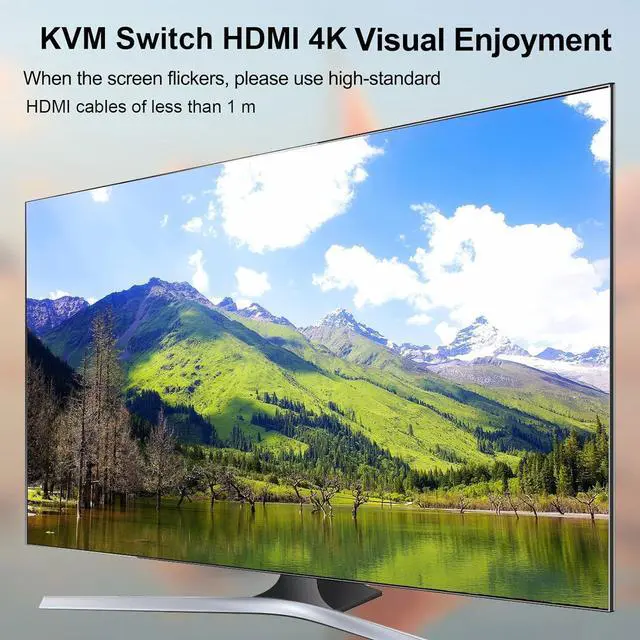
KVM Switch 2 PC 2 Monitors Support Ultra HD 4K@30Hz2 PC 2 Monitor Switch supports 4K@30Hz, 1920x1080@120hz, YUV 4:4:4, backward compatible. Dual monitor switch for 2 computers support input terminal to connect 2 computers with different resolutions. Please note: Flickering and black screen problems can be effectively solved by using 8K cables. The shorter cable makes the signal transmission more stable and clearer
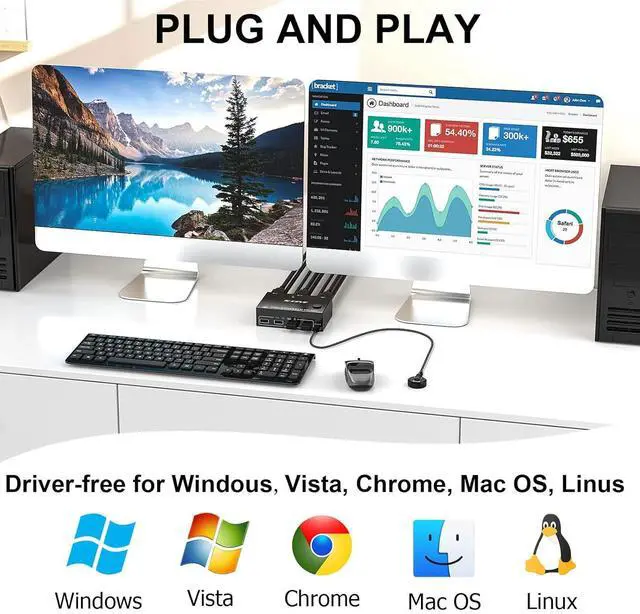
USB KVM Switch with 2 Switching MethodsPlug and play, No additional driver software is required, making your work and life easier and more convenient. You can freely switch between two computers by push button switch or 1.5 meter wired remote control (included).LED indicator light shows which computer is currently connected. If you are using high power devices, please connect 5V power supply by yourself
Overview
Specs
Reviews
Any questions? Our AI beta will help you find out quickly.
Try me now
HDMI KVM Switch 2 Monitors 2 Computers KCEVE KVM Switch Dual Monitor HDMI allows you to control 2 computers using only one set of mouse, keyboard, printer, scanner and monitor, and supports webcam. You can press Windows+P to select Mirror Mode or Extended Screen Mode to switch between the 2 monitors freely. Each computer requires 2 HDMI cables + 1 USB cable to be plugged into the KVM switch HDMI
KVM Switch 2 Monitors with 4 USB Ports Dual monitor KVM switch is suitable for 2 computers to share 2 monitors and 4 USB devices without unplugging the power, and securely recognizes keyboards, mice, printers, scanners and other USB devices
KVM Switch 2 PC 2 Monitors Support Ultra HD 4K@30Hz2 PC 2 Monitor Switch supports 4K@30Hz, 1920x1080@120hz, YUV 4:4:4, backward compatible. Dual monitor switch for 2 computers support input terminal to connect 2 computers with different resolutions. Please note: Flickering and black screen problems can be effectively solved by using 8K cables. The shorter cable makes the signal transmission more stable and clearer
USB KVM Switch with 2 Switching MethodsPlug and play, No additional driver software is required, making your work and life easier and more convenient. You can freely switch between two computers by push button switch or 1.5 meter wired remote control (included).LED indicator light shows which computer is currently connected. If you are using high power devices, please connect 5V power supply by yourself
Learn more about the Detailed Specifications
Additional Information
First Listed on Newegg
September 26, 2025
There are no reviews yet.
Do you own this product?
Warranty & Returns
Warranty, Returns, And Additional Information
Return Policies
Return for refund within: 30 days
Return for replacement within: 30 days
This item is covered by Newegg.com's 30-Day Return Policy.