Out of stock
This item is currently out of stock and it may or may not be restocked.
Sold by Newegg

Shipped by Newegg

Shop it at NeweggBusiness.

JAENFONG KVM Switch 2 Monitors 2 PCs, KEHIPI 4K@60Hz HDMI KVM Switch with Audio, Keyboard Video Mouse Peripherals Display Port Switcher, UHD Support, USB 3.0 Hub, Hotkeys

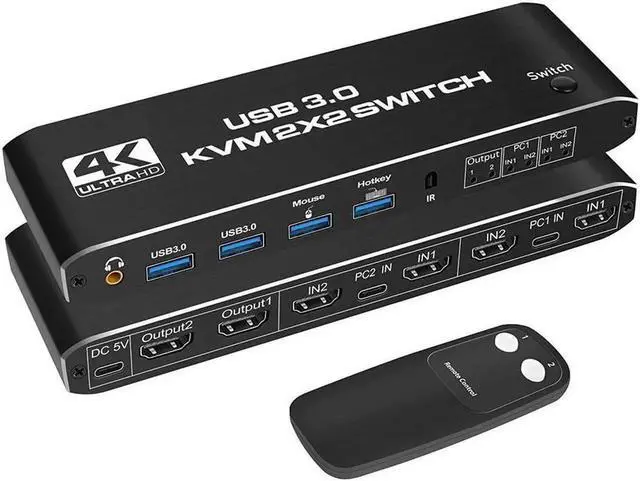
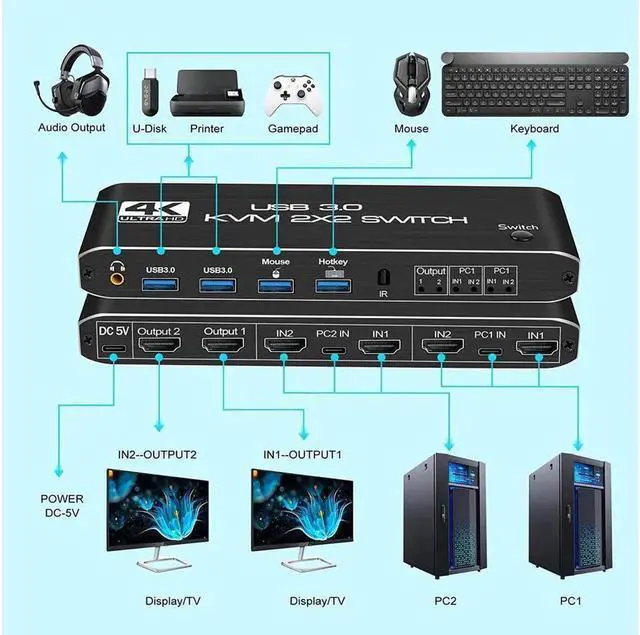
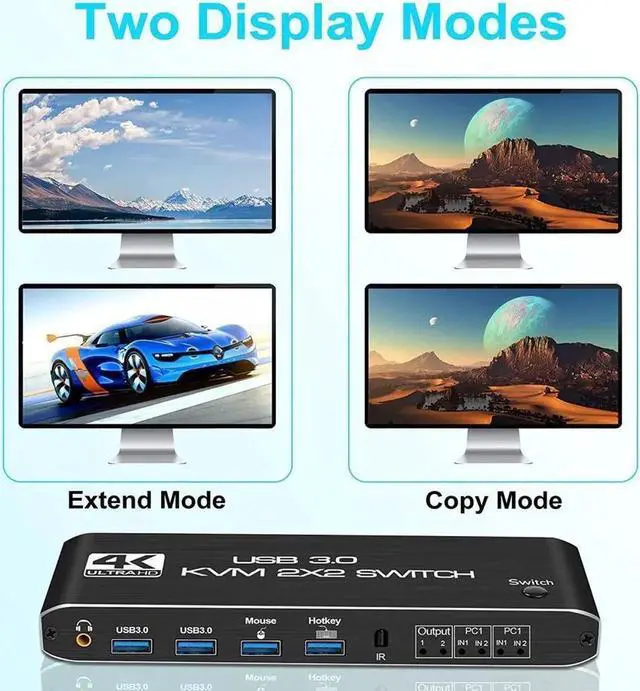
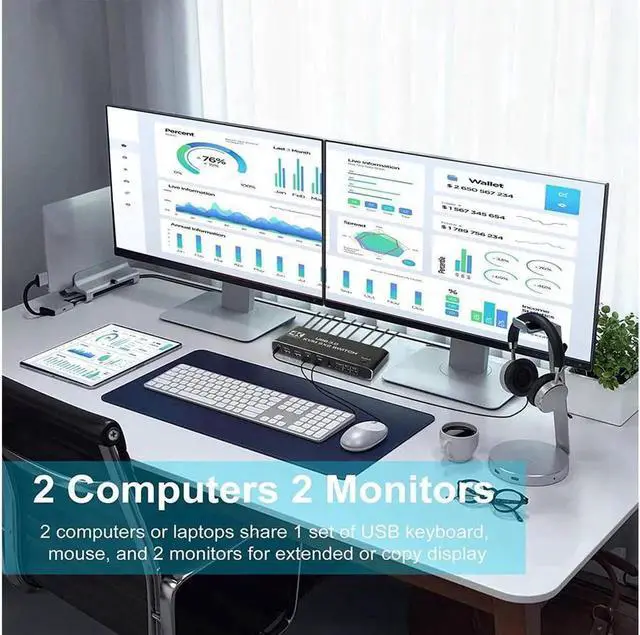
  • KVM switches are used to control computers or laptops that share a set of USB keyboards, mice, and dual monitors, and to extend or duplicate the monitors. Note: The computer needs to support 2 screens or more.
  • USB 3.0 KVM Switch with Audio Output The integrated 2 USB 3.0 hub ports allow you to share 2 USB peripherals such as printers, scanners, webcams and hard drives between 2 computers with data transfer rates up to 5Gbp/s (10 times faster than USB 2.0).
  • UHD 4K @ 60Hz HDMI KVM dual monitor with resolution support for 4K @ 60Hz, RGB 4:4:4, and backward compatibility. Support 3D, HDR and HDCP, the image display is more detailed and realistic, and the colors will be more vivid and dynamic.
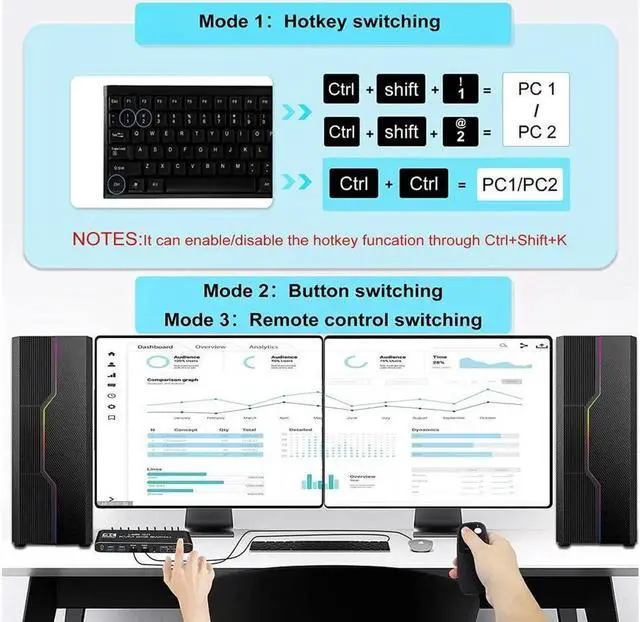
  • Multiple switching modes: Manual switching via buttons, IR remote control and keyboard hotkeys for quick channel selection. Note: If you don't want to use the hotkey function, you can disable it.
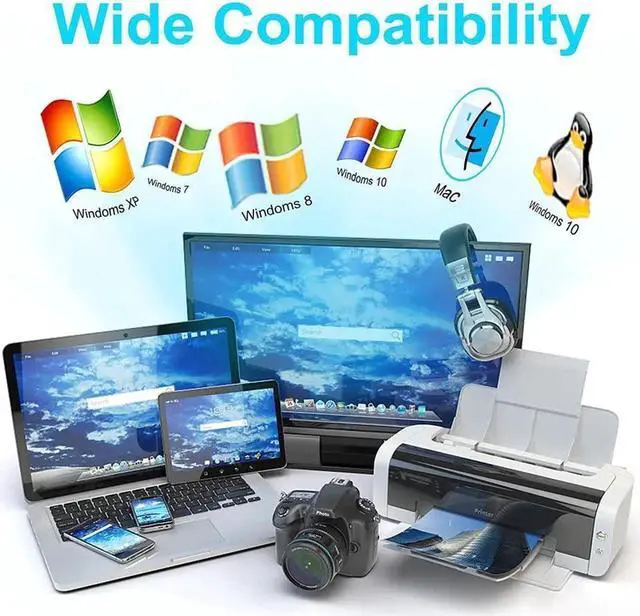
  • Support multiple operating systems. windows XP/ Windows7/ Windows8/ Windows10/ Apple MAC /Linux /Unix
Overview
Specs
Reviews
avatar

Any questions? Our AI beta will help you find out quickly.

KVM switches are used to control computers or laptops that share a set of USB keyboards, mice, and dual monitors, and to extend or duplicate the monitors.

Note: The computer needs to support 2 screens or more.

USB 3.0 KVM Switch with Audio Output The integrated 2 USB 3.0 hub ports allow you to share 2 USB peripherals such as printers, scanners, webcams and hard drives between 2 computers with data transfer rates up to 5Gbp/s (10 times faster than USB 2.0 ).

UHD 4K @ 60Hz HDMI KVM dual monitor with resolution support for 4K @ 60Hz, RGB

4:4: 4, and backward compatibility. Support 3D, HDR and HDCP, the image display is more detailed and realistic, and the colors will be more vivid and dynamic.

Multiple switching modes: Manual switching via buttons, IR remote control and keyboard hotkeys for quick channel selection.

Note: If you don't want to use the hotkey function, you can disable it.

Support multiple operating systems. windows XP/ Windows7/ Windows8/ Windows10/ Apple MAC /Linux /Unix

Warranty & Returns

Warranty, Returns, And Additional Information

Return Policies

Manufacturer Contact Info

LOADING...