Out of stock
This item is currently out of stock and it may or may not be restocked.
Sold by Newegg

Shipped by Newegg

Shop it at NeweggBusiness.

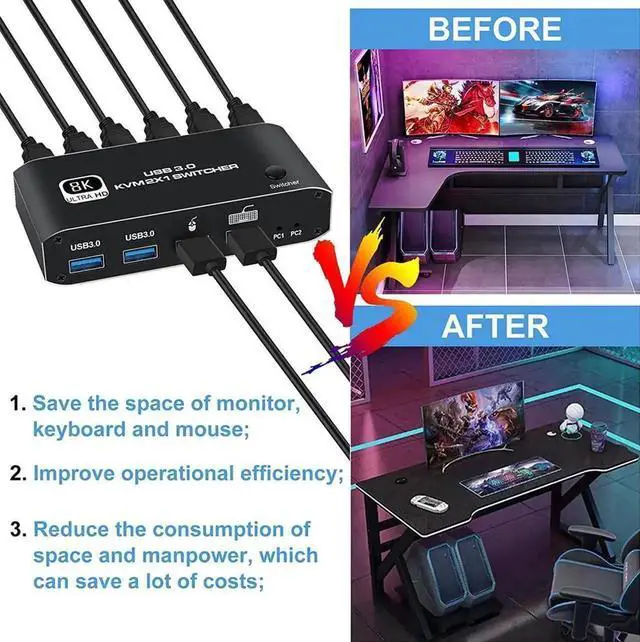
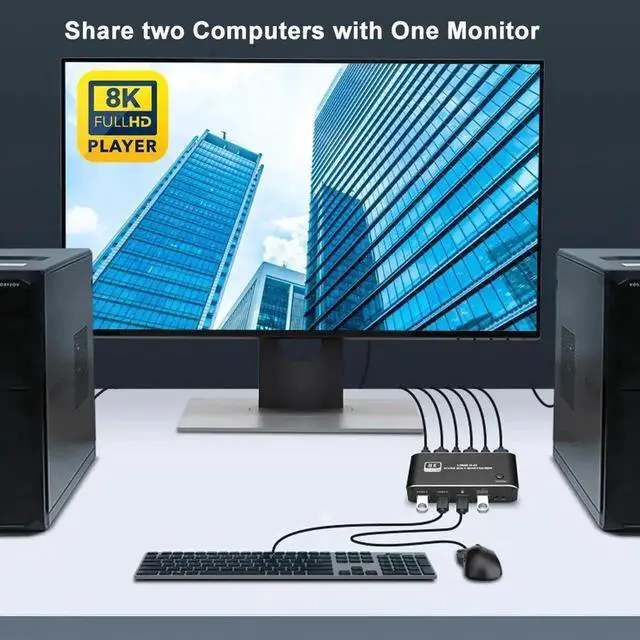
JAENFONG 2023 Best HDMI 2.1 KVM Switch 4K 120Hz HDMI USB KVM Switch Dual Port USB HDMI 2.1 Switcher 2X1 4K 60Hz 8K 60Hz 2 PC 1 Monitor

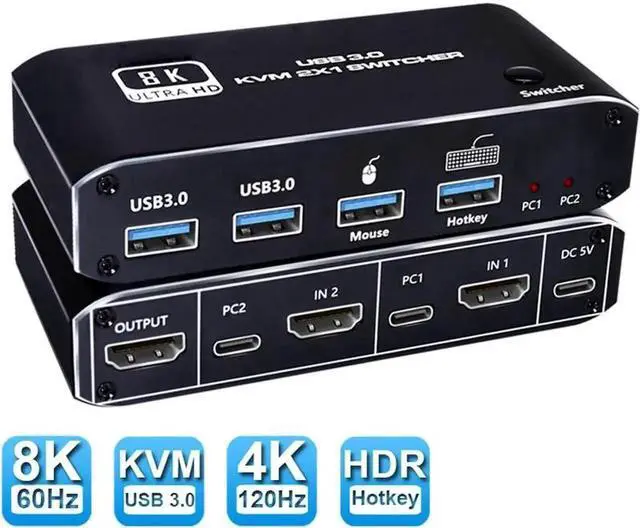
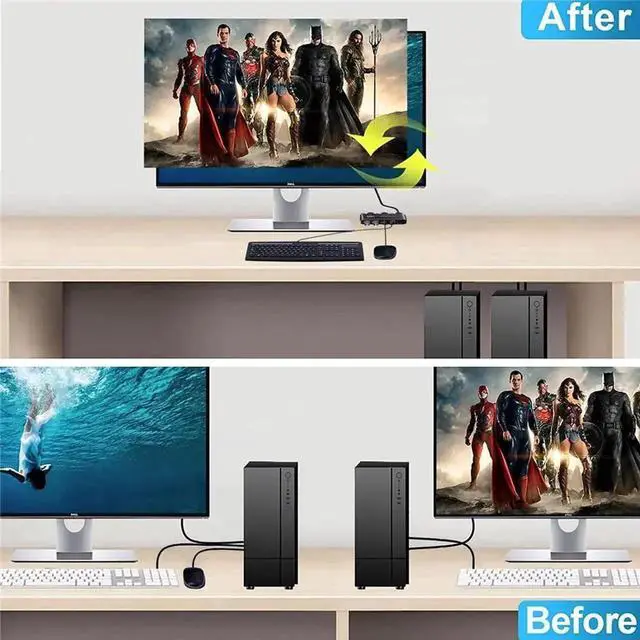
  • HDMI KVM Switch 8K 60Hz 4K 120Hz Switcher with Hotkey 2 laptop PC Share 1 Monitor 4 USB 3.0 for Mouse Keyboard Printer
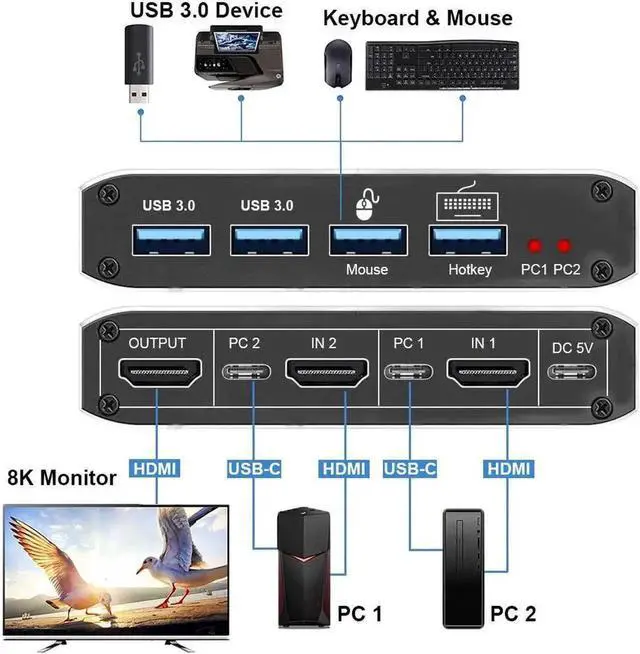
  • - Product Type: HDMI USB 3.0 KVM Switch (2 in 1 out)
  • - Input Port: HDMI 2.1 x 2,USB-C x2, USB 3.0 x 4
  • - Output Port: 1 x HDMI 2.1
  • - Dimensions: 111.8x63.2x24.5mm
  • - Material: Aluminum Alloy shellanti-rust, anti-corrosion, anti-interference, fast transmission, surtace oxidation
  • Features
  • - Support HDMI 2.1 HDCP 2.3
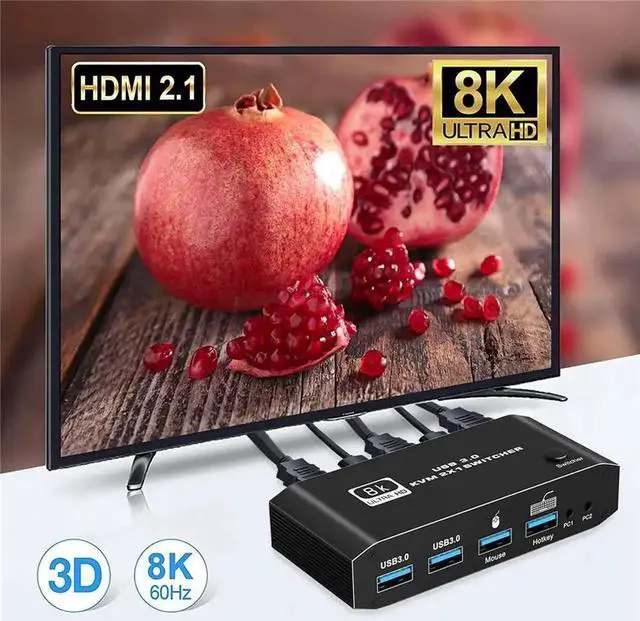
  • - Resolution: Support 1080P/1080@240Hz, 3840x2160p, 4K/60Hz/120Hz,8K@60Hz resolution, adaptive screen resolution
  • - Support system: Windows XP, Windows7, Windows10, Apple MAC, Linux, Unix and other operating systems
  • - Supports high current hard disk devices
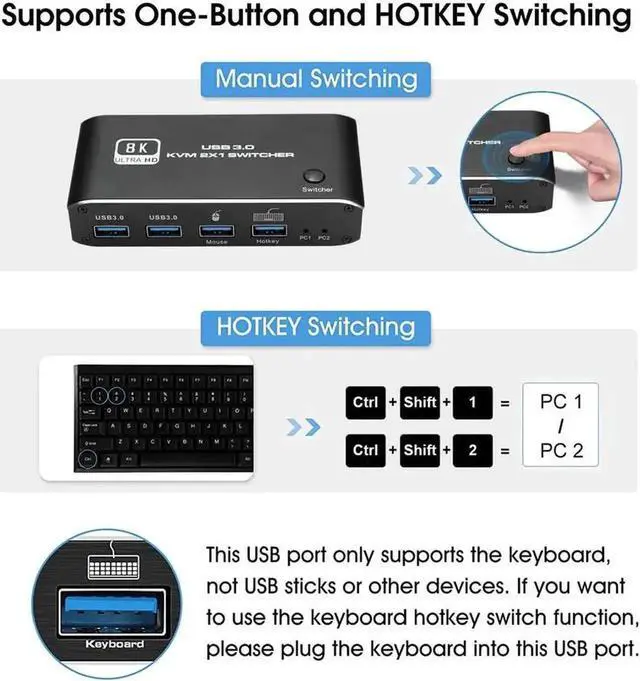
  • - two Switching method: 1.Press the "Select" button on the KVM switch panel to switch between the two source devices;2.use hotkey switch(Ctrl+Shift+ 1 / 2 to PC1 / PC2);
  • - Highly integrated digital chip combination, plug and play
Overview
Specs
Reviews
avatar

Any questions? Our AI beta will help you find out quickly.

HDMI KVM Switch 8K 60Hz 4K 120Hz Switcher with Hotkey 2 laptop PC Share 1 Monitor 4 USB 3.0 for Mouse Keyboard Printer

- Product Type: HDMI USB 3.0 KVM Switch (2 in 1 out)

- Input Port: HDMI 2.1 x 2, USB-C x2, USB 3.0 x 4

- Output Port: 1 x HDMI 2.1

- Dimensions: 111.8 x 63.2 x 24.5 mm

- Material: Aluminum Alloy shellanti-rust, anti-corrosion, anti-interference, fast transmission, surtace oxidation

Features

- Support HDMI 2.1 HDCP 2.3

- Resolution: Support 1080P/1080@240Hz, 3840x2160p, 4K/60Hz/120Hz, 8K@60Hz resolution, adaptive screen resolution

- Support system: Windows XP, Windows7, Windows10, Apple MAC, Linux, Unix and other operating systems

- Supports high current hard disk devices

- two Switching method: 1. Press the "Select" button on the KVM switch panel to switch between the two source devices; 2. use hotkey switch(Ctrl+Shift+ 1 / 2 to PC1 / PC2);

- Highly integrated digital chip combination, plug and play


Warranty & Returns

Warranty, Returns, And Additional Information

Return Policies

Manufacturer Contact Info

LOADING...