Out of stock
This item is currently out of stock and it may or may not be restocked.
Sold by Newegg

Shipped by Newegg

Shop it at NeweggBusiness.

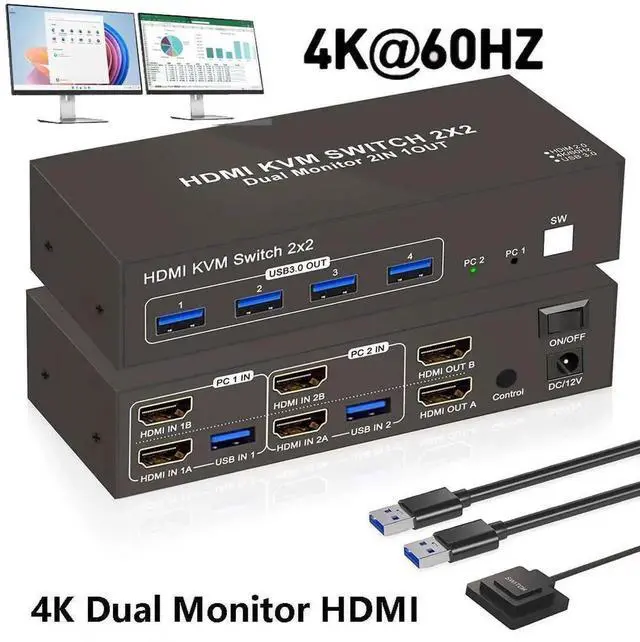
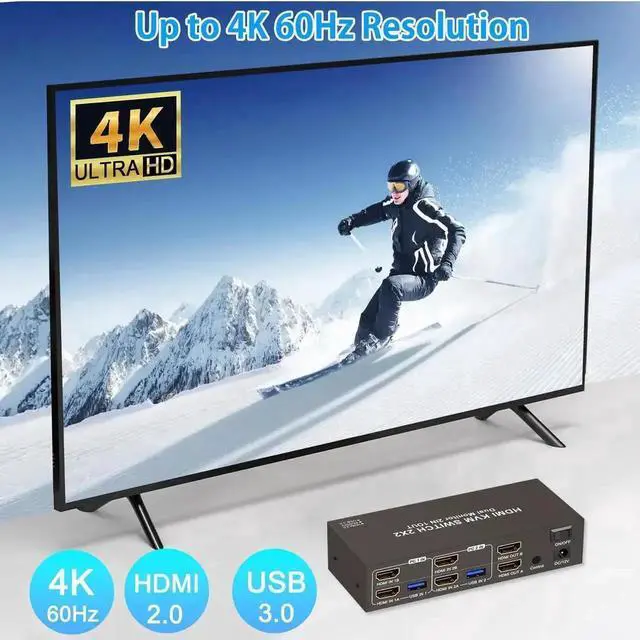
2 Ports HDMI KVM Switch 2 Computers 2 Monitors, 4K@60Hz HDMI USB 3.0 KVM Switcher Dual Monitor HDMI 2 in 2 Out with 4 USB Ports to Share Mouse Keyboard Printer etc. Supports Extended/Copy Mode

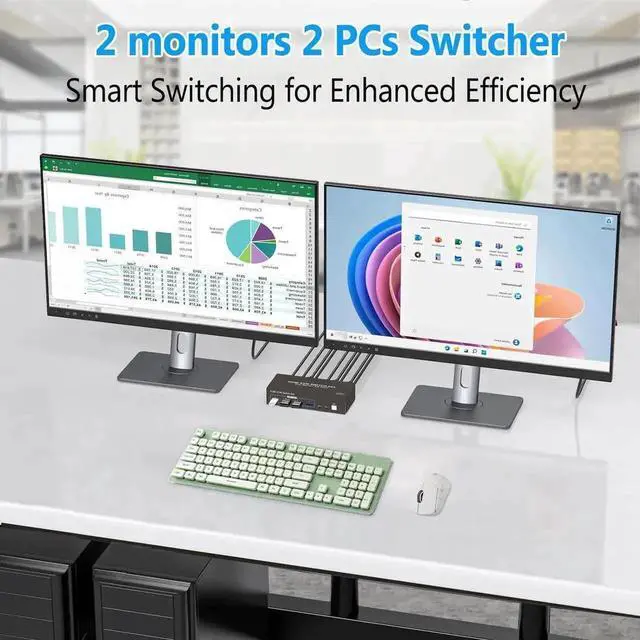
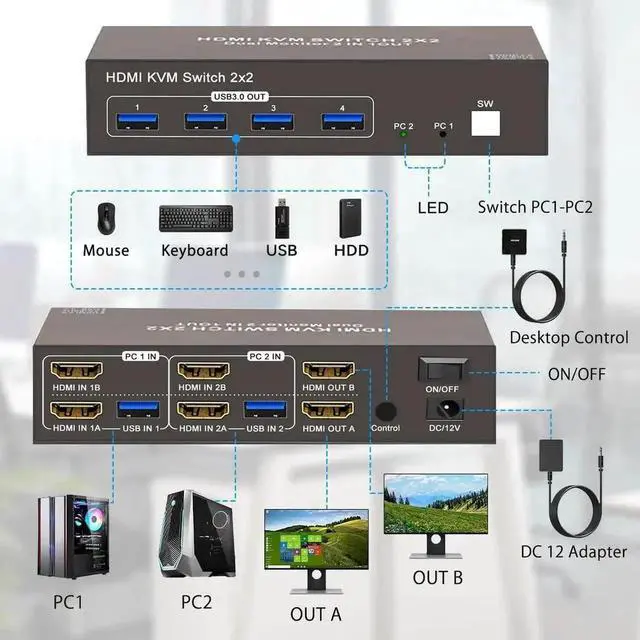
  • Dual Monitor HDMI KVM: Achieve seamless multitasking with this HDMI KVM switch, allowing two PCs to share two monitors along with a keyboard and mouse setup.
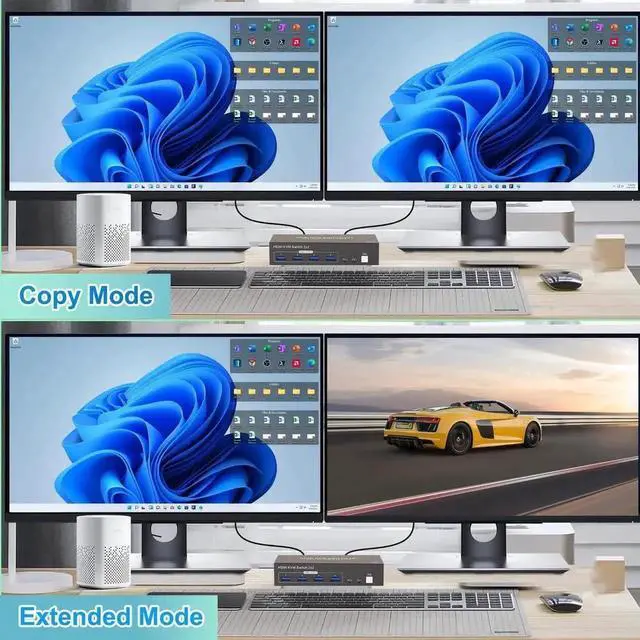
  • Support Extended & Copy Mode: Elevate your multitasking capabilities with Extended Mode and Copy Mode features. Extended Mode expands your desktop across multiple screens; while Copy Mode duplicates content on all connected displays.
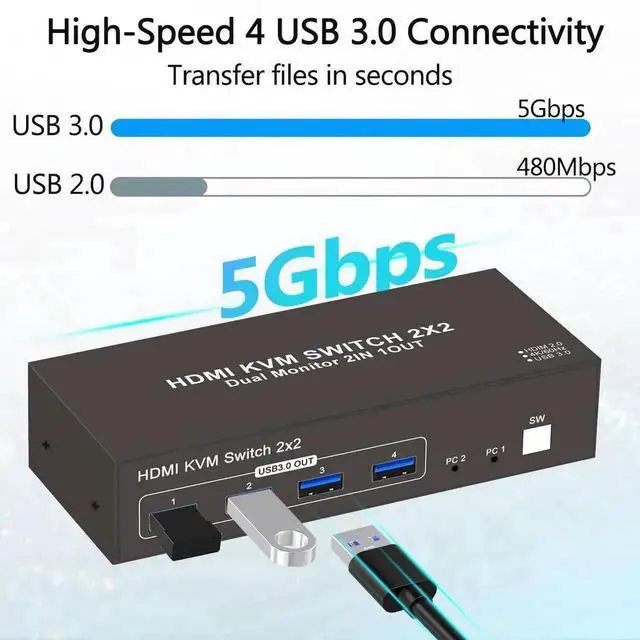
  • High-Speed USB3.0 for Efficient Transfers: Featuring 4 USB 3.0 ports, effortlessly transfer data, images, and files between your connected devices.
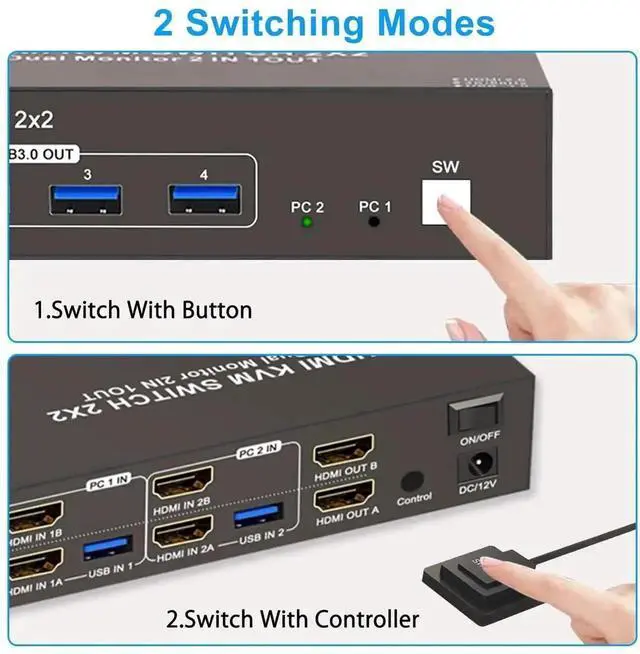
  • 2 Way Effortless Input Switching: With two HDMI input ports (HDMI1 and HDMI2), seamlessly switch between multiple devices such as computers, gaming consoles, and streaming devices with just the press of a button. You can also switch the HDMI signal source through the extra control.
  • Suitable for Various Scenarios: Plug-and-play with no drivers needed, suitable for office environments, classrooms, conference rooms, gaming setups, and labs etc..
Overview
Specs
Reviews
avatar

Any questions? Our AI beta will help you find out quickly.

Features:


1.

Display Delay During Switching: When switching between computers, the monitors may briefly go black for a few secondsthis is normal and expected.


2. USB 3.0

And HDMI Ports: USB ports are for data transfer only (e. g., images and music). For both video and audio, use the HDMI ports.


3. Port Matching for

HDMI Input/Output: When connecting HDMI sources, ensure they match the corresponding outputs. For example, if the input is from HDMI IN B, use HDMI OUT B; if from HDMI IN A, use HDMI OUT A.


4.

Extended & Mirrored Modes: This KVM Switch supports both extended and mirrored display modes, but your computer must support these as well. Note that the HDMI KVM switch only transmits signals; it doesnt modify display settings on your device.


5. Power for

Stability: For stable operation, connect the KVM switch to the included power supply.


6.

Dual Monitor Setup: To use dual monitors, connect both HDMI ports on one PC. For example, connect HDMI IN 1B and HDMI IN 1A on PC 1 IN, and connect HDMI OUT B and HDMI OUT A on the output side. This setup allows HDMI OUT B to display HDMI IN Bs output, and HDMI OUT A to display HDMI IN 1As output.


Package List: 1x HDMI USB 3.0 kvm switch+ 2xUSB cables+ 1xPower Adapter+ Button extension module + user manual.


Warranty & Returns

Warranty, Returns, And Additional Information

Return Policies

Manufacturer Contact Info

LOADING...