Out of stock
This item is currently out of stock and it may or may not be restocked.
Sold by Newegg

Shipped by Newegg

Shop it at NeweggBusiness.

JAENFONG 2 Port Displayport KVM Switch 2 Monitors 2 Computers with 3.5mm Audio Jack - 8K@60HZ 4K@144Hz Dual Monitor DP KVM Switches with 3 USB 3.0 Port Sharing Keyboard Mouse, Included Wired Remote

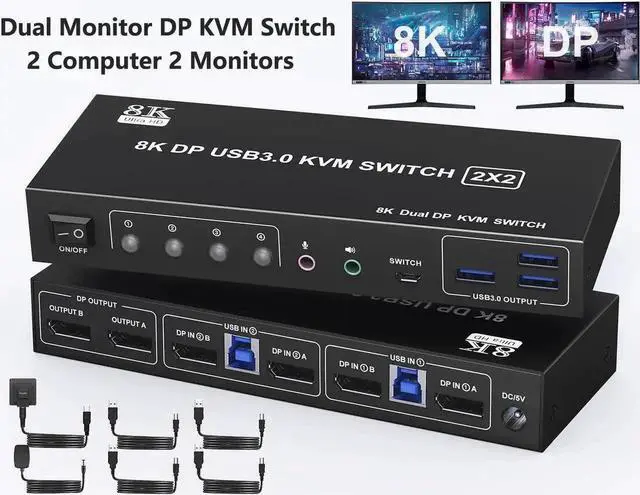
  • 8K Dual Monitor KVM Switch: This KVM switch allows you to easily manage 2 computers to share 2 monitors, 3 USB 3.0 devices. Only one set of keyboard and mouse is needed to control 2 computers and 2 monitors.
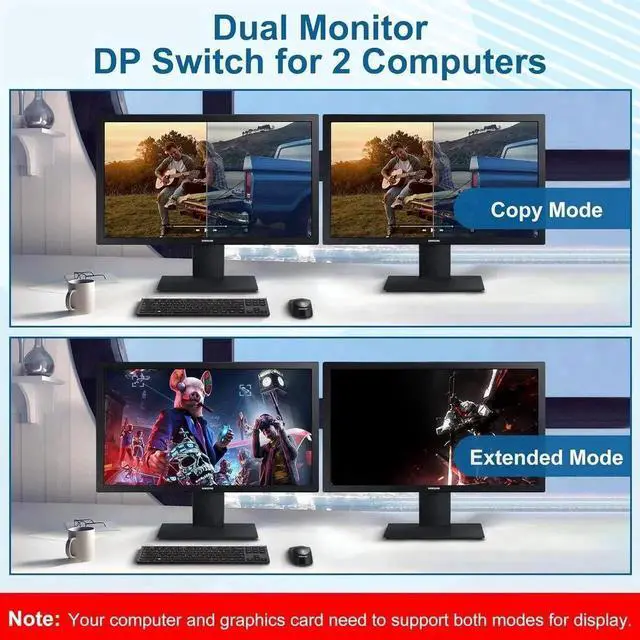
  • Copy and Extend Mode: In copy mode, both monitors display the same content at the same time. In extend mode, each monitor operates independently.
  • 8K@60Hz Ultra HD: Supports resolutions up to 8K@60Hz and is backward compatible with 4K@240Hz, 4K@120Hz, 4K@60Hz, 4K@30Hz and below.
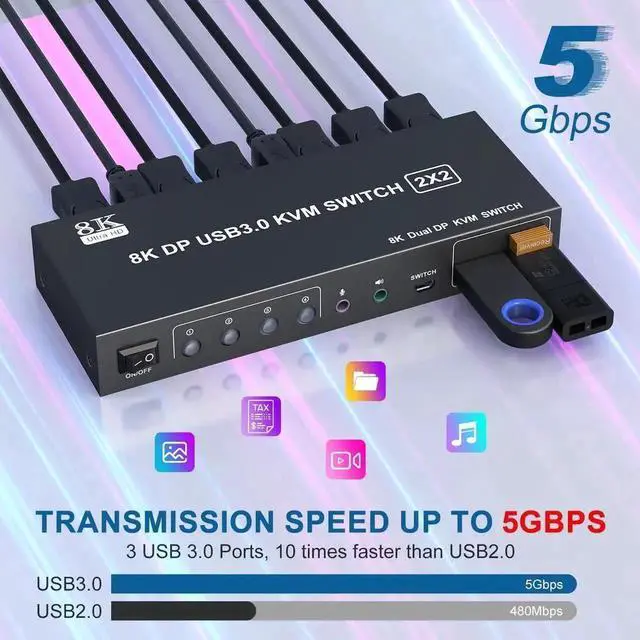
  • Equipped with 3 USB 3.0 ports: Equipped with 3 USB 3.0 interfaces, data transfer speeds up to 5GbpsBackward compatible with USB 2.0/1.1 devices.
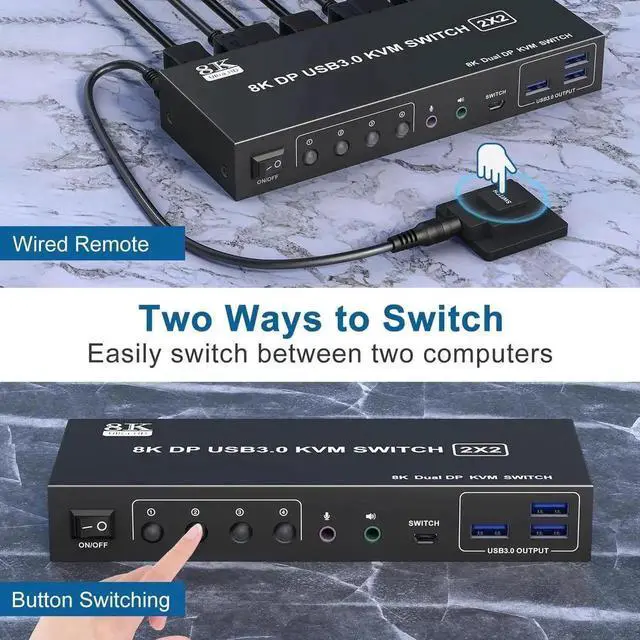
  • 2-Way Switching and Audio Hole: 1)With the wired remote control button, you can place the KVM outside the working area. 2) Simply press the button on the KVM box to switch freely between 2 computers. KVM switch also supports audio and microphone output.
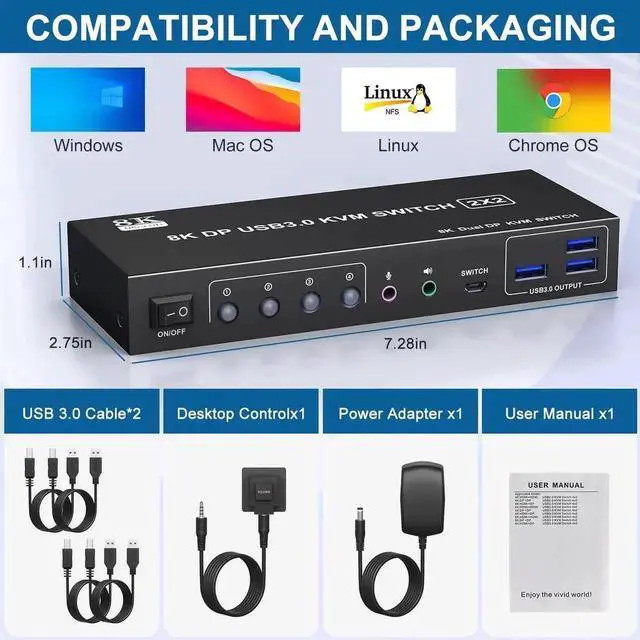
  • Wide Compatibility: Compatible with Windows/Vista/XP and Mac OS systems, Linux and Unix systems.
Overview
Specs
Reviews
avatar

Any questions? Our AI beta will help you find out quickly.

Dual Monitor Displayport KVM Switch for 2PC


2 computers share DP dual monitors.

Up to 8K60Hz/4K120Hz.

2 display modes - mirror and extend mode.

Add 3 USB 3.0 ports.

With audio and microphone output.

Plug and play function, no driver required.


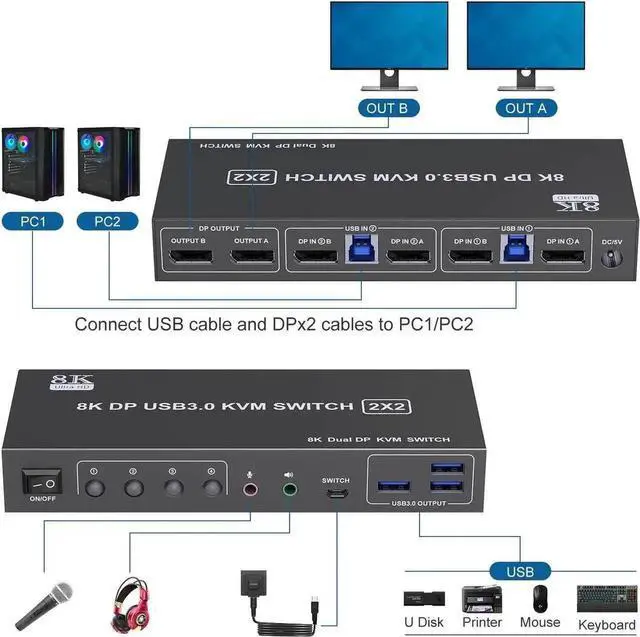
Installation steps:

1. Connect the DC/12V adapter to the KVM.


2. Connect the DP cable to the KVM and the monitor (output).


3. Connect the DP cable and USB cable to the KVM and the computer/laptop (input) (2 USB cables are included in the package, no DP cable is provided).


DP IN1 A + DP IN1 B + USB IN1=PC1

DP IN2 A + DP IN2 B + USB IN2=PC2

4. Plug the mouse and keyboard into the KVM switch


Warranty & Returns

Warranty, Returns, And Additional Information

Return Policies

Manufacturer Contact Info

LOADING...