Out of stock
This item is currently out of stock and it may or may not be restocked.
Sold by Newegg

Shipped by Newegg

Shop it at NeweggBusiness.

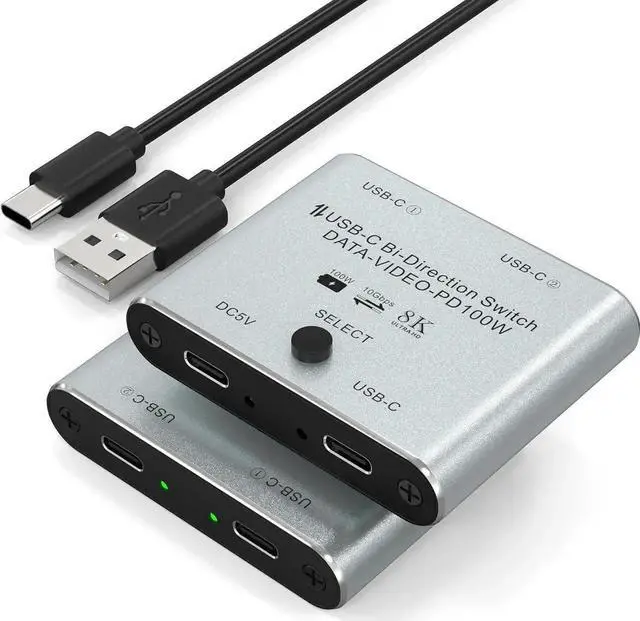
JAENFONG 8K USB C Switch, USB C Switcher for 2 Computers - Bi Directional USB C KVM Switch Splitter, Type C Switch for 8K@60Hz/4K@144Hz Video Transfer + 100W Charging+10Gbps Data, with Power Cable

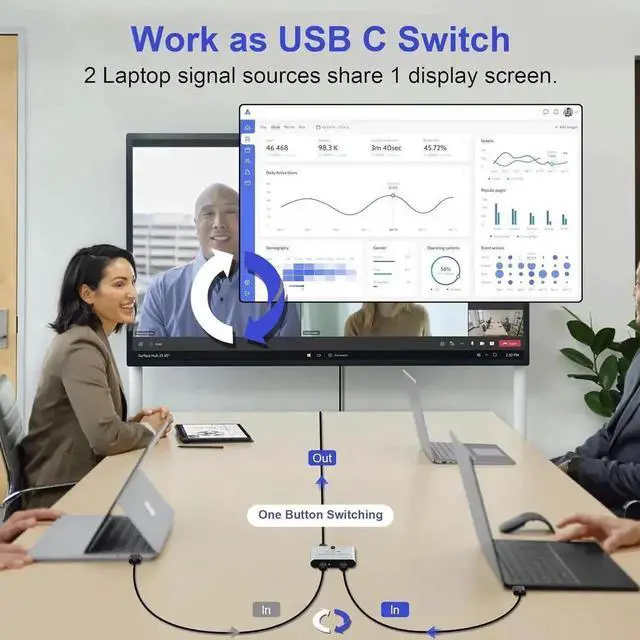
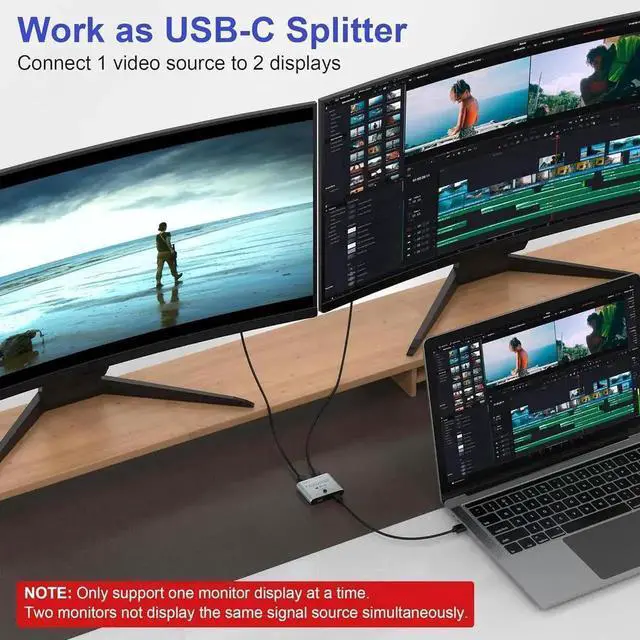
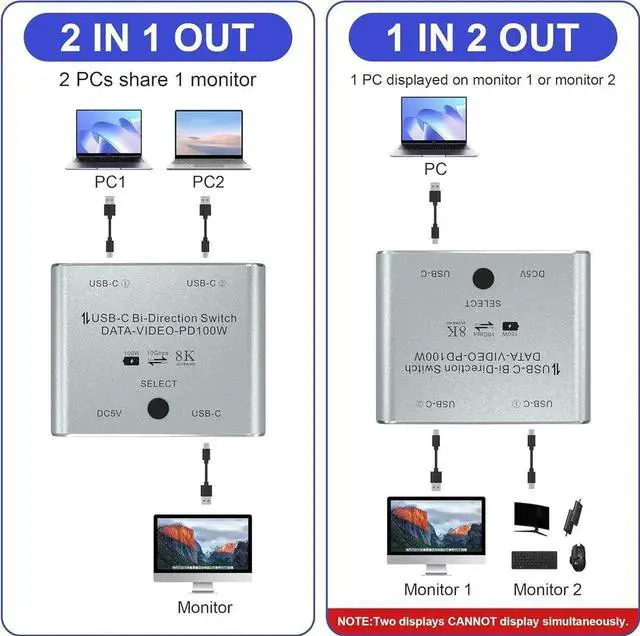
  • [Bi-Directional USB-C Switch] This USB C switch selector allows 2 USB-C video sources to share 1 monitor or 1 video source to share 2 monitors. The standard USB-C USB3.1 Gen2 cables (NOT included) need to be connected and a USB cable used to power the switch.
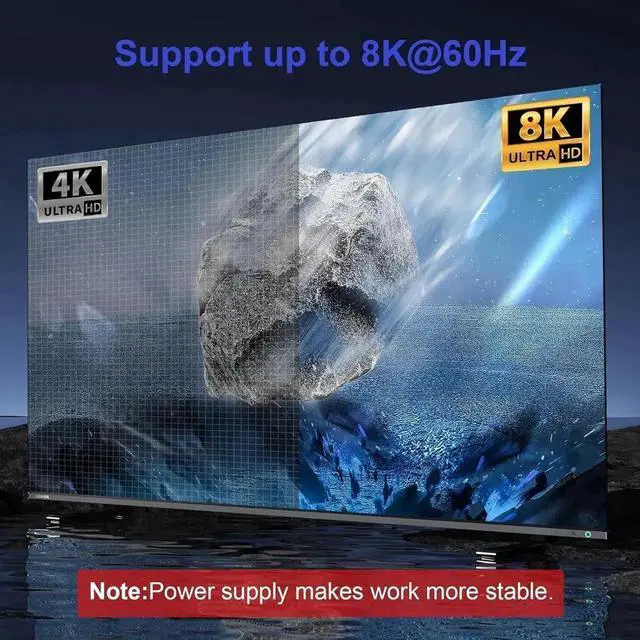
  • [8K Ultra HD USB C Switcher] Supports 8K@60Hz video to the USB-C or HDMI monitor and ultra-wide screen output (3440*1440, etc.), backward compatible with 4K@120Hz/1080P@165Hz. The maximum resolution and refresh rate of the output depends on the source device, monitor, USB C dock and cables.
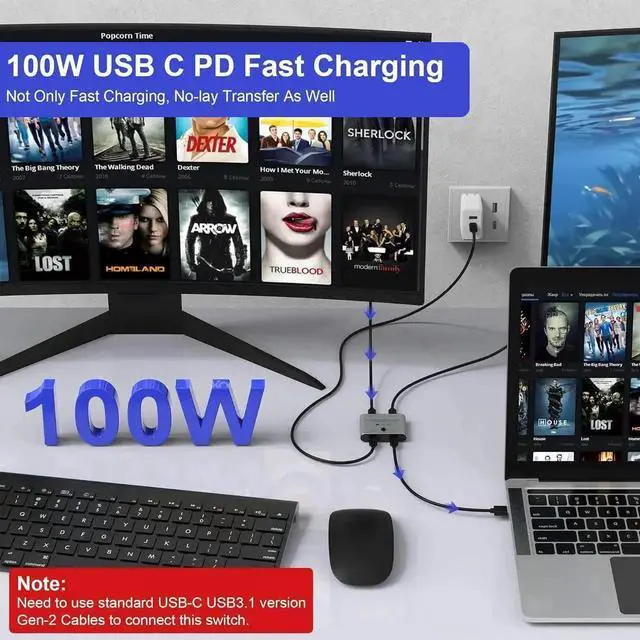
  • [PD100W Reverse Charging]: Use this USB C kvm switch to fast charge type-c cell phones, laptops, and other devices up to 100W while it's working.Note: The monitor, cable, and device you use should support fast charging.
  • [10Gbps Data Transfer] Supports transfer speeds of up to 10Gbps (USB3.1 Gen2), allowing you to transfer music, movies, or entire seasons of TV shows in seconds, and switching can be done at the touch of a button.
Overview
Specs
Reviews
avatar

Any questions? Our AI beta will help you find out quickly.

Interface: USB-C / USB-C1 / USB-C2.

This USB C KVM Switch is a novel and practical USB-C full-function two-way switch, and support USB 3.1 Gen2 10Gbps bandwidth high-speed transmission, 8K ultra HD display video, PD 100W charging, two-way communication and one-key switch of USB 3.1 signal.

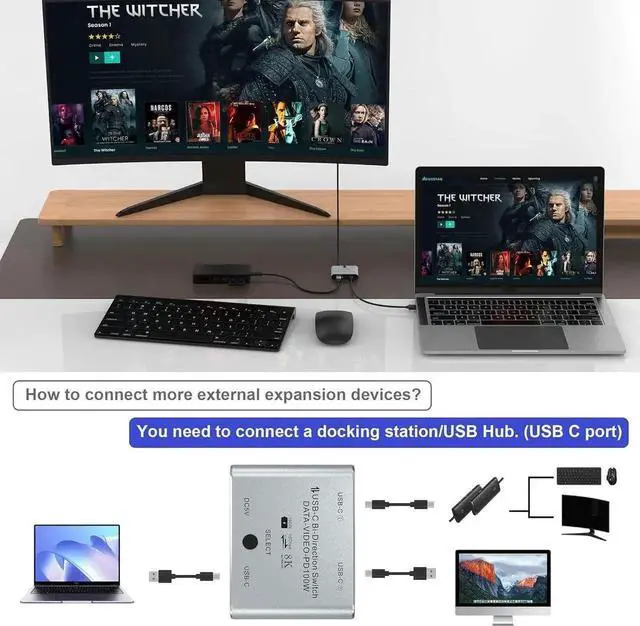
Can easily realize two USB-C computers share a display device, through the button can choose which computer to connect the display device, but also can easily realize a computer share the use of multiple external devices, such as printers, USB flash drives, video cameras, etc., saving the trouble of frequently unplugging the cable of the device.

Warranty & Returns

Warranty, Returns, And Additional Information

Return Policies

Manufacturer Contact Info

LOADING...