• $168.99
  • Free 30-day Returns
  • Ships from China.
    Price alert
    Shop it at NeweggBusiness.

    DisplayPort KVM Switch 2 Monitors 3 Computers, 8K@60Hz 4K@144Hz Dual Monitor DP KVM Switches for 4PC Share 2 Monitors and 4 USB3.0 Devices with Wired Remote DP/USB Cables and 12V Power Adapter

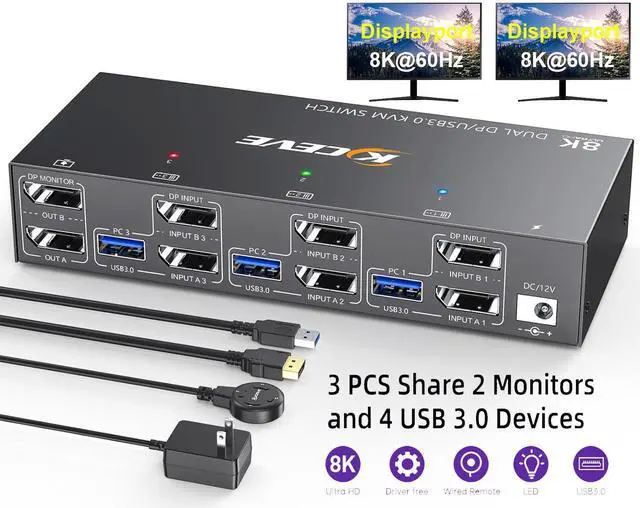
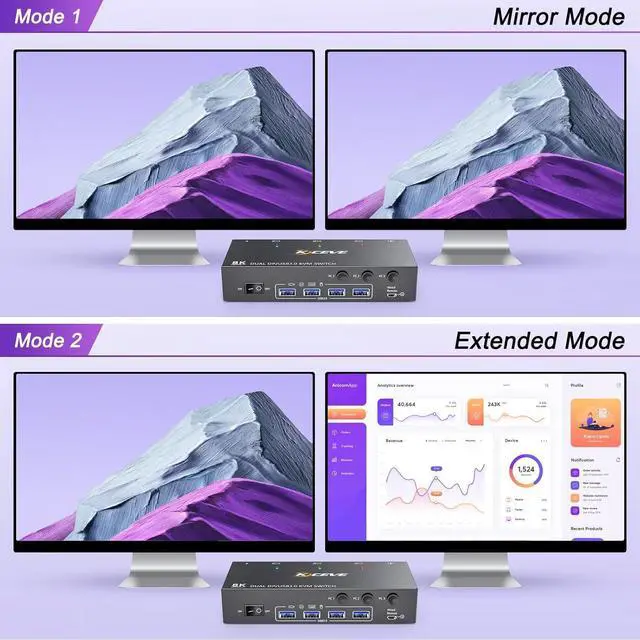
    • [KVM Switch 2 Monitors 3 Computers Displayport] This KVM switch allows 3 computers to share 2 monitors and 4 USB3.0 devices. Support extended mode and copy mode. Switch easily, avoid cable plugging hassles and port damage.
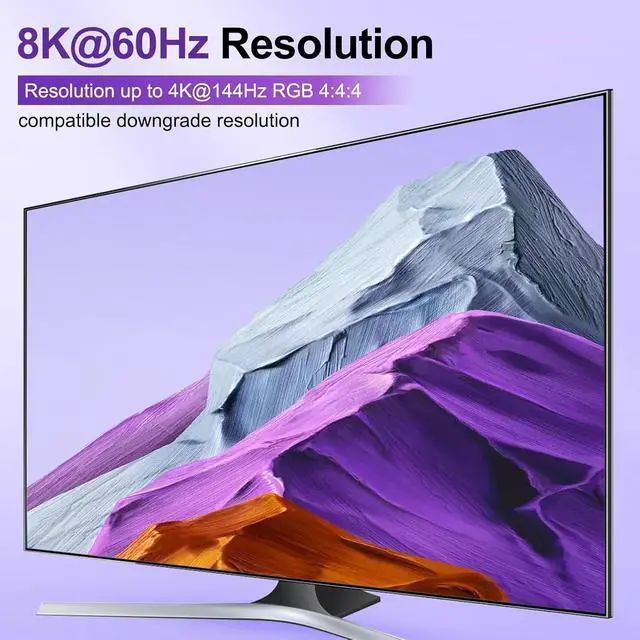
    • [An immersive visual feast-8K@60Hz] Supports resolutions up to 8K@60Hz and is backward compatible with 4K@240Hz,4K@120Hz, 4K@60Hz,4K@30Hz and below.
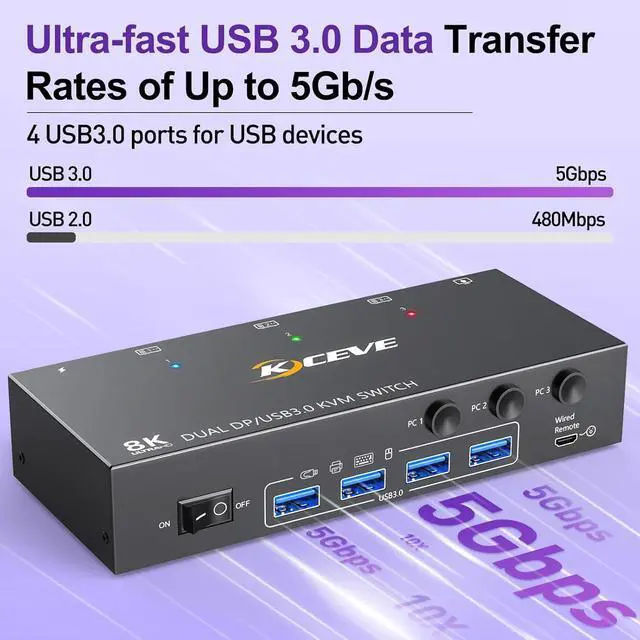
    • [USB3.0 KVM Switches with 4 USB 3.0 ports] This kvm switch is equipped with 4 USB3.0 ports and supports ultra-fast USB 3.0 data transfer at up to 5Gbps. Use this KVM switch. It can recognize USB devices like keyboards, mice, printers, etc., and is backwards compatible with USB2.0 peripherals..
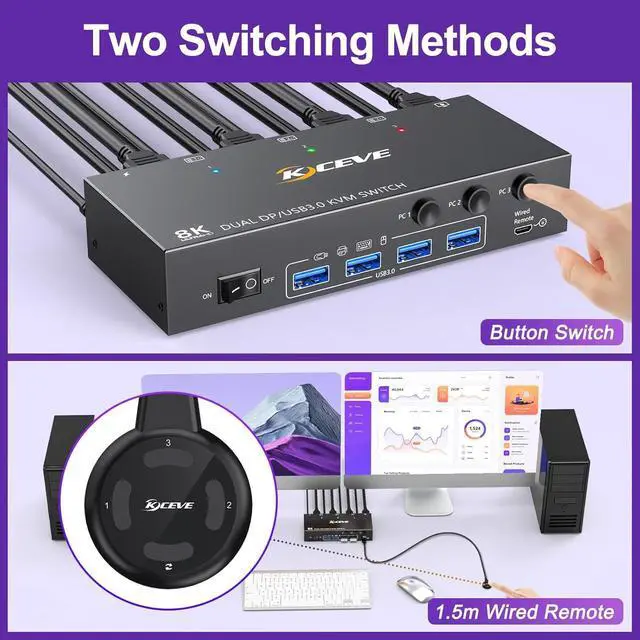
    • [Two Switching Methods] This Dual Monitor KVM supports panel buttons or a wired remote control switch. The desktop controller is user - friendly and helps keep your desktop tidy by hiding the device.
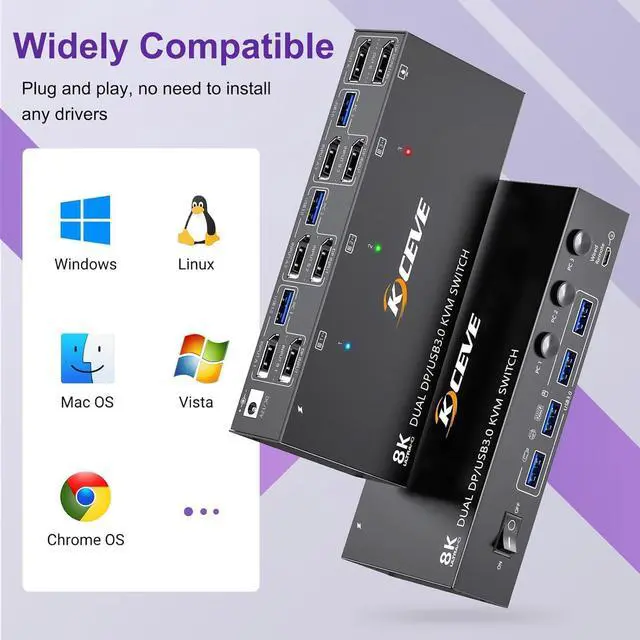
    • [Wide compatibility& Driver-Free] The KVM Switch Supports Windows 11/10/8.1/8/7..,Mac OS, and Linux systems. Plug and Play.
    +
    +
    Overview
    Specs
    Reviews
    avatar

    Any questions? Our AI beta will help you find out quickly.

    Connection diagram and Connection steps

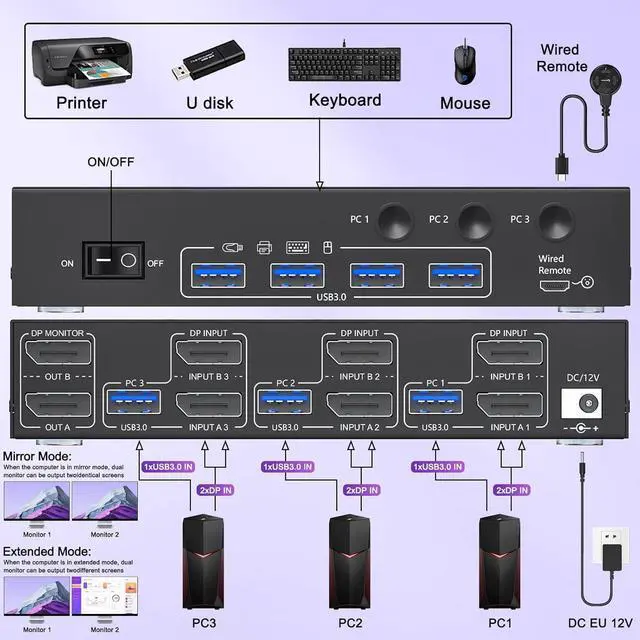
    How to connect your computers and the KVM switch?

    1. Turn off all devices before connecting the KVM switch to avoid potential damage or connection issues.

    2. Each computer requires 2*Displayport +1* USB cable to connect the 2 monitor KVM switch, OUT A, OUT B need 2 DP cables connect to 2 monitor

    3. Plug your keyboard and mouse into the USB devices ports on the KVM switch.

    4. Turn on the monitors, computers, and KVM switch

    Note: You must use USB cables to connect both computers and the KVM switch, otherwise the 4 USB ports devices will not work.

    When connecting high - power devices such as hard drives to the USB ports of the 2 monitors KVM switch Displayport, an external 5V/2A adapter is required. Keep the cable wires properly connected (refer to the picture connection schematic).

    Warranty & Returns

    Warranty, Returns, And Additional Information

    Warranty

    • Please contact the Seller directly for warranty information. Warranty information may also be found on the Manufacturer's website.
    • CONTACT

    Return Policies

    Manufacturer Contact Info

    LOADING...