

Your Browsing History





Any questions? Our AI beta will help you find out quickly.
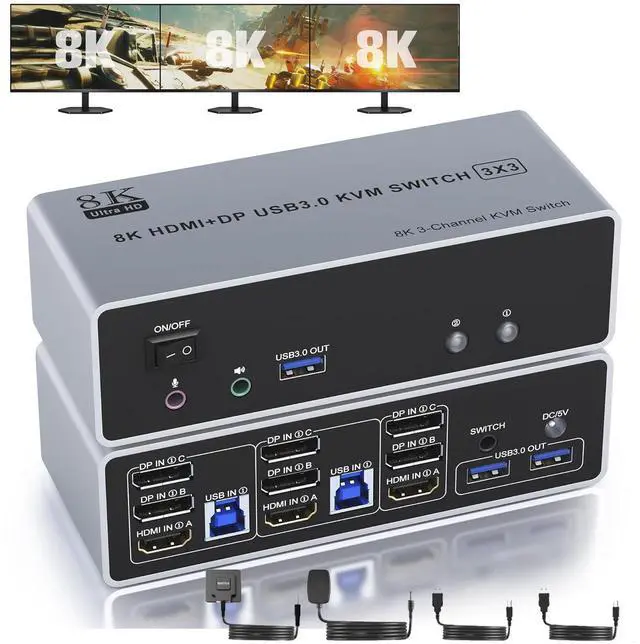
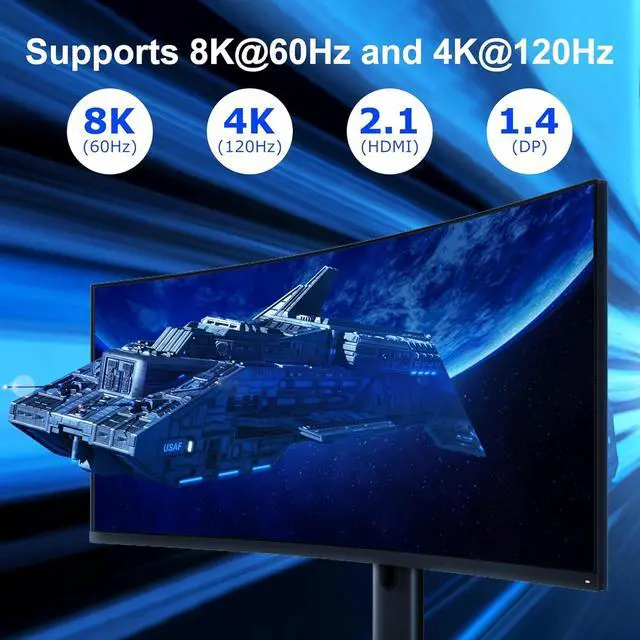
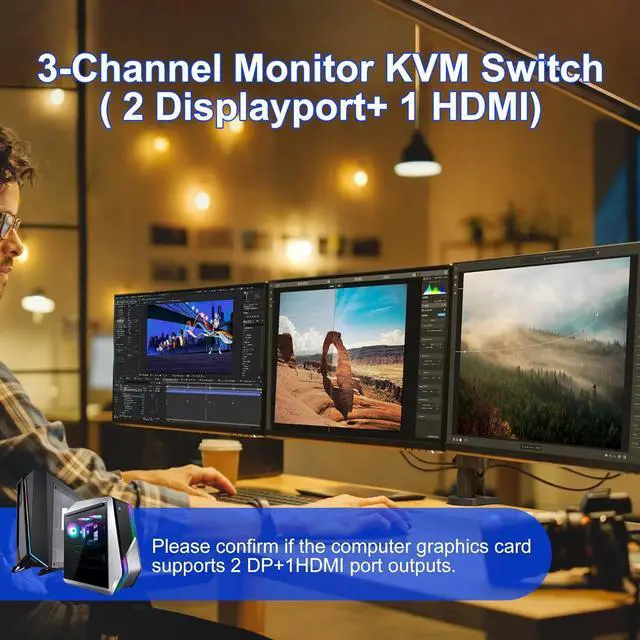
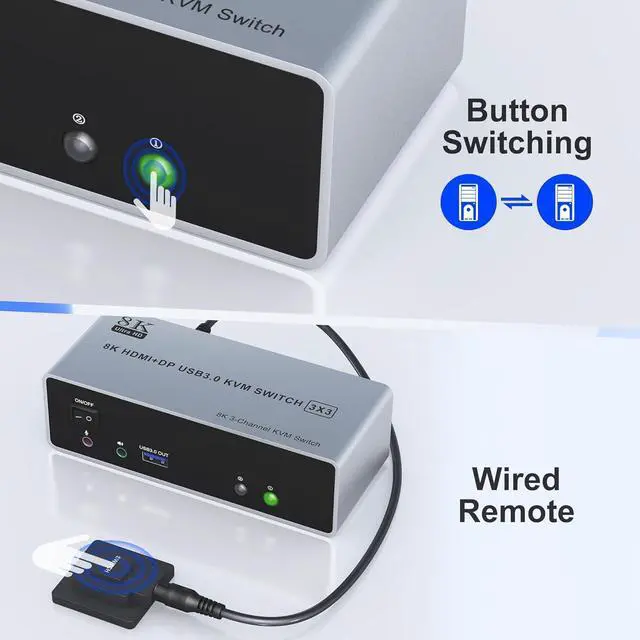
4K@120Hz HDMI and 2 Displayport KVM Switch for 2 Computers Share 3 Monitors and 3 USB 3.0 devices, Audio & Microphone
Does Everything You Need!
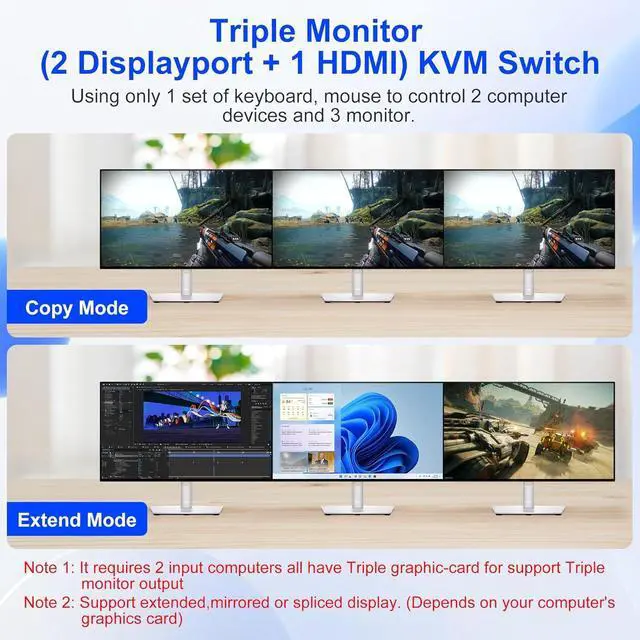
2 port USB 3.0 3 monitor KVM (HDMI+ DP+DP). Each input source device must be connected to 3 monitor.
This 2 computers 3 monitors switch help you control 2 PCs share 3 monitors by only one set of USB keyboard & mouse.
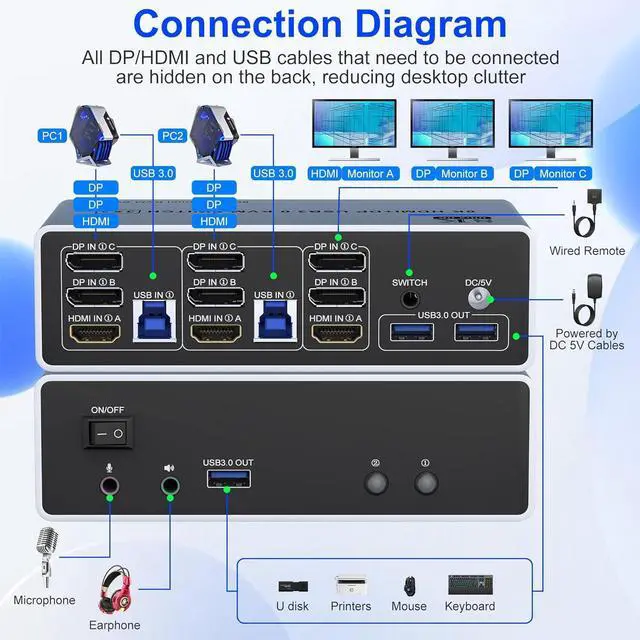
Connection Steps & Notes
1. Insert the adapter into the KVM;
2. Plug the DP/HDMI cable into the KVM and monitor; (Output)
3. 1). Connect PC1 Firstly (Input)
Use 1 HDMI cable to connect the "HDMI IN 1 A" input interface and PC1 HDMI A output interface,
Use 1 DP cable to connect the "DP IN1 B" input interface and PC1 DP B output interface.
Use 1 DP cable to connect the "DP IN1 C" input interface and PC1 DP C output interface.
Use 1 "USB-a to USB-b" USB 3.0 cable to connect the "USB IN 1" input interface and PC1 USB 3.0 interface.
2)Then, Connect PC2 according to the connection steps of PC1.
4. Insert the mouse and keyboard into the KVM switch
5. If needed, you can connect a microphone and audio port