

Your Browsing History





Any questions? Our AI beta will help you find out quickly.
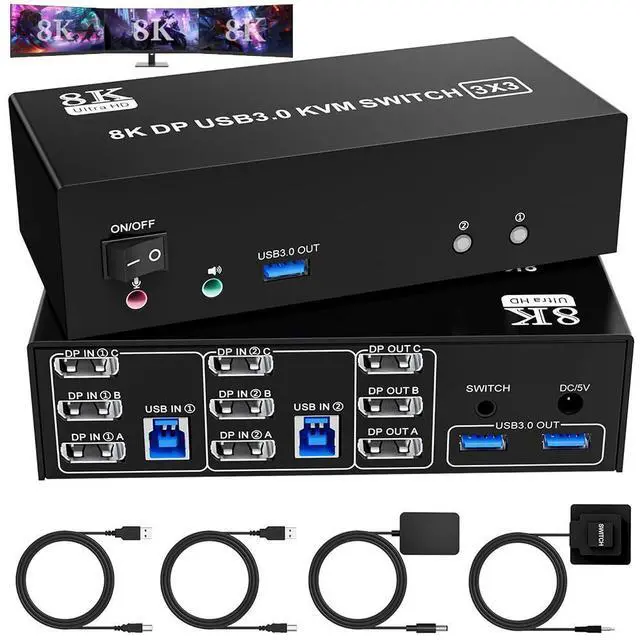
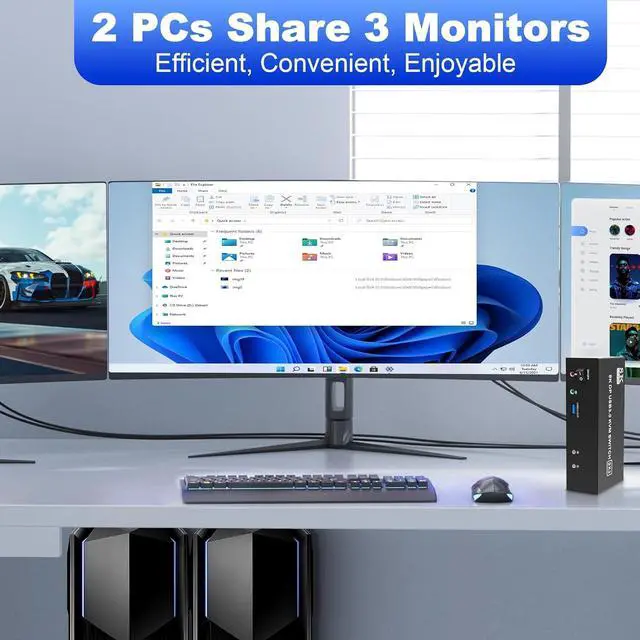
USB 3.0 KVM Switch is a powerful solution for users who need to manage multiple computers and displays efficiently. With the ability to support 3 monitors and 2 computers, this KVM switch allows seamless switching between devices, maximizing productivity and enhancing your workspace.
Product
Specifications
1. 8K Triple Monitor KVM Switch allows 2 computers/laptops to share one set of keyboard, mouse, and 3 monitors (3 DisplayPort)
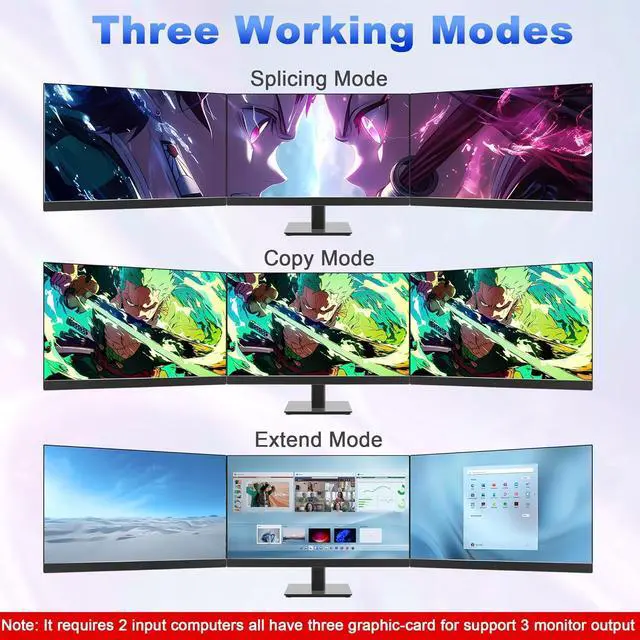
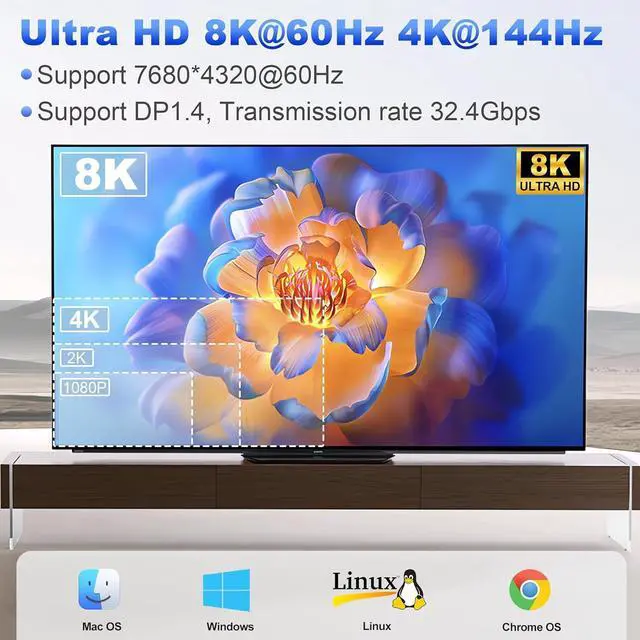
2. Support DP 1.4 standards and downward compatibility. 3 monitors output support up to 8K@60Hz for extended, mirrored or spliced display(Depends on your computer's graphics card. );
3. 2
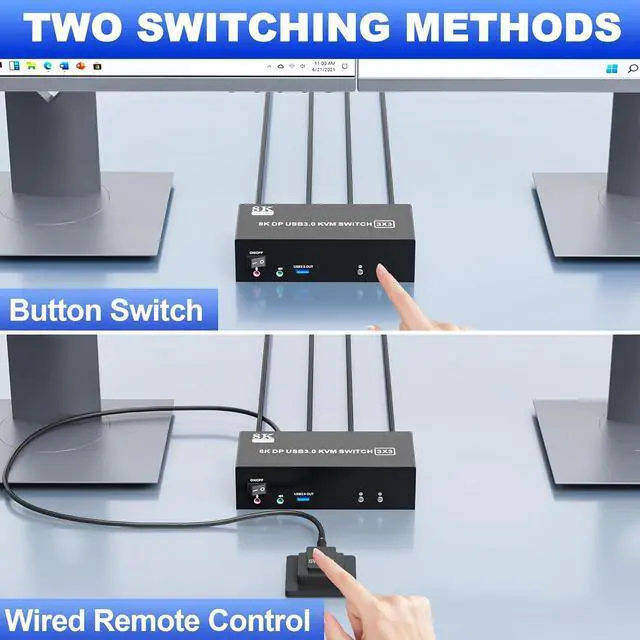
Switching modes: Button switch and wired remote.
4. KVM switch equipped with 3 USB 3.0 ports for USB devices, and with extra Audio Microphone output
installation steps:
1. Insert the DC/5V adapter into the KVM;
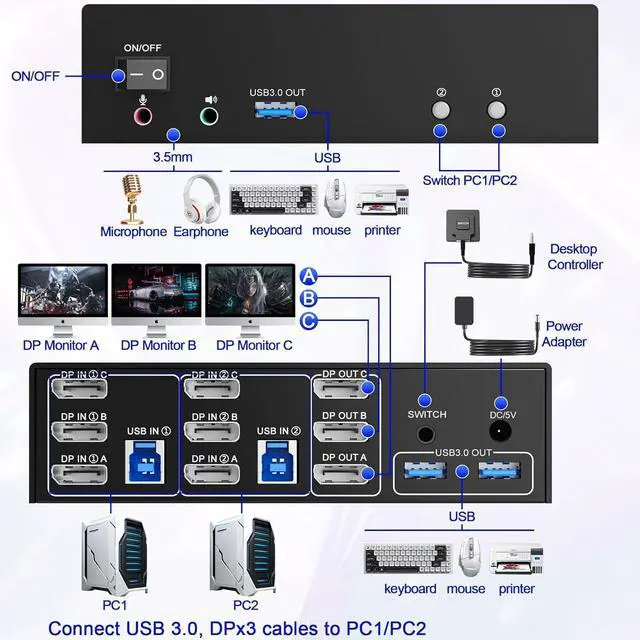
2. Plug the 3*DisplayPort cable into the KVM switch and monitor; (Output)
3. Plug the DisplayPort cable and USB cable into the KVM switch and your computer/laptop (DP cables are not included) (Input)
DP IN 1A +DP IN 1B + DP IN 1C + USB IN 1=PC1
DP IN 2A + DP IN 2B + DP IN 2C + USB IN 2=PC2
Please check whether DP IN 1A, DP IN 1B, DP IN 1C, and USB IN 1 corresponding, and whether DP IN 2A, DP IN 2B, DP IN 2C and USB IN 2 are corresponding. Mixed insertion is not supported.
4. Insert the mouse and keyboard into the KVM switch
5. If needed, you can connect a microphone and audio port