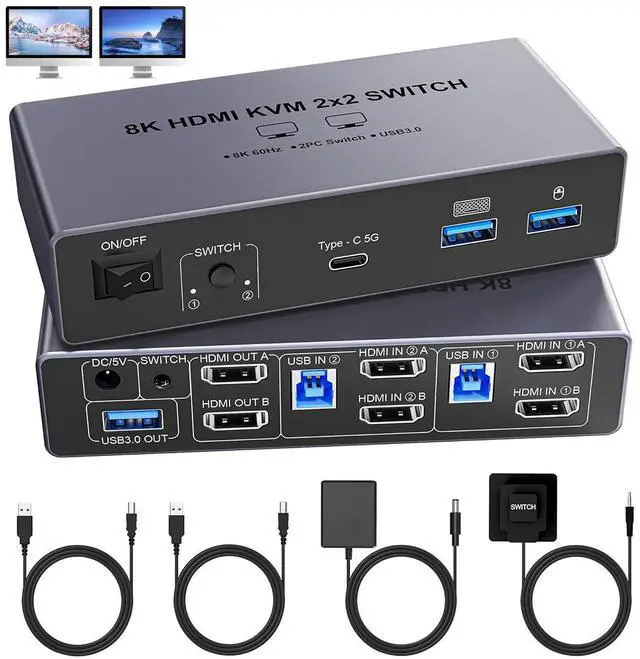
8K@60Hz HDMI KVM Switch 2 Monitors 2 Computers with 4 USB 3.0 ports (3 USB-A+1 USB-C)
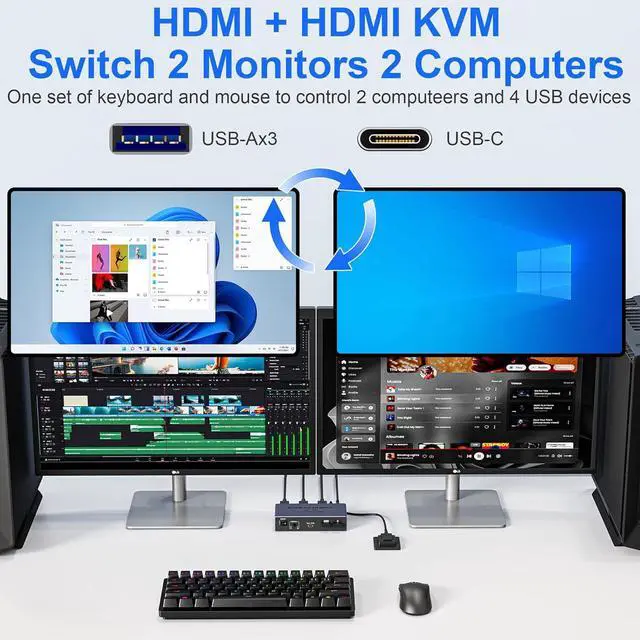
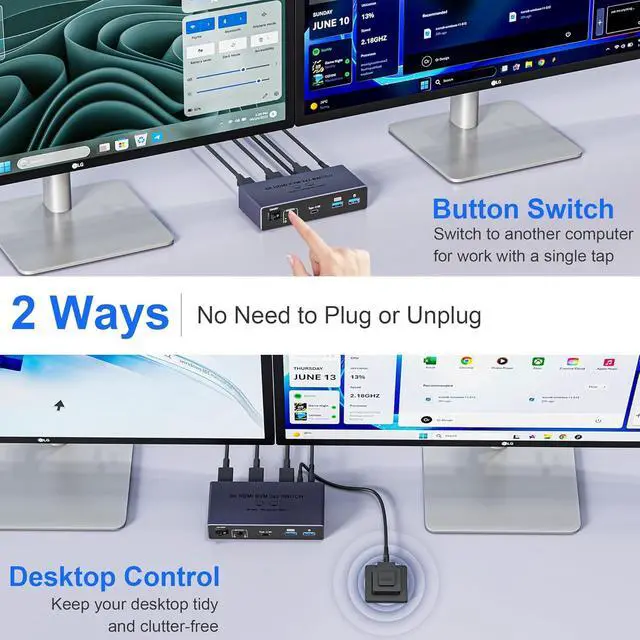
- 2 port HDMI KVM Perfects for hooking up 2 desktops or laptops to share 2 monitors and 1 set of keyboard, mouse
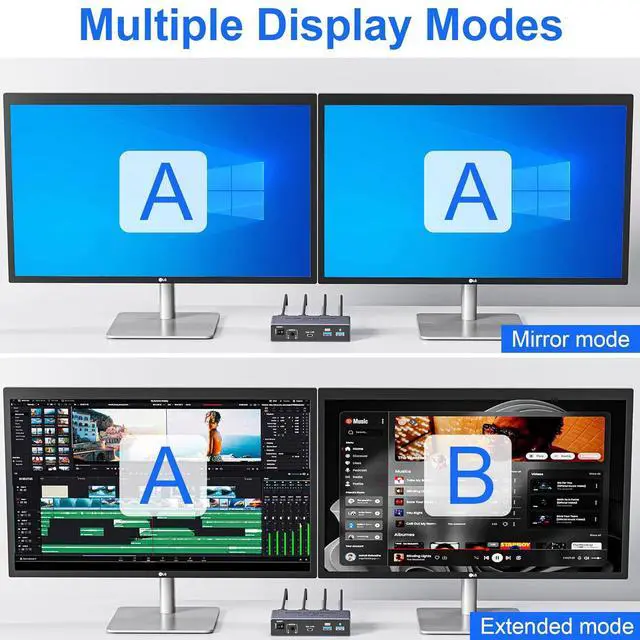
- Only when your computer supports dual display, you can use this KVM to achieve two computers to share two monitors, extended mode or copy mode.
- (NOTE: This is HDMI KVM switch, not DisplayPort KVM switch.)
installation steps:
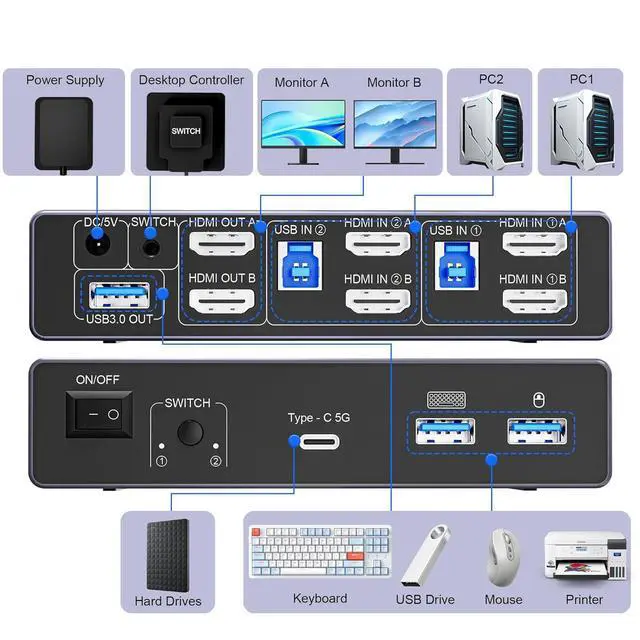
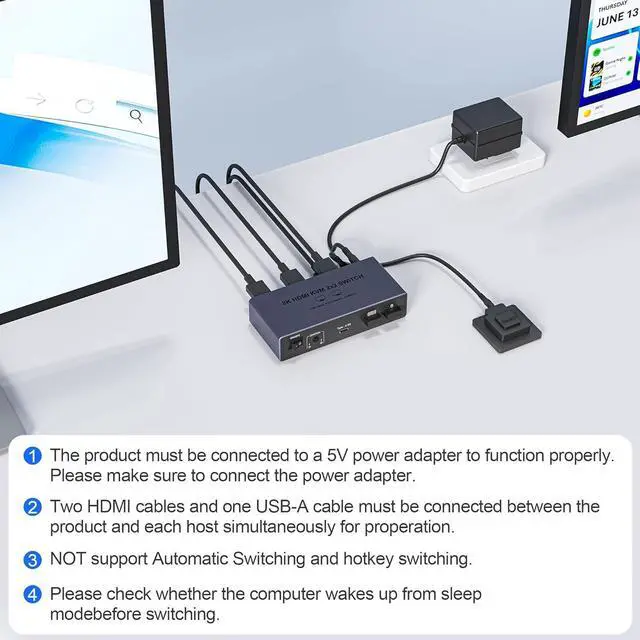
- 1. Insert the power adapter into the KVM ;
- 2. Plug the HDMI cable into the KVM and monitor;(Output)
- 3. Plug the 2* HDMI cables and USB 3.0 cable into the KVM and your computer/laptop (HDMI cables are not included)(Input)
- HDMI IN1 A + HDMI IN1 B + USB IN1=PC1
- HDMI IN2 A + HDMI IN2 B + USB IN2=PC2
- 4. Insert the mouse and keyboard into the KVM switch
8K@60Hz Resolution:
- Experience the future of visual technology with our 8K@60Hz KVM Switch, delivering crystal-clear resolution for the most immersive viewing experience.
- Stay ahead of the curve and enjoy stunning visuals like never before, ensuring every detail is captured with utmost clarity.
- And if you need different resolutions, fear not, it also supports 8K@30Hz, 4K@120Hz, 3D and 1080P as well.
With 4 USB 3.0 Ports:
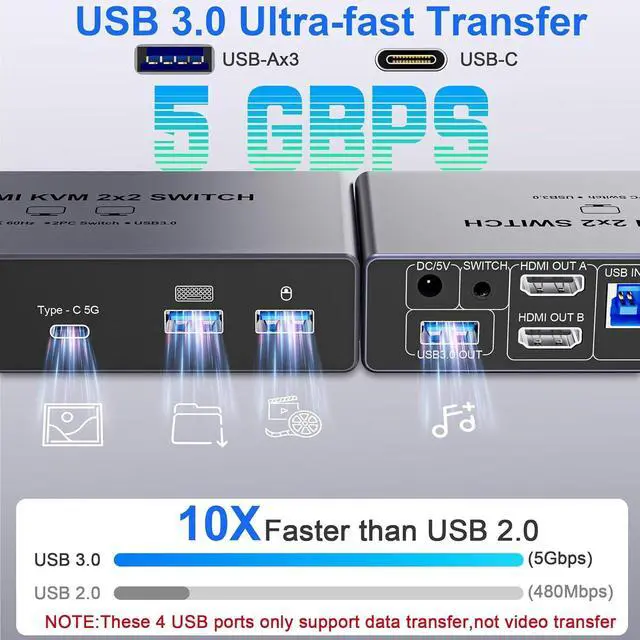
- This Dual Monitor HDMI KVM switch has 4 USB 3.0 ports (3 USB-A+1 USB-C) for sharing mouse, keyboard, USB flash drives, printer, and other USB devices.
- USB 3.0 offers data transfer speeds of up to 5Gbps, which allows faster data transfer to make work more efficient.
- NOTE: To ensure USB devices normal usage, please make sure to connect the power supply via the power adapter