

Your Browsing History





Any questions? Our AI beta will help you find out quickly.
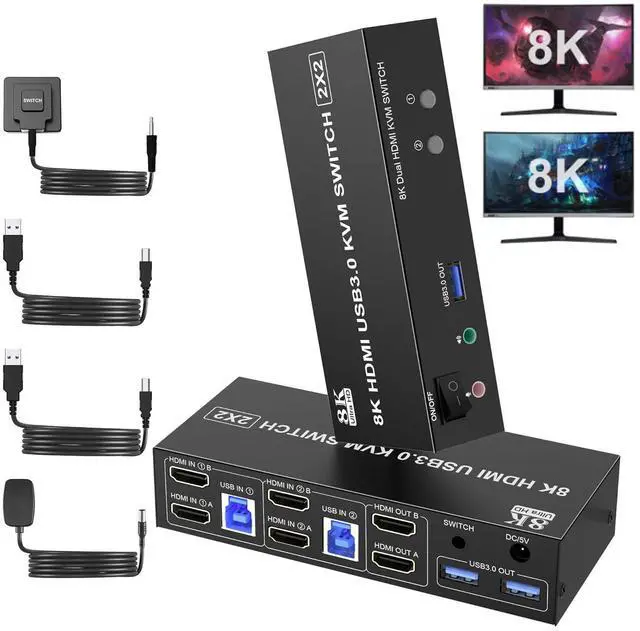
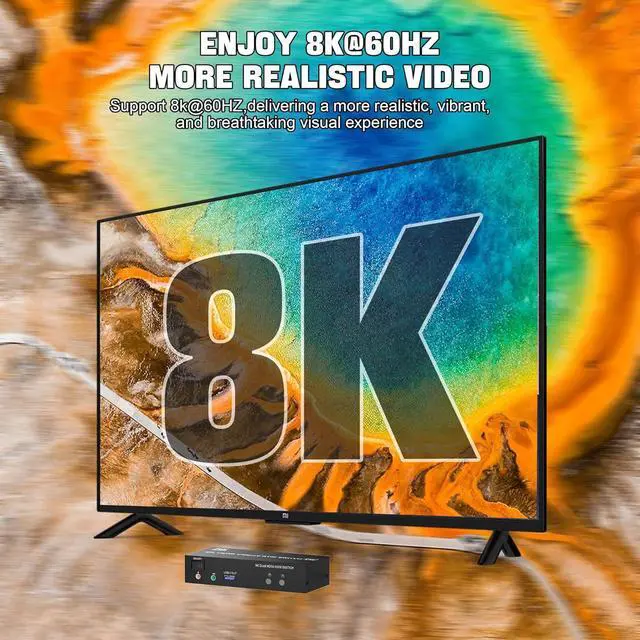
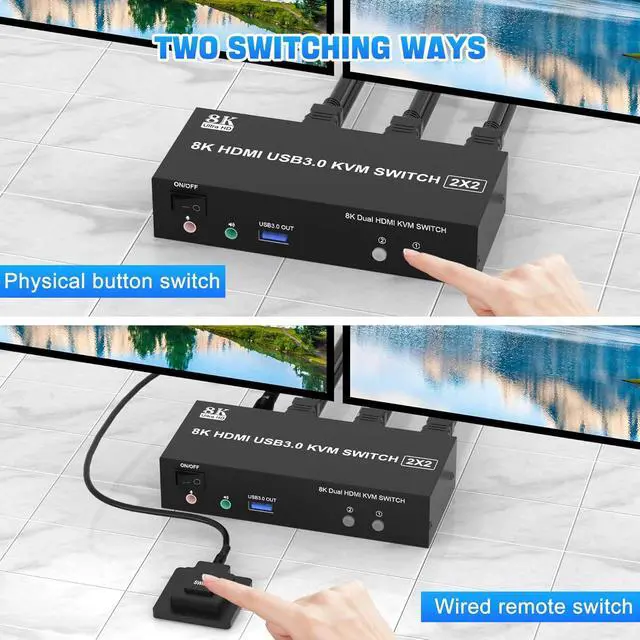
Introducing the 8K@60Hz KVM Switch - the perfect solution for those seeking a crystal clear dual monitor experience.
With its cutting-edge technology, this KVM Switch delivers unparalleled visual clarity and detail, ensuring an immersive viewing experience like no other.
Reliability is at the core of our KVM Switch.
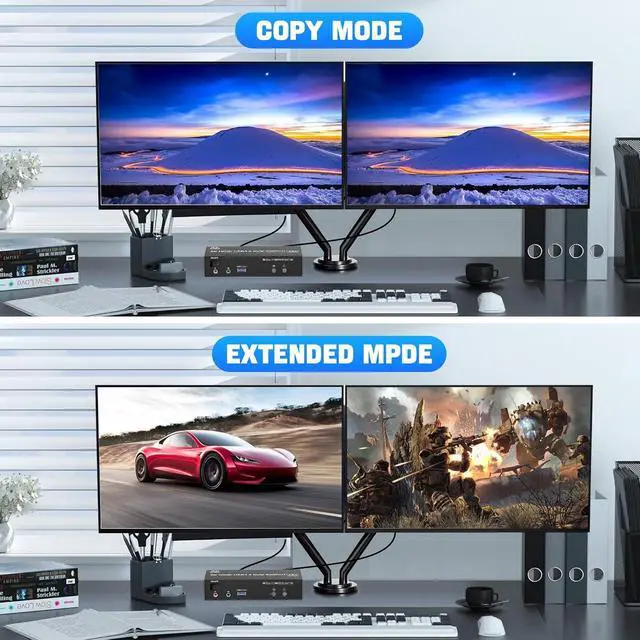
Designed for smooth and efficient operation, this dual monitor KVM switch ensures uninterrupted performance, allowing you to focus on your work or gaming without any distractions.
Note:
1. Most of the reasons why only onevideo output works is because of incorrect connection. Please make sure eachcomputer have 2 HD-MI cables connect to the KVM.
2. If the KVM switch does not work, you can turn off the switch on the panel and turn it on again after 2-3 seconds, and it will return to normal.
installation steps:
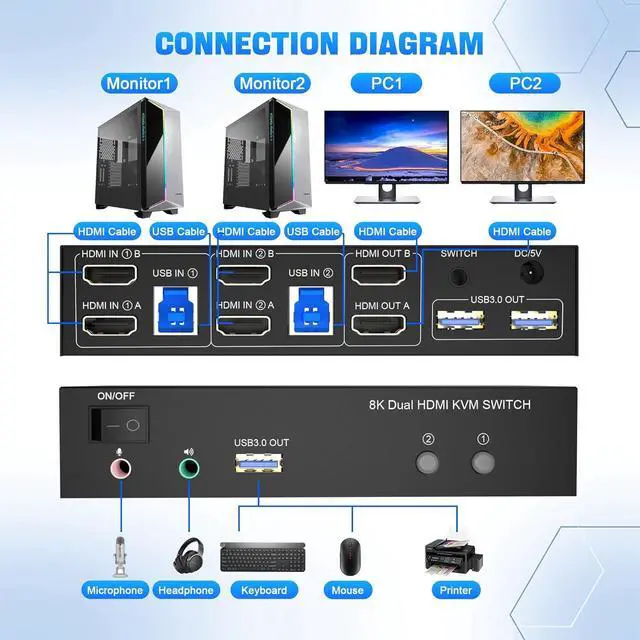
1. Insert the adapter into the KVM;
2. Plug the HDMI cable into the KVM and monitor; (Output)
3. Plug the HDMI cable and USB 3.0 cable into the KVM and your computer/laptop (HDMI cables are not included) (Input)
HD IN1 A + HD IN1 B + USB IN1=PC1
HD IN2 A + HD IN2 B + USB IN2=PC2
4. Insert the mouse and keyboard into the KVM switch
5. If needed, you can connect a microphone and audio port