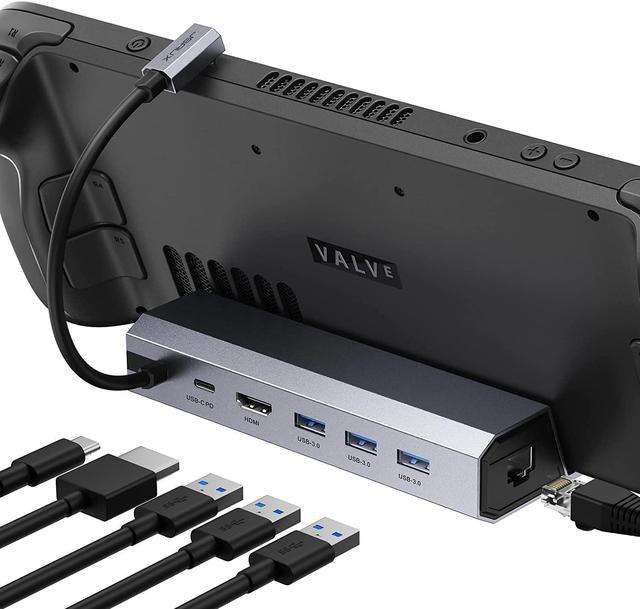
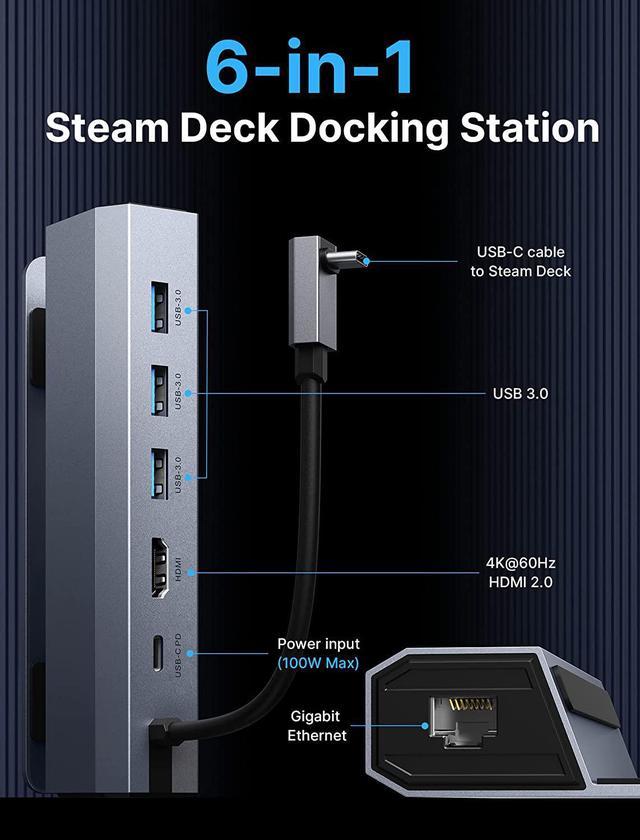
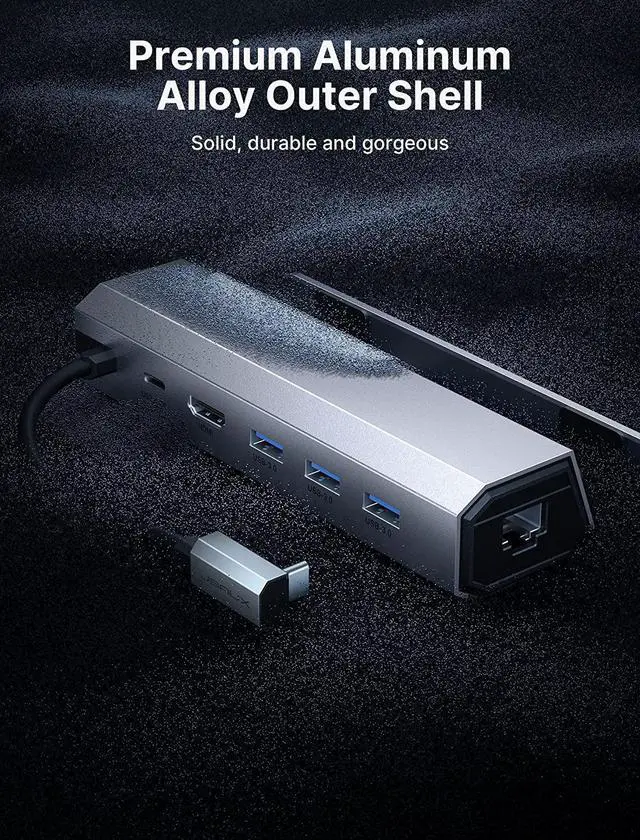
JSAUX 6-in-1 Steam Deck Docking Station 2nd Generation
NOTE:
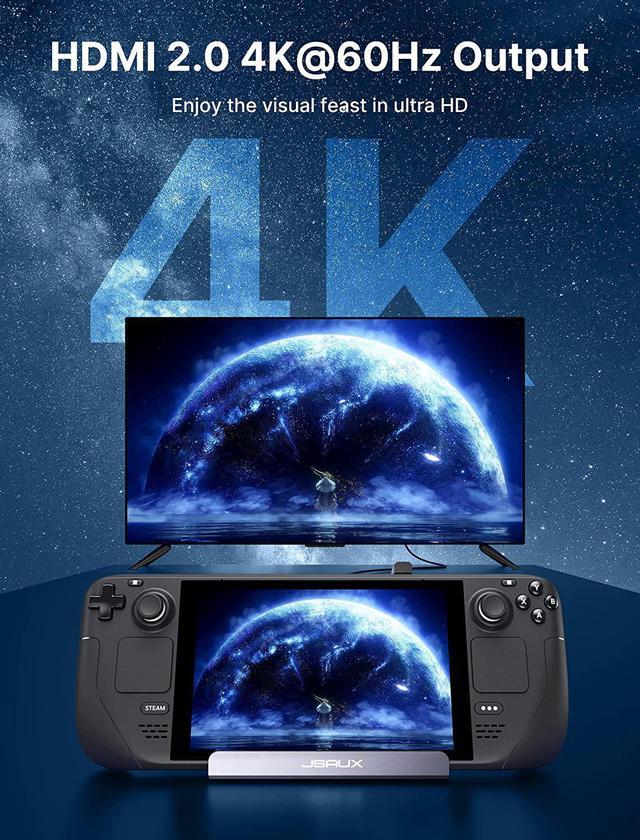
When your Steam Deck is connected to Docking Station, you need to adjust its resolution after entering desktop mode in order to achieve 4K output.
Since many games themselves are not well adapted in handheld mode, you may not be able to adjust the 4K resolution if you enter the game from handheld mode. We recommend that you restart the game and open the game you want in desktop mode to complete the 4K output.
If you want to achieve 4K@60Hz output, be sure to use an HDMI 2.0 cable or higher standard version. Also, please use as few cable adapters as possible, as using too many cable adapters can cause signal degradation, resulting in the inability to output 4K signal.
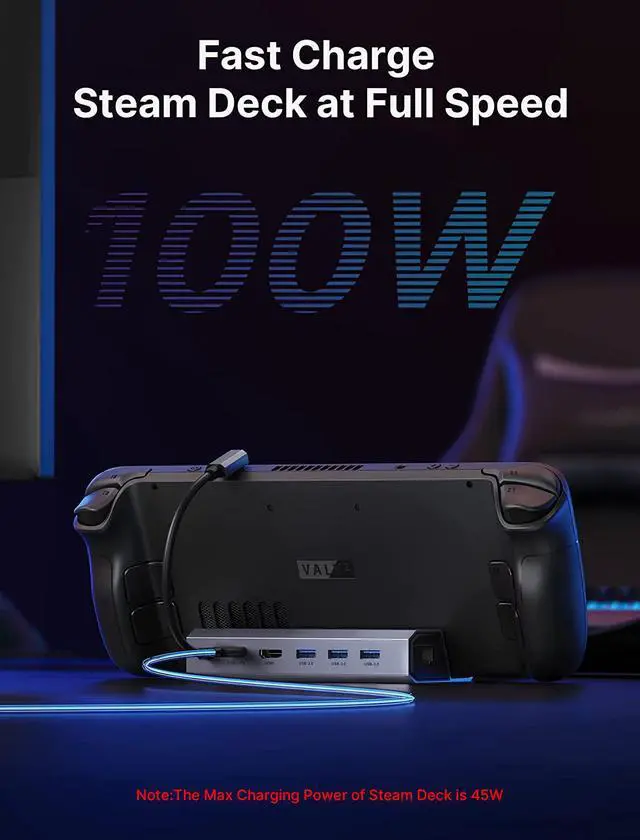
When you are docking your steam deck and need to connect high power external devices, please make sure you connect your PD charge to the docking staion to ensure that you can power the high power external devices. (Steam Deck and Docking Station cannot power high power external devices by themselves).
Do not use HDMI to DisplayPort cables or adapters please.
When running big games, too high image can put a large burden on the Steam Deck, which may be not capable of handling such high power consumption. You can reduce the picture quality of the game appropriately to reduce the latency of the external device during the game.
If you need to use HDMI Switch (the 8K one is better), make sure that the HDMI cable at both ends of it does not exceed 6.6 Feet.