




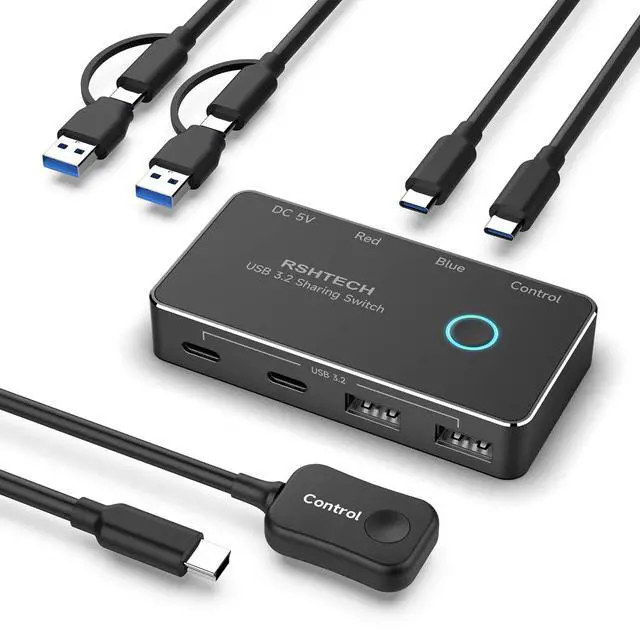
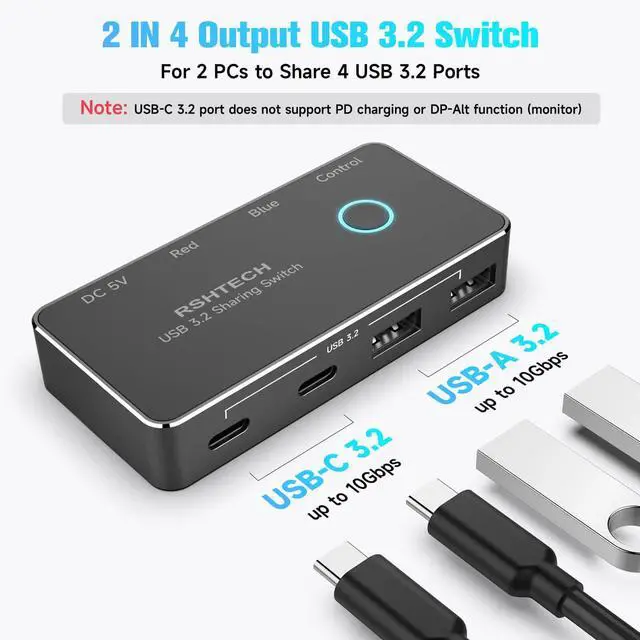
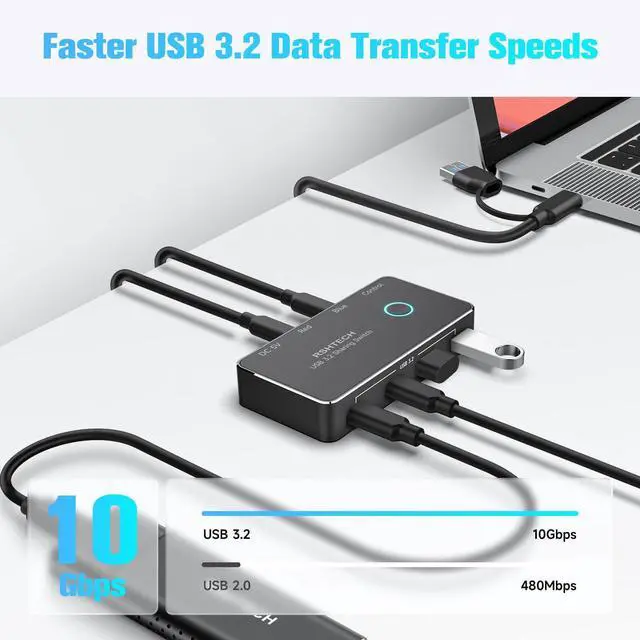
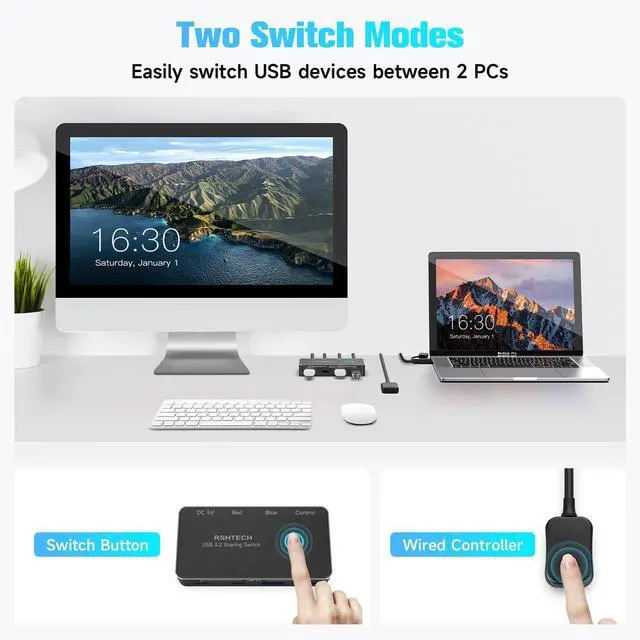
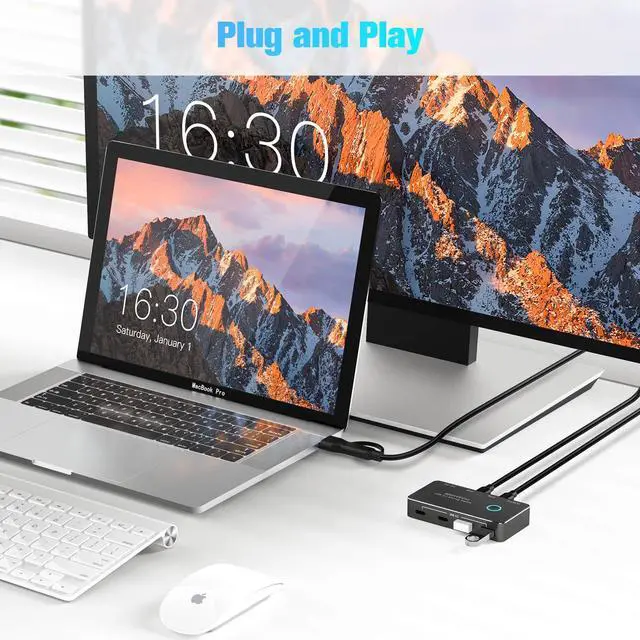
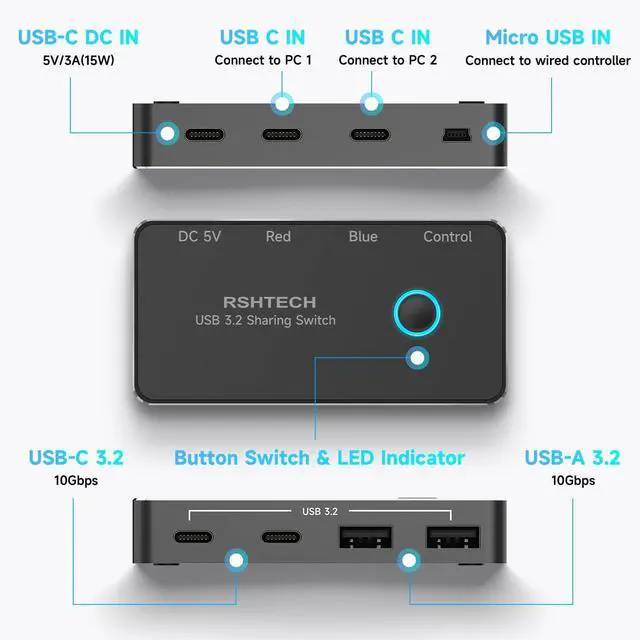


Upgraded USB 3.2 Switch for Seamless Multi-Device Workflows

NOTE: The USB Switch is mainly for data transmission and the USB-C ports do NOT support video output.

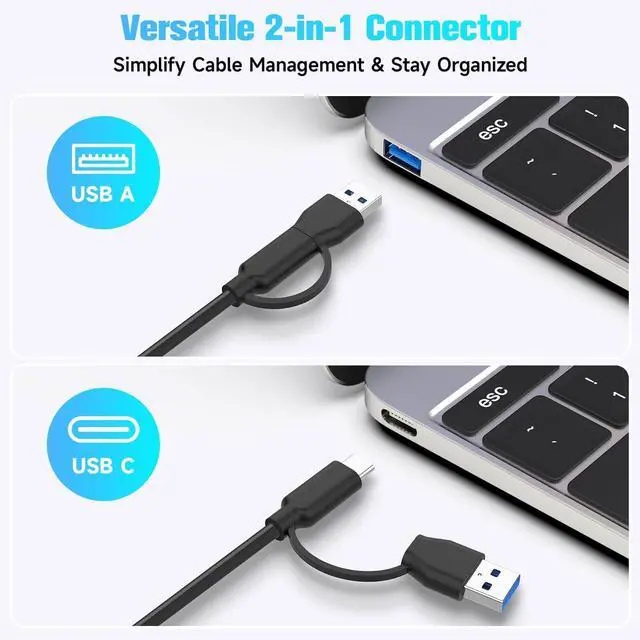
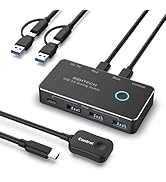
Versatile USB-A & USB-C Connector
- USB C 3.2 switch with 3.3ft 2-in-1 cable, compatible with laptops, desktops, and consoles featuring USB-A, USB-C, and Thunderbolt ports.
- Detachable design for easy storage and portability.
Optional Power Flexibility
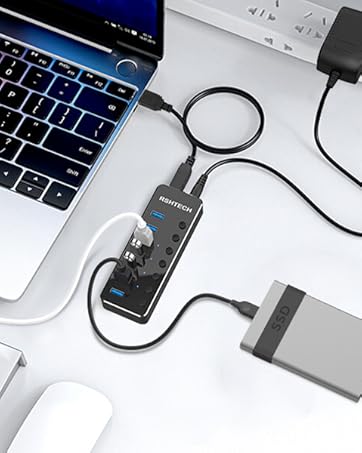
- Type-C Power Input Port - Use any 5V (up to 15W power) phone/tablet charger to power the USB switch when driving high-demand devices such as external hard drives, SSDs, or cameras.
- RSH-A201C USB 3.2 switch does not include a power adapter.


Troubleshooting Quick Guide:
- No Video/Monitors? This is a USB data switch only. Video output NOT supported.
- Check Power: For optimal performance with high-power devices, we recommend using a DC 5V/3A (15W) USB-C power adapter to the dedicated power port. Please ensure the total power consumption of your connected devices stays within 15W for smooth and stable operation. NOT support PD charging and cannot charge a host computer (e.g., laptop)
- Use Correct Cables: Faulty or charge-only USB-C cables are a common cause of failure. Try different cables.
- Test Devices Directly: Plug your keyboard/mouse/USB device directly into a computer first to confirm they work.
- Serial connection: Devices connected via a USB hub/USB dock will not switch,it may have compatibility issues. Please connect the peripheral directly to the USB switch for testing, rather than the hub/dock.
RSHTECH USB Switch
10Gbps | Transfer Speed | 5Gbps |
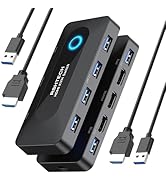
2 USB-A+2 USB-C 3.2 | USB Ports | 4 x USB-A 3.0 |
/ | Other Ports | 3.5mm Audio Jack |
Controller/Button | Switch Mode | Button |
DC 5V USB C Port | Power Port | DC 5V USB C Port |
Controller |
10Gbps | Transfer Speed | 5Gbps |
2 USB-A+2 USB-C 3.2 | USB Ports | 4 x USB-A 3.0 |
/ | Other Ports | 4K@60Hz HDMI |
Controller/Button | Switch Mode | Button |
DC 5V USB C Port | Power Port | DC 5V USB C Port |
Controller |
10Gbps | Transfer Speed | 5Gbps |
2 USB-A+2 USB-C 3.2 | USB Ports | 3 USB-A+1 USB-C 3.2 |
/ | Other Ports | / |
Controller/Button | Switch Mode | Controller/Button |
DC 5V USB C Port | Power Port | DC 5V USB C Port |
Controller |



"Invent and Simplify."
RSHTECH was founded on the idea that it should be easy to use and manage all your computer peripherals through simple products.
At RSHTECH, we are committed to creating products with top-notch functionality and simplicity. We are constantly on the drive to learn, innovate, and always hear from our customers.

New Series
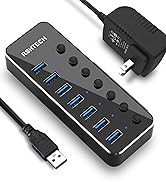
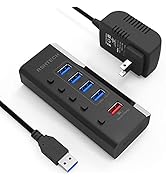
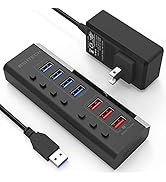
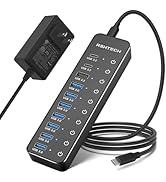
USB 3.0 Hub
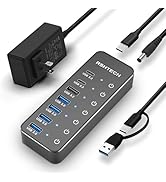
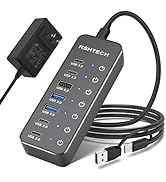
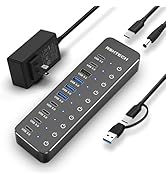
Hybrid USB 3.2+3.0 Hub
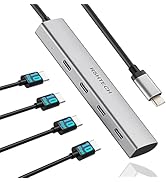
USB C Hub
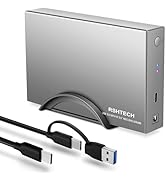
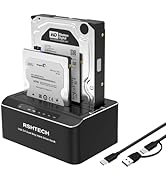
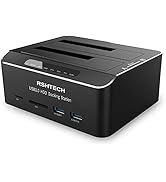
Hard Drive Accessories
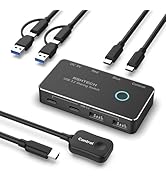
USB Switch
USB Accessories


Upgraded USB 3.2 Switch for Seamless Multi-Device Workflows

NOTE: The USB Switch is mainly for data transmission and the USB-C ports do NOT support video output.
Versatile USB-A & USB-C Connector
- USB C 3.2 switch with 3.3ft 2-in-1 cable, compatible with laptops, desktops, and consoles featuring USB-A, USB-C, and Thunderbolt ports.
- Detachable design for easy storage and portability.
Optional Power Flexibility
- Type-C Power Input Port - Use any 5V (up to 15W power) phone/tablet charger to power the USB switch when driving high-demand devices such as external hard drives, SSDs, or cameras.
- RSH-A201C USB 3.2 switch does not include a power adapter.


Troubleshooting Quick Guide:
- No Video/Monitors? This is a USB data switch only. Video output NOT supported.
- Check Power: For optimal performance with high-power devices, we recommend using a DC 5V/3A (15W) USB-C power adapter to the dedicated power port. Please ensure the total power consumption of your connected devices stays within 15W for smooth and stable operation. NOT support PD charging and cannot charge a host computer (e.g., laptop)
- Use Correct Cables: Faulty or charge-only USB-C cables are a common cause of failure. Try different cables.
- Test Devices Directly: Plug your keyboard/mouse/USB device directly into a computer first to confirm they work.
- Serial connection: Devices connected via a USB hub/USB dock will not switch,it may have compatibility issues. Please connect the peripheral directly to the USB switch for testing, rather than the hub/dock.
RSHTECH USB Switch
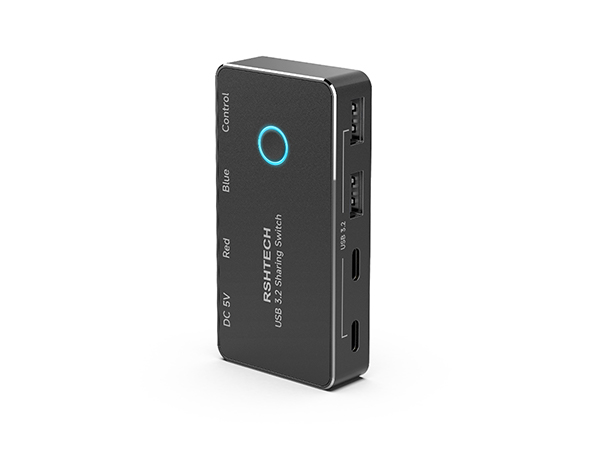
USB 3.2 SWITCH
Transfer Speed
10Gbps
USB Ports
2 USB-A+2 USB-C 3.2
Other Ports
/
Switch Mode
Controller/Button
Power Port
DC 5V USB C Port
Controller
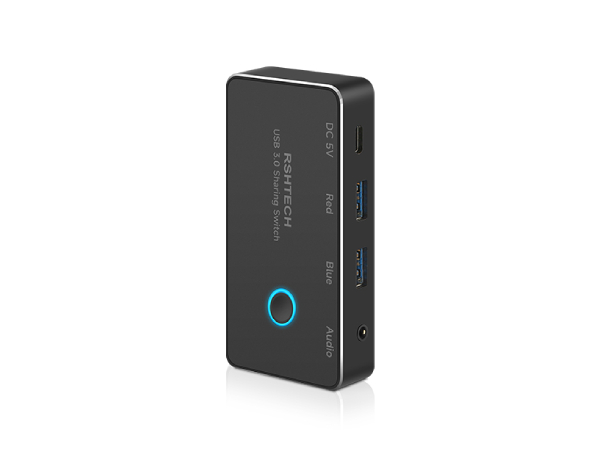
USB 3.0 SWITCH
Transfer Speed
5Gbps
USB Ports
4 x USB-A 3.0
Other Ports
3.5mm Audio Jack
Switch Mode
Button
Power Port
DC 5V USB C Port
Controller

USB KVM Switch
Transfer Speed
5Gbps
USB Ports
4 x USB-A 3.0
Other Ports
4K@60Hz HDMI
Switch Mode
Button
Power Port
DC 5V USB C Port
Controller
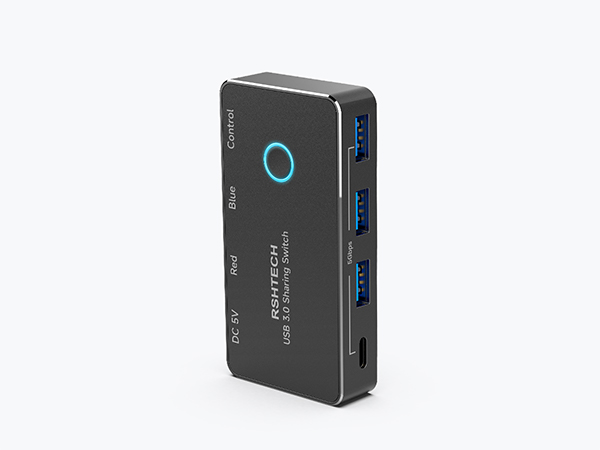
USB 3.0 SWITCH
Transfer Speed
5Gbps
USB Ports
3 USB-A+1 USB-C 3.2
Other Ports
/
Switch Mode
Controller/Button
Power Port
DC 5V USB C Port
Controller

"Invent and Simplify."
RSHTECH was founded on the idea that it should be easy to use and manage all your computer peripherals through simple products.
At RSHTECH, we are committed to creating products with top-notch functionality and simplicity. We are constantly on the drive to learn, innovate, and always hear from our customers.
New Series
USB 3.0 Hub
Hybrid USB 3.2+3.0 Hub
USB C Hub
Hard Drive Accessories
USB Switch
USB Accessories