




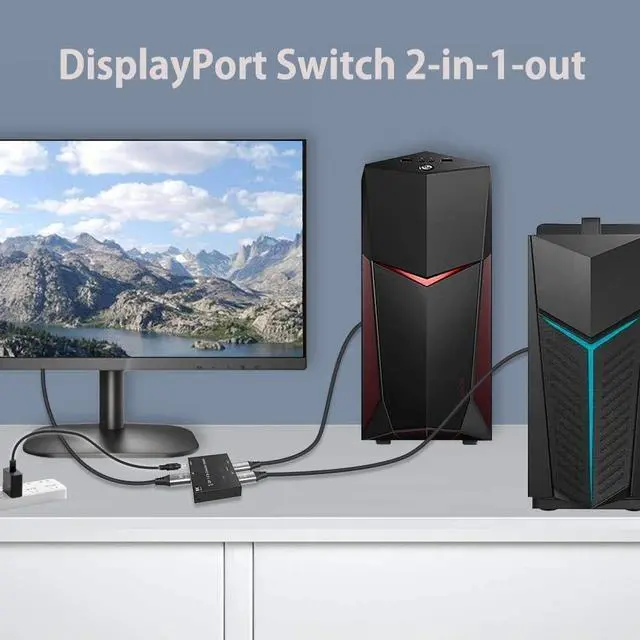
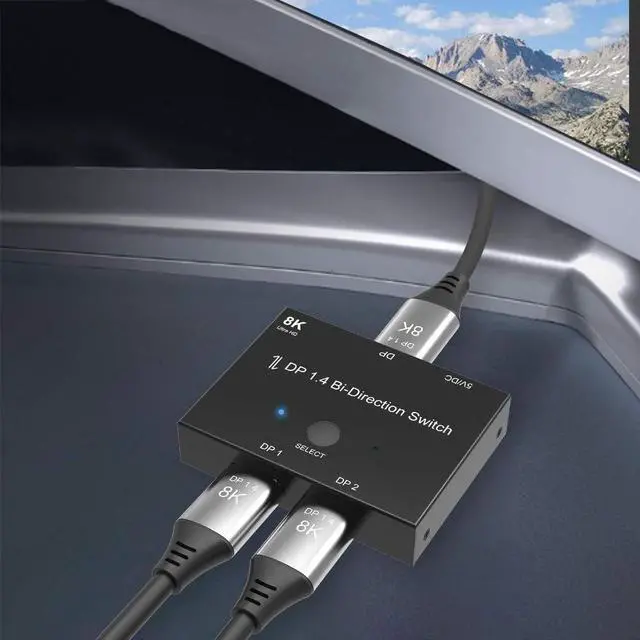


DisplayPort Switch box 2 In 1 Out

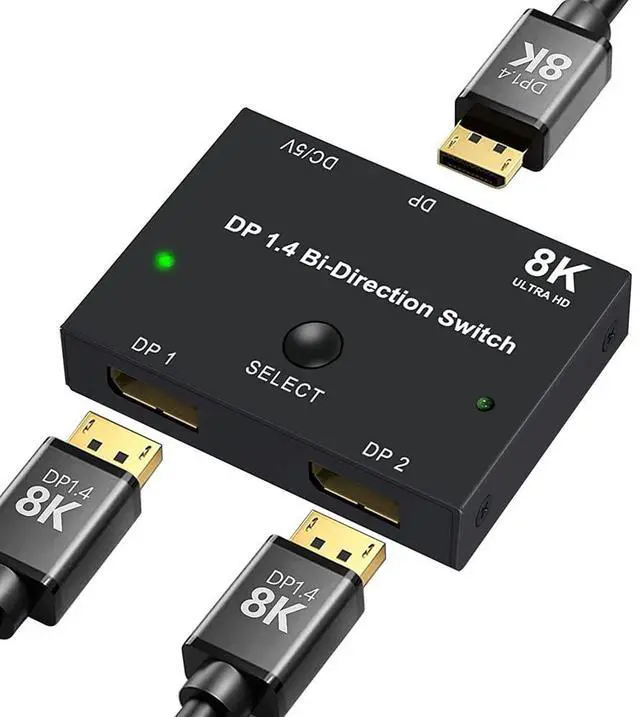
8K@30Hz, 4K@120Hz DisplayPort Switcher Adapter

1.Connect Input 1 to PC (DP port); 2.Connect Input 2 to Laptop (via DP-to-USB-C adapter if needed);
3.Connect Output to 8K monitor; 4.Plug in power adapter
Make sure the monitor, cables, and host device all support DP 1.4 standards.
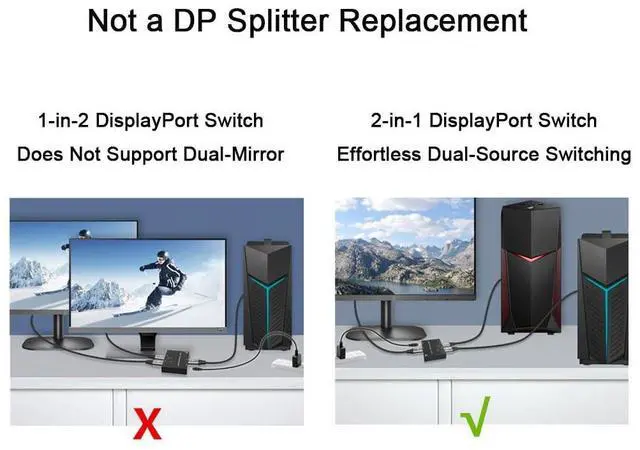
2-in-1 DisplayPort Switch – Effortless Dual-Source Switching

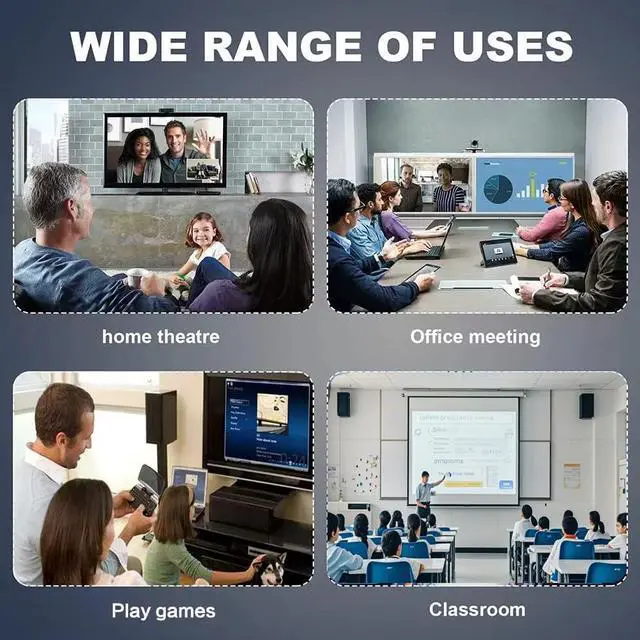
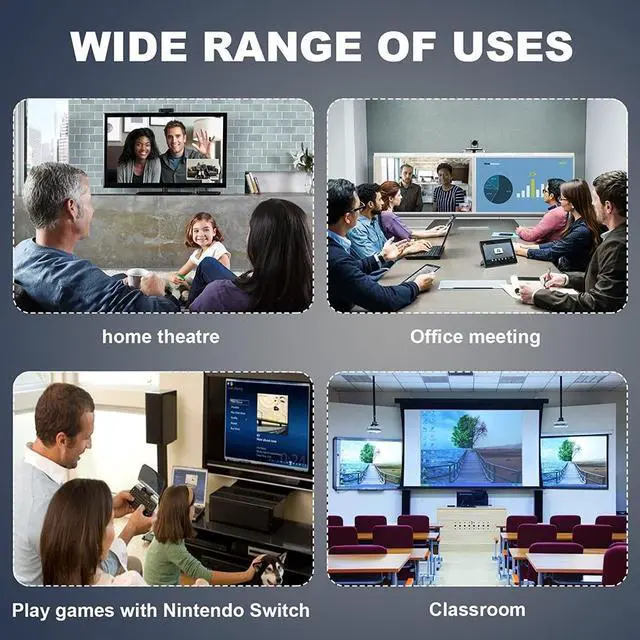
Dual-PC workstations;
Gaming setups (switching between PC & console);
AV professionals & digital signage;
Home/office multi-device environments


Recommended Use Cases
1.Switching a single host between different displays (e.g., work monitor - gaming monitor).
2.Users needing flexible display switching without screen mirroring/extending requirements.
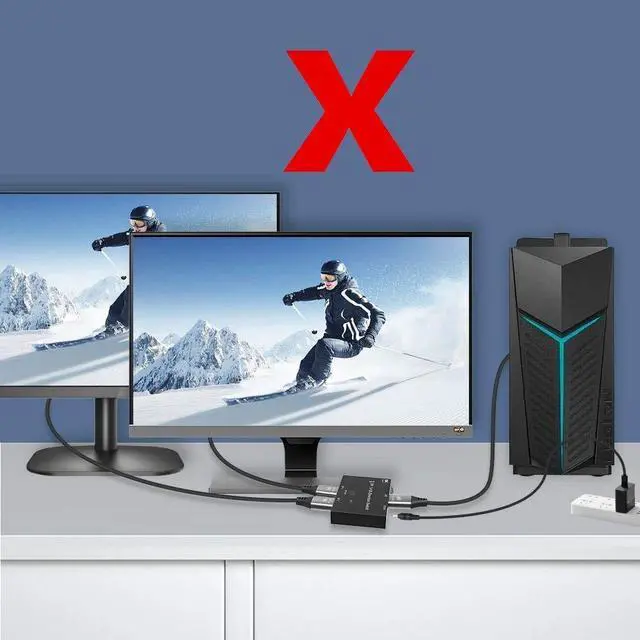
Does Not Support Dual-Mirror Display

1.Not a DP Splitter Replacement: For dual-screen mirroring, use a DisplayPort 1-to-2 Splitter instead.
2.Single-Output Only: Only one display can receive output at any given time.
Can both displays show the same content simultaneously?
No, this switch only supports single-path switching and cannot duplicate signals. For dual-screen mirroring, use a DP Splitter.
What is the recommended cable setup for connecting a laptop to a monitor via a DisplayPort switch?
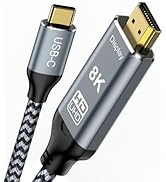
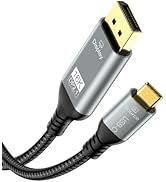
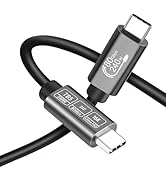
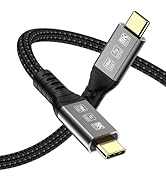
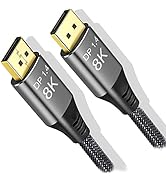
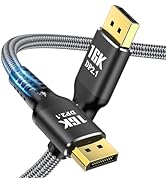
For a stable connection via a DisplayPort switch using a USB-C to DP and a standard DP cable, we recommend high-quality "8K 30AWG" cables. A setup with a total length of 2m + 2m ensures reliable operation for laptops and tablets.
What display performance can I expect from Apple Silicon Macs with this setup?
The supported resolution and refresh rate depend on your Mac's chip and Thunderbolt generation
Apple M1&M2(Thunderbolt 3) Supports up to 4K@60Hz
Apple M3(Thunderbolt 4) Supports up to 4K@120Hz/144Hz
Apple M4(Thunderbolt 4/5) Supports up to 4K@240Hz
Can I use a DP to HDMI cable with a DisplayPort switch?
No, this is not recommended. DP to HDMI cables are known to cause numerous compatibility issues and unreliable operation when used with a switch.

DisplayPort Switch box 2 In 1 Out

8K@30Hz, 4K@120Hz DisplayPort Switcher Adapter

1.Connect Input 1 to PC (DP port); 2.Connect Input 2 to Laptop (via DP-to-USB-C adapter if needed);
3.Connect Output to 8K monitor; 4.Plug in power adapter
Make sure the monitor, cables, and host device all support DP 1.4 standards.
2-in-1 DisplayPort Switch – Effortless Dual-Source Switching

Dual-PC workstations;
Gaming setups (switching between PC & console);
AV professionals & digital signage;
Home/office multi-device environments


Recommended Use Cases
1.Switching a single host between different displays (e.g., work monitor - gaming monitor).
2.Users needing flexible display switching without screen mirroring/extending requirements.
Does Not Support Dual-Mirror Display

1.Not a DP Splitter Replacement: For dual-screen mirroring, use a DisplayPort 1-to-2 Splitter instead.
2.Single-Output Only: Only one display can receive output at any given time.
Can both displays show the same content simultaneously?
No, this switch only supports single-path switching and cannot duplicate signals. For dual-screen mirroring, use a DP Splitter.
What is the recommended cable setup for connecting a laptop to a monitor via a DisplayPort switch?
For a stable connection via a DisplayPort switch using a USB-C to DP and a standard DP cable, we recommend high-quality "8K 30AWG" cables. A setup with a total length of 2m + 2m ensures reliable operation for laptops and tablets.
What display performance can I expect from Apple Silicon Macs with this setup?
The supported resolution and refresh rate depend on your Mac's chip and Thunderbolt generation
Apple M1&M2(Thunderbolt 3) Supports up to 4K@60Hz
Apple M3(Thunderbolt 4) Supports up to 4K@120Hz/144Hz
Apple M4(Thunderbolt 4/5) Supports up to 4K@240Hz
Can I use a DP to HDMI cable with a DisplayPort switch?
No, this is not recommended. DP to HDMI cables are known to cause numerous compatibility issues and unreliable operation when used with a switch.
We Sell Responsibly
At Angusplay, we don’t just sell — we take responsibility. From selection to your doorstep.
Premium Audio Video Cables
Premium Audio Video Cables