



• $49.99
  • Free 30-day Returns
  • Sold by BlissElectro

    Shipped by BlissElectro

    Price alert

    Best Sellers

    Newegg
    • + $11.20 Shipping
    Shop it at NeweggBusiness.

    Meet Your Seller

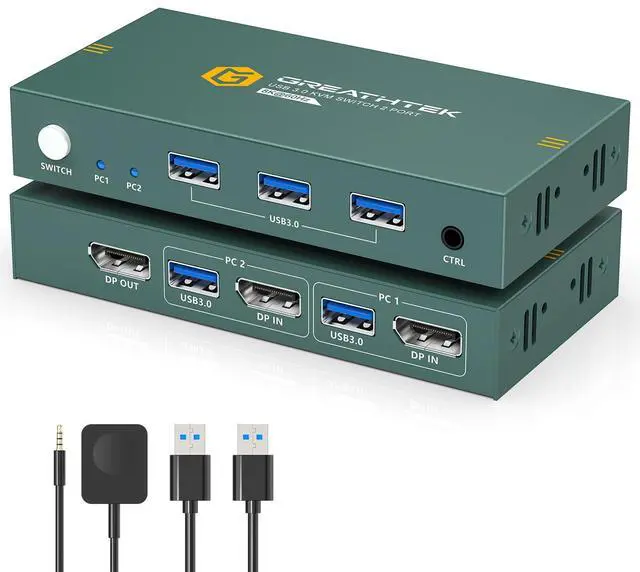
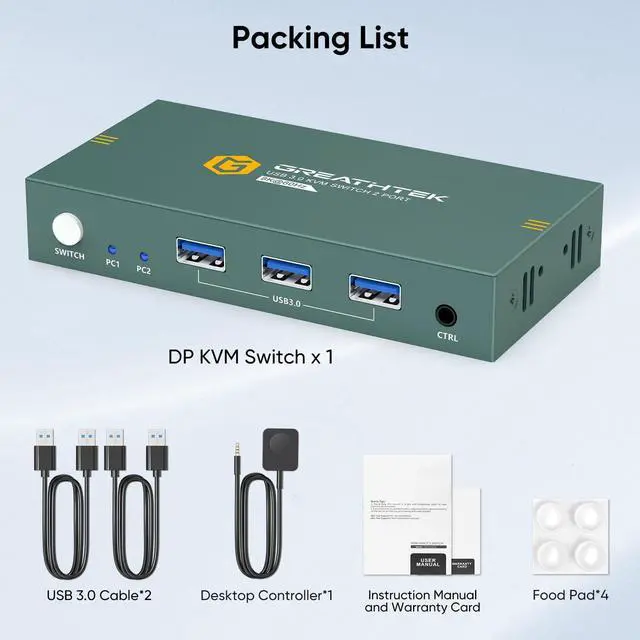
    KVM Switch 1 Monitors 2 Computers Displayport 8K@60Hz, USB3.0 KVM Switch Displayport with 3 USB 3.0 Ports EDID Adaptive Sharing Mouse Keyboard and Monitor Plug and Play

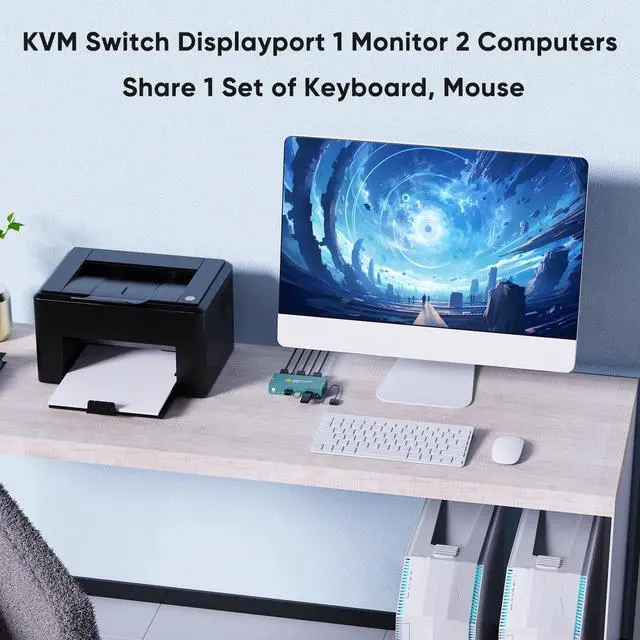
    • KVM Switch 1 Monitors 2 Computers This KVM switch displayport is simple and practical, only a set of keyboard and mouse can easily control two computers and share one monitor, effectively saving office space and significantly improve work efficiency. It greatly enhances the convenience and efficiency of multi-computer operation in different scenarios such as security monitoring, multimedia classrooms, conference rooms, game rooms, as well as research and testing
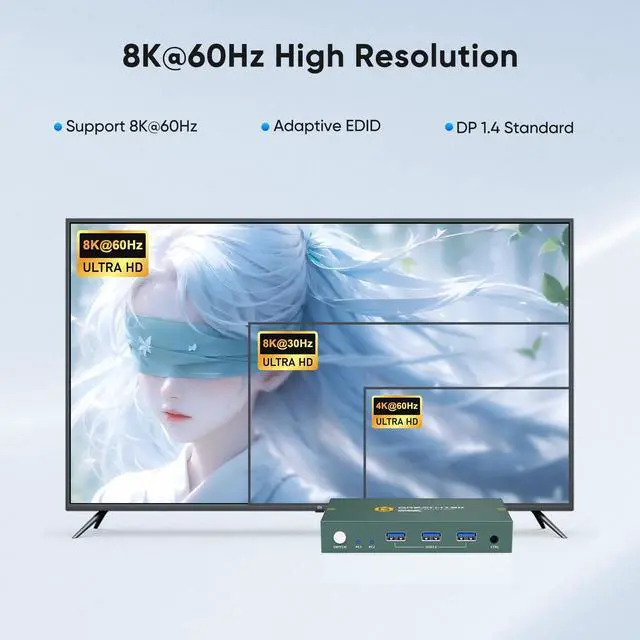
    • 8K@60Hz Ultra HD This KVM switch displayport delivers an exceptional visual experience by supporting resolutions up to 8K@60Hz and is backward compatible with a wide range of resolutions including 8K@30Hz,4K@144Hz and 4K@60Hz, ensuring clear, vivid, high-quality images in different application scenarios
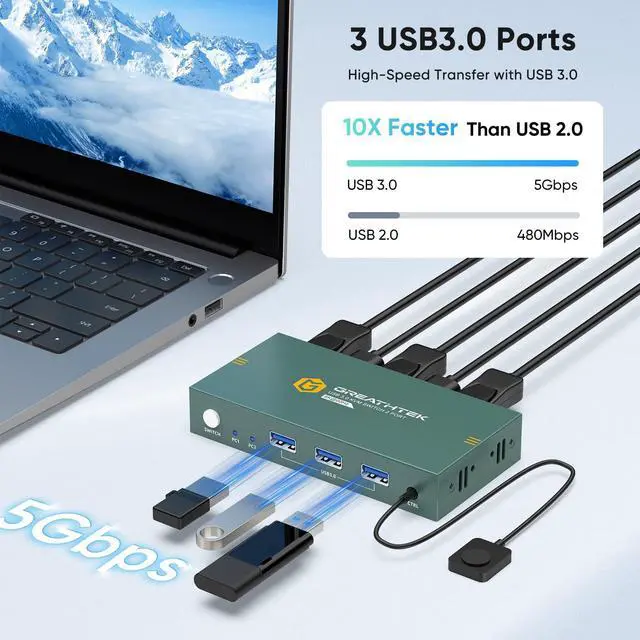
    • USB3.0 KVM Switch 1 Monitors 2 Computers This KVM switch displayport is equipped with 3 high-speed USB 3.0 ports, which facilitates efficient management of multiple USB devices. These KVM switch supports various systems, such as Windows 10/8/8.1/7, Chrome OS and Linux systems for a variety of application environment
    +
    +
    Overview
    Specs
    Reviews
    avatar

    Any questions? Our AI beta will help you find out quickly.

    display port kvm switch
    kvm switch display port
    • 1. Please make sure your computer has a DP port, if not, please use the appropriate adapter cable to connect.

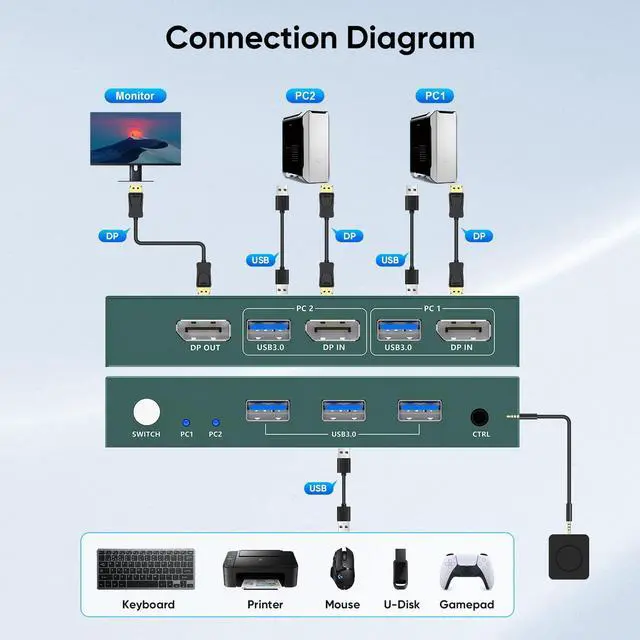
      2.Please make sure the wiring is correct, 3 DP1.4 cables + 2 USB cables are connected at the same time.

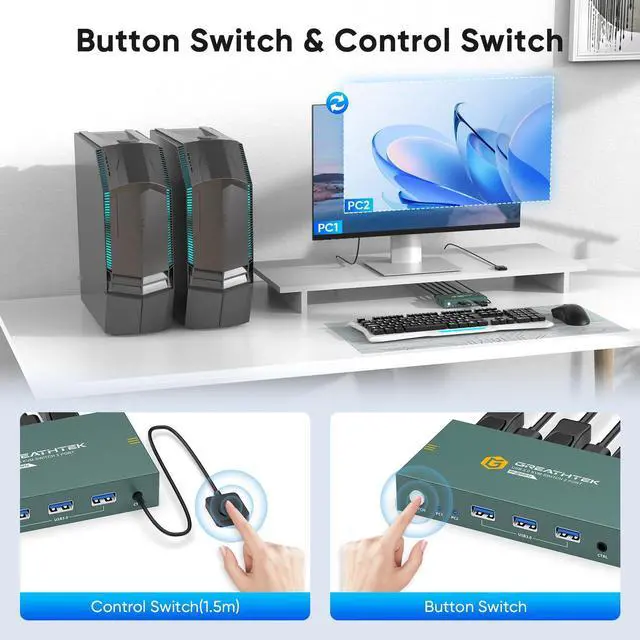
    • Dear, this kvm doesn't support hotkey switching, but it has button switching and desktop remote control switching which is also very convenient.

    • Please replace the USB cable that connects to your computer's USB port to ensure that you can get stable power support. It is also possible that there is an incompatibility between your keyboard, mouse and KVM.

    best kvm switches
    kvm dp
    • 1. Please make sure your computer has a DP port, if not, please use the appropriate adapter cable to connect.

      2.Please make sure the wiring is correct, 3 DP1.4 cables + 2 USB cables are connected at the same time.

    • Dear, this kvm doesn't support hotkey switching, but it has button switching and desktop remote control switching which is also very convenient.

    • Please replace the USB cable that connects to your computer's USB port to ensure that you can get stable power support. It is also possible that there is an incompatibility between your keyboard, mouse and KVM.

    KVM Switch 1 Monitors 2 Computers Displayport 8K@60Hz, USB 3.0 KVM Switch Displayport with 3 USB 3.0 Ports EDID Adaptive Sharing Mouse Keyboard and Monitor Plug and Play

    Warranty & Returns

    Warranty, Returns, And Additional Information

    Warranty

    • Please contact the Seller directly for warranty information. Warranty information may also be found on the Manufacturer's website.
    • CONTACT

    Return Policies

    Manufacturer Contact Info

    LOADING...
    LOADING...