






Does this cable work with the latest system update (V22.1.0+)?
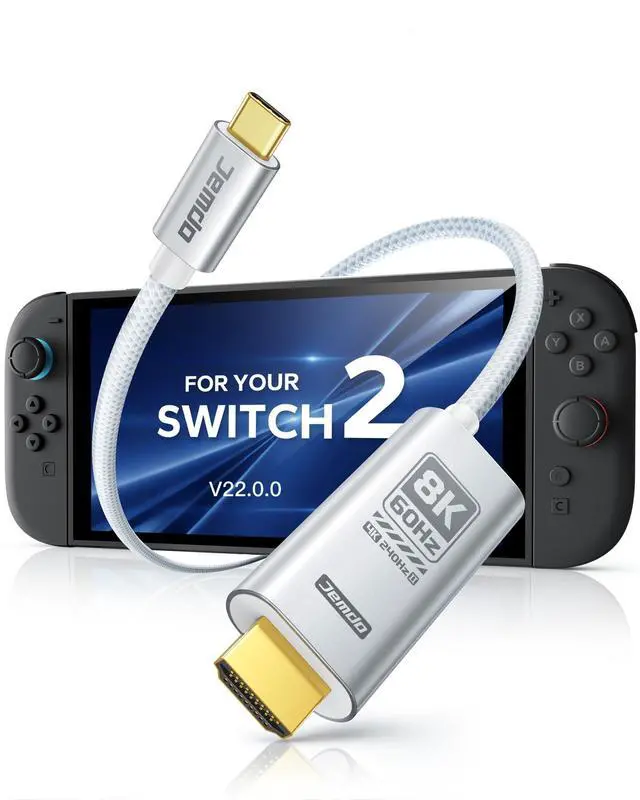
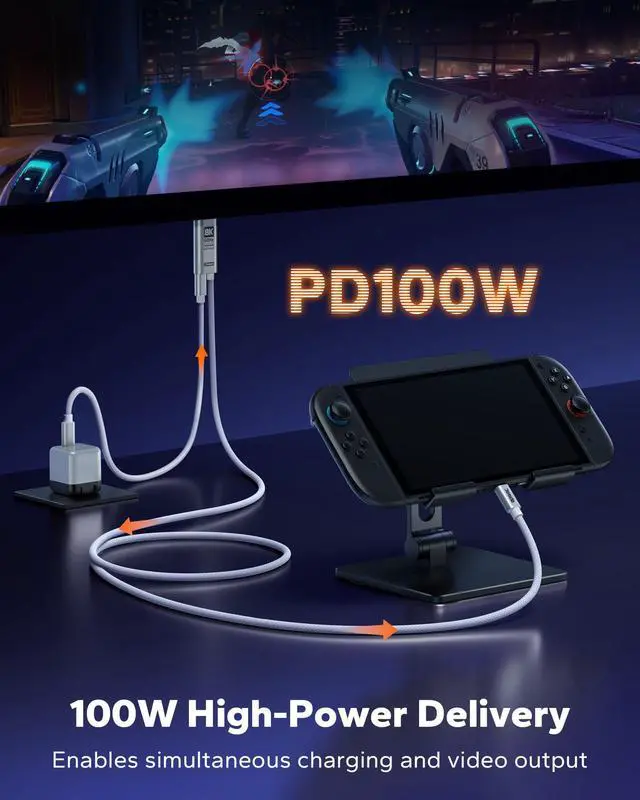
Newly released and upgraded solution from JEMDO. Tested with the latest system version V22.1.0+ and works after updates. Supports stable USB-C video output (DP Alt Mode). Plug and play, no drivers, apps, or external power required.
Is the braided cable suitable for different usage scenarios?
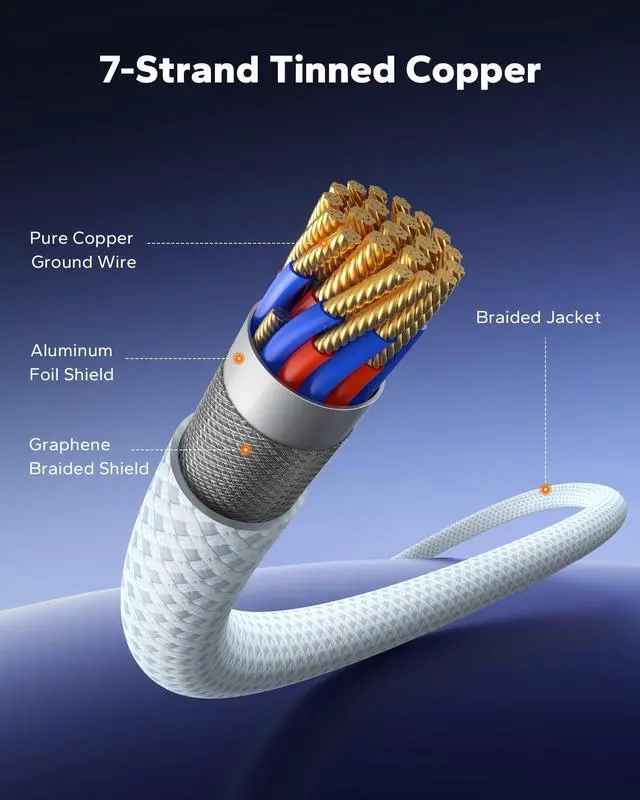
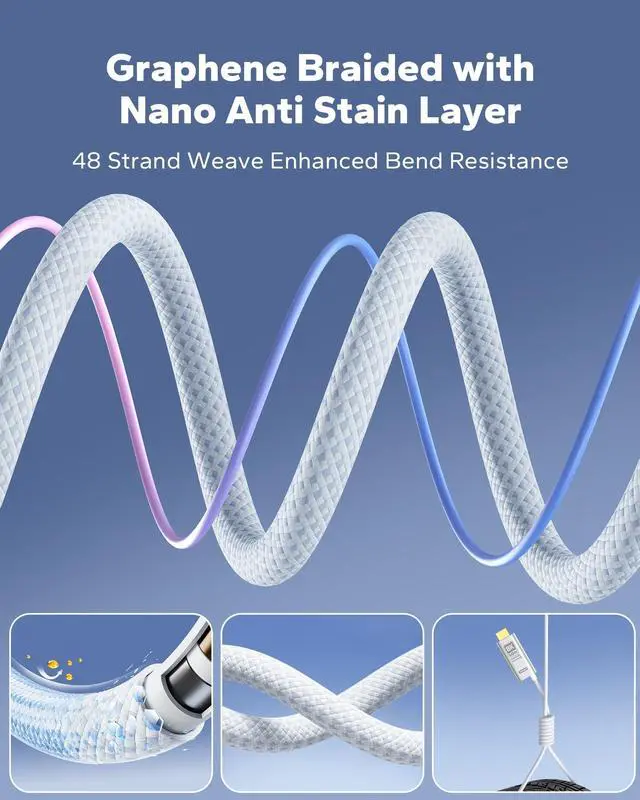
Yes. Designed for home setups, desk use, portable docking, and travel. Graphene-reinforced braided jacket with nano anti-stain layer offers flexibility, bend resistance, and durability for frequent plugging and packing.
Does this cable support 8K 60Hz output?
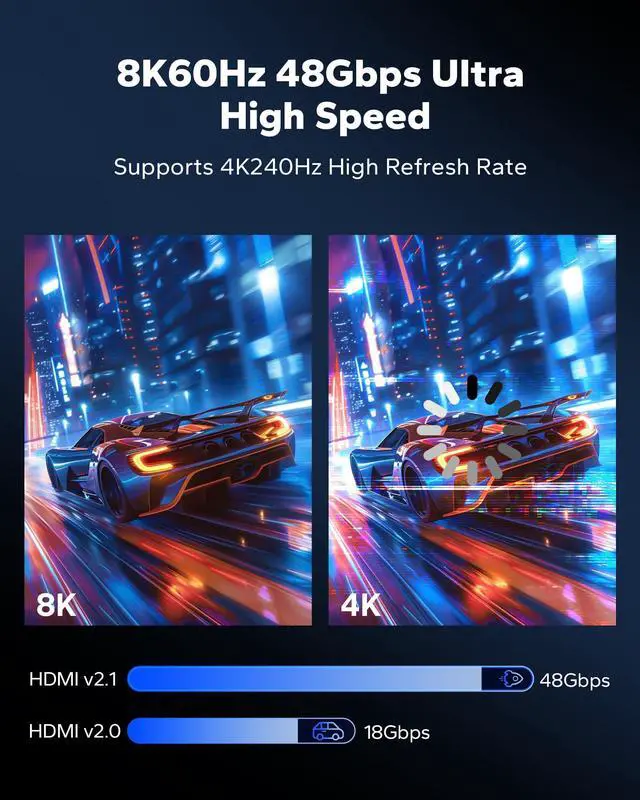
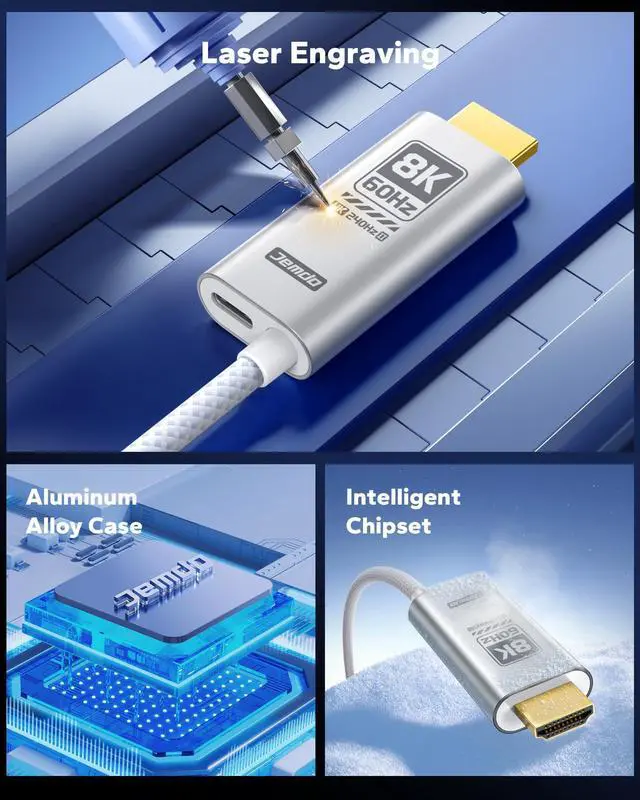
Supports video output up to 8K at 60Hz when the device, USB-C port, and display support it. Resolution automatically adjusts based on device and display capability.
What devices is this cable designed to work with?
Works with USB-C devices that support DisplayPort Alt Mode, such as compatible laptops, tablets, phones, and consoles. USB-C ports for charging only are not supported.
What should I do if there is no signal after connecting?
Check that your USB-C port supports DP Alt Mode, the display is set to the correct HDMI input, and the resolution is supported. Lower the resolution if needed.


Does this cable work with the latest system update (V22.1.0+)?
Newly released and upgraded solution from JEMDO. Tested with the latest system version V22.1.0+ and works after updates. Supports stable USB-C video output (DP Alt Mode). Plug and play, no drivers, apps, or external power required.
Is the braided cable suitable for different usage scenarios?
Yes. Designed for home setups, desk use, portable docking, and travel. Graphene-reinforced braided jacket with nano anti-stain layer offers flexibility, bend resistance, and durability for frequent plugging and packing.
Does this cable support 8K 60Hz output?
Supports video output up to 8K at 60Hz when the device, USB-C port, and display support it. Resolution automatically adjusts based on device and display capability.
What devices is this cable designed to work with?
Works with USB-C devices that support DisplayPort Alt Mode, such as compatible laptops, tablets, phones, and consoles. USB-C ports for charging only are not supported.
What should I do if there is no signal after connecting?
Check that your USB-C port supports DP Alt Mode, the display is set to the correct HDMI input, and the resolution is supported. Lower the resolution if needed.