• $21.20
  • Free 30-day Returns
  • Price alert

    Best Sellers

    Newegg
    • + $6.34 Shipping
    Shop it at NeweggBusiness.

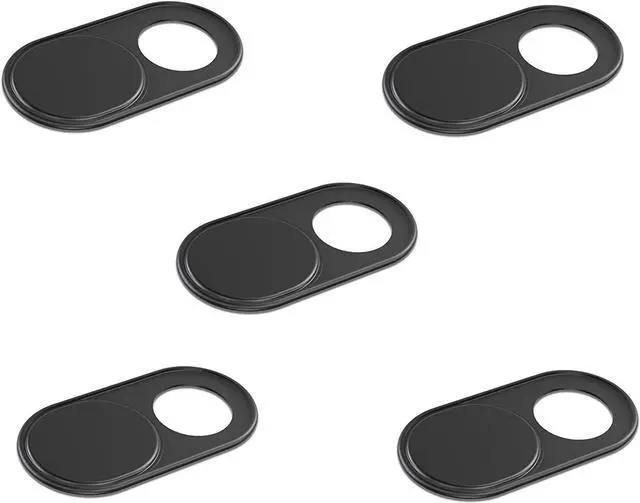
    Foretra - Ultra Thin Metal Webcam Cover Privacy Slide for Your Laptop Tablet Avoid Camera Hacking and Protect Your Privacy 5-Pack (Black)

    • ? FITS ON MOST DEVICES: It can be used to cover the webcam of your laptop, ipad, tablet, xbox, Macbook, Macbook Pro, Surface Pro, Android tablet and more!
    • ? PROTECT SECURITY AND PRIVACY: It is perfect to provide privacy, security and peace of mind to individuals, groups, organizations, companies and governments.
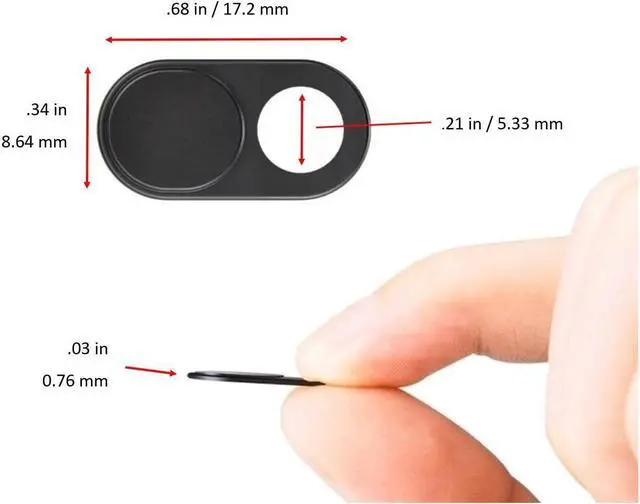
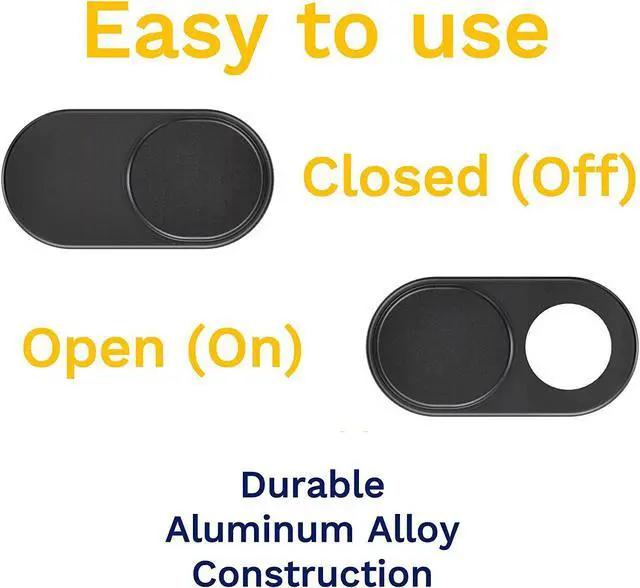
    • ? EASY TO USE: Simply slide to open or close your camera. Instant Privacy, Use your devices worry-free. It will not prevent laptops from closing perfectly due to its Ultra-Thin design. Perfect for your Mac
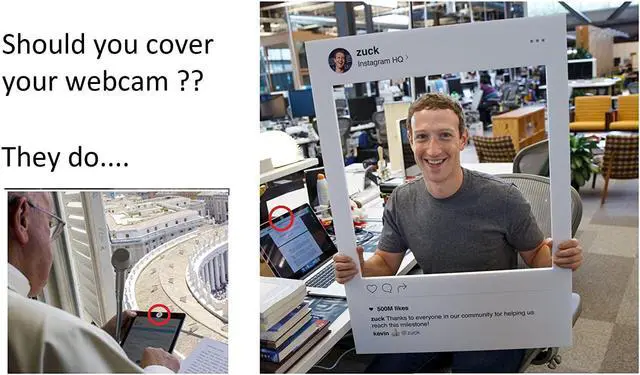
    • ? PREVENT CAMERA HACKS: Our webcam cover is an effective way to prevent hacking and web camera spying. Even the FBI recommends that you cover your webcam when not in use.
    • ? CONVENIENT FAMILY 5-PACK: Perfect to protect all your devices
    +
    +
    Overview
    Specs
    Reviews
    avatar

    Any questions? Our AI beta will help you find out quickly.

    Our Webcam Cover
    protects your privacy on all your devices laptops, tablets, smartphones, video games, etc. by physically blocking access. Avoid being a victim of webcam hacks.
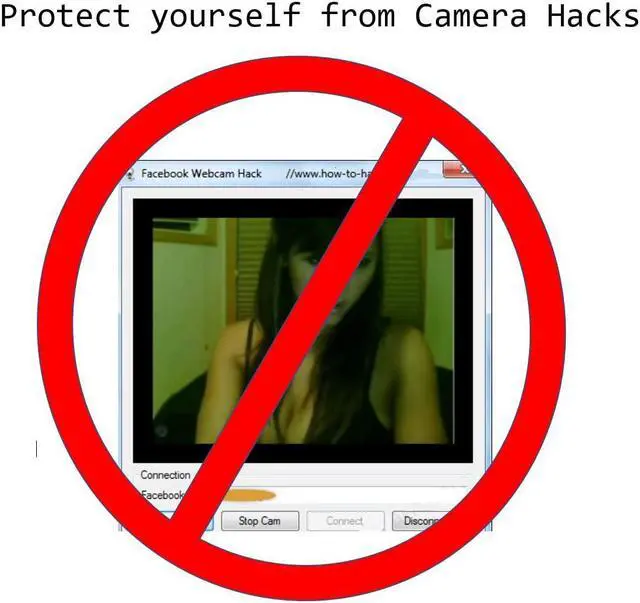
    Anyone can hack your computer and turn on your webcam without you noticing. According to the FBI, the only way to ensure your privacy is by physically covering your camera when it is not in use. It's your personal space, only you should decide when your webcam will be used.
    PROTECT YOUR PRIVACY
    : Our webcam cover is an effective way to prevent hacking and spying on your webcam.
    Quickly and easily attaches to the front of your camera's lens, and prevents hackers from seeing you through your webcam
    Convenient 5 or 10 pack is ideal to protect all your devices
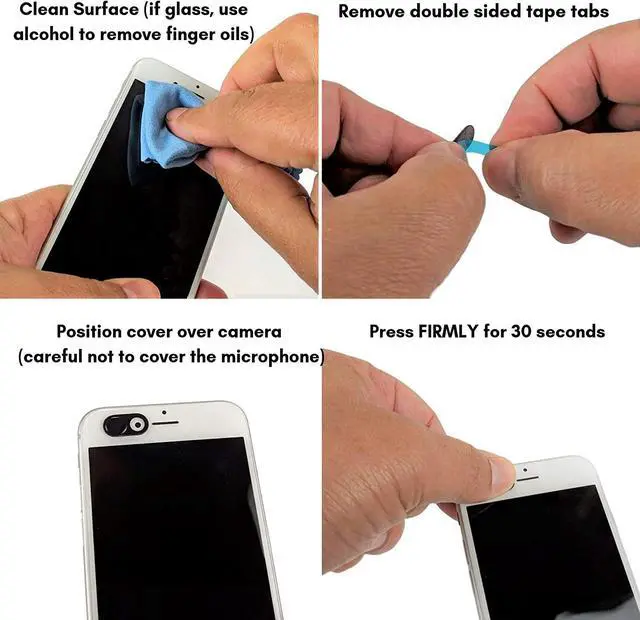
    SIMPLE TO INSTALL
    - Clean the surface of your device (for phones use Alcohol to clean and remove all the finger oil
    , ensuring a proper adhesion)
    - Setup the cover in the OPEN position
    - Carefully peel the protective film covering the adhesive on the webcam cover (be careful as it could peel the actual adhesive film)
    - Apply the webcam cover to your device, aligning the opening with the lens of your device
    - Press "firmly" the webcam cover for a couple of minutes
    Enjoy your privacy!

    Warranty & Returns

    Warranty, Returns, And Additional Information

    Warranty

    • Please contact the Seller directly for warranty information. Warranty information may also be found on the Manufacturer's website.
    • CONTACT

    Return Policies

    Manufacturer Contact Info

    LOADING...
    LOADING...