



![Main image of USB 3.0 and USB C to SATA Dual-Bay External Hard Drive Docking Station for 2.5/3.5 Inch HDD/SSD with UASP (6Gbps), Support Offline Clone/Duplicator Function [16TB X2 ]-Black](https://c1.neweggimages.com/productimage/nb640/C5CRD2603270CLMLE0F.jpg)
![Alt view image 2 of 7 - USB 3.0 and USB C to SATA Dual-Bay External Hard Drive Docking Station for 2.5/3.5 Inch HDD/SSD with UASP (6Gbps), Support Offline Clone/Duplicator Function [16TB X2 ]-Black](https://c1.neweggimages.com/productimage/nb640/C5CRD2603270CLPPIA5.jpg)
![Alt view image 3 of 7 - USB 3.0 and USB C to SATA Dual-Bay External Hard Drive Docking Station for 2.5/3.5 Inch HDD/SSD with UASP (6Gbps), Support Offline Clone/Duplicator Function [16TB X2 ]-Black](https://c1.neweggimages.com/productimage/nb640/C5CRD2603270CLPVFB2.jpg)
![Alt view image 4 of 7 - USB 3.0 and USB C to SATA Dual-Bay External Hard Drive Docking Station for 2.5/3.5 Inch HDD/SSD with UASP (6Gbps), Support Offline Clone/Duplicator Function [16TB X2 ]-Black](https://c1.neweggimages.com/productimage/nb640/C5CRD2603270CLPYEDF.jpg)
![Alt view image 5 of 7 - USB 3.0 and USB C to SATA Dual-Bay External Hard Drive Docking Station for 2.5/3.5 Inch HDD/SSD with UASP (6Gbps), Support Offline Clone/Duplicator Function [16TB X2 ]-Black](https://c1.neweggimages.com/productimage/nb640/C5CRD2603270CLQ02CB.jpg)
![Alt view image 6 of 7 - USB 3.0 and USB C to SATA Dual-Bay External Hard Drive Docking Station for 2.5/3.5 Inch HDD/SSD with UASP (6Gbps), Support Offline Clone/Duplicator Function [16TB X2 ]-Black](https://c1.neweggimages.com/productimage/nb640/C5CRD2603270CLQ417D.jpg)
![Alt view image 7 of 7 - USB 3.0 and USB C to SATA Dual-Bay External Hard Drive Docking Station for 2.5/3.5 Inch HDD/SSD with UASP (6Gbps), Support Offline Clone/Duplicator Function [16TB X2 ]-Black](https://c1.neweggimages.com/productimage/nb640/C5CRD2603270CLQ4D04.jpg)


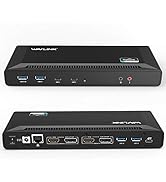
Expanding Your Viewing
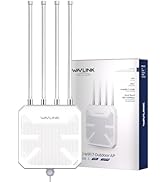
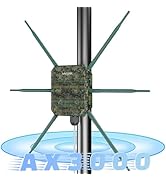
Improve Home Network
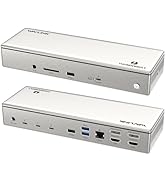
Improve Your Productivity
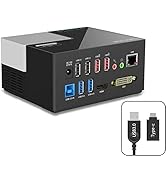
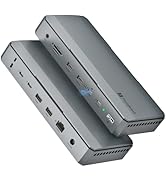
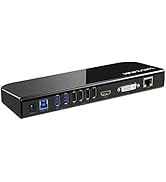
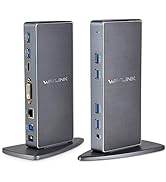
Effortless Multitasking
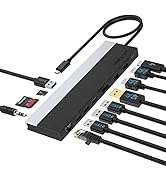
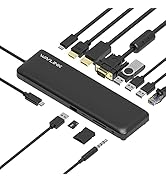
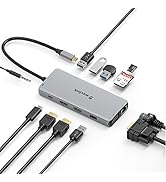
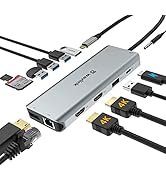
USB C Dock
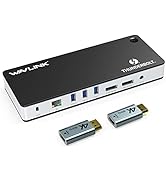
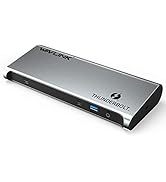
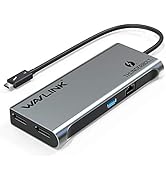
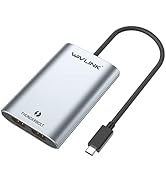
Thunderbolt 3 Dock
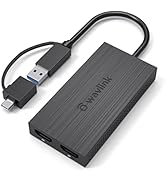
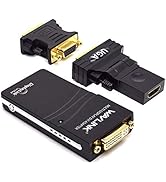
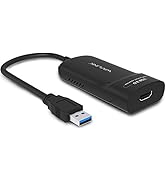
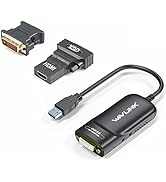
Universal Video Adapter
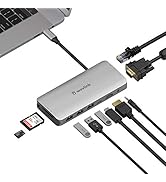
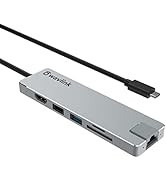
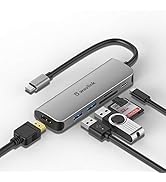
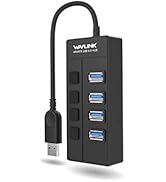
USB C HUB
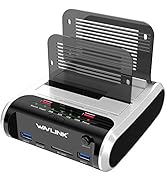
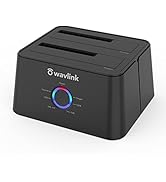
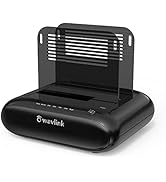
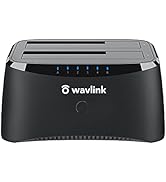
Hard Drive Docking Station
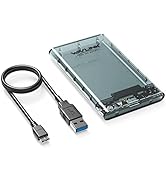
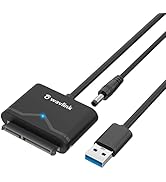
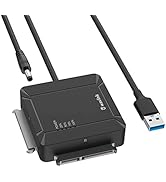
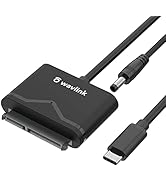
SATA Adapter

Found in 2003, WAVLINK owns the expertise in comprehensive IT peripherals as well as being a worldwide leading manufacturer. Design, develop, and manufacturing all its product. As one of the only true designers & manufacturers in the industry, WAVLINKoffers high quality design products backed by the service and support that consumer demand.The company distributes products throughout North and South America, Europe, Asia-Pacific.

For 2.5” & 3.5” HHD/SSD
USB A/C to SATA Dual Bay Docking Station
Wavlink Dual Bay HDD/SSD Storage Docking Station ST334UA, allows you to install and access SATA drives quickly, it is a perfect solution for data recovery, drive imaging, and testing centers, or any environment requiring fast access to uninstalled/archived drives.

To use Hard Drive Offline Clone Function

Comparison between new and old versions
- Model: ST334U Clone: Press the Clone button twice to start cloning LED: Progress bar indicator light flashes slowly
- Model: ST334UA Clone: Press the Clone button once to start cloning LED: Progress bar indicator keeps flashing

Hard Drive Offline Clone Function
Make sure that the USB cable is disconnected from your compute
Hold down the clone button for 3-5 second, when the lights are blinking, the clone progress start
A Blue LED will flash on 25% indicating that the cloning process has begun
ALL the lights turn solid Blue (25%-100%)
Attention
- - Please backup files in the target hard drive before cloning. Any files in target hard drive will be overwritten when offline cloning occurs.
- - To avoid data loss, do not remove or insert drives when one drive is working in the docking station. Please power off the docking station before removing.
- - Do not try to insert or withdraw HDD or SSD when another hard drive running.
- - Overheating and damage to the device please make sure that there are no faulty driver cells.

SATA I/II/III Dual Bay External Hard Drive Docking Station
 HDD Dock with USB+SD |  USB 3.0 HDD Dock-Black |  USB 3.0 HDD Dock-Red |  HDD Dock with Fixed Bezel |  HDD Adapter with 2 USB | |
|---|---|---|---|---|---|
Customer Reviews | — | — | — | — | — |
Price | — | — | — | — | — |
USB Ports | ? | ? | ? | ? | ? |
Charging Ports | ? | ? | ? | ? | ? |
Fixed Bezel | ? | ? | ? | ? | ? |
Independent switch | ? | ? | ? | ? | ? |
Plug and play | ? | ? | ? | ? | ? |
Support UASP | ? | ? | ? | ? | ? |
Can i access two hard drives at once with this device or does it switch from one to the other?
Yes, you'll be able to access both drives at the same time.
Is the power suply ready for 230 vac?
Yes, 100-240 V AC
Does this include a Usb-c adapter?
Yes, included a usb A to C adapter

For 2.5” & 3.5” HHD/SSD
USB A/C to SATA Dual Bay Docking Station
Wavlink Dual Bay HDD/SSD Storage Docking Station ST334UA, allows you to install and access SATA drives quickly, it is a perfect solution for data recovery, drive imaging, and testing centers, or any environment requiring fast access to uninstalled/archived drives.

To use Hard Drive Offline Clone Function
Comparison between new and old versions
- Model: ST334U Clone: Press the Clone button twice to start cloning LED: Progress bar indicator light flashes slowly
- Model: ST334UA Clone: Press the Clone button once to start cloning LED: Progress bar indicator keeps flashing
Hard Drive Offline Clone Function
Make sure that the USB cable is disconnected from your compute
Hold down the clone button for 3-5 second, when the lights are blinking, the clone progress start
A Blue LED will flash on 25% indicating that the cloning process has begun
ALL the lights turn solid Blue (25%-100%)
Attention
- - Please backup files in the target hard drive before cloning. Any files in target hard drive will be overwritten when offline cloning occurs.
- - To avoid data loss, do not remove or insert drives when one drive is working in the docking station. Please power off the docking station before removing.
- - Do not try to insert or withdraw HDD or SSD when another hard drive running.
- - Overheating and damage to the device please make sure that there are no faulty driver cells.
SATA I/II/III Dual Bay External Hard Drive Docking Station
HDD Dock with USB+SD | USB 3.0 HDD Dock-Black | USB 3.0 HDD Dock-Red | HDD Dock with Fixed Bezel | HDD Adapter with 2 USB |
|---|---|---|---|---|
| Customer Reviews | ||||
| — | — | — | — | — |
| Price | ||||
| — | — | — | — | — |
| USB Ports | ||||
| ? | ? | ? | ? | ? |
| Charging Ports | ||||
| ? | ? | ? | ? | ? |
| Fixed Bezel | ||||
| ? | ? | ? | ? | ? |
| Independent switch | ||||
| ? | ? | ? | ? | ? |
| Plug and play | ||||
| ? | ? | ? | ? | ? |
| Support UASP | ||||
| ? | ? | ? | ? | ? |
Can i access two hard drives at once with this device or does it switch from one to the other?
Yes, you'll be able to access both drives at the same time.
Is the power suply ready for 230 vac?
Yes, 100-240 V AC
Does this include a Usb-c adapter?
Yes, included a usb A to C adapter
Expanding Your Viewing
Improve Home Network
Improve Your Productivity
Effortless Multitasking
USB C Dock
Thunderbolt 3 Dock
Universal Video Adapter
USB C HUB
Hard Drive Docking Station
SATA Adapter
Found in 2003, WAVLINK owns the expertise in comprehensive IT peripherals as well as being a worldwide leading manufacturer. Design, develop, and manufacturing all its product. As one of the only true designers & manufacturers in the industry, WAVLINKoffers high quality design products backed by the service and support that consumer demand.The company distributes products throughout North and South America, Europe, Asia-Pacific.