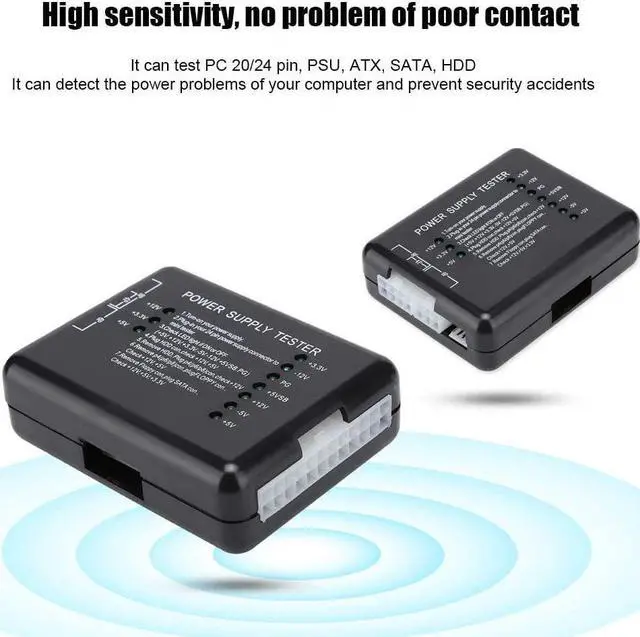
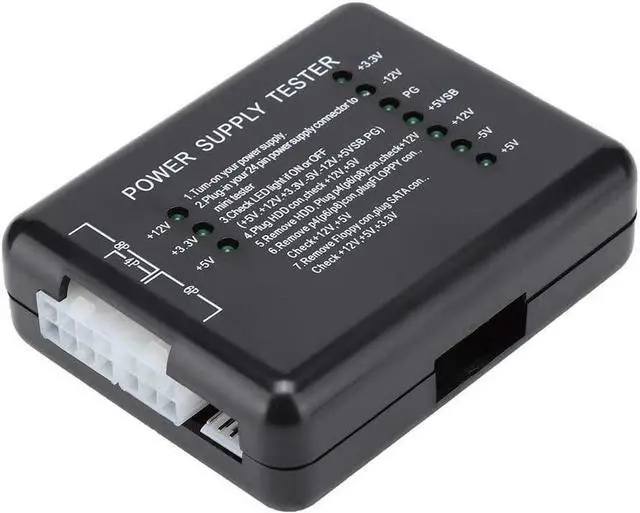
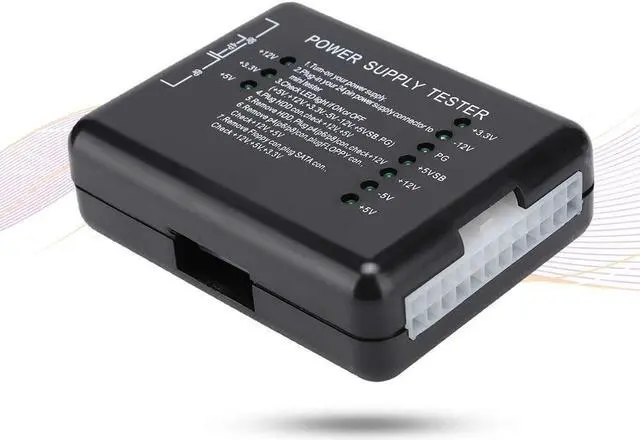
Specifications:
Material: ABS
Size: approx. 7 * 5 * 2cm/2.76 * 1.97 * 0.79 inch
Color: black
Package list:
1 * Power supply tester
Note:
Power tester instructions:
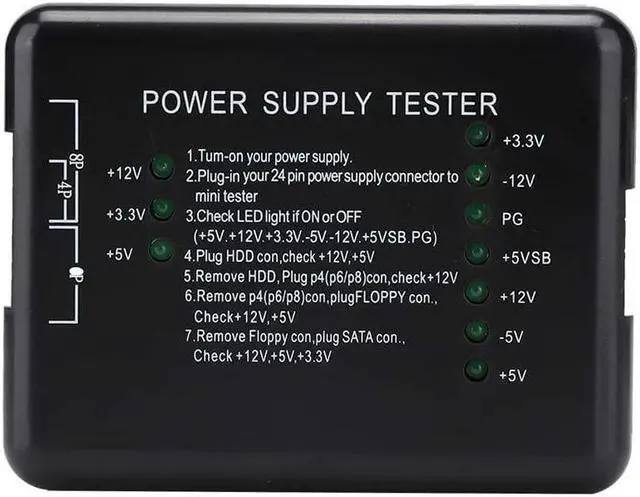
Power the power to be tested.
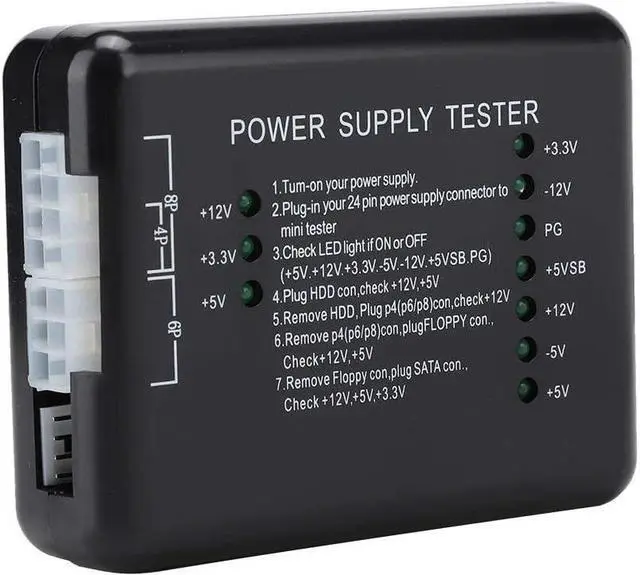
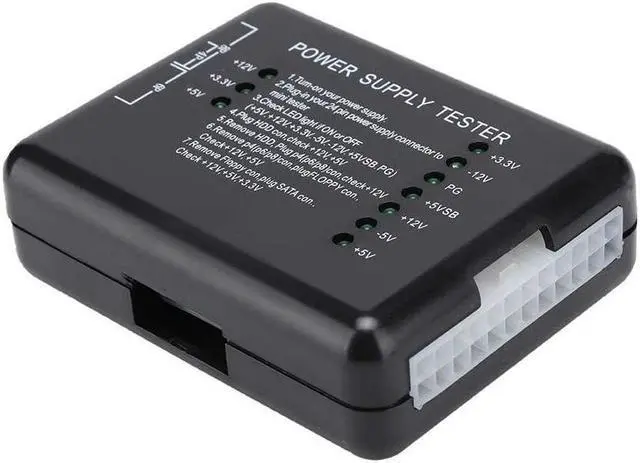
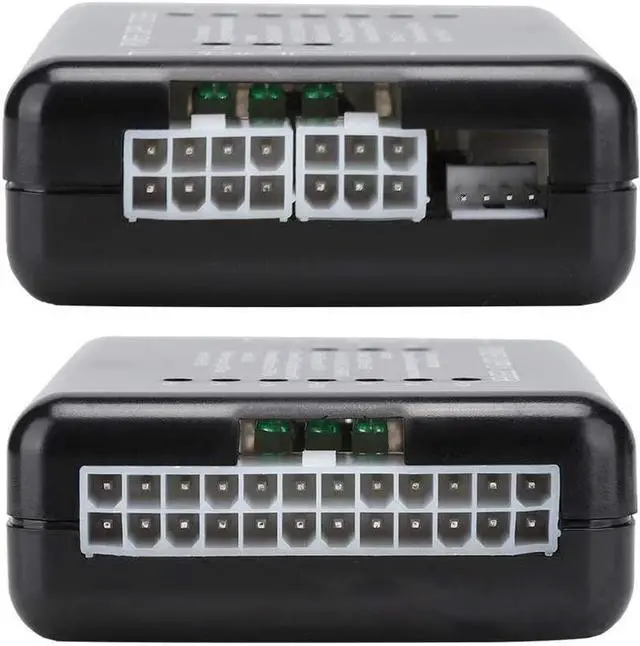
Plug the 24P (20P) plug of the power supply to be tested in the 24P socket (20P) corresponding to the power tester.
Check if the seven lights on the right (+3.3, -12V, PG, + 5VSB, + 12V, -5V, + 5V) are on, all the lights are on.
Plug the HDD plug to be tested into the power tester's HDD plug to see if the two lights on the left (+12, + 5V) are on, all the lights are on.
Remove the HDD plug from the energy tester and then insert the P4 plug (P6/P8) into the corresponding P4 socket (P6/P8) to see if the left one (+ 12V) is on, all lights are fine.
Remove the P4 (P6/P8) plug from the power tester and then insert the FLOPPY (floppy disk drive) plug into the corresponding FLOPPY socket to see if the two lights on the left (+ 12V, + 5V) are on, all lightsthey are fine.
Remove the FLOPPY plug from the power tester and then insert the SATA plug into the corresponding SATA socket to see if the three lights on the left (+ 12V, + 3.3V, + 5V) are on, all lights are fine.