




What if any fingerprint can unlock it?
1.Reset the lock to factory settings.
2.Re-register your fingerprints and passcode.
This ensures only authorized users can unlock the door.
How do I pair and set up my new fingerprint door lock after installation?
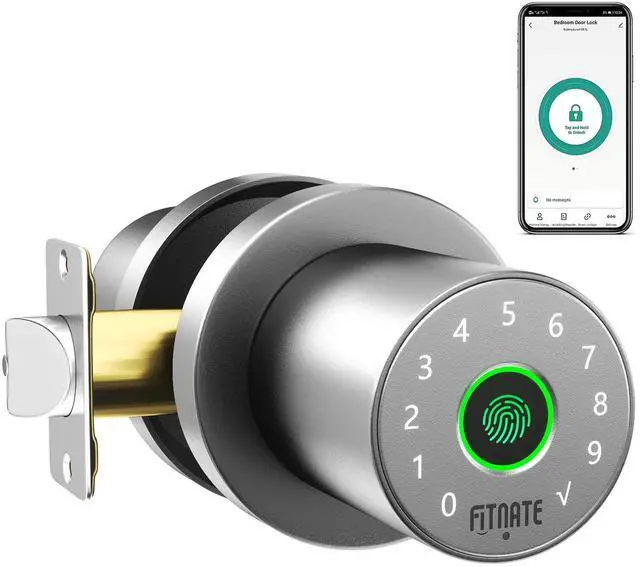
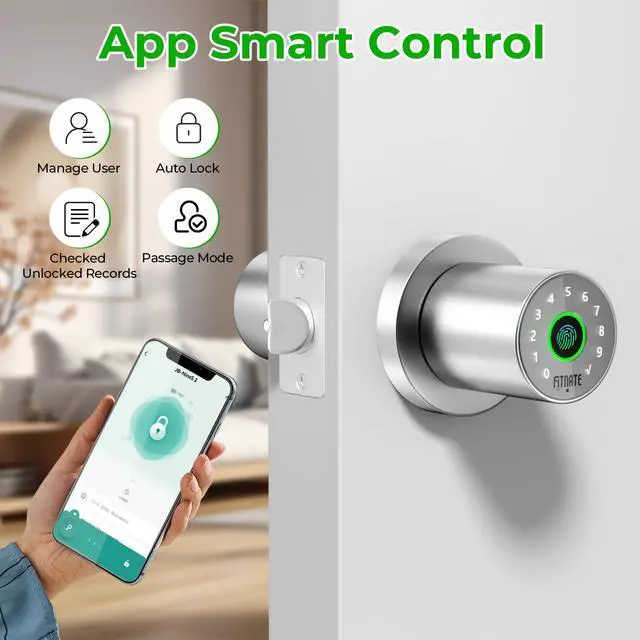
Use the Smart Life app with Bluetooth to control the smart door knob. Ensure Bluetooth and Location permissions are enabled for the app. Then, touch the fingerprint sensor to wake up the lock for pairing.
How can I improve fingerprint recognition accuracy?
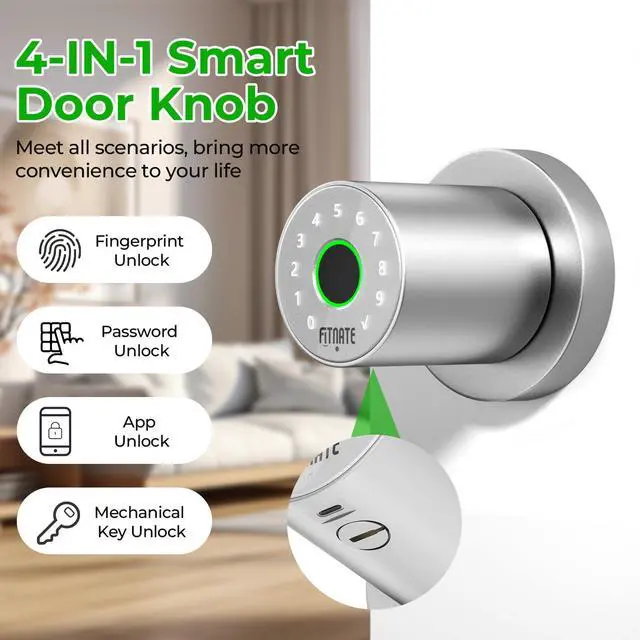
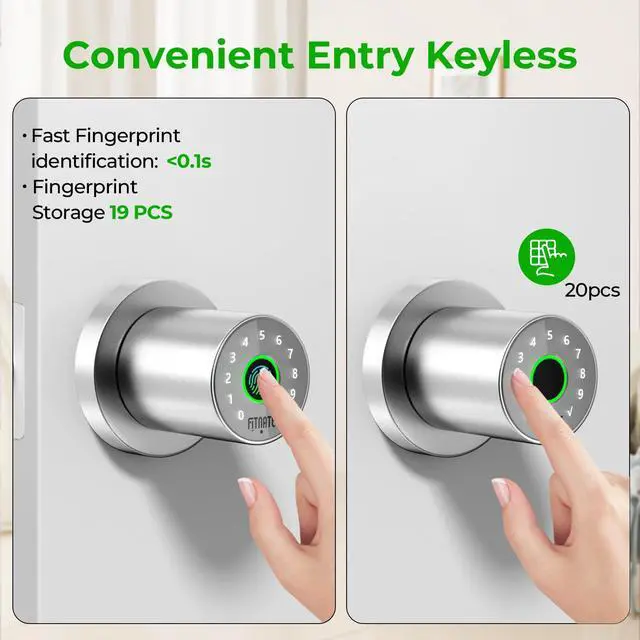
When registering a fingerprint, scan the same finger from 6 different angles (e.g., slightly tilted left, right, up, and down). This helps the sensor recognize your fingerprint more reliably.
What type of batteries should I use, and how should I install them?
Always use brand-new batteries to ensure long-lasting power. When installing, double-check that the positive (+) and negative (-) ends match the markings inside the battery compartment to avoid malfunction.


What if any fingerprint can unlock it?
1.Reset the lock to factory settings.
2.Re-register your fingerprints and passcode.
This ensures only authorized users can unlock the door.
How do I pair and set up my new fingerprint door lock after installation?
Use the Smart Life app with Bluetooth to control the smart door knob. Ensure Bluetooth and Location permissions are enabled for the app. Then, touch the fingerprint sensor to wake up the lock for pairing.
How can I improve fingerprint recognition accuracy?
When registering a fingerprint, scan the same finger from 6 different angles (e.g., slightly tilted left, right, up, and down). This helps the sensor recognize your fingerprint more reliably.
What type of batteries should I use, and how should I install them?
Always use brand-new batteries to ensure long-lasting power. When installing, double-check that the positive (+) and negative (-) ends match the markings inside the battery compartment to avoid malfunction.