




Eliminating Unwanted Background Noise and Focusing on your Call with LEVN

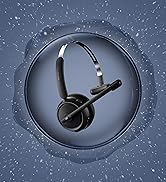
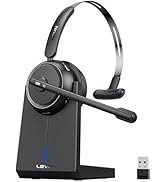
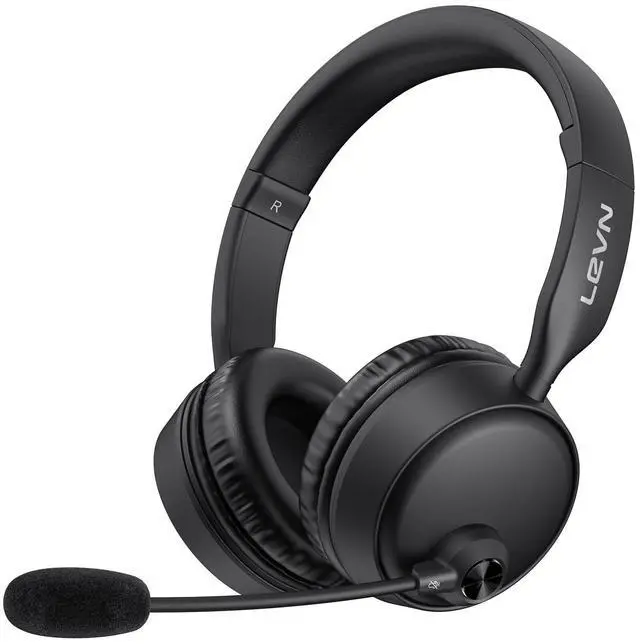
LEVN Bluetooth Headset
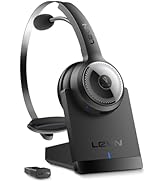

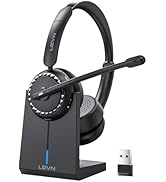
Wireless headset for work
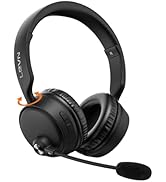
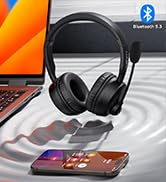
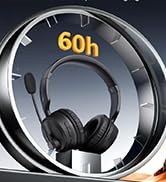

LEVN Bluetooth Headset
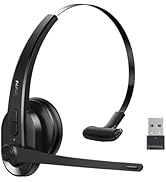

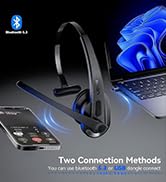
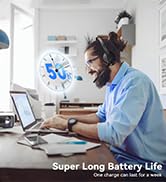
LEVN Wireless Headset with Mic
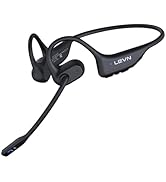
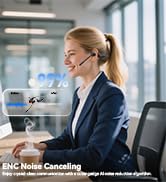
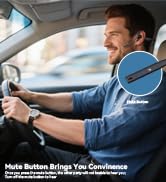

Open Ear Headphones
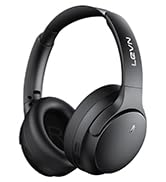

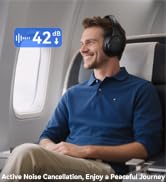
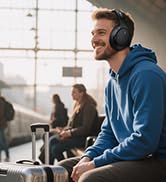
Noise Cancelling Headphones
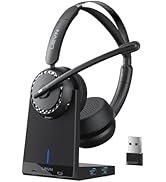

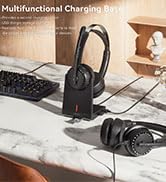

LEVN New Product Alert
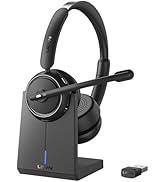



LEVN Wireless headset for work
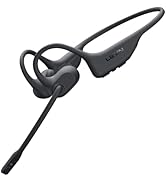
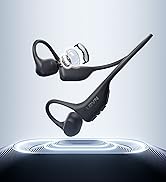
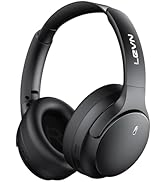
LEVN Wireless Headset

LEVN Binaural Headset
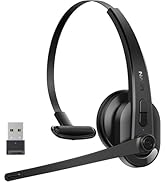
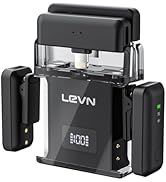
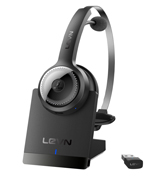

LEVN Wireless Headset with Mic
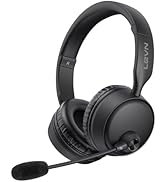
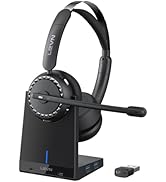
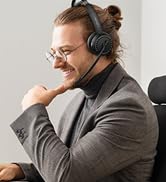
LEVN Wireless Headset with Mic
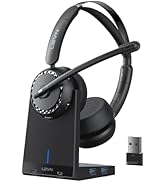

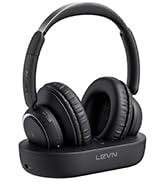

Convenient & Efficient
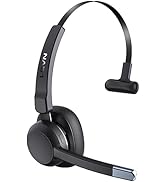
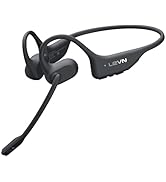
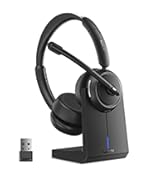
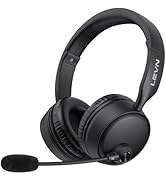
New Product Alert from LEVN
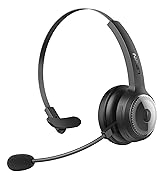
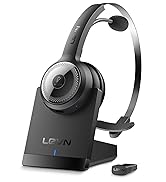
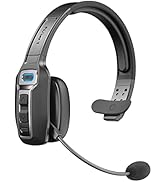
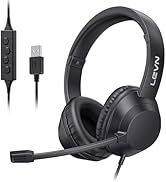
Wireless Freedom


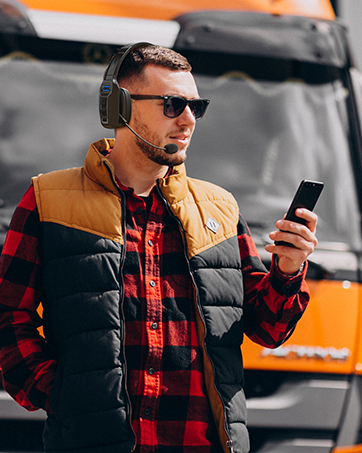

LEVN: Redefining Wireless Audio - Unmatched Quality and Innovation
Established in 2003, LEVN has a two-decade legacy in wireless audio, delivering unmatched expertise, superior quality, and an exceptional user experience. Meticulously crafted headphones ensure superior sound and seamless connectivity. Our goal is to enrich wireless audio with revolutionary features and innovative technology, shaping the future of Bluetooth headsets.
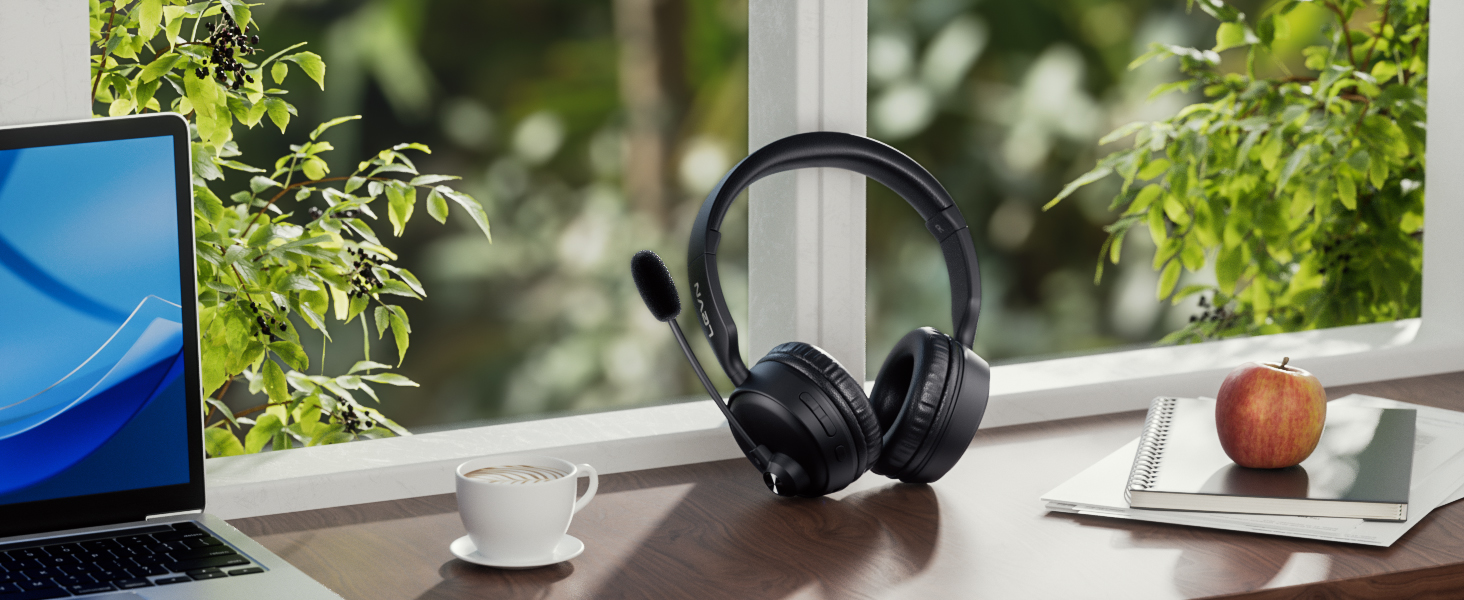
LEVN Bluetooth 5.3 Headset
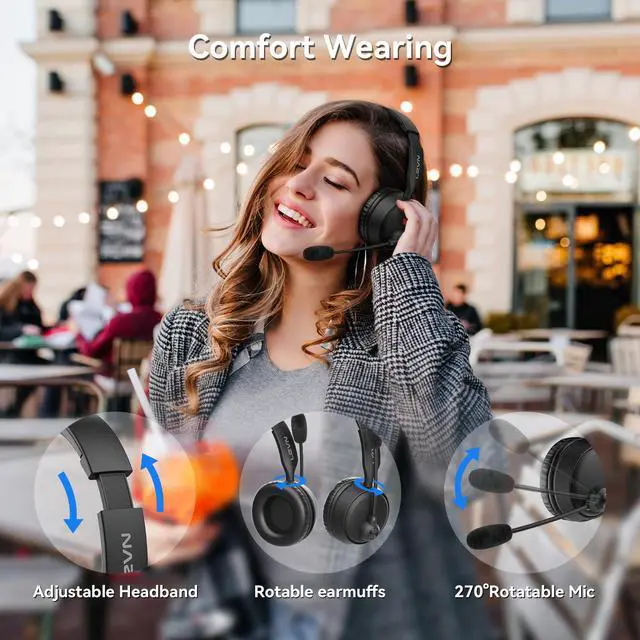
AI Noise Cancelling, Clearer Hands-free Calling
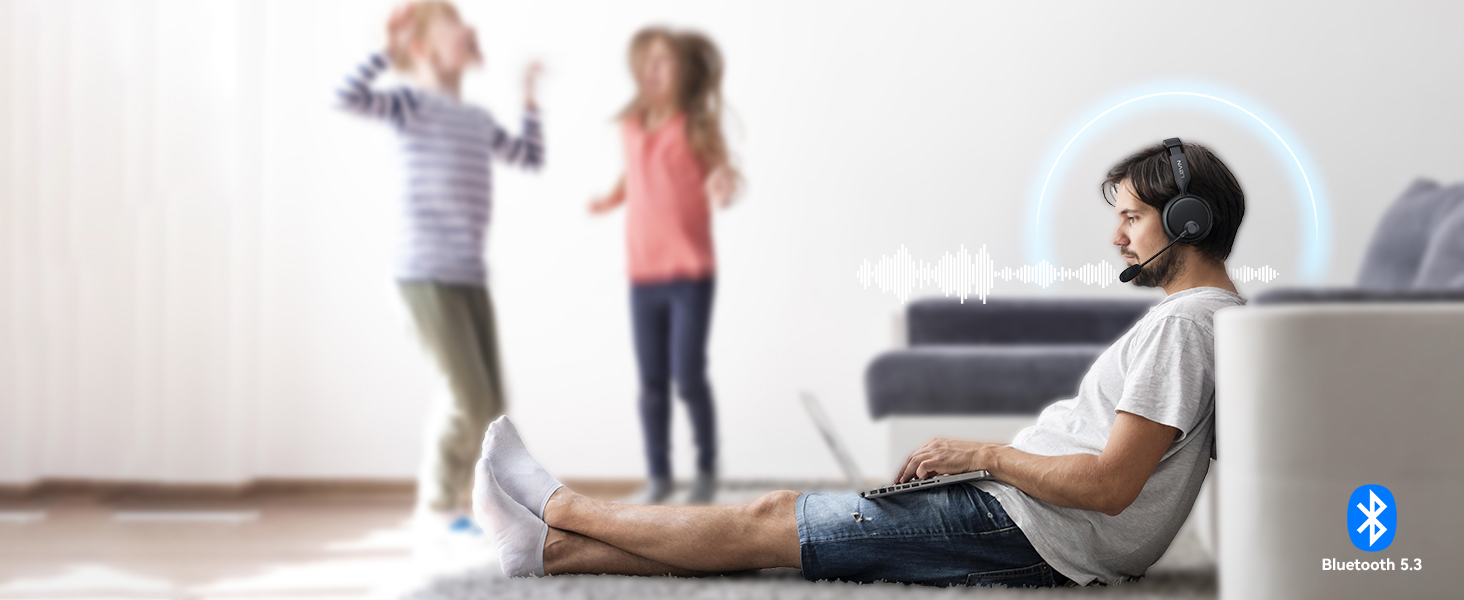
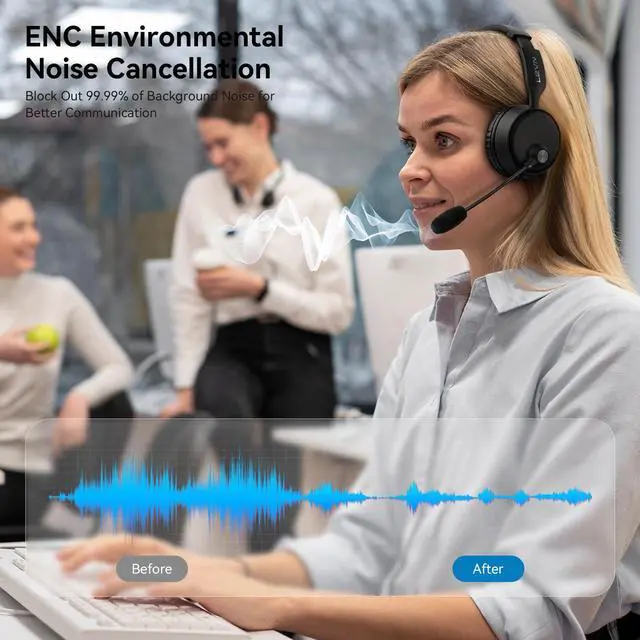
Environmental Noise Cancellation
No matter where you are, our Bluetooth headsets ensure clear voice quality.

Privacy Protection
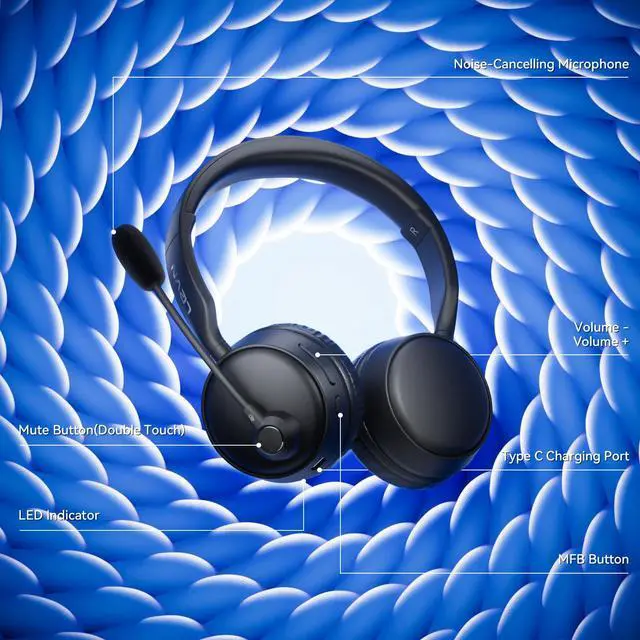
You can double-touch the mute button to turn on/off the microphone to protect your privacy
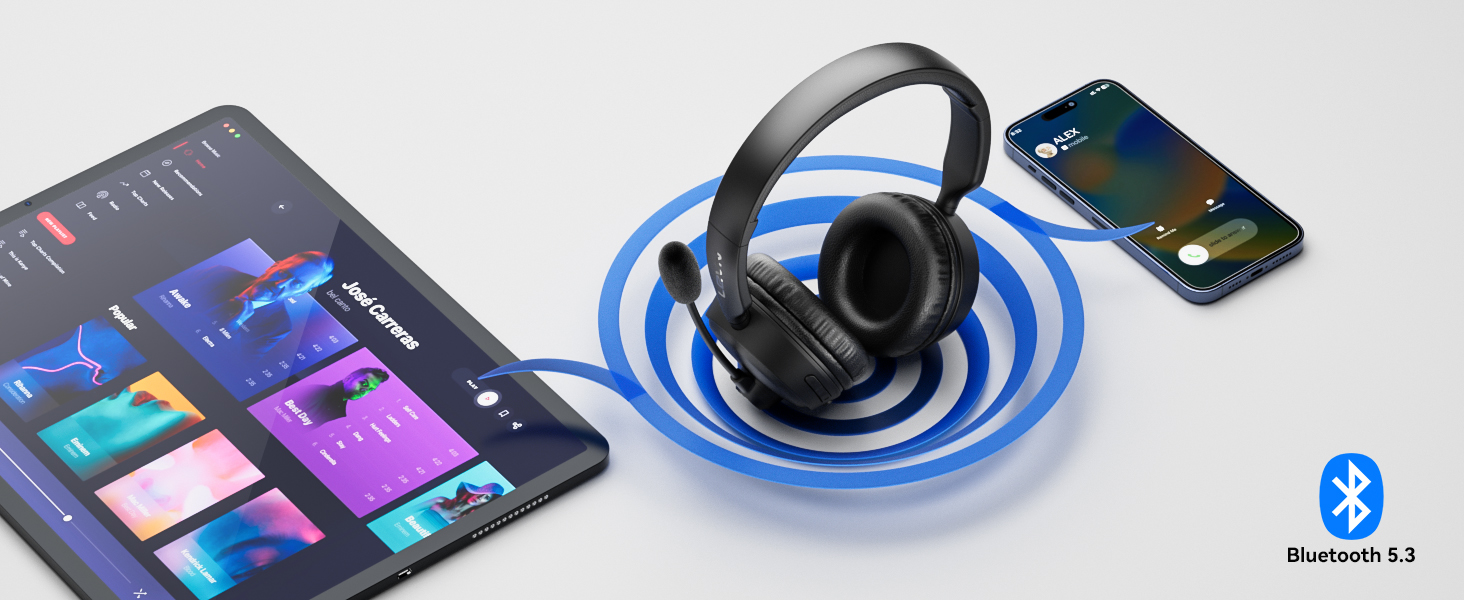
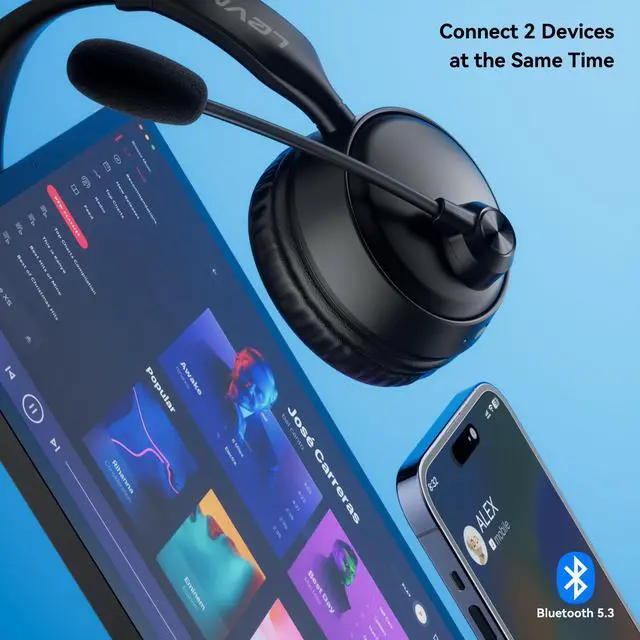
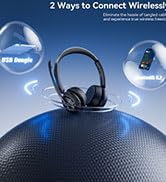
Dual Device Seamless Switching
Connect 2 devices at the same time, quickly switch to calling device via MFB, and never miss a call.
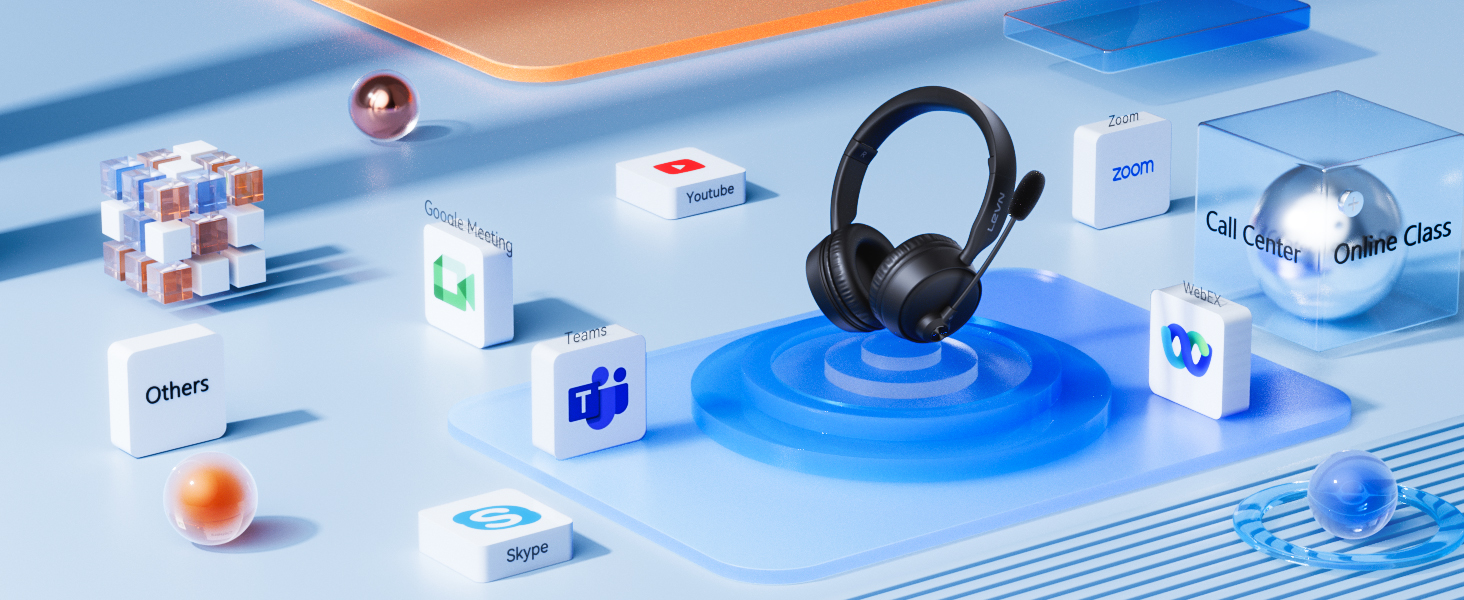
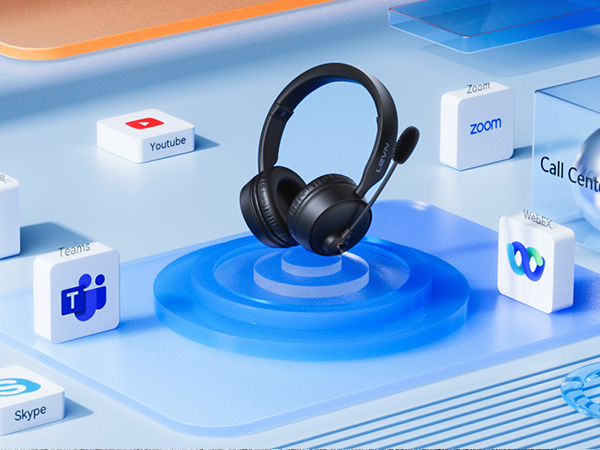
Compatible with Most Platforms
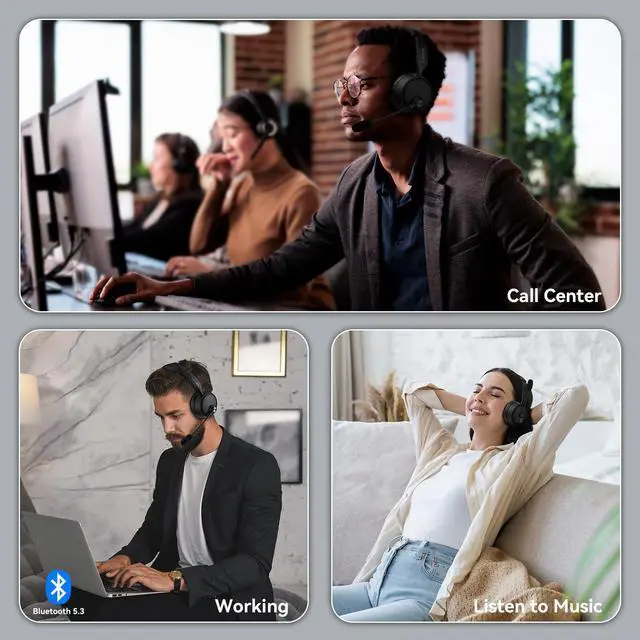
Works online conferencing software like Zoom, Teams, Google Meeting, WebEx, YouTube, Skype and so on

HiFi Stereo Music
High-fidelity audio delivers accurate reproduction of every detail in both music and movies.
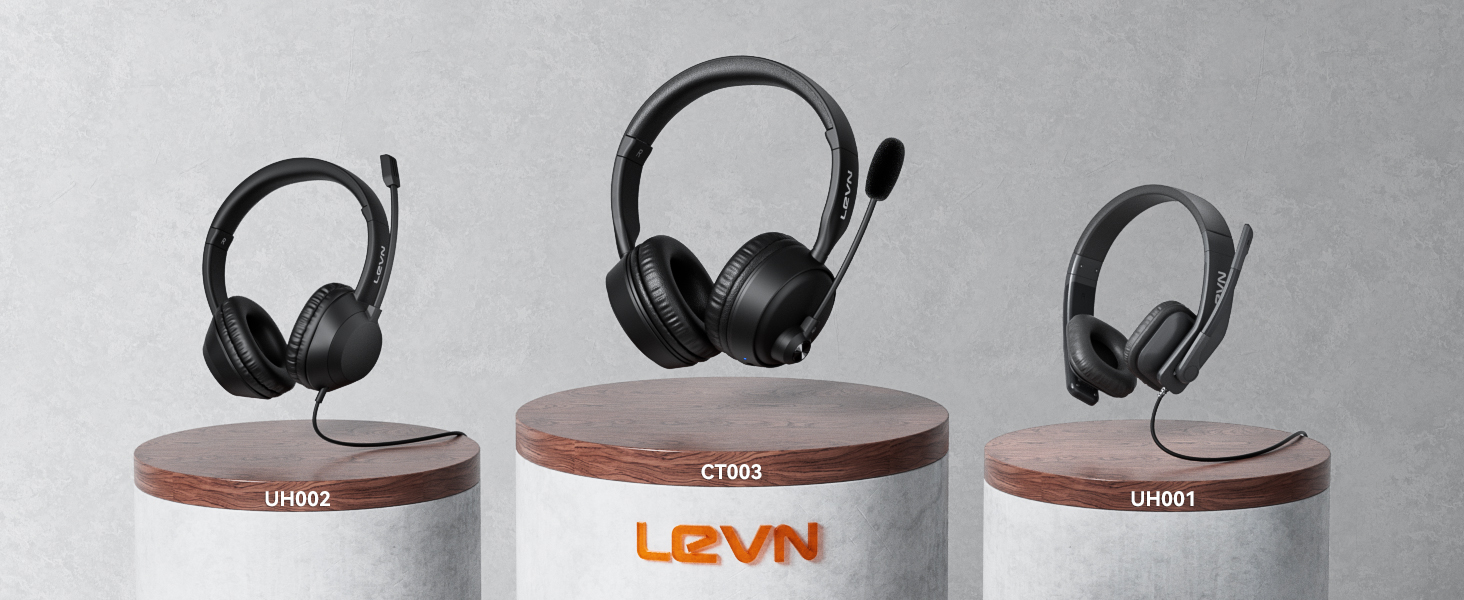
How to pair LEVN CT003 with 2 devices simultaneously via Bluetooth?
1. Press and hold MFB button for 3-5s to enter pairing mode, the LED indicator light will flash blue and red alternately, and you could hear "Pairing".
2. Turn on the Bluetooth function of device A, search and connect [CT003] in the Bluetooth device list. When you hear "connected" and the LED indicator turns blue and flashes slowly every 5s, it means the headset is connected to device A.
3. Turn off the Bluetooth function of device A, when you hear "Disconnected", the LED indicator light will flash blue and red alternately, [CT003 ] will re-enter the pairing mode.
4. Turn on the Bluetooth function of device B, search and connect [CT003] in the Bluetooth device list, when you hear "connected" and the LED indicator turns blue and flashes slowly every 5s, it means the headset B-device connected to device B.
5. Turn on the Bluetooth function of device A, and click "Connect" [CT003] in the Bluetooth device list. When you hear "connected" again, it means that the headset has been successfully connected to device A and device B at the same time.
Note: When you listen to music on device A, and device B has an incoming call, just click the MFB button to answer the call (please check the manual for more details).
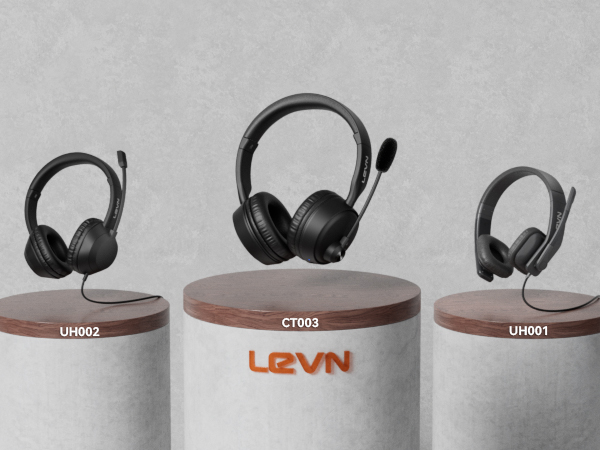
LEVN HEADSET COLLECTION
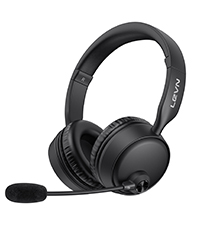 CT003 | 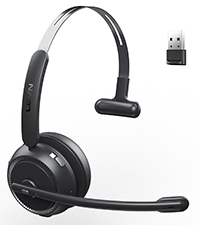 CT002 V3 |  CT001-V2 | 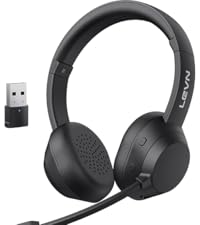 CT005 V2 | 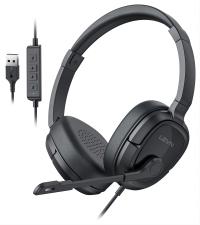 LEVN UH003 | 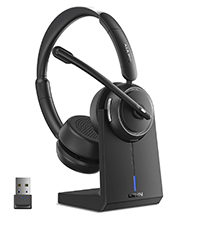 LEVN LE-HS013 Superior | 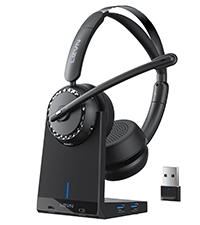 LEVN LE-HS016 Superior | |
|---|---|---|---|---|---|---|---|
Customer Reviews | — | — | — | — | — | — | — |
Price | — | — | — | — | — | — | — |
Earcup | Binaural | Single-Ear | Binaural | 2*Mini Microphones | Binaural | Binaural | Binaural |
Bluetooth Multipoint | 2 Devices Simultaneously | 1 Device | 1 Device | 2 Devices Simultaneously | NO Bluetooth | 1 Device | 1 Device |
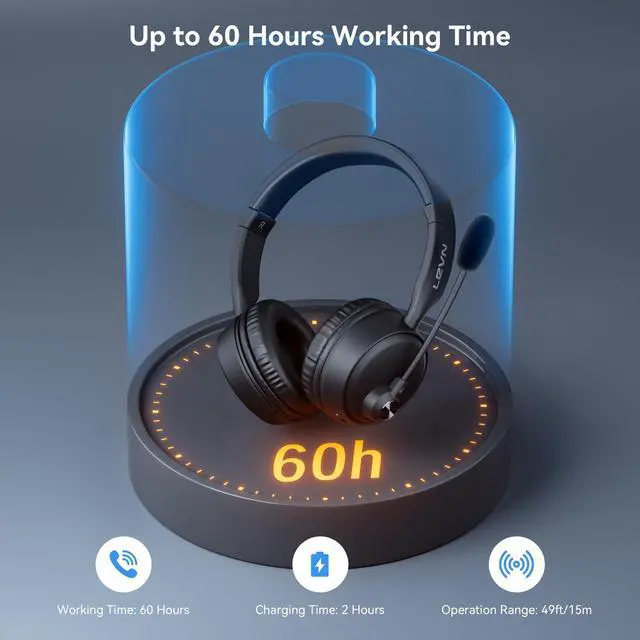
Battery Life | Up to 60 hours | Up to 65 hours | Up to 65 hours | Up to 60 hours | No Charging Required | Up to 65 hours | Up to 65 hours |
Charging Method | USB C Cable | USB C Cable | USB C Cable | USB C Cable | Wird | Charging Base or USB C Cable | Charging Base or USB C Cable |
Connectivity | Bluetooth | Bluetooth & USB Dongle | Bluetooth & USB Dongle | Bluetooth & USB Dongle | Wird | Bluetooth & USB Dongle | Bluetooth & USB Dongle |
My Bluetooth headset is connected to my cell phone and table at the same time, how do I switch devices?
When your Bluetooth headset is successfully connected to your cellphone and tablet via Bluetooth, please click the MFB button to switch to your calling device or music device.
It's always noisy when I work from home. Can others still hear the sounds around me using this Bluetooth headset?
Please don't worry, this bluetooth headset with noise canceling microphone can accurately filter your background noise, so callers can only hear your clear voice. Bring you a better call experience.
Can I use the headset to answer or hang up calls?
If the headset is connected to a mobile phone, you can click the MFB to answer/end calls on the headset; If the headset is connected to a computer, you need to answer calls on the computer. Reminder: MFB does not work with desk phones and landlines
How do I use the headset's mute function during a call or online meeting?
You only need to double touch it to quickly mute the microphone, avoiding disturbance or revealing privacy during calls or meetings.
How to clear the pairing records?
Press and hold the MFB power button and Volume"-" button at the same time for 5-7 seconds. Seeing that the LED indicator light is purple, the headset has cleared the pairing record and restored the factory settings.
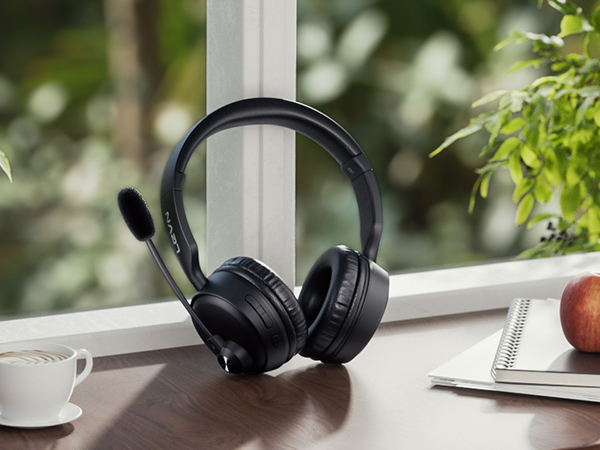
AI Noise Cancelling, Clearer Hands-free Calling
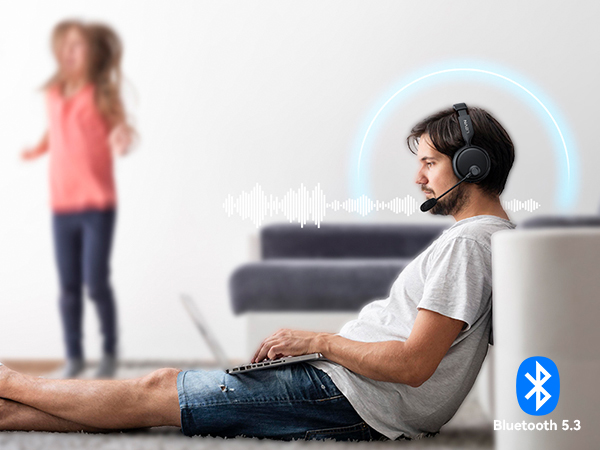
Environmental Noise Cancellation
No matter where you are, our Bluetooth headsets ensure clear voice quality.
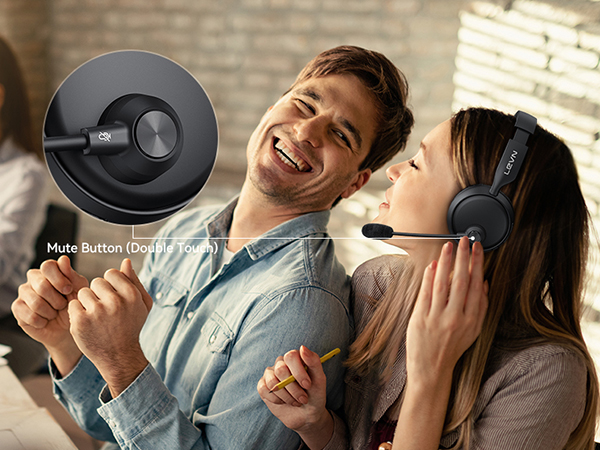
Privacy Protection
You can double-touch the mute button to turn on/off the microphone to protect your privacy
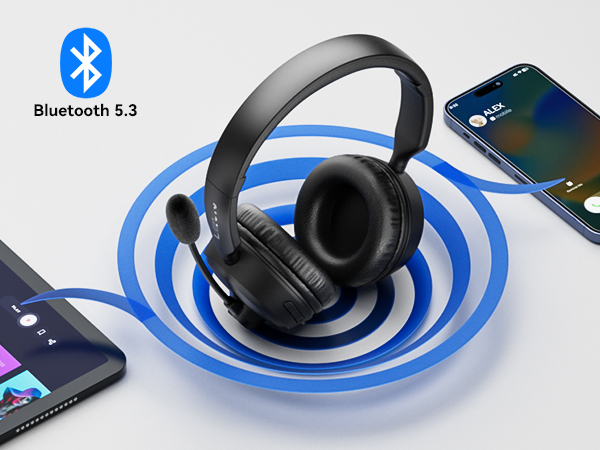
Dual Device Seamless Switching
Connect 2 devices at the same time, quickly switch to calling device via MFB, and never miss a call.
Compatible with Most Platforms
Works online conferencing software like Zoom, Teams, Google Meeting, WebEx, YouTube, Skype and so on
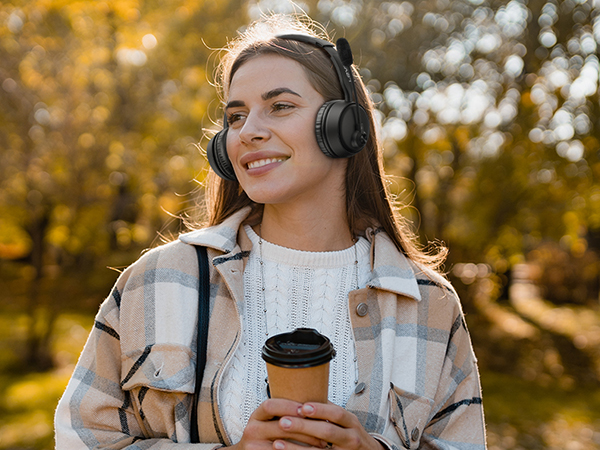
HiFi Stereo Music
High-fidelity audio delivers accurate reproduction of every detail in both music and movies.
How to pair LEVN CT003 with 2 devices simultaneously via Bluetooth?
1. Press and hold MFB button for 3-5s to enter pairing mode, the LED indicator light will flash blue and red alternately, and you could hear "Pairing".
2. Turn on the Bluetooth function of device A, search and connect [CT003] in the Bluetooth device list. When you hear "connected" and the LED indicator turns blue and flashes slowly every 5s, it means the headset is connected to device A.
3. Turn off the Bluetooth function of device A, when you hear "Disconnected", the LED indicator light will flash blue and red alternately, [CT003 ] will re-enter the pairing mode.
4. Turn on the Bluetooth function of device B, search and connect [CT003] in the Bluetooth device list, when you hear "connected" and the LED indicator turns blue and flashes slowly every 5s, it means the headset B-device connected to device B.
5. Turn on the Bluetooth function of device A, and click "Connect" [CT003] in the Bluetooth device list. When you hear "connected" again, it means that the headset has been successfully connected to device A and device B at the same time.
Note: When you listen to music on device A, and device B has an incoming call, just click the MFB button to answer the call (please check the manual for more details).
LEVN HEADSET COLLECTION
CT003 | CT002 V3 | CT001-V2 | CT005 V2 | LEVN UH003 | LEVN LE-HS013 Superior | LEVN LE-HS016 Superior |
|---|---|---|---|---|---|---|
| Customer Reviews | ||||||
| — | — | — | — | — | — | — |
| Price | ||||||
| — | — | — | — | — | — | — |
| Earcup | ||||||
| Binaural | Single-Ear | Binaural | 2*Mini Microphones | Binaural | Binaural | Binaural |
| Bluetooth Multipoint | ||||||
| 2 Devices Simultaneously | 1 Device | 1 Device | 2 Devices Simultaneously | NO Bluetooth | 1 Device | 1 Device |
| Battery Life | ||||||
| Up to 60 hours | Up to 65 hours | Up to 65 hours | Up to 60 hours | No Charging Required | Up to 65 hours | Up to 65 hours |
| Charging Method | ||||||
| USB C Cable | USB C Cable | USB C Cable | USB C Cable | Wird | Charging Base or USB C Cable | Charging Base or USB C Cable |
| Connectivity | ||||||
| Bluetooth | Bluetooth & USB Dongle | Bluetooth & USB Dongle | Bluetooth & USB Dongle | Wird | Bluetooth & USB Dongle | Bluetooth & USB Dongle |
My Bluetooth headset is connected to my cell phone and table at the same time, how do I switch devices?
When your Bluetooth headset is successfully connected to your cellphone and tablet via Bluetooth, please click the MFB button to switch to your calling device or music device.
It's always noisy when I work from home. Can others still hear the sounds around me using this Bluetooth headset?
Please don't worry, this bluetooth headset with noise canceling microphone can accurately filter your background noise, so callers can only hear your clear voice. Bring you a better call experience.
Can I use the headset to answer or hang up calls?
If the headset is connected to a mobile phone, you can click the MFB to answer/end calls on the headset; If the headset is connected to a computer, you need to answer calls on the computer. Reminder: MFB does not work with desk phones and landlines
How do I use the headset's mute function during a call or online meeting?
You only need to double touch it to quickly mute the microphone, avoiding disturbance or revealing privacy during calls or meetings.
How to clear the pairing records?
Press and hold the MFB power button and Volume"-" button at the same time for 5-7 seconds. Seeing that the LED indicator light is purple, the headset has cleared the pairing record and restored the factory settings.
Eliminating Unwanted Background Noise and Focusing on your Call with LEVN
LEVN Bluetooth Headset
Wireless headset for work
LEVN Bluetooth Headset
LEVN Wireless Headset with Mic
Open Ear Headphones
Noise Cancelling Headphones
LEVN New Product Alert
LEVN Wireless headset for work
LEVN Wireless Headset
LEVN Binaural Headset
LEVN Wireless Headset with Mic
LEVN Wireless Headset with Mic
Convenient & Efficient
New Product Alert from LEVN
Wireless Freedom

LEVN: Redefining Wireless Audio - Unmatched Quality and Innovation
Established in 2003, LEVN has a two-decade legacy in wireless audio, delivering unmatched expertise, superior quality, and an exceptional user experience. Meticulously crafted headphones ensure superior sound and seamless connectivity. Our goal is to enrich wireless audio with revolutionary features and innovative technology, shaping the future of Bluetooth headsets.
