


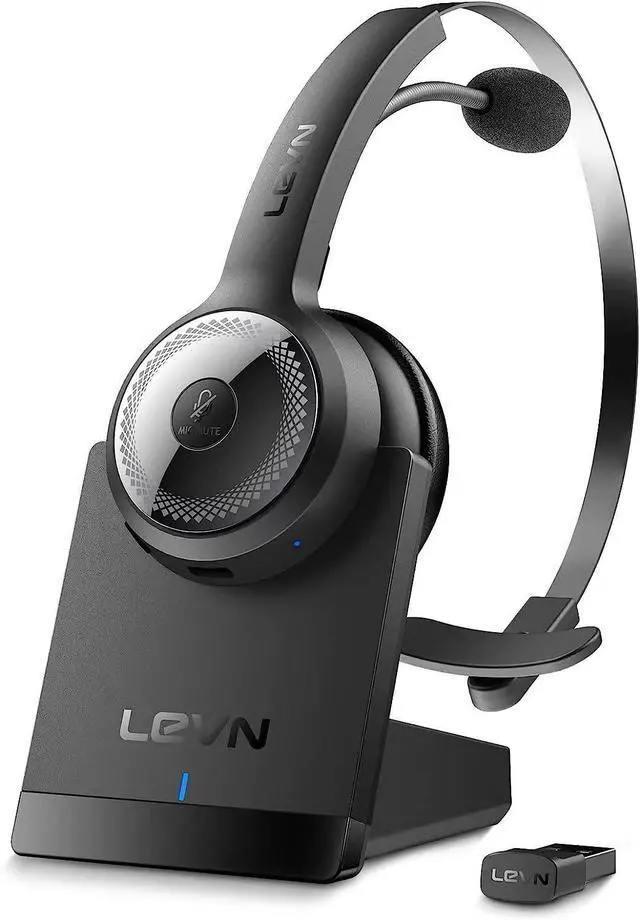



LEVN LE-HS010 Superior
Advanced Noise Cancellation, Wireless Enjoyment


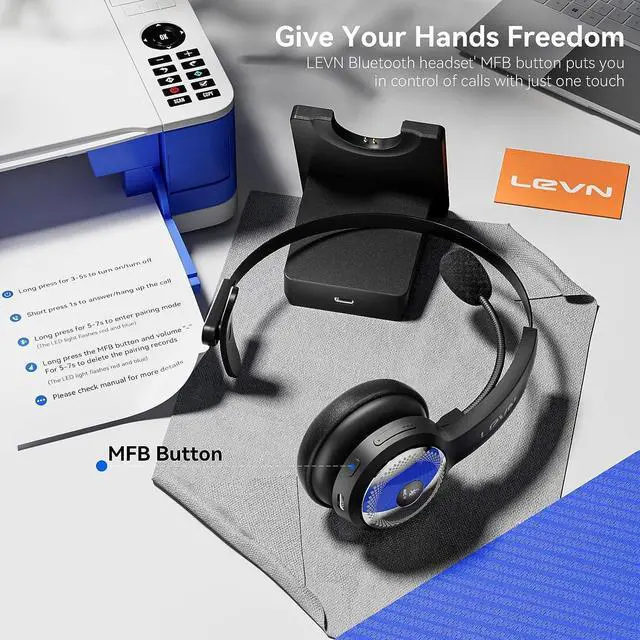
Calls at Your Fingertips
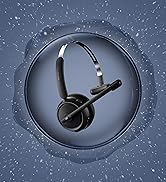
LEVN bluetooth headset with noise canceling microphone lets you enjoy uninterrupted concentration (The function only supports mobile phones that does not support the computer, the desktop phone and landline)
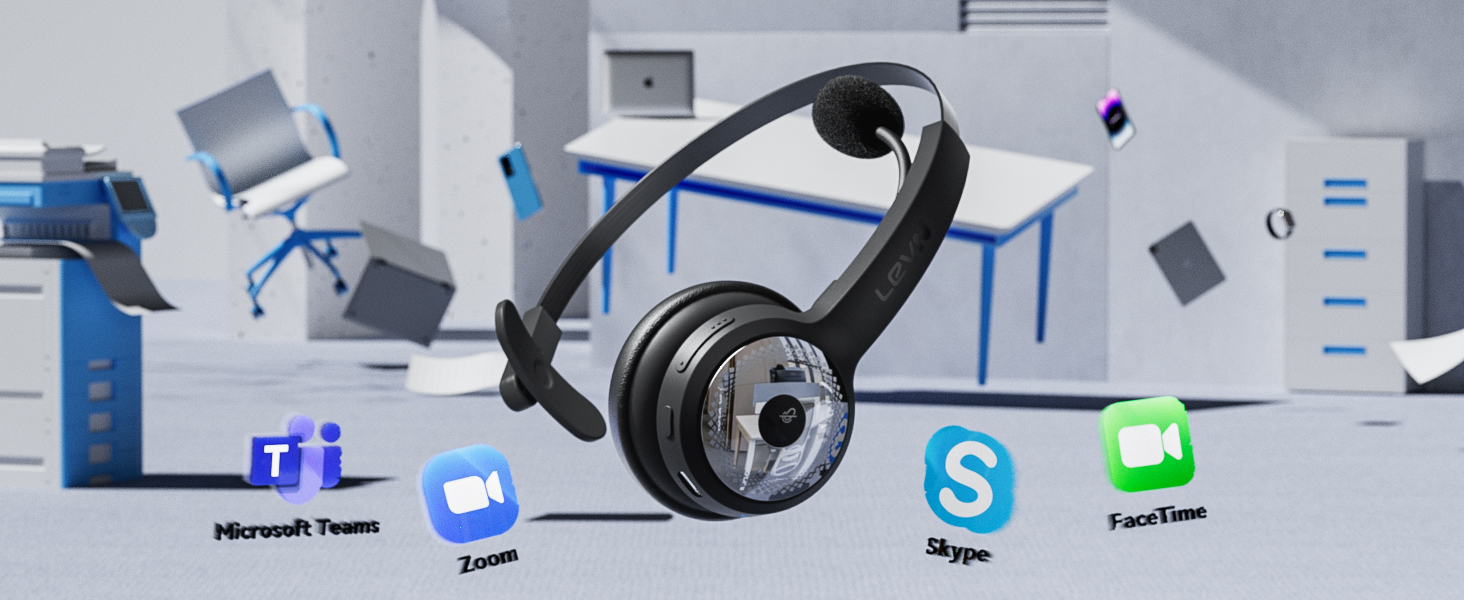
Versatile Compatibility
This wireless headset with microphone enables seamless communication with productivity platform
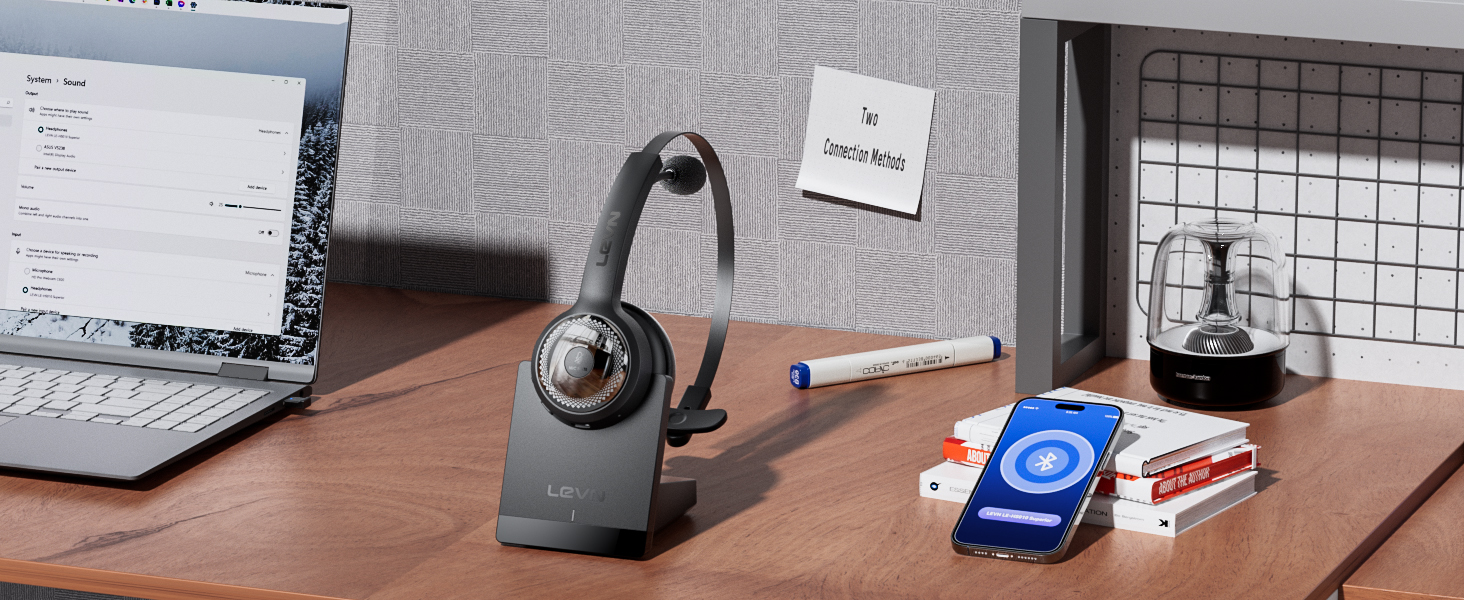
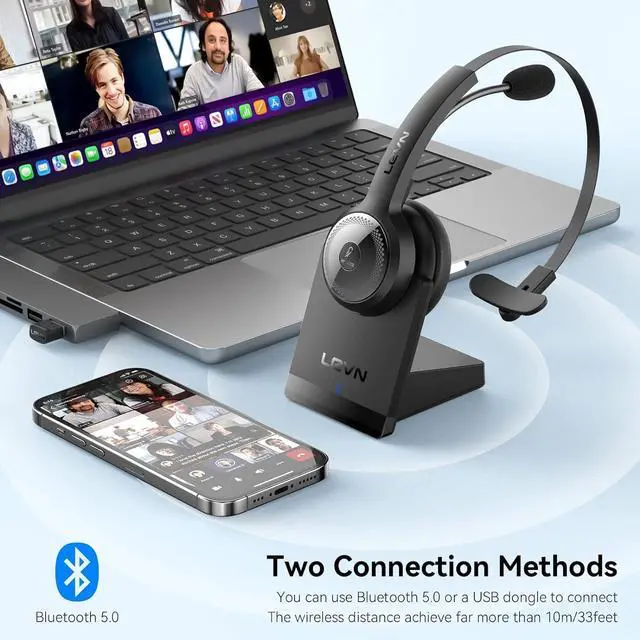
Connectivition Methods
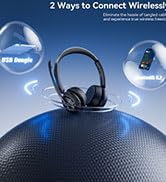
Easily connect wireless headset for laptop via Bluetooth or USB dongle for lag-free transmission
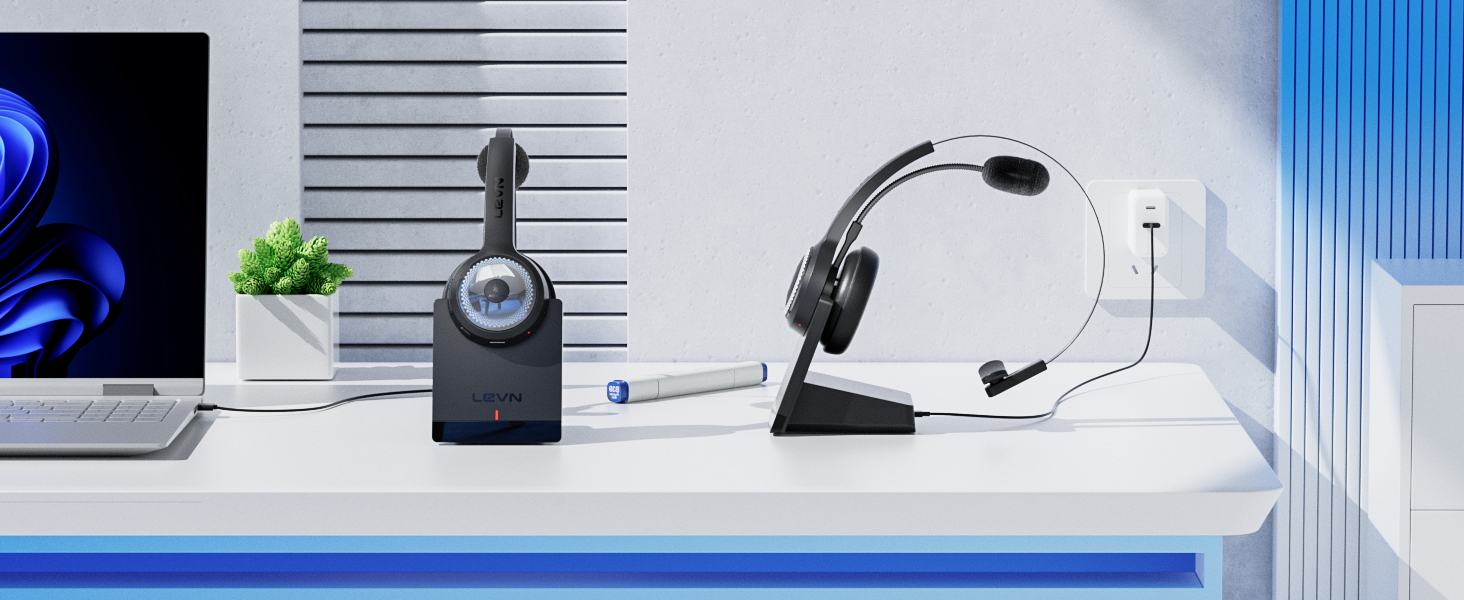
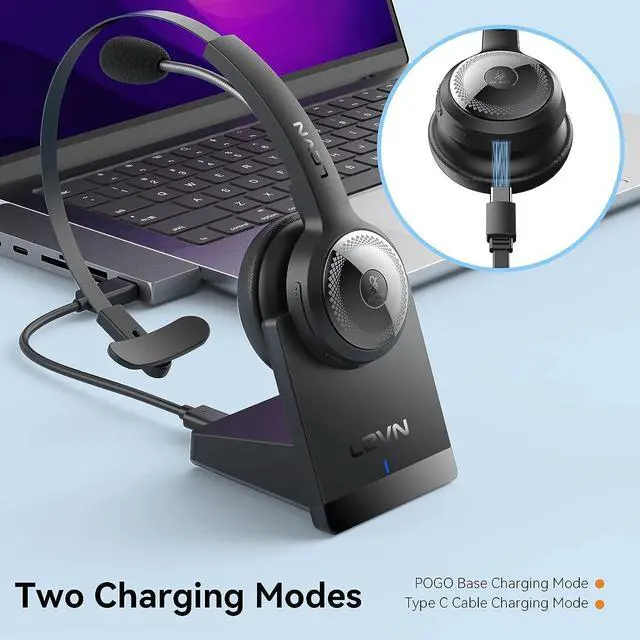
Various Charging Methods
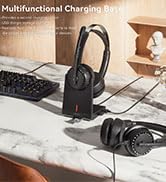
Say goodbye to tangled wires, just place it on the charging base and enjoy hassle-free charging

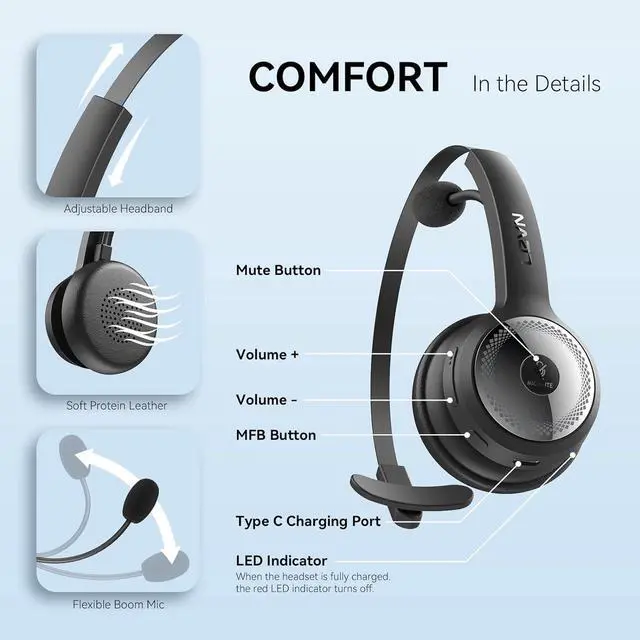
Silk Comfort
Enjoy the silky-light comfort of the headset, providing exceptional comfort for long hours of use
LEVN Headset COLLECTION
ENC Technology | ||
Bluetooth/USB Dongle | Connection Method | Type-C/Lighting |
Charging Base/USB C | Charging Method | USB C Cable |
1 Device | Bluetooth Multipoint | 2 Device |
ENC Technology | ||
Bluetooth/USB Dongle | Connection Method | Bluetooth V5.3 |
Charging Base/USB C | Charging Method | Magnetic Charger |
1 Device | Bluetooth Multipoint | 2 Device |
ENC Technology | ||
Bluetooth/USB Dongle | Connection Method | Bluetooth V5.3 |
Charging Base/USB C | Charging Method | Magnetic Charger |
1 Device | Bluetooth Multipoint | 2 Device |
ENC Technology | ||
Bluetooth/USB Dongle | Connection Method | Bluetooth/USB Dongle |
Charging Base/USB C | Charging Method | Charging Base/USB C |
1 Device | Bluetooth Multipoint | 1 Device |


Can I use this headset on my desk phone or landline?
Our wireless headsets are compatible with computers and mobile phones, not suitable for desk phones and landlines.
Why do people say they can't hear me when my wireless headset is connected to my computer?
When you use the software to make calls, please make sure your computer and software select [LEVN LE-HS010 Superior] as the output and input device (speaker/microphone), check whether the software checks "Mute my microphone when joining a meeting"
I use it when I work from home, will it prevent callers from hearing my background sound?
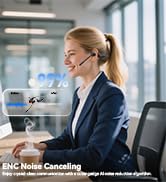
The LEVN Bluetooth 5.0 headset can effectively filter out unwanted background noise, ensuring that the listener can only hear your clear voice, making the call more focused!
How do I know my headset is fully charged?
If the headset is charging through the base, the LED light on the base will turn from blue to slowly blinking red, and the LED light on the headset will be solid red. When charging is complete, their LED lights will all turn solid blue
Can I mute before calling?
The LEVN Bluetooth 5.0 headset's mute button supports muting during calls/meetings. Just one touch to mute instantly, the voice promotion will remind you of the mute status (Mute on/Mute off). Kindly note that it doesn't support muting before a call.

Eliminating Unwanted Background Noise and Focusing on your Call with LEVN


LEVN new TV headphones

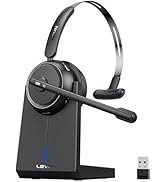
LEVN Bluetooth Headset
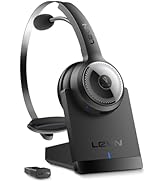

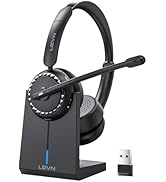
Wireless headset for work
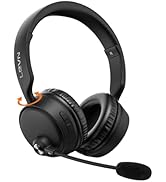
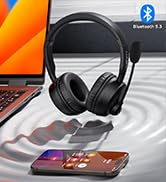


LEVN Bluetooth Headset
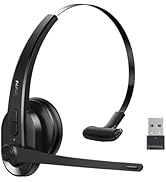

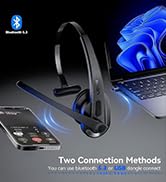

LEVN Wireless Headset with Mic
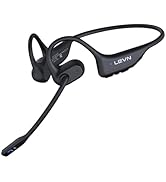


Open Ear Headphones
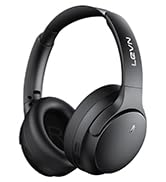

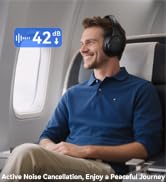

Noise Cancelling Headphones
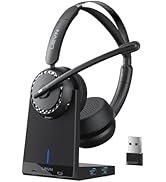


LEVN New Product Alert
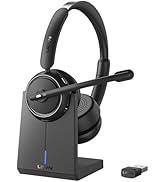



LEVN Wireless headset for work
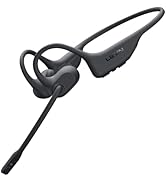
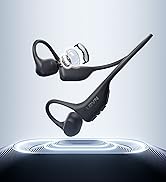
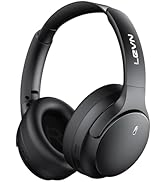
LEVN Wireless Headset

LEVN Binaural Headset
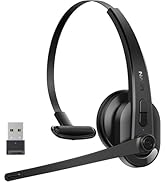
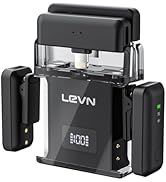
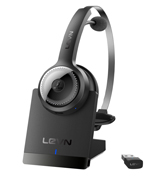

LEVN Wireless Headset with Mic
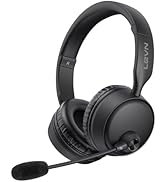
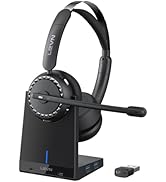

LEVN Wireless Headset with Mic
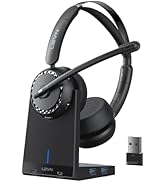

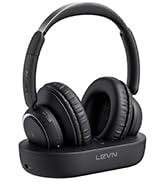

Convenient & Efficient
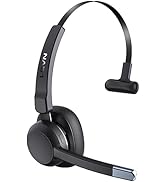
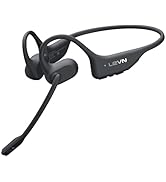
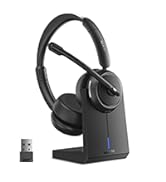
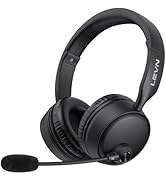
New Product Alert from LEVN
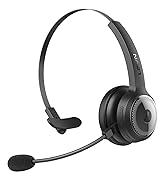
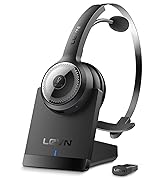
Wireless Freedom



LEVN: Redefining Wireless Audio - Unmatched Quality and Innovation
Established in 2003, LEVN has a two-decade legacy in wireless audio, delivering unmatched expertise, superior quality, and an exceptional user experience. Meticulously crafted headphones ensure superior sound and seamless connectivity. Our goal is to enrich wireless audio with revolutionary features and innovative technology, shaping the future of Bluetooth headsets.

Advanced Noise Cancellation, Wireless Enjoyment
Ultimate Noise Blocking
LEVN bluetooth headset with noise canceling microphone lets you enjoy uninterrupted concentration
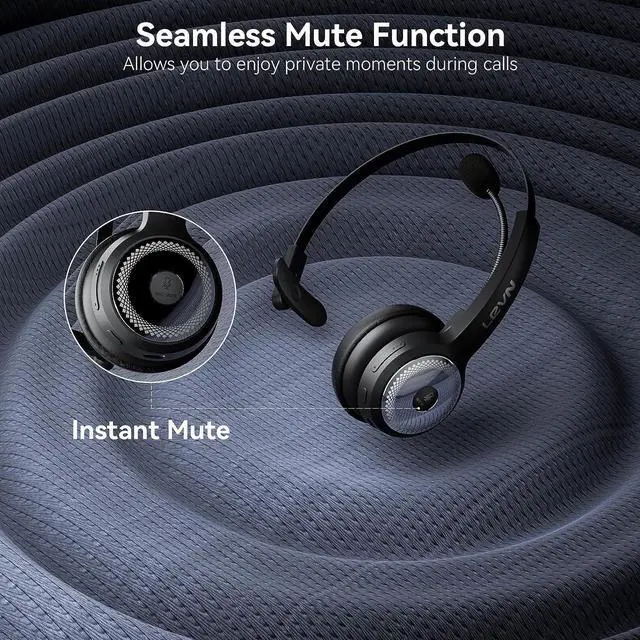
Humanized Mute Design
The wireless headset's mute function maximizes your privacy protection during calls


LEVN bluetooth headset with noise canceling microphone lets you enjoy uninterrupted concentration (The function only supports mobile phones that does not support the computer, the desktop phone and landline)
Versatile Compatibility
This wireless headset with microphone enables seamless communication with productivity platform
Connectivition Methods
Easily connect wireless headset for laptop via Bluetooth or USB dongle for lag-free transmission
Various Charging Methods
Say goodbye to tangled wires, just place it on the charging base and enjoy hassle-free charging
Silk Comfort
Enjoy the silky-light comfort of the headset, providing exceptional comfort for long hours of use


LEVN Headset COLLECTION
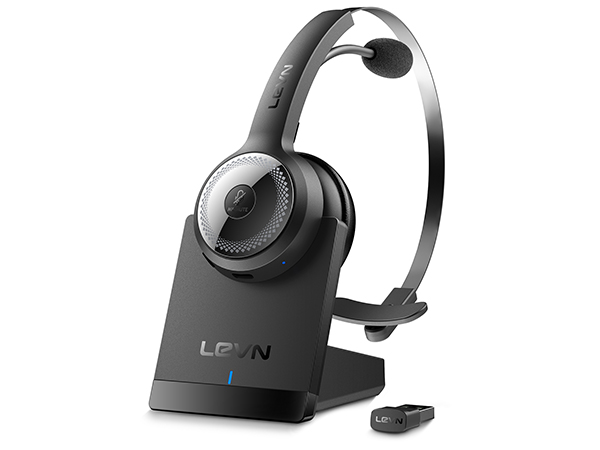
LE-HS010 Superior
ENC Technology
Connection Method
Bluetooth/USB Dongle
Charging Method
Charging Base/USB C
Bluetooth Multipoint
1 Device

LM101 Wireless Microphone
ENC Technology
Connection Method
Type-C/Lighting
Charging Method
USB C Cable
Bluetooth Multipoint
2 Device
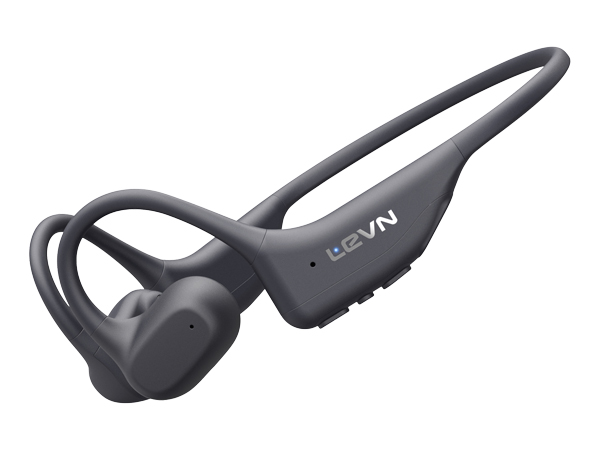
LE-HS031
ENC Technology
Connection Method
Bluetooth V5.3
Charging Method
Magnetic Charger
Bluetooth Multipoint
2 Device
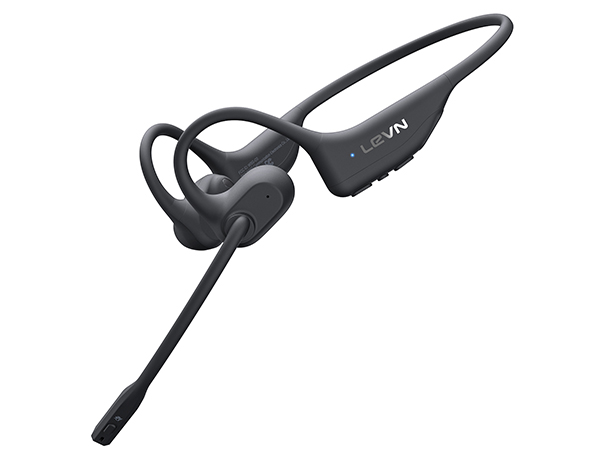
LE-HS017
ENC Technology
Connection Method
Bluetooth V5.3
Charging Method
Magnetic Charger
Bluetooth Multipoint
2 Device
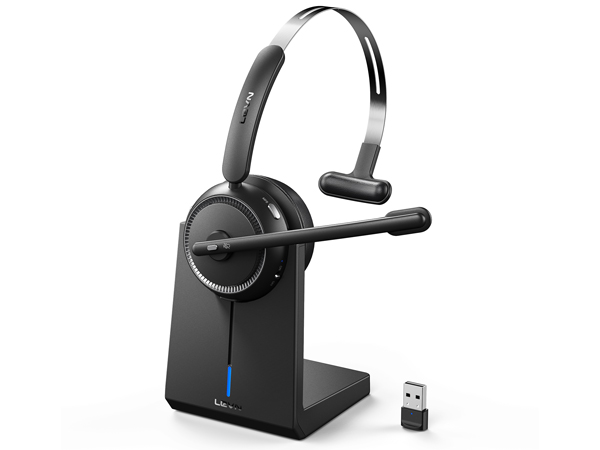
CT001-V3
ENC Technology
Connection Method
Bluetooth/USB Dongle
Charging Method
Charging Base/USB C
Bluetooth Multipoint
1 Device


Can I use this headset on my desk phone or landline?
Our wireless headsets are compatible with computers and mobile phones, not suitable for desk phones and landlines.
Why do people say they can't hear me when my wireless headset is connected to my computer?
When you use the software to make calls, please make sure your computer and software select [LEVN LE-HS010 Superior] as the output and input device (speaker/microphone), check whether the software checks "Mute my microphone when joining a meeting"
I use it when I work from home, will it prevent callers from hearing my background sound?
The LEVN Bluetooth 5.0 headset can effectively filter out unwanted background noise, ensuring that the listener can only hear your clear voice, making the call more focused!
How do I know my headset is fully charged?
If the headset is charging through the base, the LED light on the base will turn from blue to slowly blinking red, and the LED light on the headset will be solid red. When charging is complete, their LED lights will all turn solid blue
Can I mute before calling?
The LEVN Bluetooth 5.0 headset's mute button supports muting during calls/meetings. Just one touch to mute instantly, the voice promotion will remind you of the mute status (Mute on/Mute off). Kindly note that it doesn't support muting before a call.
Eliminating Unwanted Background Noise and Focusing on your Call with LEVN
LEVN new TV headphones
LEVN Bluetooth Headset
Wireless headset for work
LEVN Bluetooth Headset
LEVN Wireless Headset with Mic
Open Ear Headphones
Noise Cancelling Headphones
LEVN New Product Alert
LEVN Wireless headset for work
LEVN Wireless Headset
LEVN Binaural Headset
LEVN Wireless Headset with Mic
LEVN Wireless Headset with Mic
Convenient & Efficient
New Product Alert from LEVN
Wireless Freedom
LEVN: Redefining Wireless Audio - Unmatched Quality and Innovation
Established in 2003, LEVN has a two-decade legacy in wireless audio, delivering unmatched expertise, superior quality, and an exceptional user experience. Meticulously crafted headphones ensure superior sound and seamless connectivity. Our goal is to enrich wireless audio with revolutionary features and innovative technology, shaping the future of Bluetooth headsets.
