





How to adjust if I can’t hear any sound when the headset is connected to the computer?
First check whether the USB is connected to the device stably,it is recommended to connect to another USB jack
Second select "USB Audio Device" as the default input/output device in the "sound"setting
Finally check whether speaker mute is turned on
What should I do if my microphone sounds too low?
Operate on the computer through the following steps:
Setting -Control Panel -Hardware and Sound-Sound-Recording(Select connected headset, and double click mouse )-Level (adjust mic soud)
How does the Mute button work?
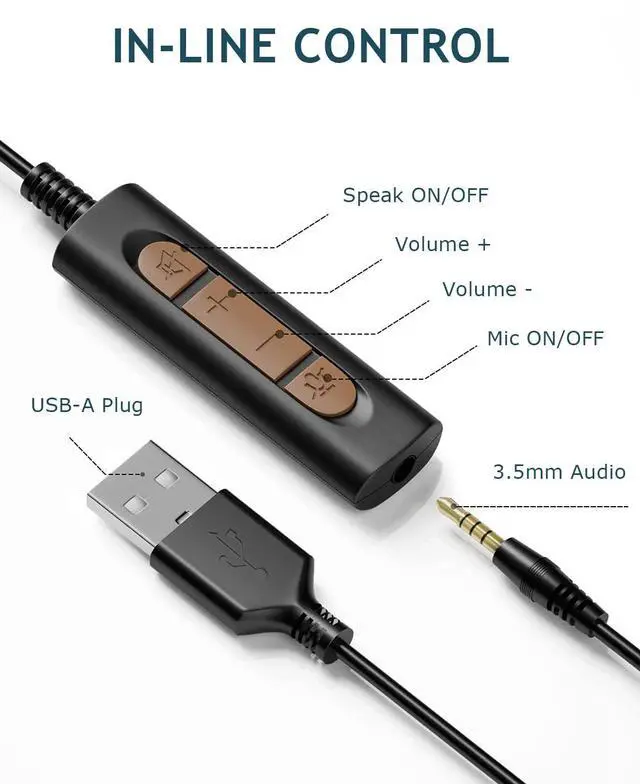
Mute button includes microphone and speaker mute. Press the microphone mute button, will appear red light.During the call, the speaker display light will flash blue, press the speaker mute button, the computer screen will display a mute icon.
Is the headset microphone adjustable?
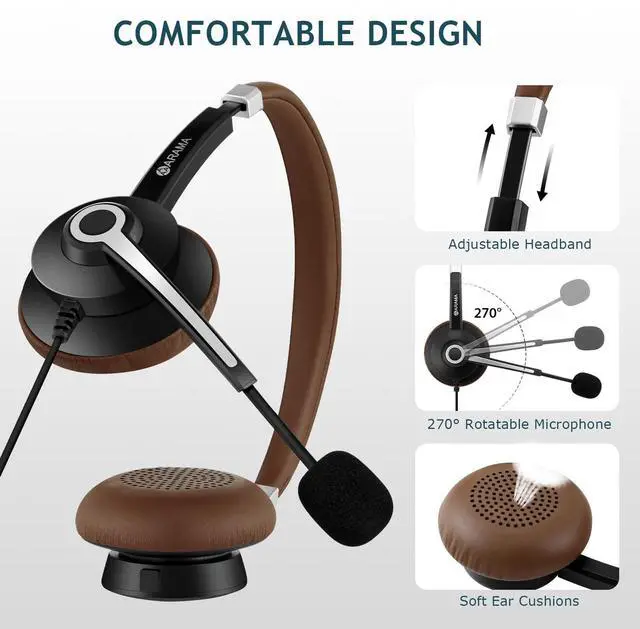
This USB headphone is equipped with a 270° rotatable microphone, which can be placed on your left or right side.


ABOUT US:
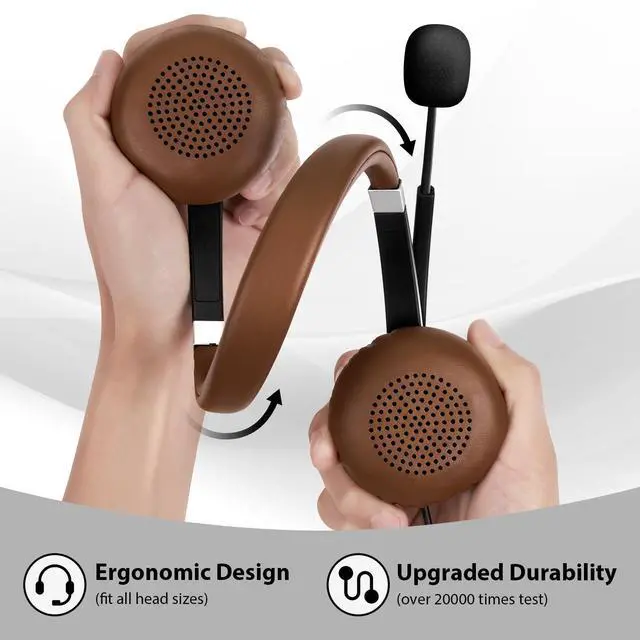
We are a professional provider of communication headsets. Features a professional team for acoustic design and ergonomic support specially designed for durable wear and ear protection headphones. We cover almost all types of wired phone headsets and offer more selectable headsets to support the best services that really enjoy hands-free calling.
How did we get our start?
We have been developing wired headsets with noise cancelling mic since 2015. Our products are engineered to connect people with incredible clarity – anywhere, anytime, every time.
What makes our products unique?
Our professional engineering team, innovative core technology and excellent acoustic design.
What problem are we solving?
We are striving to provide you with the best service, any questions please don't hesitate to tell us, our professional technology team are standing by within 24 hours!

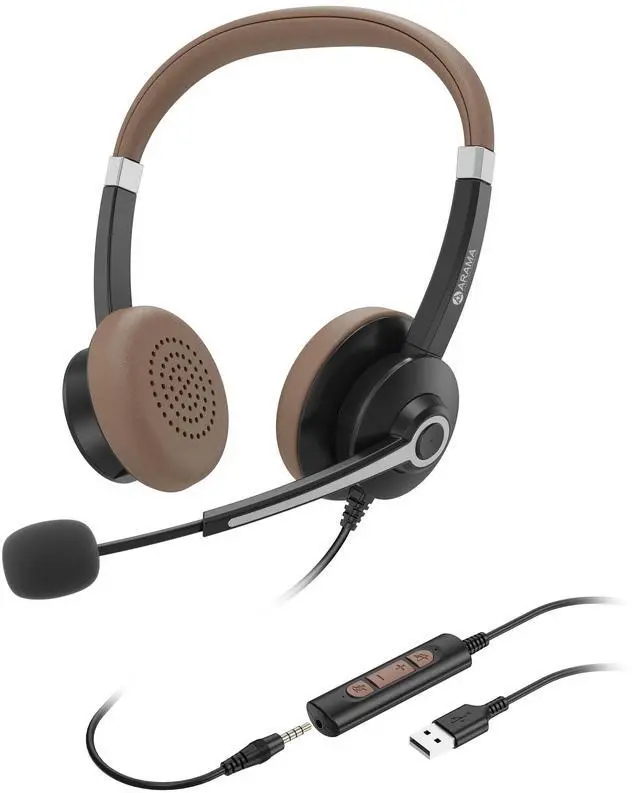
ARAMA USB700 headset
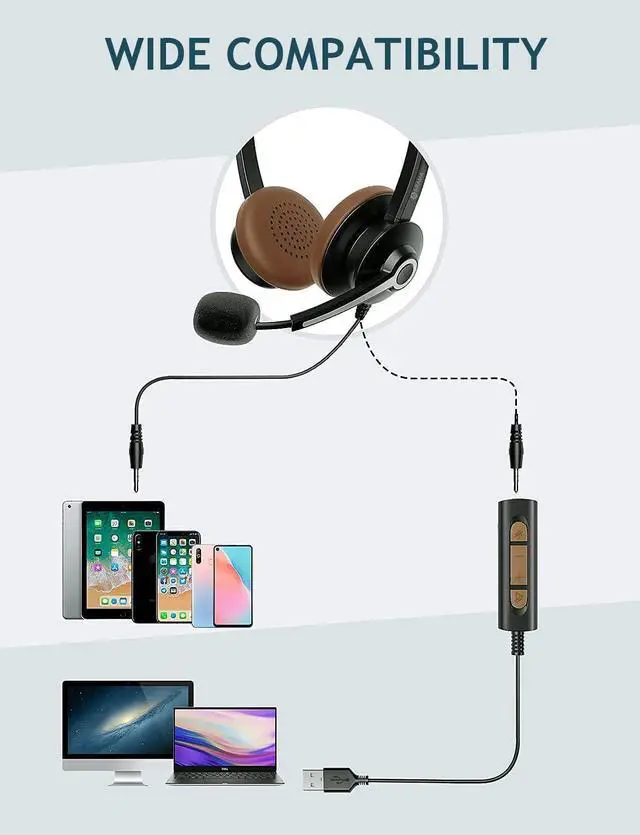
USB/3.5mm Jack 2-in-1, plug in and play, no installation needed.


How to adjust if I can’t hear any sound when the headset is connected to the computer?
First check whether the USB is connected to the device stably,it is recommended to connect to another USB jack
Second select "USB Audio Device" as the default input/output device in the "sound"setting
Finally check whether speaker mute is turned on
What should I do if my microphone sounds too low?
Operate on the computer through the following steps:
Setting -Control Panel -Hardware and Sound-Sound-Recording(Select connected headset, and double click mouse )-Level (adjust mic soud)
How does the Mute button work?
Mute button includes microphone and speaker mute. Press the microphone mute button, will appear red light.During the call, the speaker display light will flash blue, press the speaker mute button, the computer screen will display a mute icon.
Is the headset microphone adjustable?
This USB headphone is equipped with a 270° rotatable microphone, which can be placed on your left or right side.
ABOUT US:
We are a professional provider of communication headsets. Features a professional team for acoustic design and ergonomic support specially designed for durable wear and ear protection headphones. We cover almost all types of wired phone headsets and offer more selectable headsets to support the best services that really enjoy hands-free calling.
How did we get our start?
We have been developing wired headsets with noise cancelling mic since 2015. Our products are engineered to connect people with incredible clarity – anywhere, anytime, every time.
What makes our products unique?
Our professional engineering team, innovative core technology and excellent acoustic design.
What problem are we solving?
We are striving to provide you with the best service, any questions please don't hesitate to tell us, our professional technology team are standing by within 24 hours!
ARAMA USB700 headset
USB/3.5mm Jack 2-in-1, plug in and play, no installation needed.