

Your Browsing History




Any questions? Our AI beta will help you find out quickly.
Compatible With
CORSAIR
CX850M
CX750M
CX600M
CX650M
27.55inch70cm)
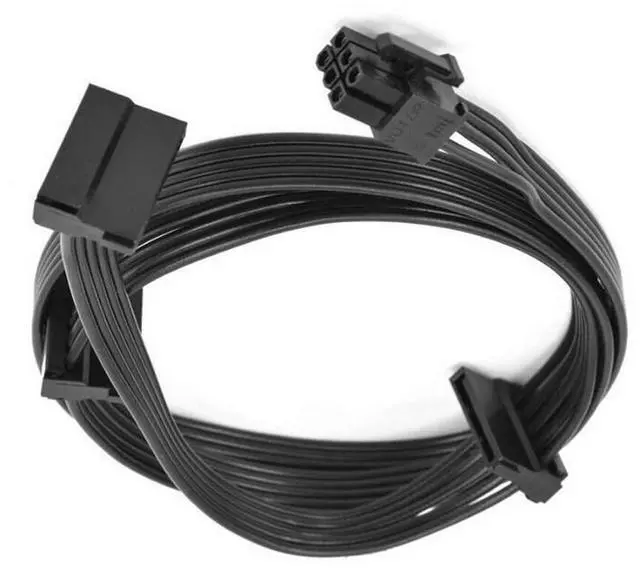
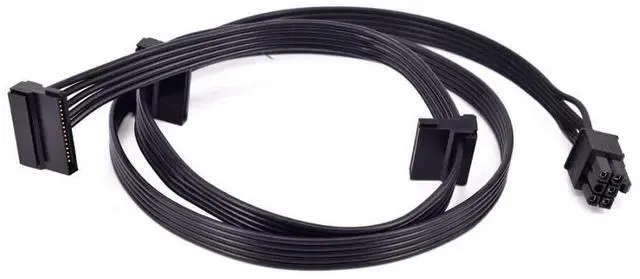
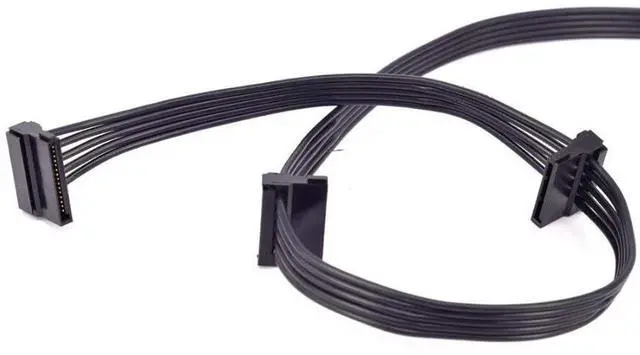
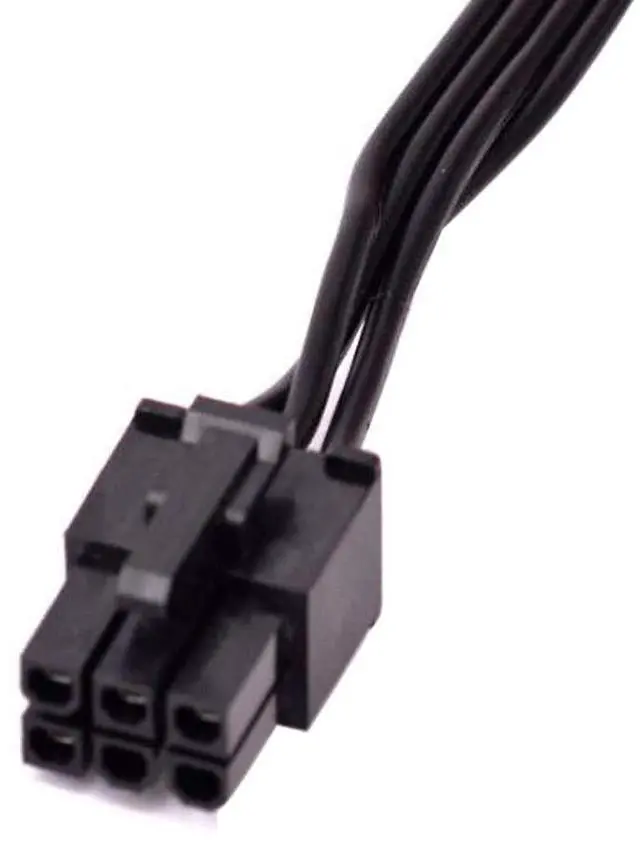
PCIe GPU 6Pin 1 to 3 SATA 15Pin
Confirm your power supply model is CORSAIR CX850M CX750M CX600M CX650M and interfaces match (PCI-E 6 Pin 1 to 3 SATA 15Pin). Incompatible devices may fail to function!
Parameters:
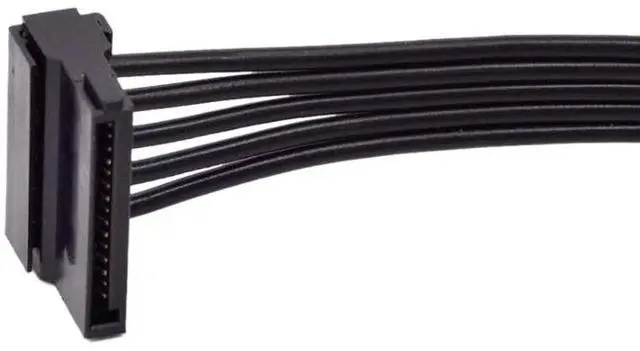
Connector Type:6Pin (PSU Side) 3x SATA 15Pin (Device Side)
Cable Length:70cm/27.55Inch
Wire Gauge:18AWG
Installation Guide:
1.Power off your PC and unplug the PSU.
2.Connect the 6Pin end to your CORSAIR CX-M PSU.
3.Attach SATA 15Pin ends to your drives/accessories.
4.Secure cable routing (avoid sharp bends).
Important Notes:
Only for CORSAIR CX-M series PSUs (Not for RM/HX models).
Do NOT exceed 4.5A per SATA connector.
Check polarity before connecting.
Frequently Asked Questions(FAQ)
Q1: Will this work with non-CORSAIR PSUs?
A: No, the 6Pin connector is CORSAIR CX-M specific.
Q2: Can I connect more than 3 SATA devices?
A: Use multiple cables, but do not overload the PSU.
Q3: Is this safe for SSDs and HDDs?
A: Yes, supports all standard SATA devices.
Q4: Why 70cm length?
A: Optimized for mid-tower/full-tower PC cases.
Why Choose This Cable?
Perfect Fit Designed specifically for CORSAIR CX-M PSUs.
Stable Power Delivery 18AWG wires prevent voltage drops.
Clean Cable Management Sleeved design reduces clutter.
Critical Installation Warnings:
1.Always Power Off First.
2. Check Connector Orientation: 6Pin end with anti-dull design, forced insertion will damage the pin; SATA end Note the L-shaped notch alignment (reverse insertion will burn the device)
3.No Daisy-Chaining: Do not connect multiple SATA cables in series.
4.Cables need to be kept away from chassis metal burrs, avoid Sharp Edges
If you have any questions, please contact our customer service!