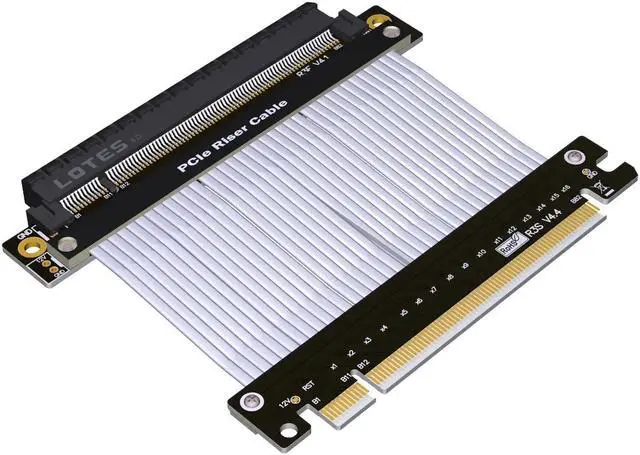
PCIe 4.0 has high requirements for equipment. There may be incompatibility with 4.0, and it needs to be reduced to 3.0.
As long as the extension cable is connected, the signal will be attenuated.
This product does not guarantee PCIE 4.0 full speed, the equipment is aging, the signal is poor or the environment is not good, please reduce the speed to use.
Assembly restriction: The extension cable can only be assembled in the PCIe x16 slot closest to the CPU
Wire length, excluding PCB and connectors.
There is metal shielding, advanced EMI shielding conductive polymer, new materials for EMI shielding, flat cable design.
The black wire has a thickness of 1.3 mm, the silver wire has a thickness of 1.4 mm, and the blue wire has a thickness of 0.85 mm. The wire can be bent or folded without affecting the use..
Why is the performance poor after connecting the extension cord? Or is it stuck slowly or not working?
When the graphics card extension cable is connected, the performance is insufficient or the function is abnormal.
There are three common problems:
1. The extension cord is incorrectly assembled. The graphics card extension cable should be installed in the graphics card slot closest to the CPU. Other slots have poor performance.
2. The golden finger of the graphics card or the socket terminals of the motherboard are in poor contact or there is oxide, which causes the graphics card to be slow.
3. The motherboard is aging, the graphics card is aging, and the device does not support the use of extension cables for more than 4 years. Please use low speed if the equipment is aging or the signal is poor